Most of a week is the same shape.
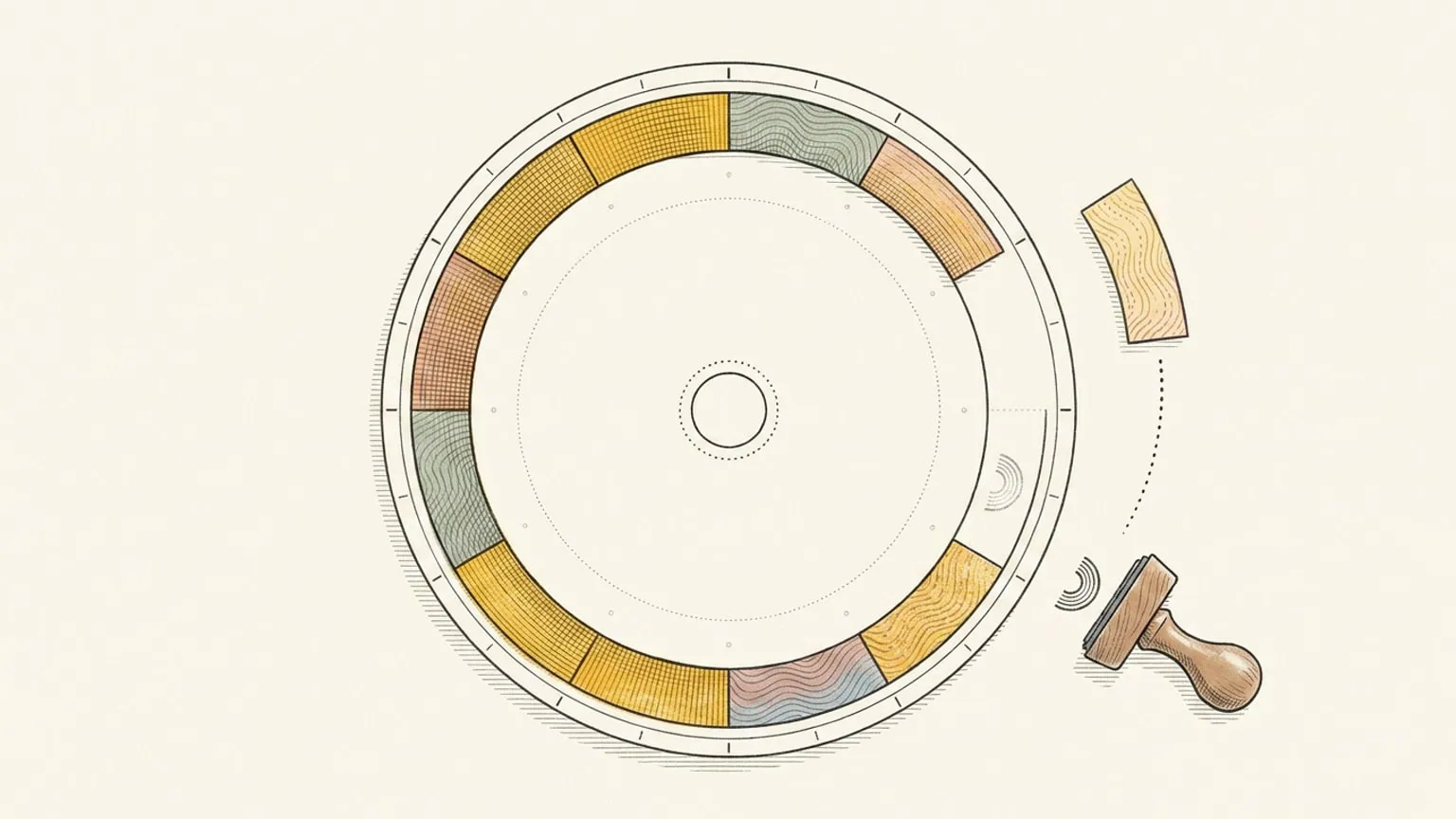
School run, standup, the gym, Sunday admin. Set those once as recurring blocks and the dial arrives already half drawn, so the only thing you plan each morning is what is actually new.
Included in Pro and the 7-day no-card trial.
Presets, not a rule builder
Daily, weekdays, weekly, biweekly, monthly, yearly. Weekly lets you pick exactly which days it lands on, and monthly can repeat on the nth weekday instead of the date, so “Mon, Wed, Fri” and “first Saturday” are each one rule. Enough to describe a real week, and still nothing that makes you read a recurrence syntax back to work out what you picked.
This one, the future ones, or all of them
When you edit a repeating block, choose whether the change touches this event, all future ones, or the whole series. A one-off exception leaves the rest of the series exactly where it was.
A routine carries its checklist
A repeating block shares one microtasks list across every occurrence, but the ticks stay on the day you make them. A daily routine keeps its list and each morning starts fresh.
No streak attached
A repeating block you skip does nothing. Nothing counts up, nothing turns red, nothing resets. Missing a Tuesday is a Tuesday you missed, not a chain you broke, and the dial just shows today.
This page is the what and the why. For the step by step, the docs cover the same ground as instructions: Recurring events in the docs →
Questions
- Do recurring events sync to my calendar?
- Yes, both ways, on Pro. A recurring series stays one series across the sync rather than exploding into a copy per day.
- Is recurrence free?
- Recurring events are included in Pro and the 7-day no-card trial. After the trial, a subscription is required to use the planner; your data stays.
