Annual
Save $48 / year$10/ month
$120 billed yearly
Every Pro feature. A little less each month.
Bring your calendars together, draw the day ahead,
and work through one block at a time.
7 days of Pro · No card required · No automatic charge
Your 7-day Pro trial starts with every planner feature. No card required.
Connect your calendar, plan a few days, and try a focus session.
Subscribe to keep using the planner. No automatic charge; your data stays if you don’t subscribe.
“I built my own day planner and now I wonder if I should use this instead, LOL. […] This is one of the most visually stunning things I have ever seen.”
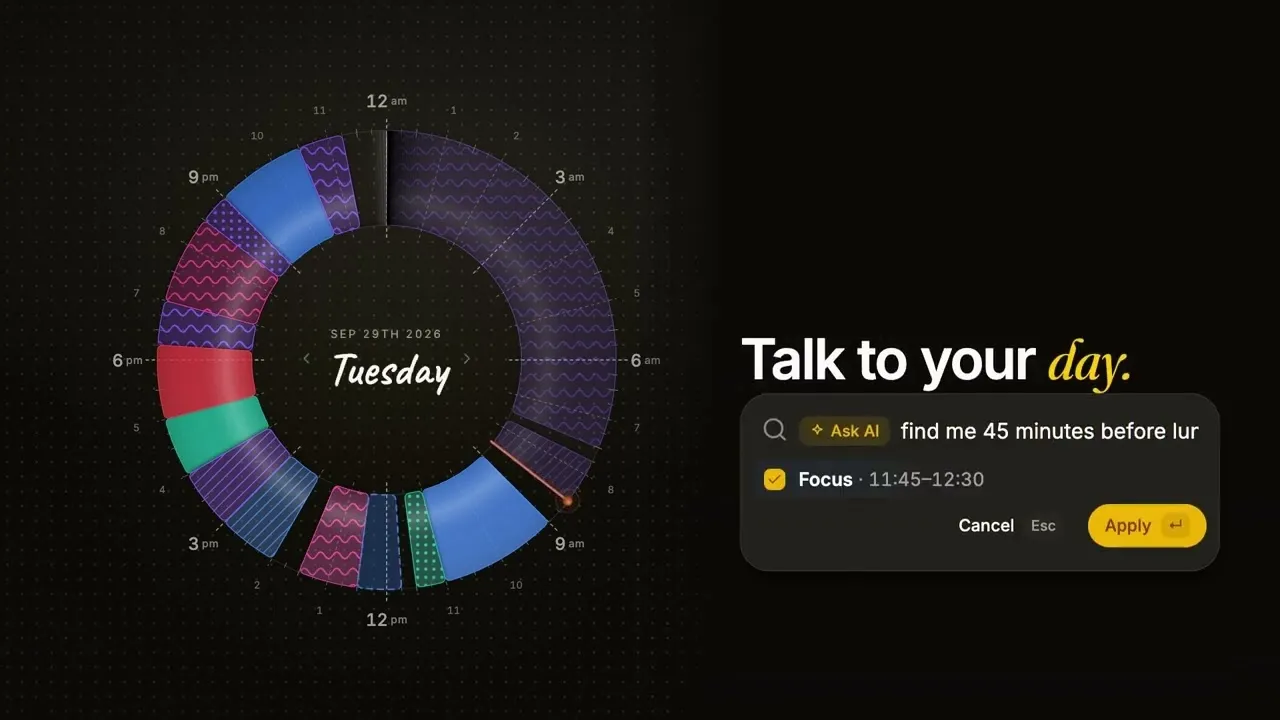
Watch on YouTube: Reassign: The 24-Hour Circular Day Planner ↗
Still unsure? Email support@reassign.ai.
No. Reassign has one Pro plan. New accounts get 7 days of Pro with no card required. After the trial, a subscription is required to use the planner. The free printable planner and circadian rhythm calculator remain free.
You need an account to use the planner. You do not need a card for the 7-day trial, and it never charges automatically. You pay only if you choose to subscribe.
No. The no-card trial is one per person. Deleting your account and signing up again does not start a new trial.
A subscription is required to keep using the planner. Your data stays if you do not subscribe. There is no return to a Free plan.
Yes. Annual billing costs $120 upfront for a year, equivalent to $10/month. Compared with twelve $14 monthly payments ($168), you save $48/year, about 29%.
Yes. Connect an AI assistant over MCP with no extra Reassign add-on fee. Pro also includes two-way sync with Google Calendar, Outlook, Todoist, Google Tasks, Microsoft To Do, Linear, and TickTick.
Yes, from the app. You keep paid access until the end of the period you paid for. After that, a subscription is required to use the planner; your data stays. A no-card trial does not need cancelling.
Choose monthly or annual billing and pay through Stripe in the app. A subscription starts with a payment, including if you subscribe during the free trial. Subscription billing renews until you cancel. Prices are in USD.
Yes. Ask within 14 days of a charge and we refund it, no questions asked. Email support@reassign.ai with your account email and the charge. The no-card trial never charges automatically.
An internet connection is required to save changes. You can still install Reassign on your home screen and sync your day across devices.
Already using Reassign?
Accounts migrated from the former Free plan received a 30-day Pro trial from migration/import, not from the next sign-in. No card is required. When those days end, a subscription is needed to use the planner; your data stays.
Free and planner guest mode are retired, and the referral program ends with the move. A separate, private ambassador program is open by application. Read the migration update for maintenance and sign-in information.
Subscribers on $8/month or $72/year keep that price while their subscription stays active. If the subscription lapses, that price ends. A new subscription uses the current price.
These features are not available yet. See the full roadmap →
Try all of Pro for 7 days. No card required.
Join 1,000 makers planning their day in the round.
