Reassign vs myStudyLife: which planner fits your day?
Compare myStudyLife and Reassign on student features, price, and calendar sync. Choose a class timetable or a 24-hour dial, with clear limits for each.

Looking for a myStudyLife alternative? Choose Reassign if you want to arrange your day on a 24-hour dial and your academic timetable is already handled. If you need a cheaper planner or specialist school features, Reassign is unlikely to be the right switch.
myStudyLife can plan activities outside class too. The difference is how you see and manage the day: an academic planner with a calendar, or blocks drawn around one 24-hour ring.
I built Reassign. This comparison uses public product pages checked on 21 September 2026. It is not a hands-on test of myStudyLife’s paid plan, and the calendar connection discussed below has not been tested end to end.
myStudyLife and Reassign at a glance
| What matters to you | Reassign | myStudyLife |
|---|---|---|
| Main format | A 24-hour dial, plus List and Timeline day modes | Academic timetable and calendar |
| Free access | Seven-day trial, no card; no free plan | Free core planner; five active tasks |
| Paid price | $14/month or $120/year | $6.99/month or $39.99/year in the US App Store |
| Platforms | Browser and installable web app | iOS, Android, and web |
| School features | Classes as blocks; no specialist exam or grade records | Rotating timetables, exams, and grade tracking |
| Energy planning | Predicted curve from logged inputs | No energy model documented on the pages reviewed |
| Calendar connections | Two-way Google Calendar, Outlook, and Todoist sync | Imports and Google/Apple mirroring on MyStudyLife+ |
| Missed days | No streaks or guilt counters | Focus streak tracking |
Sources: myStudyLife’s feature tour, plan comparison, and US App Store listing; Reassign’s features and pricing. The tour lists grade tracking but does not clearly establish its plan tier. Check before subscribing for that feature.
What does each planner cost?
MyStudyLife+ costs $39.99/year in the US App Store listing reviewed for this article. Reassign costs $120/year, about three times as much. The corresponding monthly offers are $6.99 and $14. Store, region, and web offers can differ, so check the purchase screen you intend to use.
Reassign’s seven-day trial requires no card and does not charge automatically. After it ends, a subscription is required to use the planner; your data stays. Pricing and transition terms also cover existing subscribers who retain an older price while active.
If cost is the main reason you are leaving myStudyLife, paying more for Reassign does not solve it. First check whether the free tier covers your workload, or whether a free calendar plus task list covers the features you actually use.
When MyStudyLife+ is the better upgrade
The MyStudyLife+ page lists unlimited tasks, repeating tasks and subtasks, more Scout AI access, calendar sync, and activities such as clubs and shifts. Its free tier allows up to five active homework or revision tasks and a first AI timetable scan.
If the task cap is the only problem, compare the cost of removing it with the effort of switching. Reassign does not replace all the academic features you would leave behind.
myStudyLife’s tour also documents rotating school schedules, offline use, and focus streaks. If you rely on any one of those, make it a requirement for your next planner. A single missing essential can rule out a switch.
Where Reassign fits
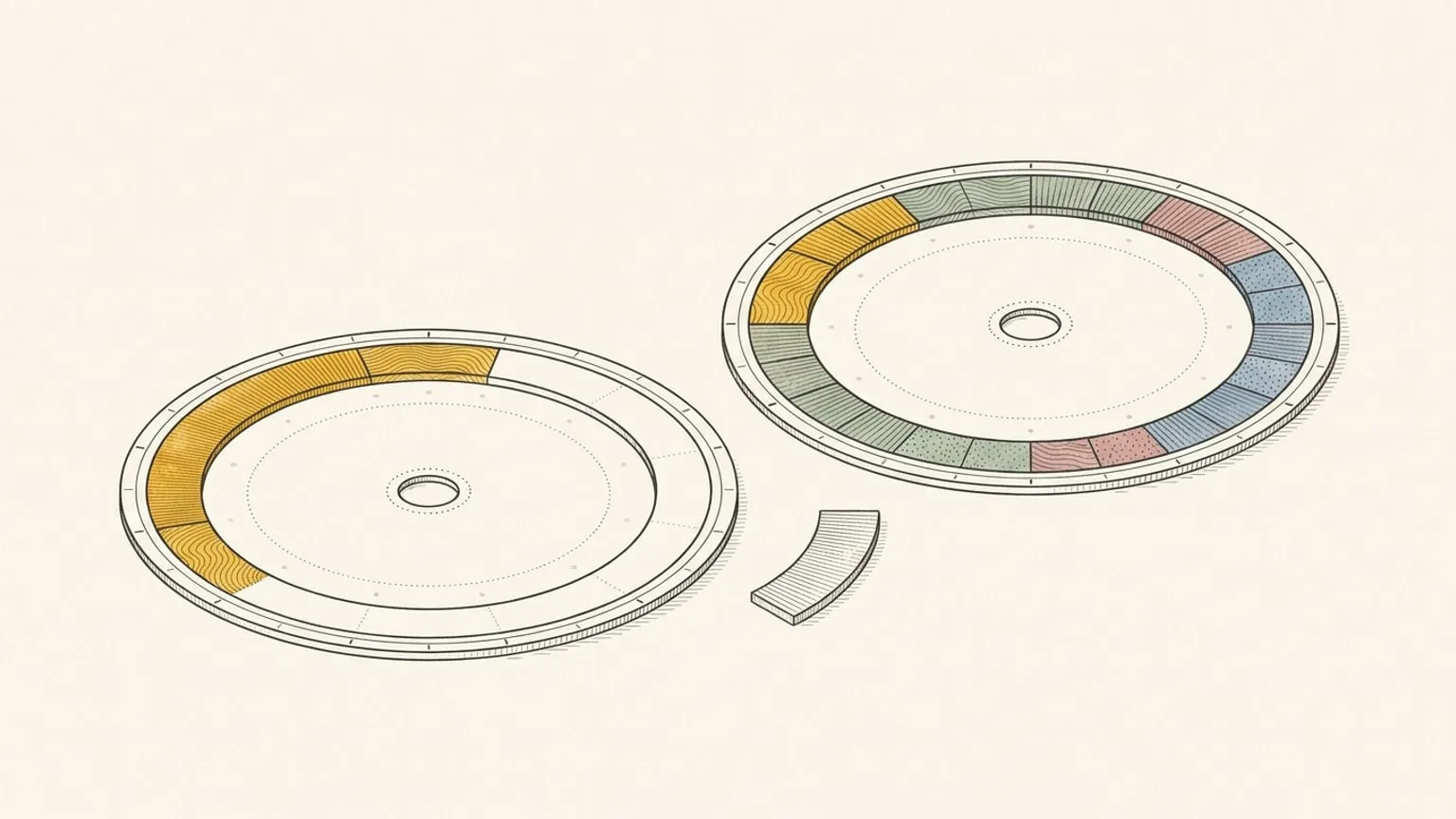
Reassign is a 24-hour circular day planner. Draw a block from 9 to 11 and it occupies two hours of the ring. Sleep, class, travel, work, and free time share the same face. The now indicator shows where you are, and the remaining gaps have a visible size.
That format is worth trying if a timetable tells you where to be but you still struggle to judge what fits between commitments. It is a format preference, not evidence that a circle treats ADHD.
For example, take a day with class until 3pm and a shift at 6pm. Add the journey, a meal, and time to get ready before placing a study block. If only 45 minutes remain, plan 45 minutes of reading. The useful result is a realistic study session. You can do this exercise in either planner; choose the view that makes the limit easier to see.
Reassign adds three things to weigh:
- Energy timing. The energy layer uses logged sleep, intakes, sleep debt, and check-ins to predict an energy curve. It is a prediction, not a measurement. The free circadian rhythm calculator uses a population model in your browser, also a prediction, not a measurement.
- Two-way sync. With Google Calendar, Outlook, and Todoist, supported edits can flow between Reassign and the connected service. Check which calendar owns each commitment before moving it.
- No streaks. A missed day resets nothing. If streaks help you return, their absence may not be a benefit for you.
Reassign also supports MCP, so a compatible AI assistant can read and edit your day. Some writes apply immediately with an undo token. In-app Ask AI instead presents plan cards for approval.
For a broader tool checklist, read how to choose an ADHD student planner. For a worked study day, see time blindness in college.
Can you use both?
Yes, as separate tools: keep academic records in myStudyLife and plan your available hours in Reassign. Budget for both subscriptions if you need MyStudyLife+ features. At the annual prices above, the combination is $159.99/year before regional or purchase-channel differences.
An automatic connection through Google Calendar is a possibility to test, not a verified integration. myStudyLife’s tour describes imports and mirroring. That wording does not establish whether the mirrored calendar is exposed in a form Reassign can read, how quickly changes arrive, or whether edits can return to myStudyLife.
Before relying on that route:
- Create a test class in myStudyLife and check whether it appears in Google Calendar.
- Connect the relevant Google calendar to Reassign and check whether the class appears on the dial.
- Change the test class in myStudyLife. Check its time, timezone, recurrence, and update delay in both other views.
- Keep editing academic events in their source app until you have confirmed the connection’s behaviour. Do not assume that editing a mirrored block updates myStudyLife.
If that chain does not work, keep the planners separate or use your school’s supported calendar feed. Do not buy two annual plans on the assumption that the connection will work.
Check the data you want to share
Before connecting a calendar or using an AI feature, decide which records belong in the service. Consult myStudyLife’s privacy policy for its current terms. This feature comparison does not establish either product as more private.
Reassign stores the schedule, sleep, and check-in data you enter. Manual logging still means sharing data with a service. Its privacy policy and consumer health data policy describe collection and processing.
Try one real day before switching
Keep myStudyLife if its academic features solve your problem. Try Reassign if the dial addresses a specific gap: seeing available hours, placing demanding work, or adjusting the day after an overrun.
Draw tomorrow on the free printable 24-hour planner, including classes, meals, travel, and sleep. Then make one class end 15 minutes late and adjust the rest. If the shape helps, start the seven-day Pro trial and repeat the exercise with your real calendar. Keep your academic records in place while you test.
Frequently asked
- Is Reassign a good myStudyLife alternative?
- Reassign fits if your academic timetable is handled and you want to arrange the day on a 24-hour dial. It costs more and does not replace specialist timetable, exam, or grade features. If those are your reason to use myStudyLife, keep them.
- Is myStudyLife free?
- Yes. Its free planner includes a timetable, exams, and up to five active homework or revision tasks, according to its plan page checked on 21 September 2026. MyStudyLife+ removes the task cap. Reassign has a seven-day no-card trial, then requires a subscription.
- Does myStudyLife sync with Google Calendar?
- Its pages describe calendar imports and mirroring to Google and Apple on MyStudyLife+. They do not establish that edits made in another planner write back to myStudyLife. Test your intended connection before relying on it.
- Does Reassign have a class timetable?
- Reassign can show classes as blocks, including events synced from Google or Outlook. It does not have a specialist timetable model for rotating school weeks, course-catalog imports, or exam and grade records.
- Is there a student discount for Reassign?
- There is no separate student discount. Reassign has one Pro plan at $14/month or $120/year, with a seven-day trial, no card required and no automatic trial charge. If ongoing free access is essential, choose a free planner.