Your day, in Raycast.
Reassign for Raycast is a keyboard surface for the plan you keep in Reassign, a 24-hour circular day planner. Read your agenda, capture a block or an idea, search by name, and keep the current block in the menu bar. Five commands, on your Mac, with your hands on the keys.
Included in Pro and the 7-day no-card trial. Needs a Reassign account with an active trial or paid subscription, and Raycast 2.4.1 or later on macOS.

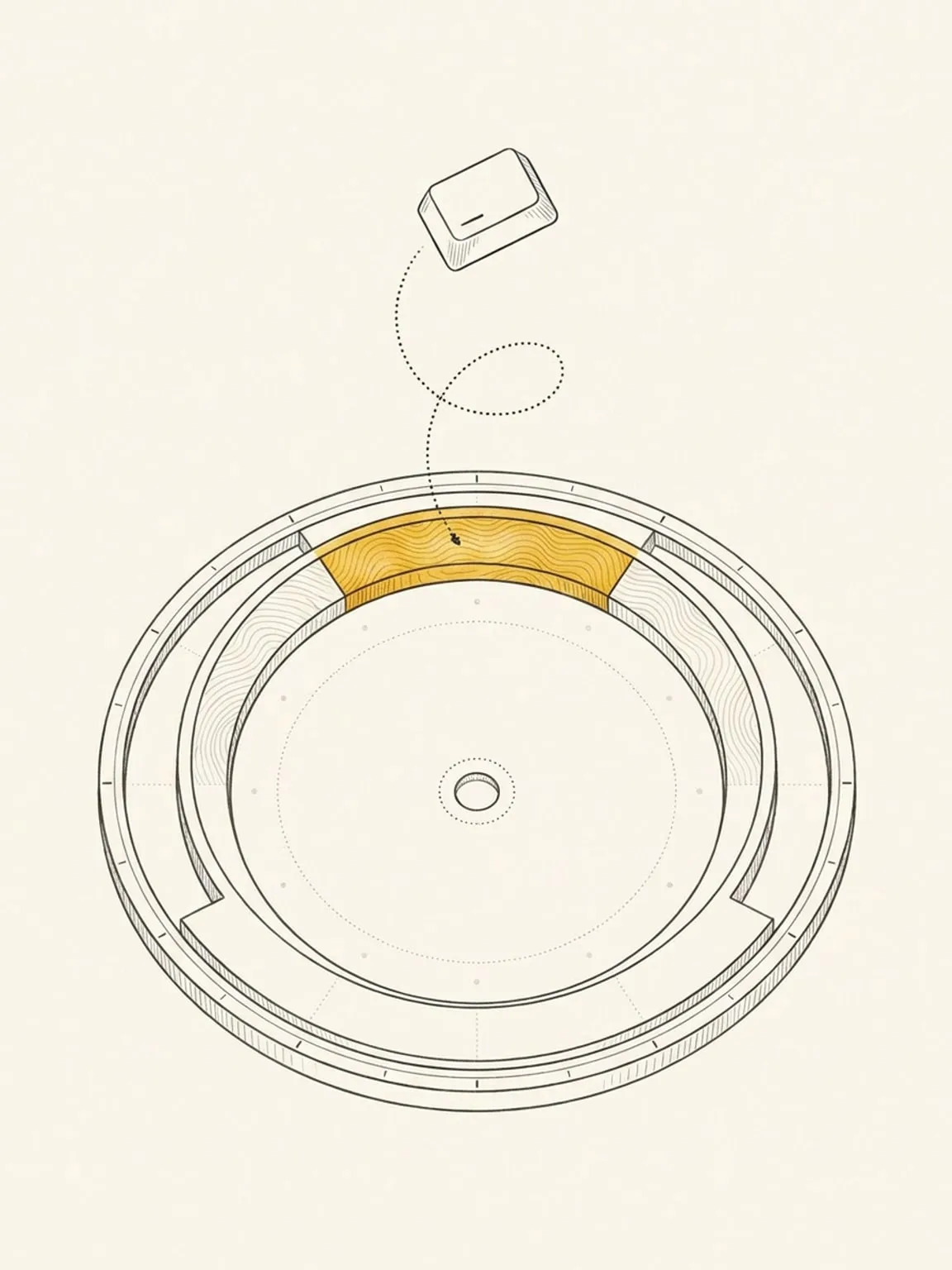
Today first, the week one shortcut away
Agenda opens on today, grouped into Now, Up next, Later and Done. Press ⌘⇧W for the week, and it remembers your choice. Edit, move, shift or delete a block from the list, and filter by area or activity. ⌘F searches by name from 7 days back to 30 days ahead, and Join opens a meeting link.
One capture, for a block or an idea
Add Block does both. A date and a time schedule a block. A bare idea goes to your Inbox. A duration with no time offers Find a Time, which lists open slots for you to pick. The form has Priority and Project fields, and with a connected calendar you set the calendar home, the mirrors, and Copies show: full details, private or busy.
Reassign AI, on Save to Inbox and Fill with AI
Save to Inbox sends your text to Reassign AI, which splits it into Inbox items. If your default Source is a task list, Reassign adds the task to that app too. Fill with AI (⌘⇧A) previews one block: review it, edit any field, then save. The extension makes no AI call of its own for a scheduled block, and it does not use Raycast AI. As in the app, Reassign can then use AI to fill an empty area or type.
Ideas with no time, and blocks with a name
Inbox lists the ideas you saved with no time. Schedule one, remove it, or set its priority or project. Search Blocks finds a block by name, and takes the query as a command argument.
Your current block, in the menu bar
Now sits in the macOS menu bar with the current block, the time remaining and Join. Turn on Notify me when a block starts for notifications on Now’s refresh, about every 10 minutes: a heads-up 10 to 20 minutes before a block, and a start reminder 0 to 10 minutes before it. Non-blocking and reference blocks send none.
Where your plan goes
You sign in with OAuth in your browser, and the extension calls the Reassign REST API at reassign.app. It has no analytics or telemetry code. The detail is in the privacy policy. For the long version, read the full guide.
A companion to your plan, not a second planner
It needs a Reassign account. It is a keyboard surface for your plan, not a calendar assistant or a standalone scheduler, and it does not auto-schedule. Check-off is for past days only: mark Kept or Skipped in Agenda on a block from a past day. Reassign accepts a check-off only after the day ends, so Now has no check-off. Your block names stay hidden by default: Show the block name in the menu bar is off, so the bar shows only the end time when you share your screen. Agenda can delete a block, so it is not a read-only view. No dial renders in Raycast: you draw on the dial at reassign.app. It runs on macOS only.
This page is the what and the why. For the step by step, the docs cover the same ground as instructions: Raycast extension in the docs →
Questions
- Do I need a Reassign subscription?
- Yes. There is no Free tier. The extension needs a Reassign account with an active trial or paid subscription, and new accounts get 7 days of Pro with no card required. Without access, the commands and Now show “Active subscription required” and link to the plan page.
- Can I check off a block as I finish it?
- No. Check-off is for past days only, in Agenda.
- Does it show the dial?
- No. No dial renders in Raycast. The extension shows your plan as lists and a menu bar item. Open reassign.app to draw on the dial.
- Can it change or delete my blocks?
- Yes. Agenda can edit, move, shift and delete a block. A delete has no confirm step. The toast offers Undo on ⌘Z.
- Why does the menu bar show only a time?
- That is the default. Turn on “Show the block name in the menu bar” in the extension preferences to see the name.
- Do I need Raycast AI or Raycast Pro?
- The extension does not use Raycast AI, and nothing in its code needs Raycast Pro. Save to Inbox and Fill with AI use Reassign AI, through your Reassign account.
- Which computers does it run on?
- Macs only. It needs macOS and Raycast 2.4.1 or later.