Everything, on one dial.
Reassign draws your whole day as one 24-hour clock face, then gives you every tool you need to change it. Here is all of it, grouped the way you use it.
Plan
Draw the day, and reshape it when it moves.
-
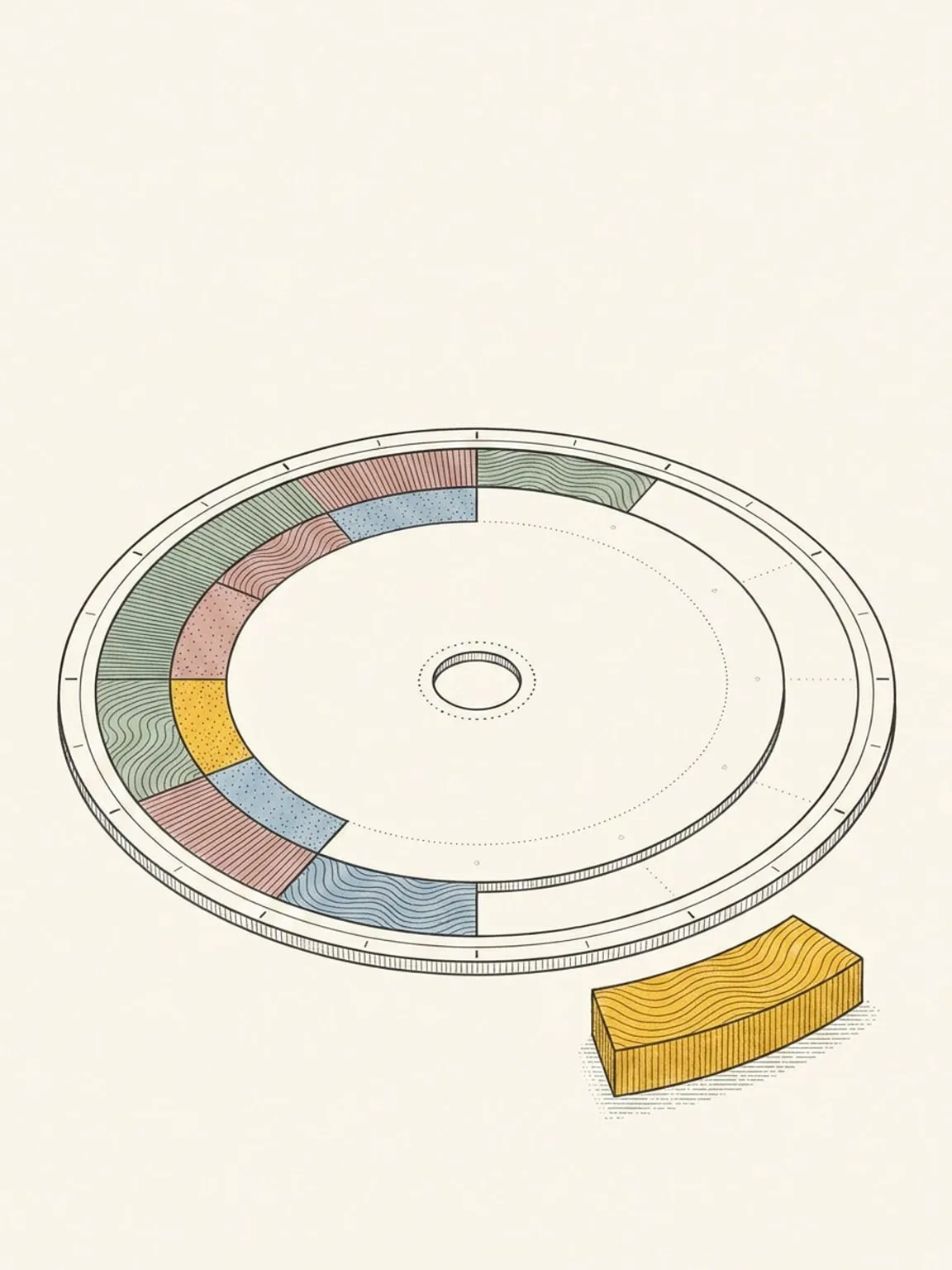
The 24-hour dial
Your whole day on one round face. Midnight at the top, noon at the bottom, nothing to scroll.
See how it works → -
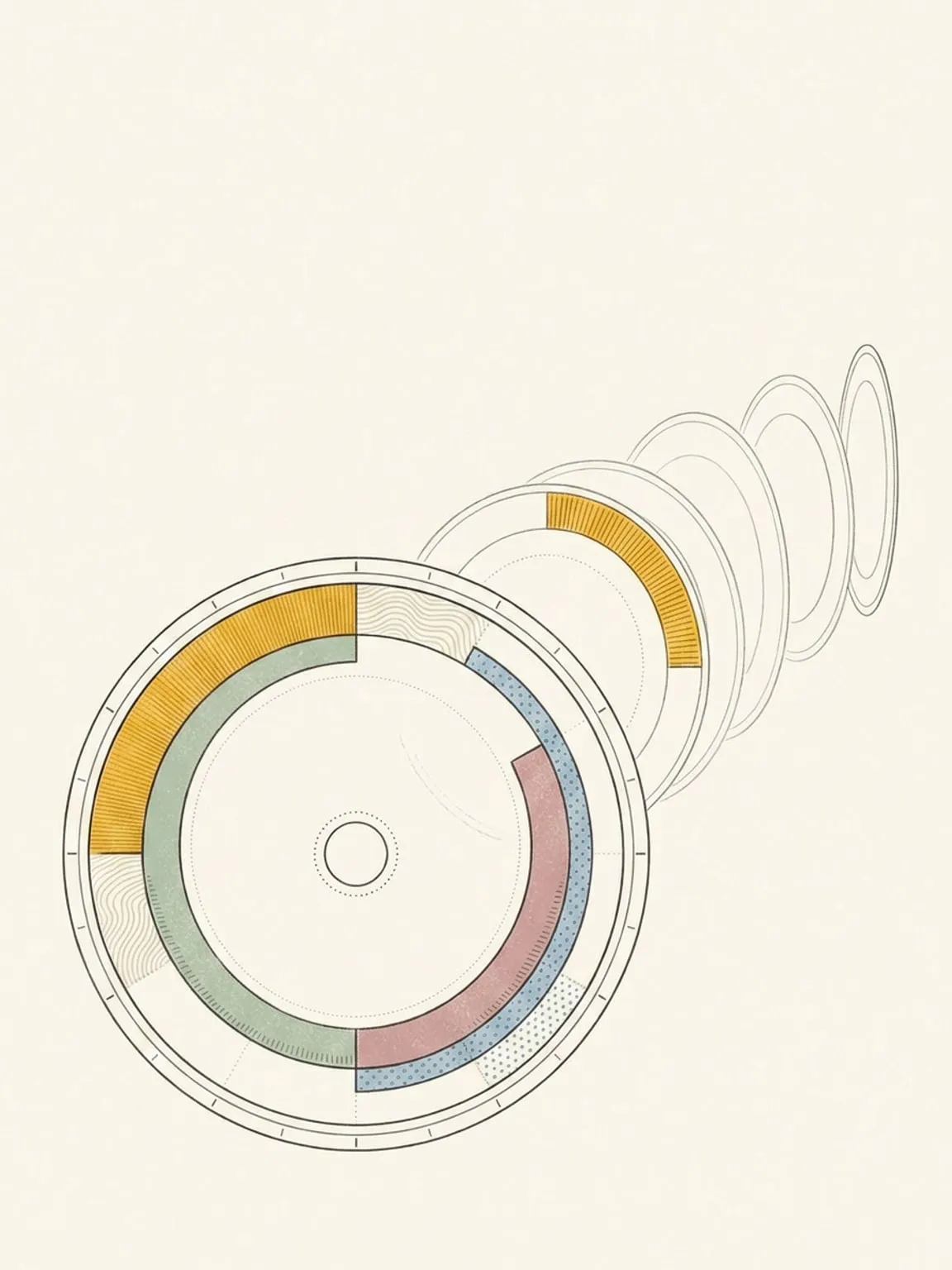
List and timeline
Read the days ahead as an agenda or a flat timeline. Planning them still happens on the dial.
See how it works → -
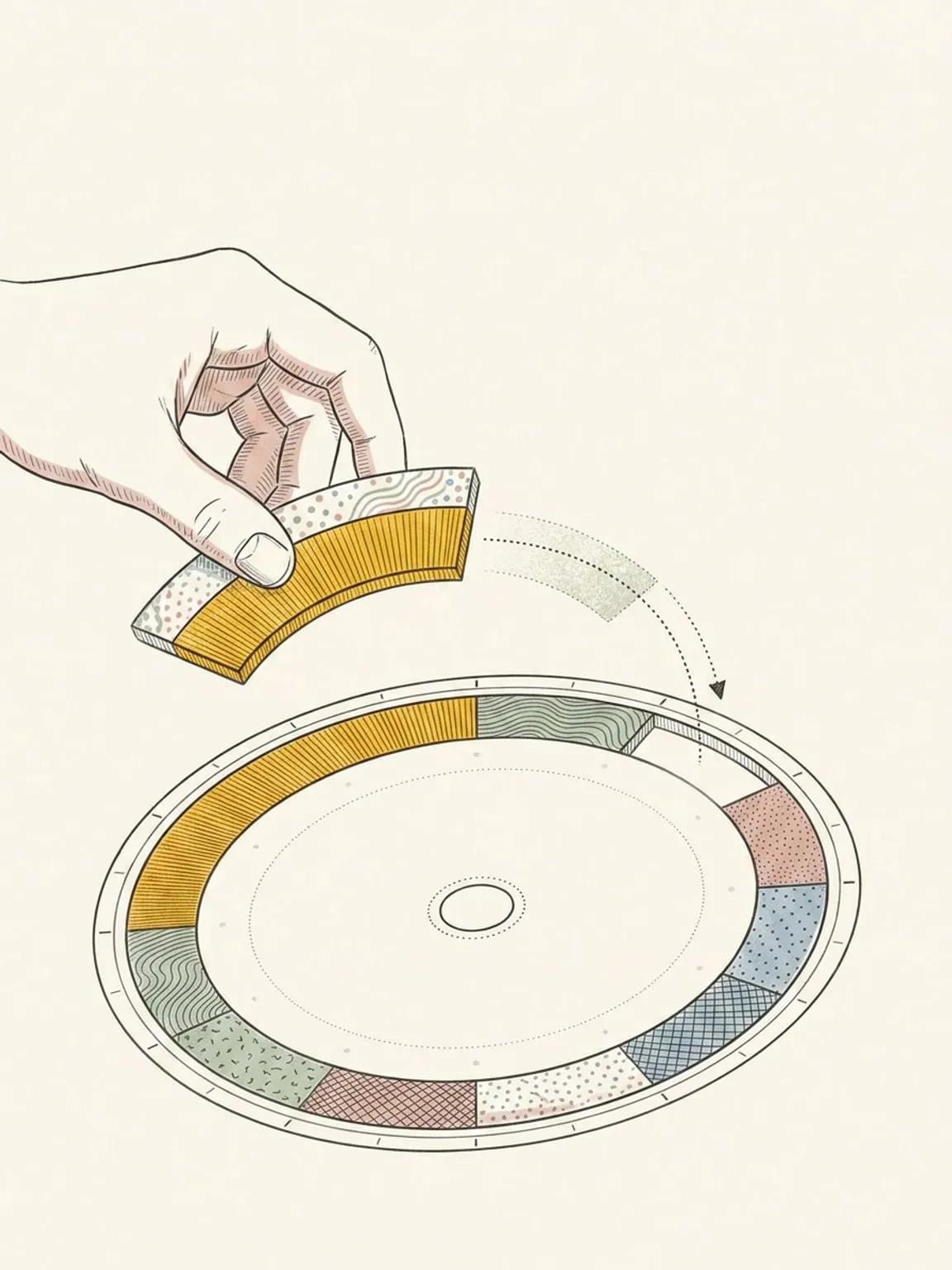
Reschedule and shift
Plans move. Slide a block, shift everything after it, and the day bends instead of breaking.
See how it works → -
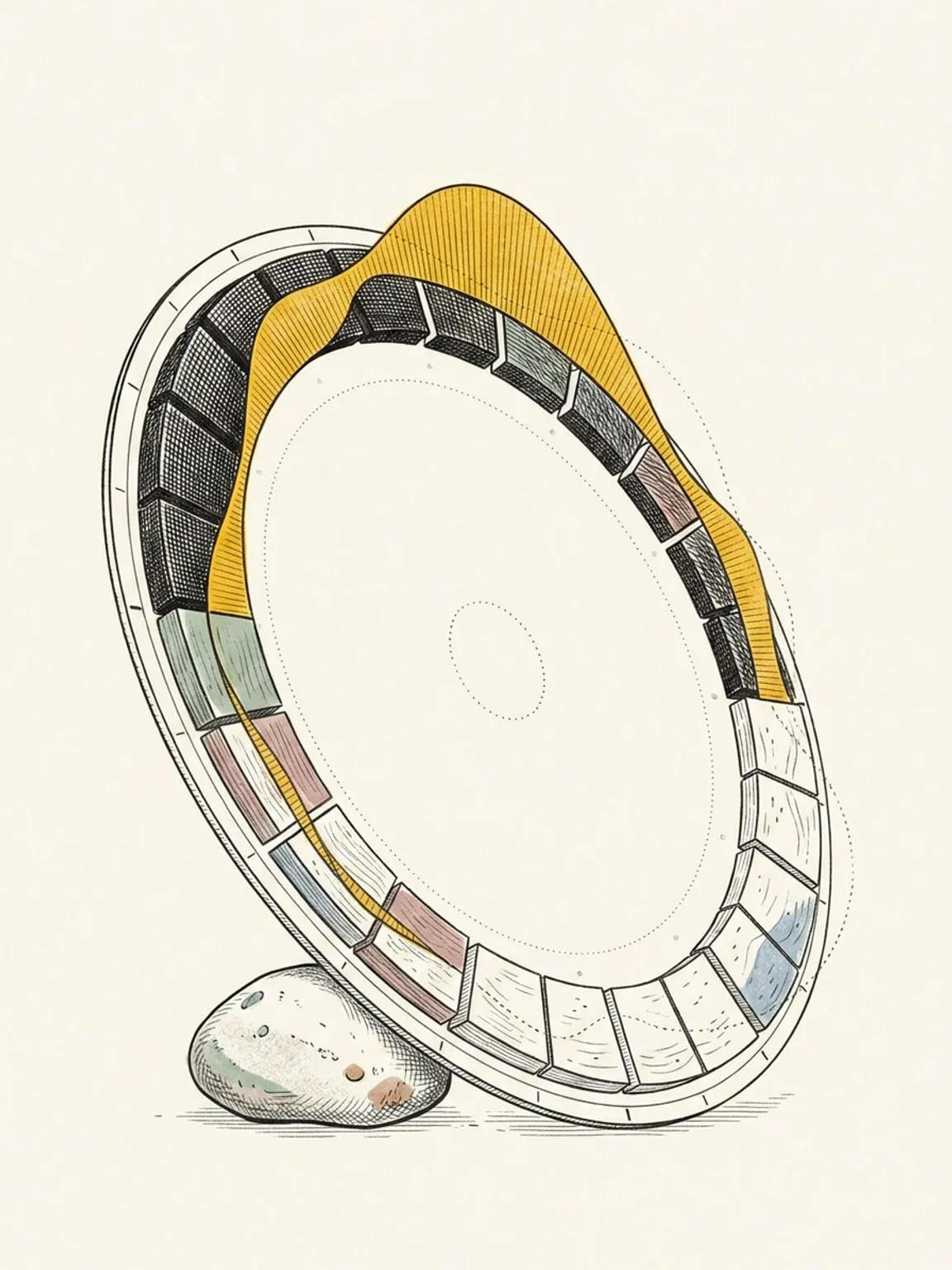
Energy curve
A per-hour curve of when you will be sharp and when you will flag, drawn round the ring from your own sleep.
See how it works → -
Recurring events
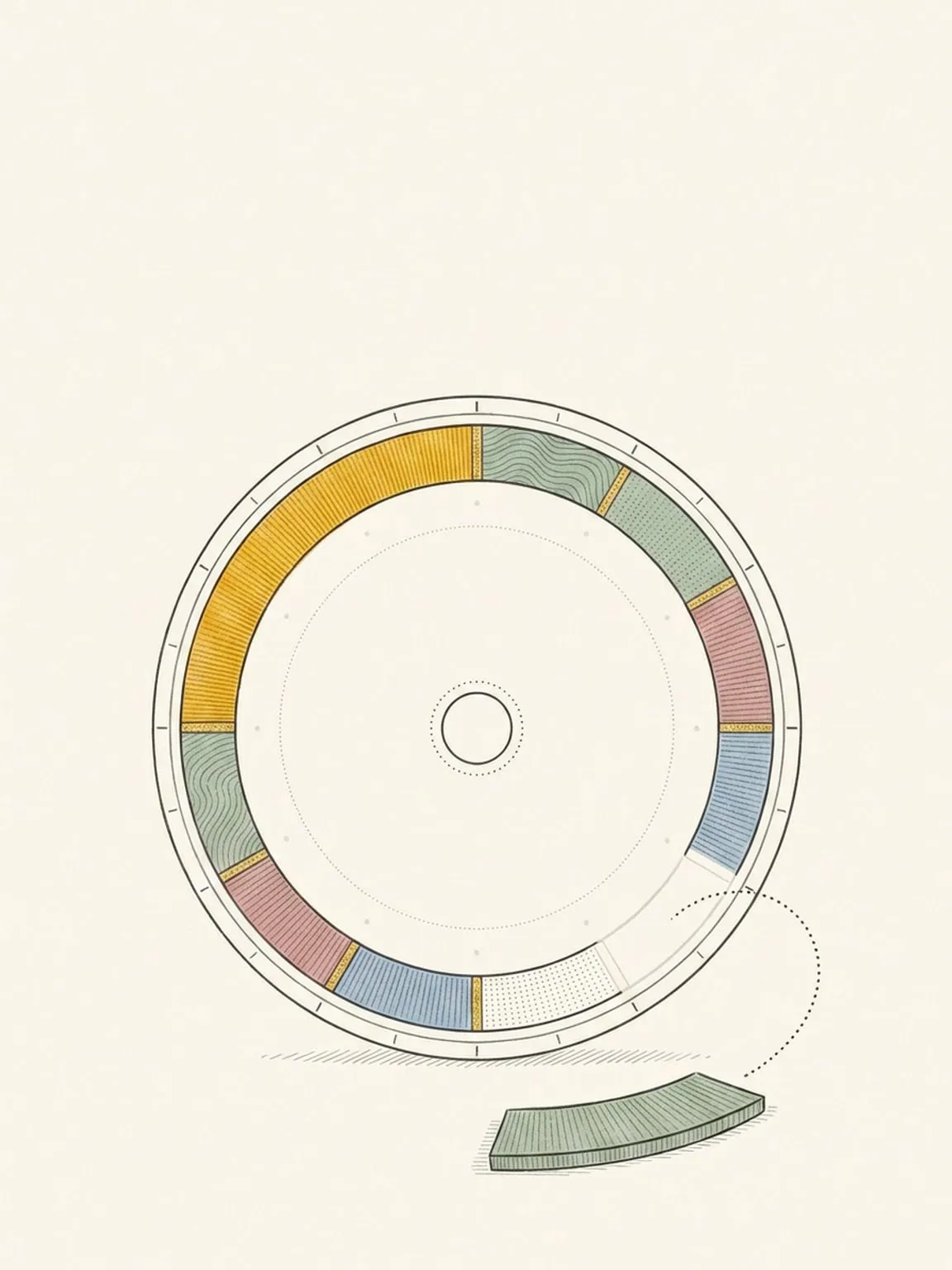
Repeat a block daily, weekly on the days you pick, monthly, or yearly. Edit this one, every future one, or the whole series.
See how it works → -
Weather on the dial
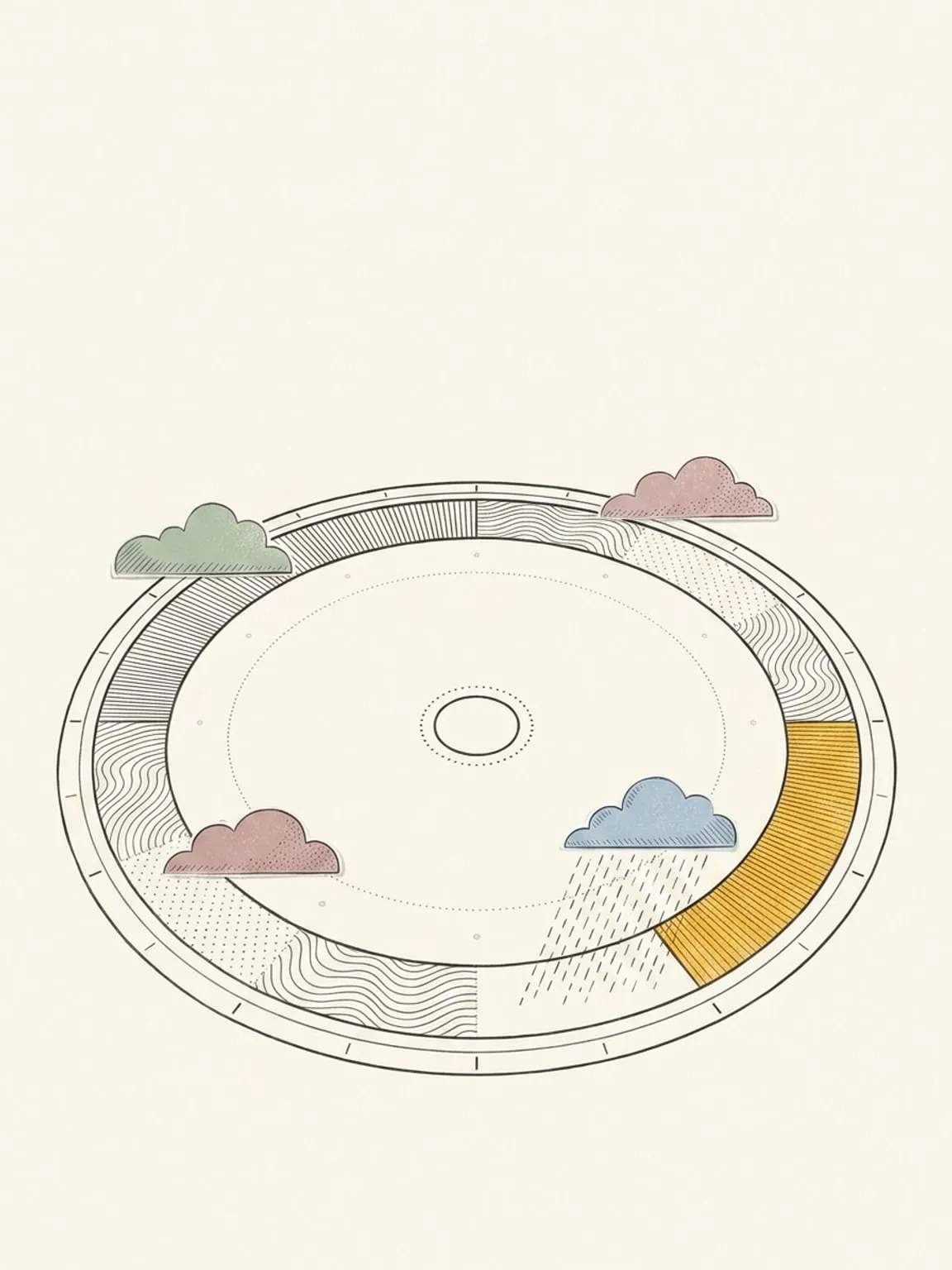
The forecast wrapped round the ring: temperature, conditions, daylight, moon phase and UV, by the hour.
See how it works →
Connect
Your other calendars, your tasks, and Claude.
-
Calendar and task sync
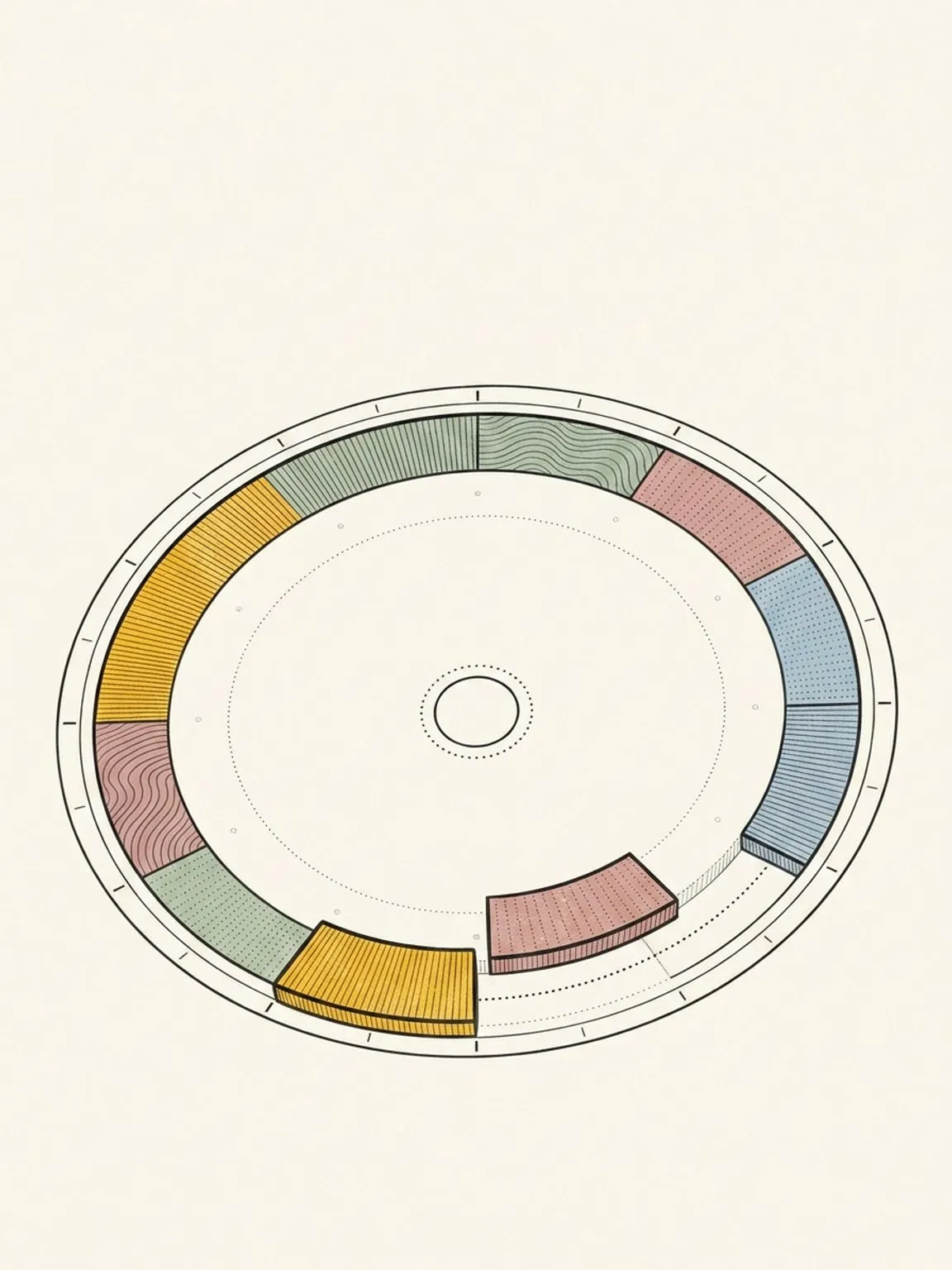
Keep your calendars and task lists. Plan the work beside your meetings, and complete tasks in either app.
See how it works → -
Google Calendar sync
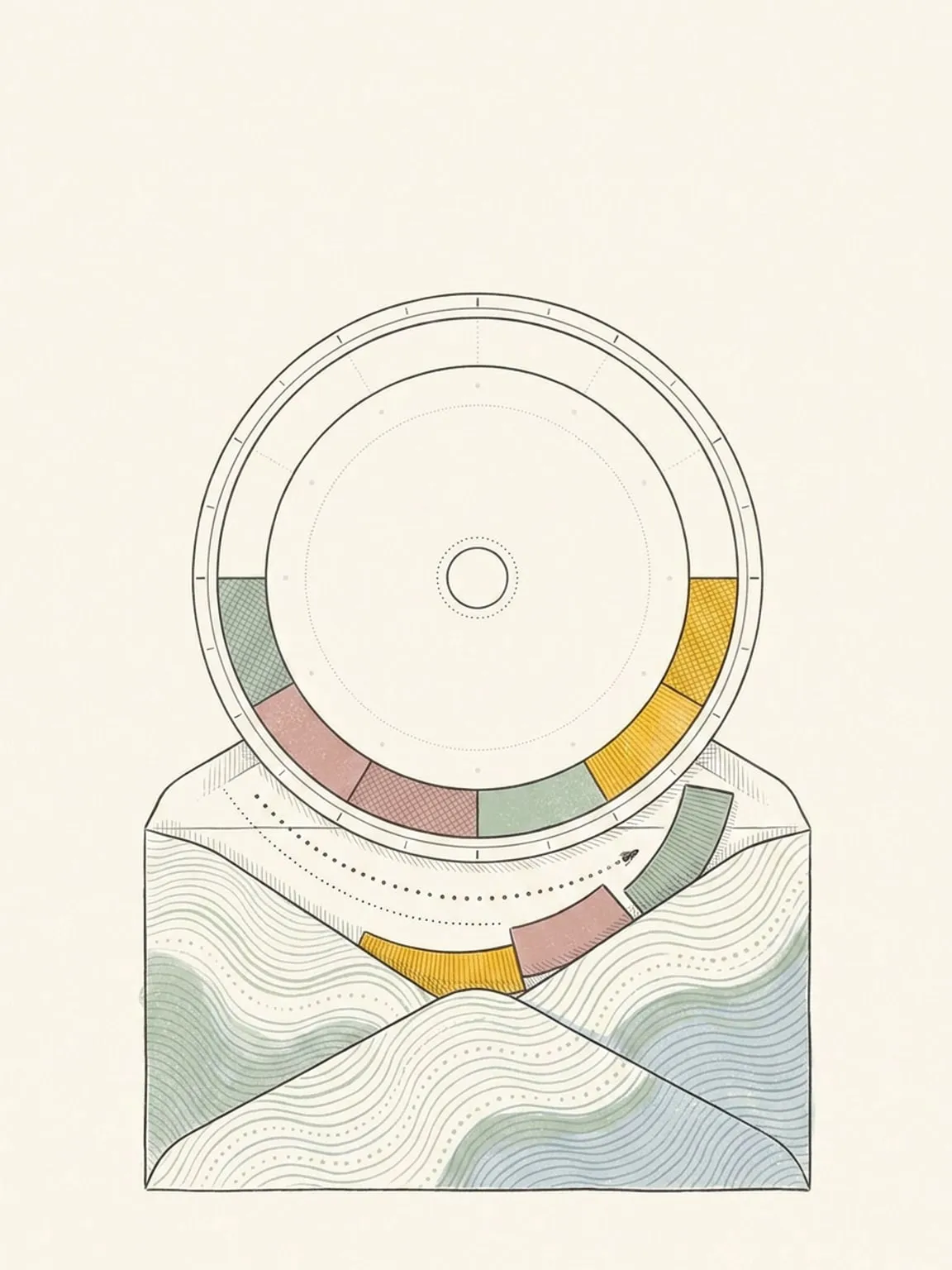
Your Google calendars on the dial, editable, two-way, in real time. Nothing has to move out of Google.
See how it works → -
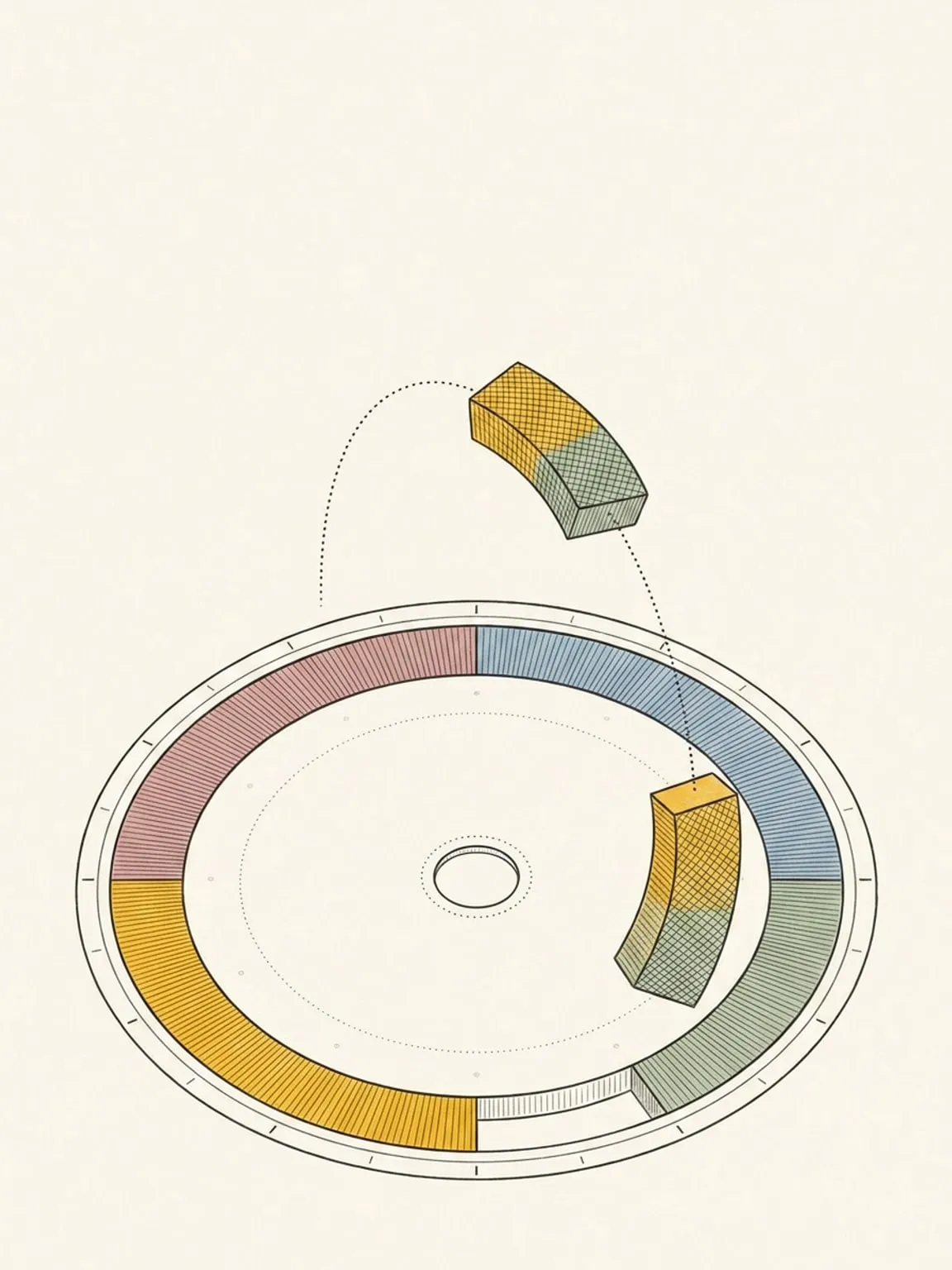
Outlook Calendar sync
Outlook.com or Microsoft 365 on the dial, editable, two-way. Your work calendar stays exactly where it is.
See how it works → -
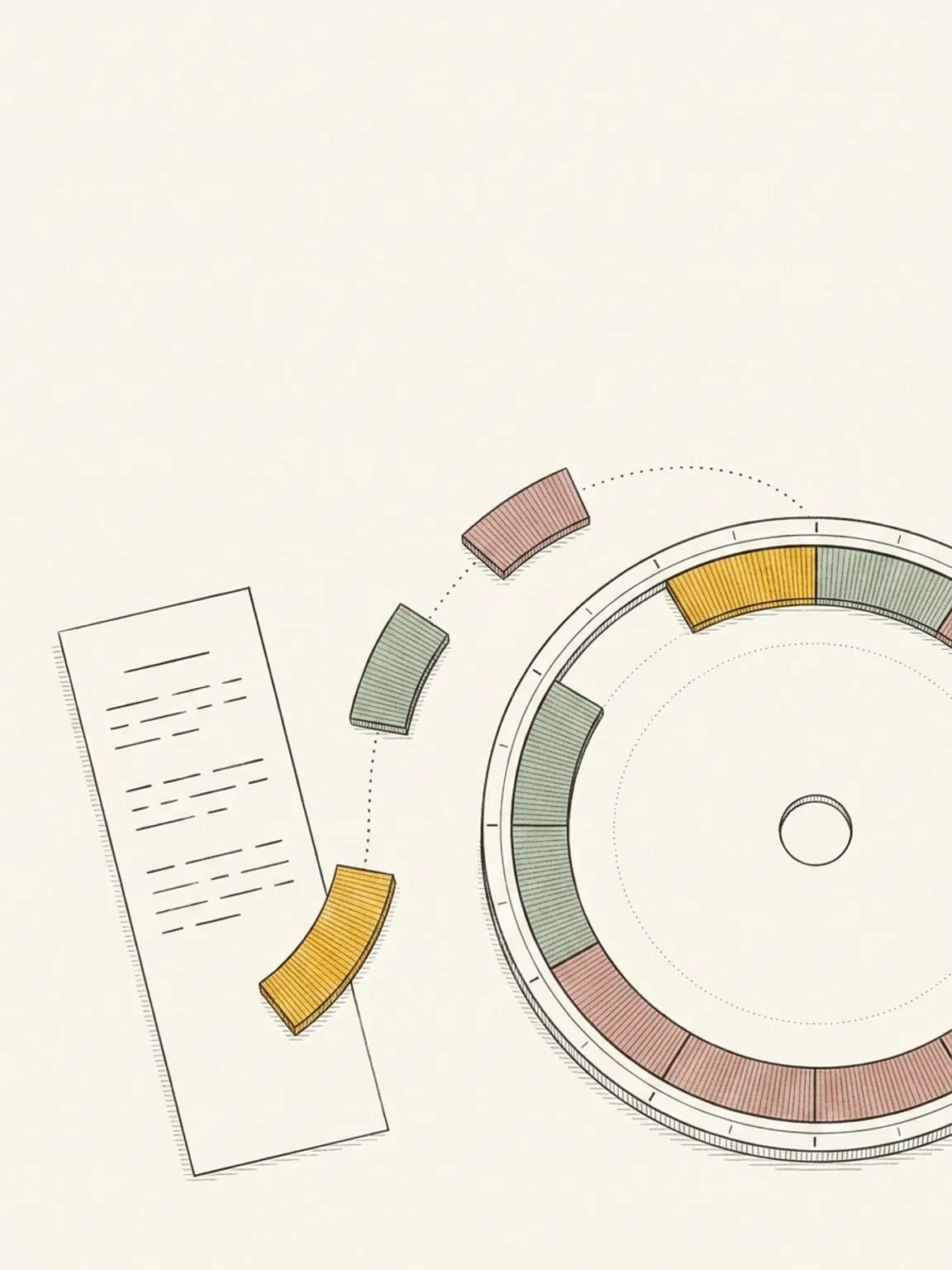
Todoist sync
Give your Todoist tasks a time. A task with a due time becomes a block; an undated one waits in your Inbox.
See how it works → -
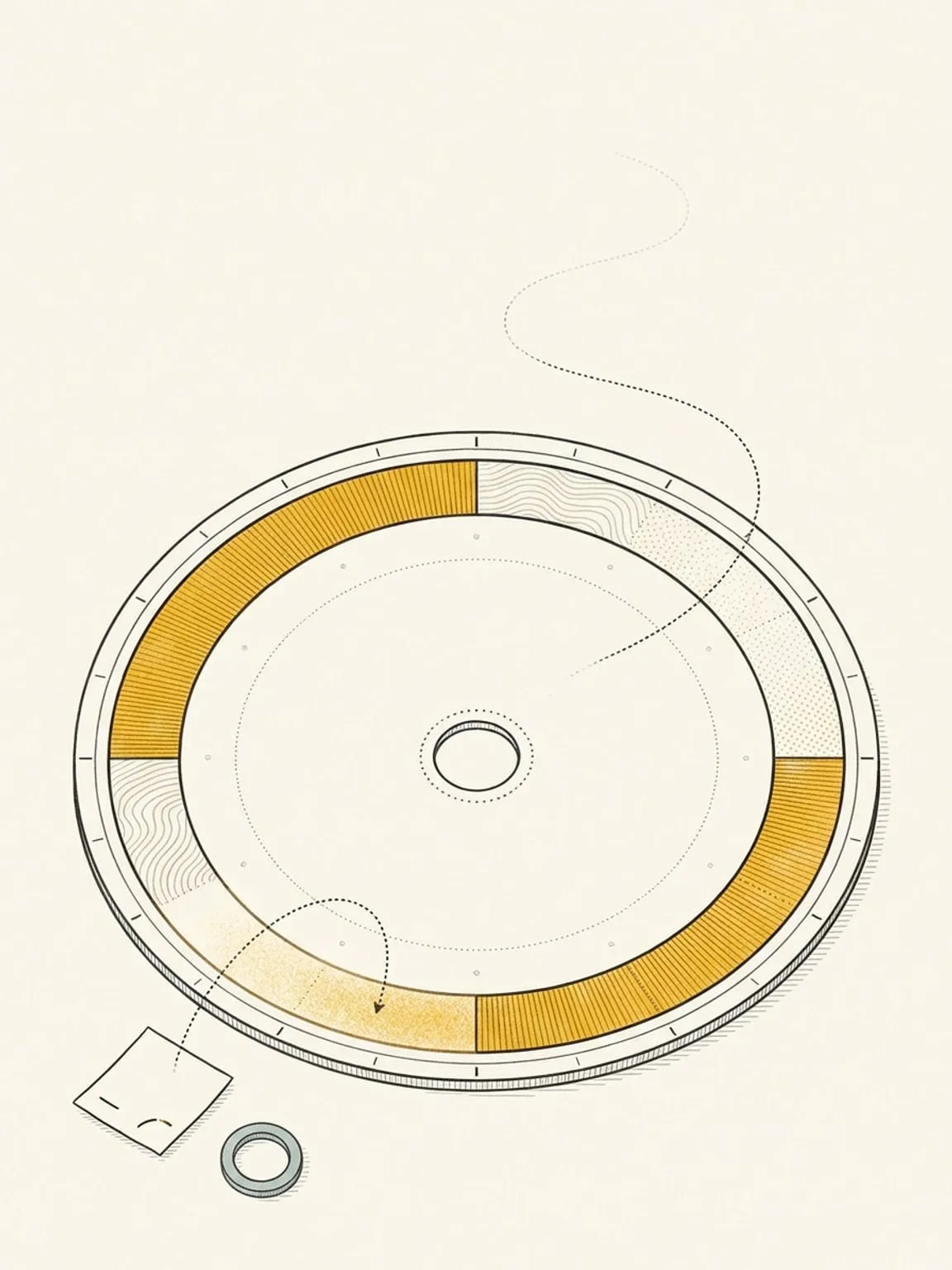
Google Tasks sync
Your Google Tasks land in the Inbox with their due dates. Drag one onto the dial to give it an hour.
See how it works → -
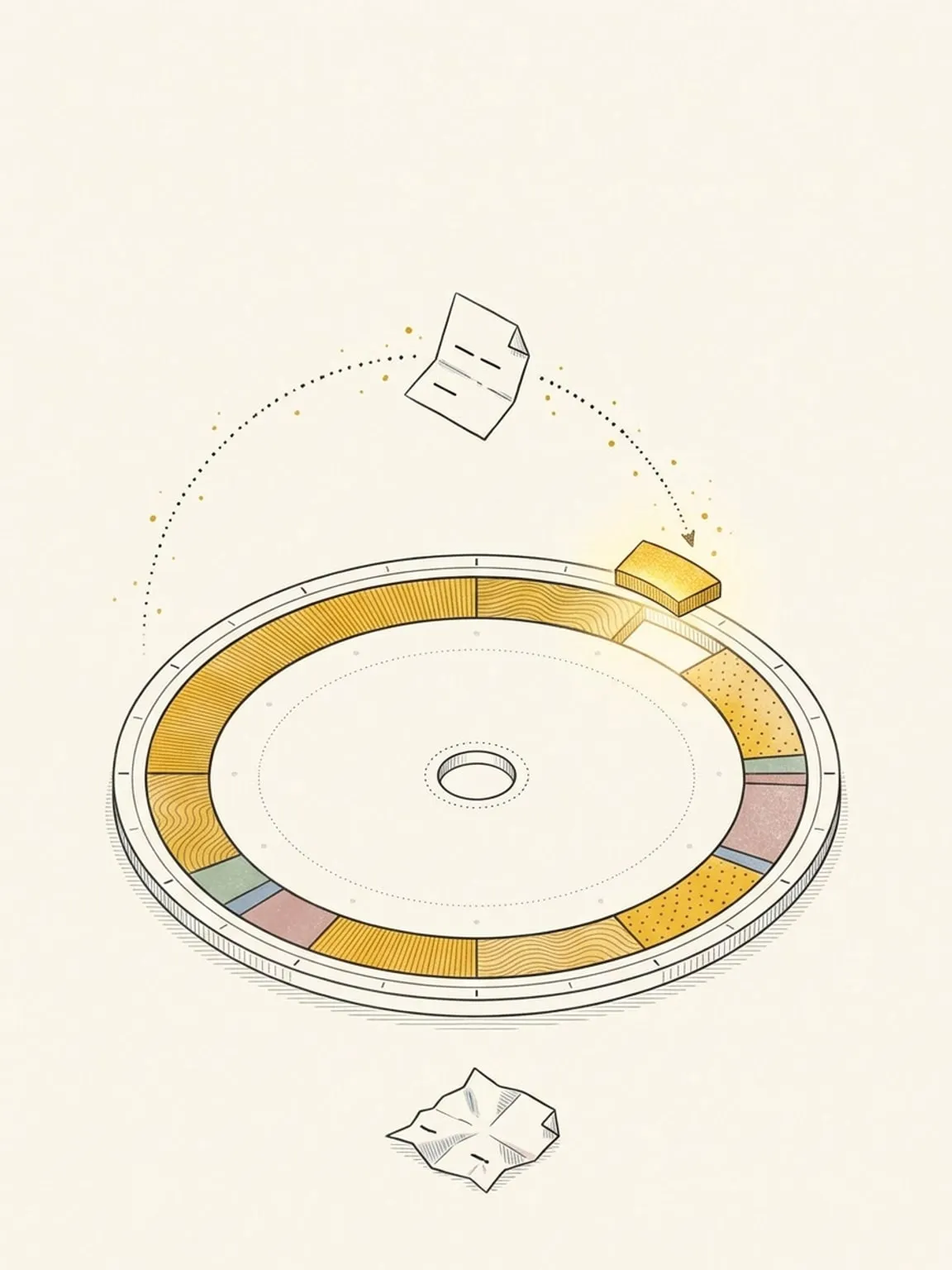
Microsoft To Do sync
Your Microsoft To Do tasks land in the Inbox with their due dates. Drag one onto the dial to give it a time.
See how it works → -
Linear sync
The Linear issues assigned to you land in the Inbox, sized by their estimates if you like. Drag one onto the dial to block time for it.
See how it works → -
TickTick sync
A TickTick task with a time becomes a timed block on the dial. Move it and the times write back.
See how it works → -
Plan with Claude (MCP)
Connect Claude to your planner. It reads your real day and reshapes it with the moves you would make by hand.
See how it works →
Capture
Get what is in your head onto the dial.
-
Command palette
⌘K, then a plain sentence. "Gym tomorrow at 6pm" becomes a block as you type, with local parsing and no AI call. Saving needs internet.
See how it works → -
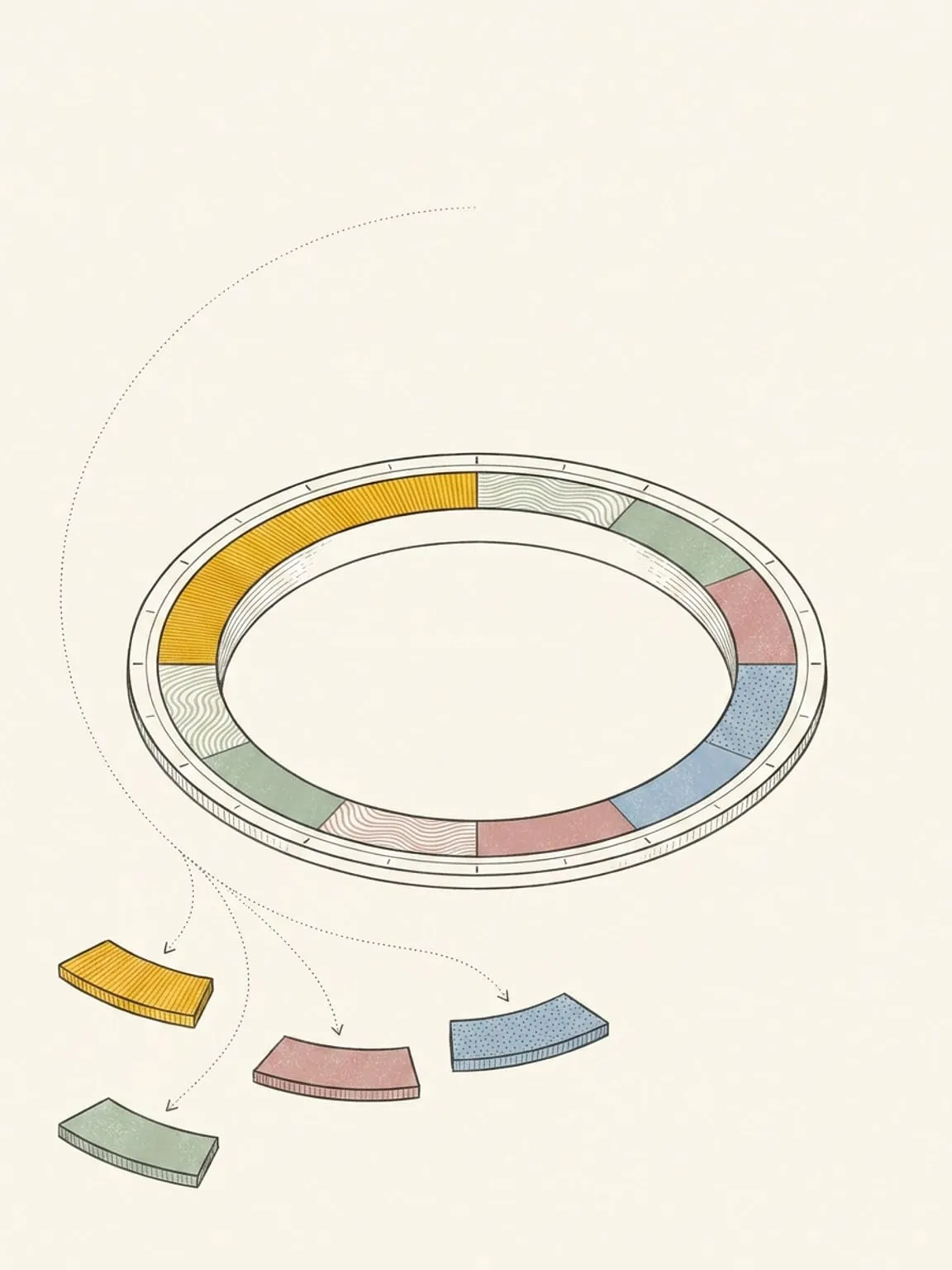
Ask AI and braindump
Type it, say it, or snap your paper list. Ask about your day or change it in your own words, with one Undo for the lot.
See how it works → -
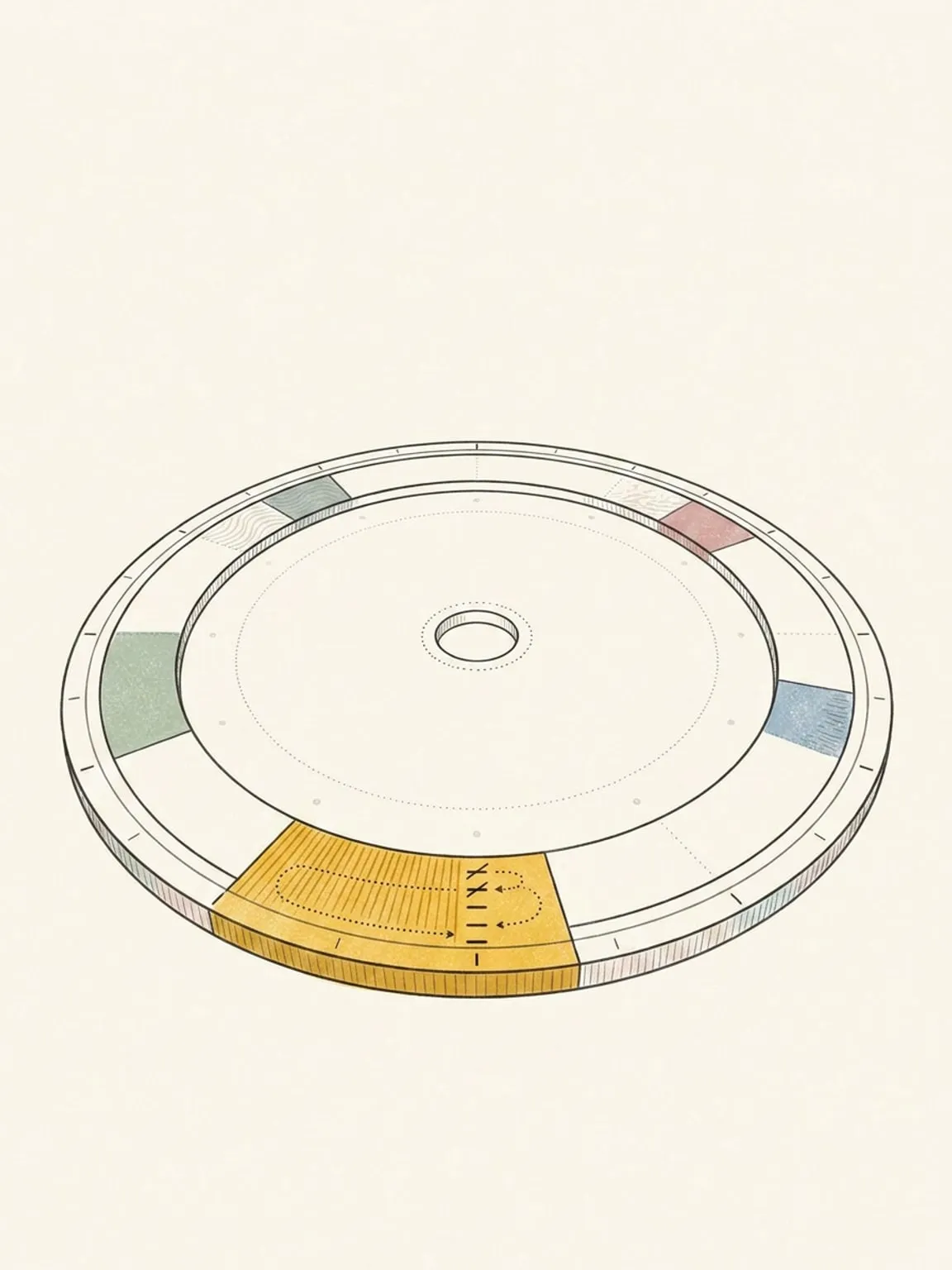
Microtasks
Break one block into an ordered checklist. The block shows how many you have ticked, like 3 of 7.
See how it works → -
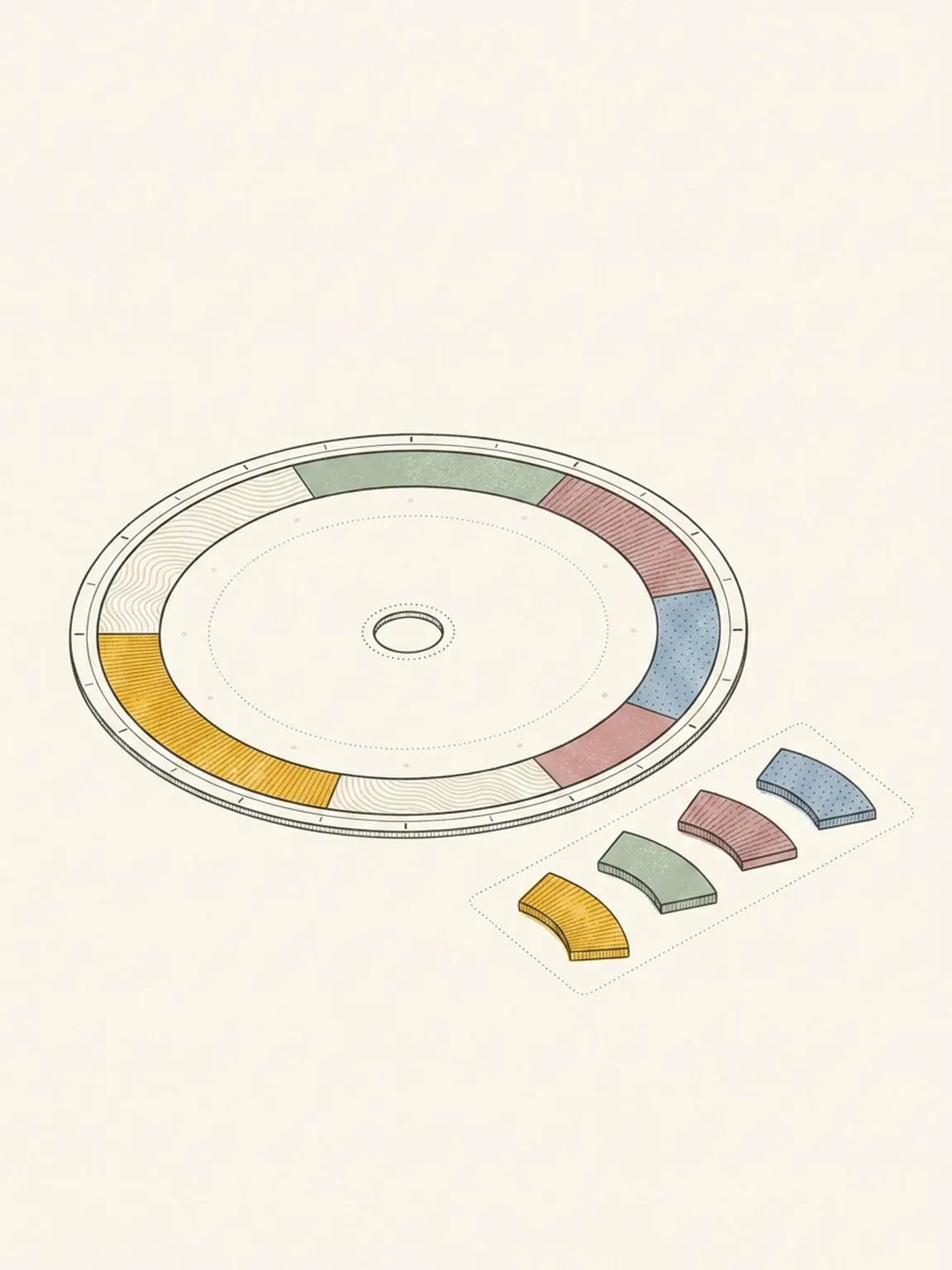
Inbox
Capture a list in one go. AI turns it into Inbox items you can drag onto the dial when there is room.
See how it works → -
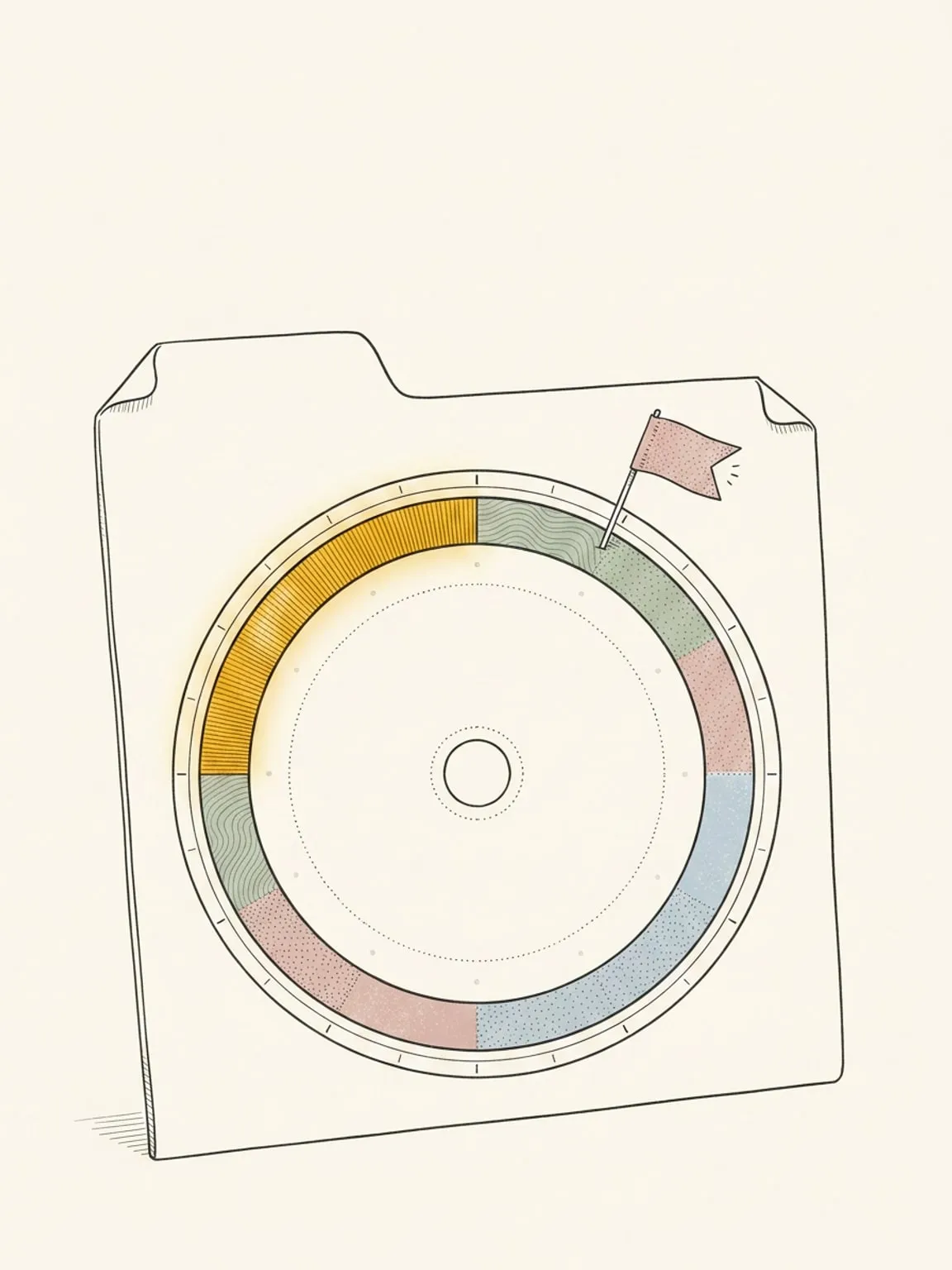
Chrome extension
Today’s dial on every new tab, and a one-click way to send the page you’re reading to your plan.
See how it works →
Follow through
Work the block you planned, then mark what actually happened.
-
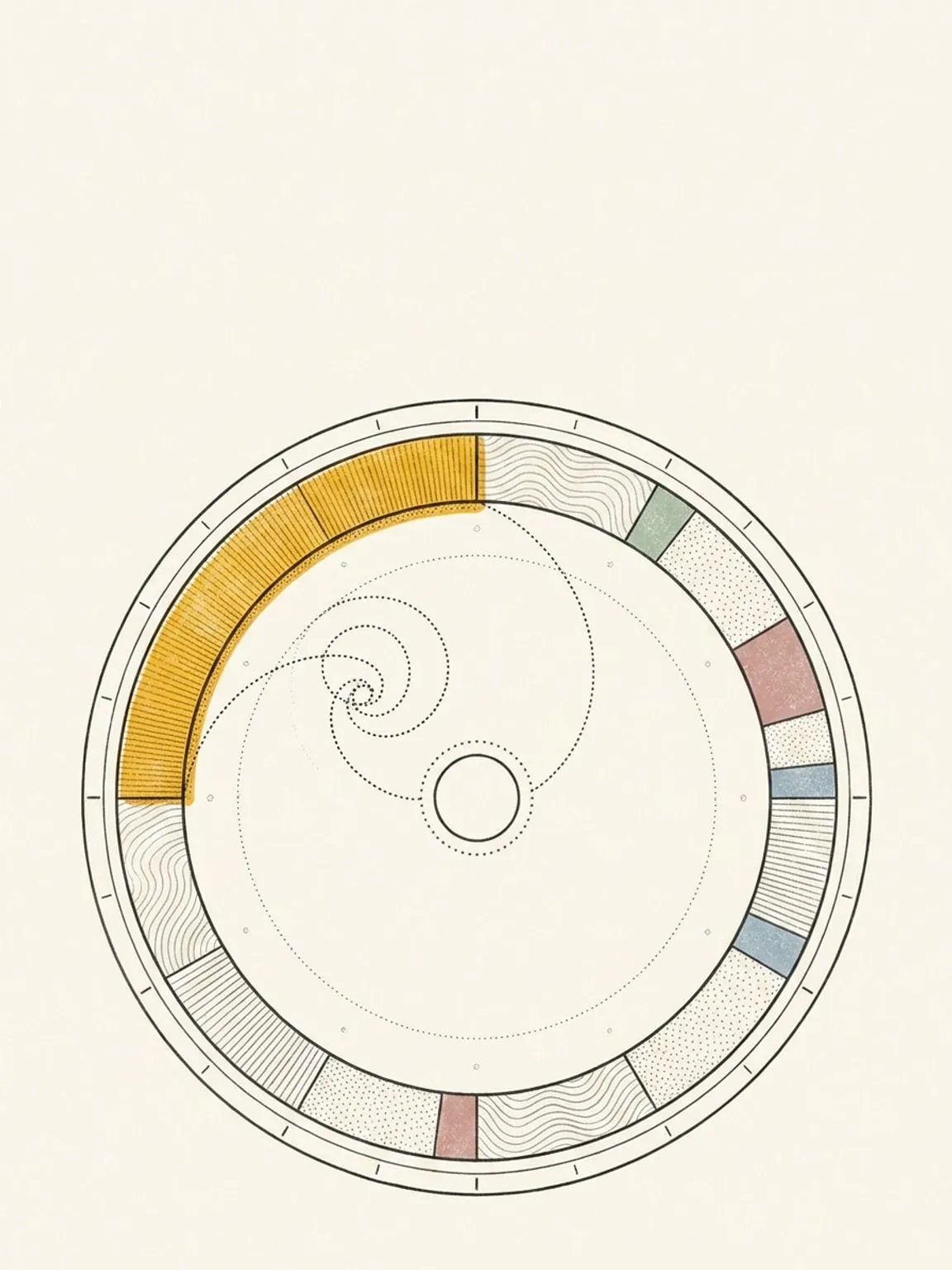
Focus intervals and focus mode
Split a block into a focus and break rhythm drawn on the ring, then work it on a screen built for one block.
See how it works → -
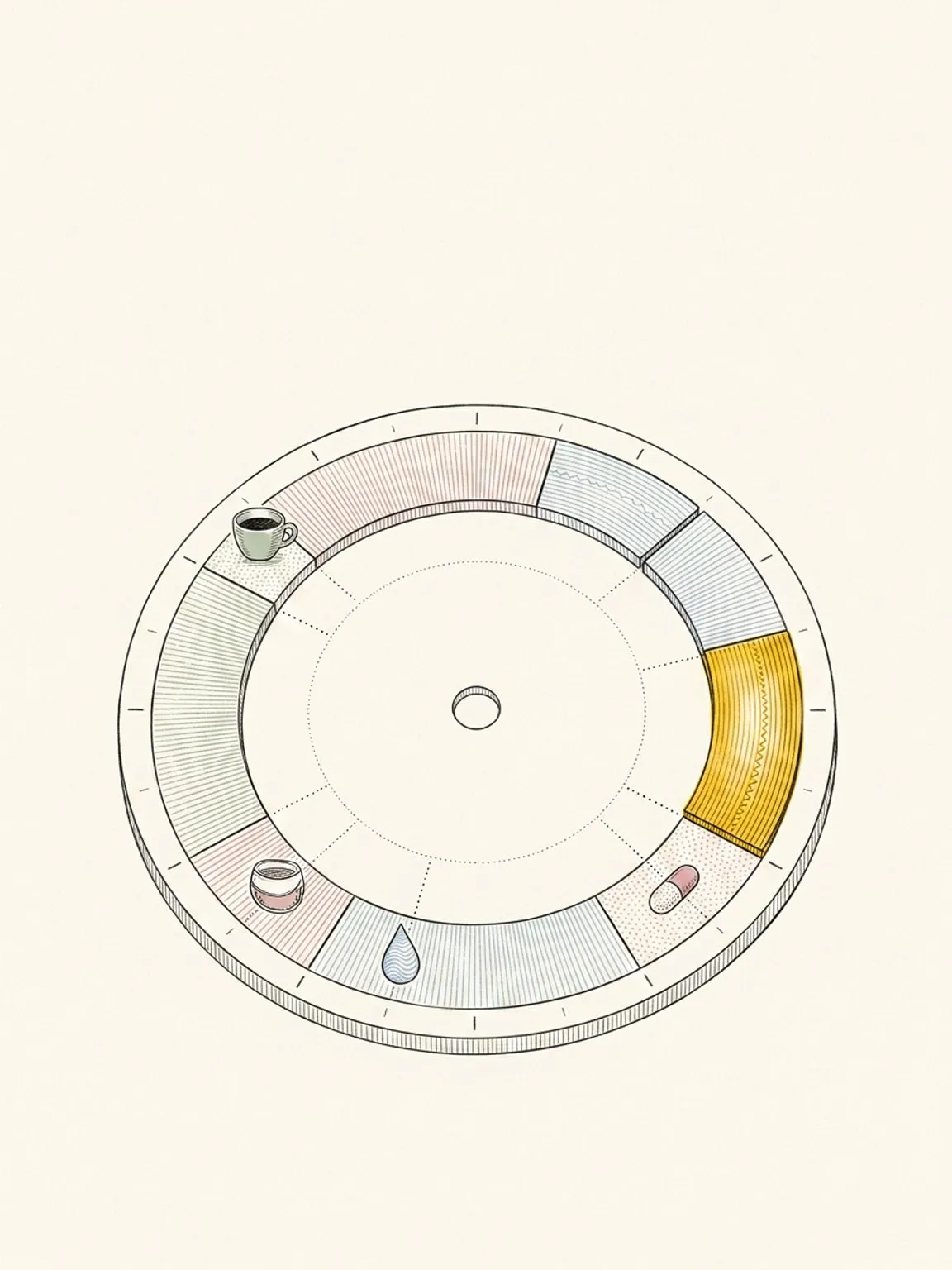
Moments and mood
Log anything you count through the day as points on the ring: coffee, water, meds, reps, or how you feel.
See how it works → -
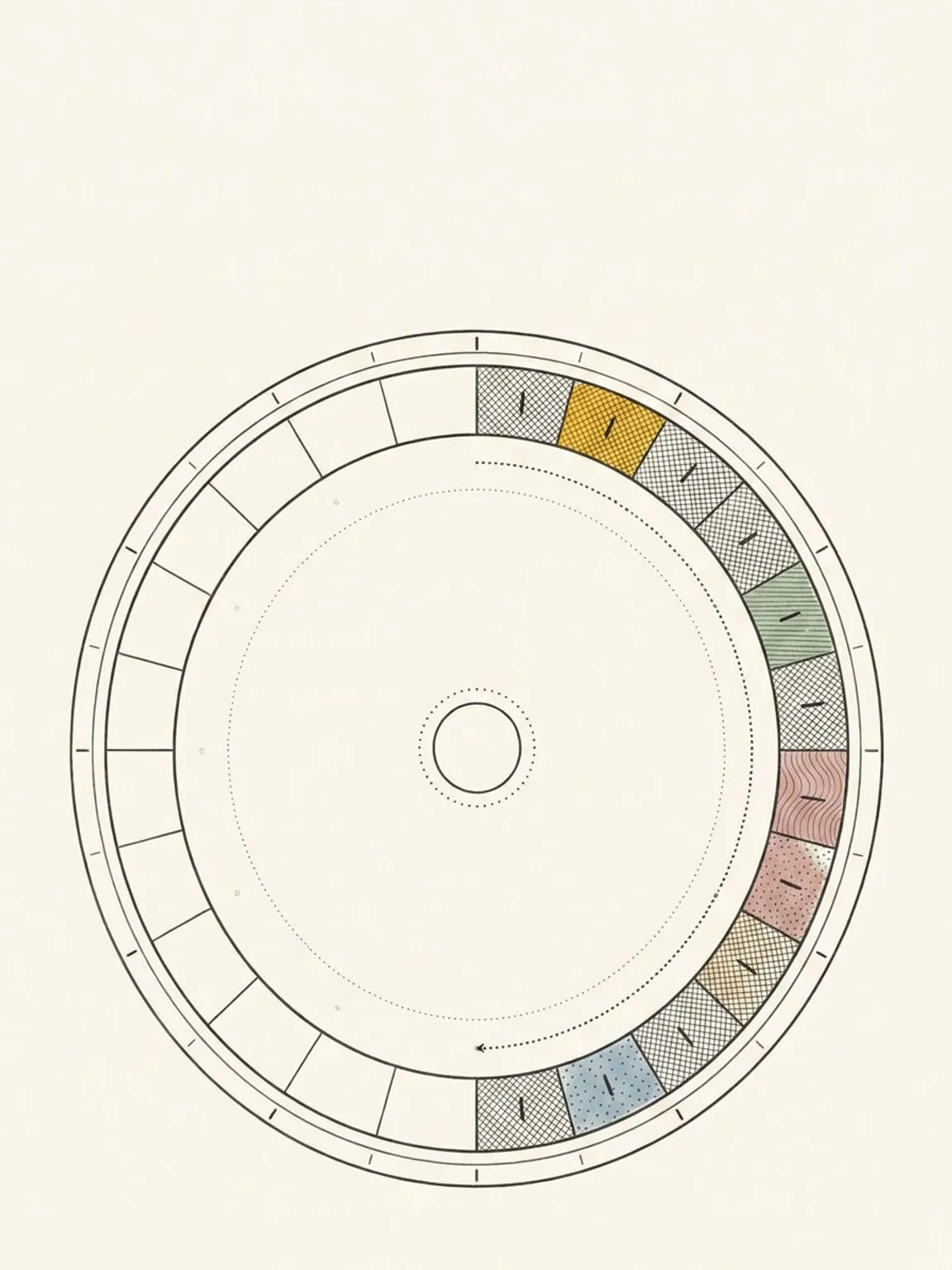
Reflection and Time Insights
Mark each block as planned, changed, or didn’t. Then read the plan against the day you actually lived.
See how it works →
Every planner feature is included: $14/month or $120/year ($10/month billed yearly). New accounts get a 7-day trial with no card required and no automatic charge. After the trial, a subscription is needed to use the planner; your data stays. An internet connection is required to save changes.
No streaks, badges, or guilt counters
Miss a day and nothing breaks, because there is nothing to break. A block in your Inbox that you never got to is listed under “Overdue”. That is the whole treatment: nothing counts up, nothing turns red, nothing resets. The dial just shows today.
No nested projects or template gallery
Areas, activity types, blocks. That is the entire vocabulary. A planner you can read at a glance is one with not much to read, and every feature above had to earn its place inside those three words.
“This paradigm shift to managing your clock time will work for a lot of folks. […] you can decide which layers are important to you. So kudos on that level of flexibility.”
Draw your first block.
Create an account and try Pro for 7 days. No card required and no automatic charge.
