A printable 24-hour circular day planner. Blank dial, your pen.
The same round day the app draws, on paper. Print it, ink the fixed blocks, shade the rest. Two pages, one PDF, no email wall.
Download the PDF
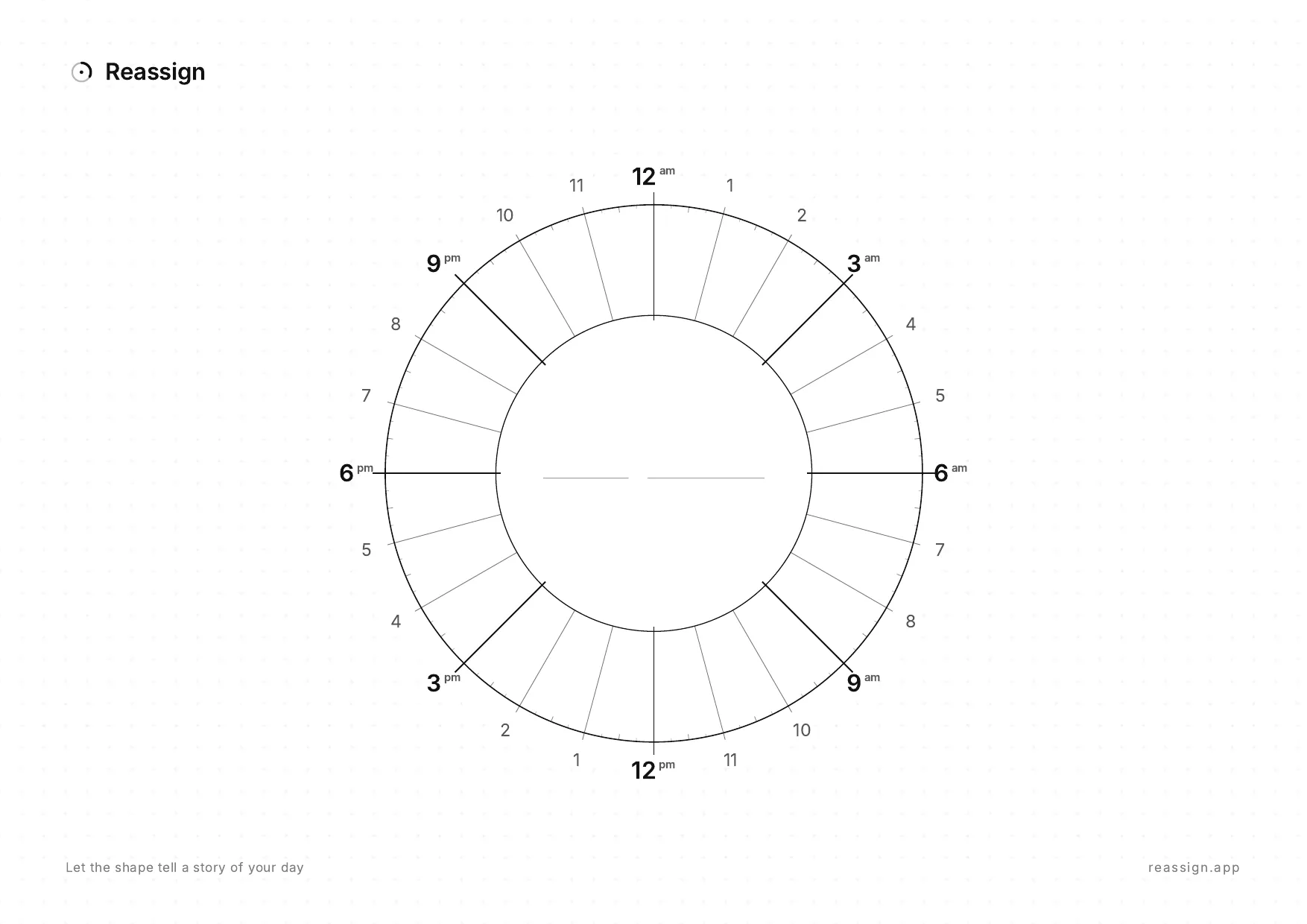
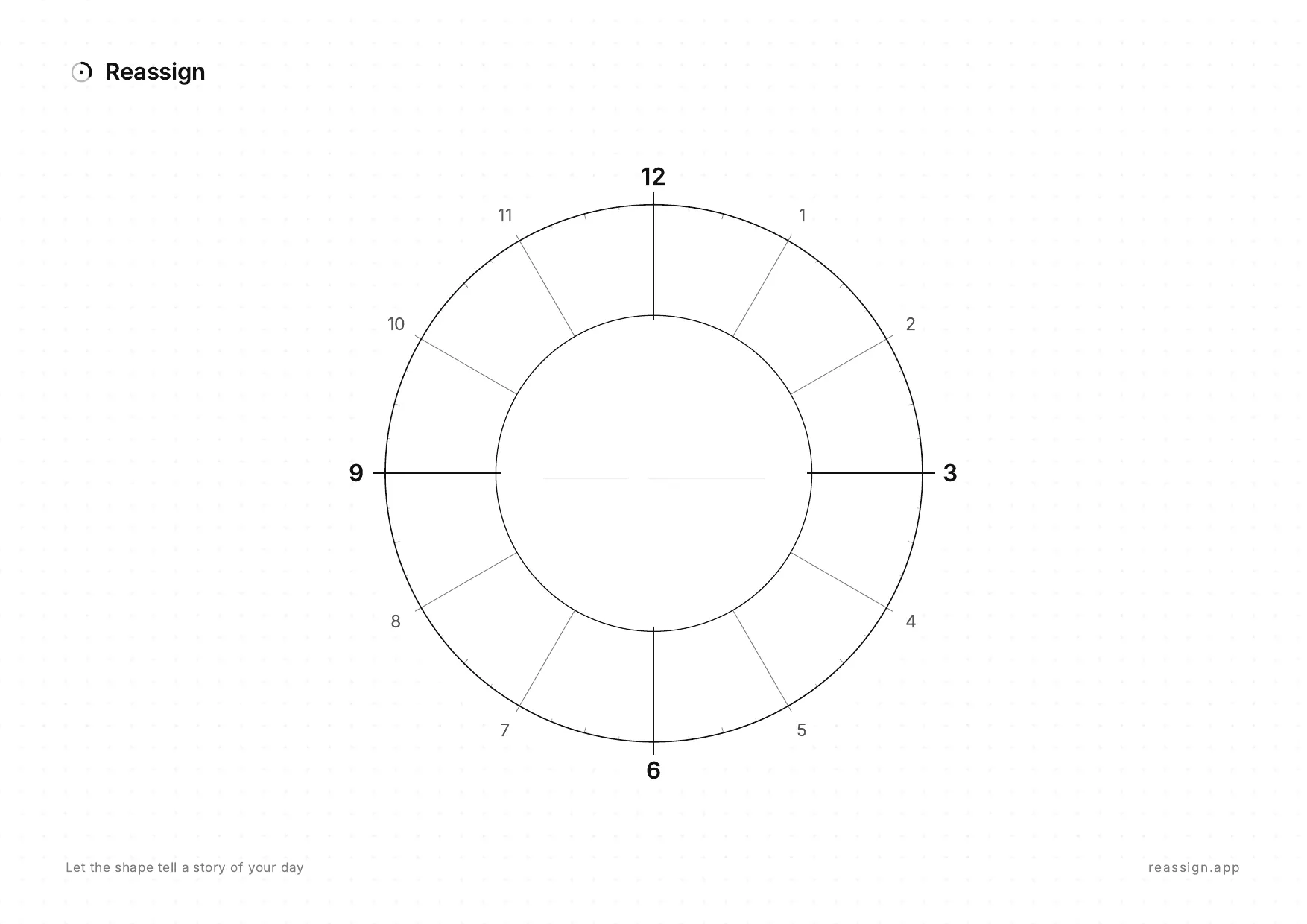
Page 1 is the 24-hour dial: midnight at the top, noon at the bottom, the whole day on one ring. Page 2 is a 12-hour dial for a work day or an evening. Prints on US Letter with Fit to page.
How to plan a day on the dial
- Draw what is fixed. Sleep, meetings, the school run. Each one is a wedge from its start hour to its end hour. Once they are on the ring you can see how much of the day is still yours.
- Colour the rest by activity. Pick a colour for each kind of activity, or each area of life: work, family, the side project, you. Shade a wedge for every block, sized to how long it really takes. The colours turn the day into one picture: how much of it is work, how much is yours, where the gaps are.
- Take the time it takes. Drawing is slow on purpose. Colouring a wedge by hand gives your mind the minutes to picture the day, notice the crowded stretch, and move a thing before it happens. That pause is the point of paper.
The centre stays empty on purpose. Write the date there, or the one thing the day is for. When the plan breaks, cross out and redraw: that is the honest limit of paper, and the whole reason the app lets you drag a block instead.
Why a circle and not a list
A list shows the order of your day. A dial shows its shape: how much of it is already spoken for, how big the free stretch is, and how close the next fixed thing sits. Duration becomes the size of a wedge, so you stop estimating what you can see. That is why paper chronodex pages have worked for people with time blindness since 2011, and why the circular planner keeps coming back for ADHD brains that never held time as a column.
The 24-hour dial keeps the night on the page too. Sleep is a wedge, not a gap, and the hours after dinner are visible instead of vanished. Read the history in what a chronodex is.
Where paper stops
A printed wedge cannot move. When the meeting runs long, the paper version of 2pm is now wrong, and every block after it is wrong with it. The dial in Reassign is the same shape with that limit removed: drag a block to a new hour, pull its edge to resize it, or shift it and everything after it slides down together. Colour is the area of life, a fill pattern is the kind of energy the block takes, and ⌘P prints the filled day back onto paper. The planner requires an account with trial or paid access.
Questions
- Is the printable planner free?
- Yes. Download the PDF, print as many copies as you like, and share it with anyone. No email, no signup, no watermark on the dial. Link to this page rather than rehosting the file, so people always get the current version.
- What paper size is it?
- A4 landscape, two pages: the 24-hour dial and the 12-hour dial. On US Letter, choose Fit to page in the print dialog and it scales down a few percent with nothing cut off.
- Why is midnight at the top?
- It is the same orientation as the Reassign dial: midnight at the top, noon at the bottom, the morning down the right side, the evening up the left. The whole day is on the ring, sleep included, so a night that ends at 2am is a wedge you can see instead of a number you forgot.
- When should I use the 12-hour dial instead?
- When you only plan the waking half. It has no am or pm marks, so it works for a work day, a school day, or an evening. Print two and use one per half if you want twelve hours at a larger scale.
- How do I plan a day on a circular planner?
- Draw the fixed blocks first (sleep, meetings, the school run) as wedges from their start hour to their end hour. Then colour the rest by activity: one colour per kind of activity, each wedge sized to how long it really takes. The result is one picture of the day: how much is spoken for, how much is yours, where the gaps are. Drawing by hand is slow, and that is the point. It gives you time to picture the day before you live it.
- What happens when the plan changes?
- On paper you cross out and redraw, which is why so many circular planner pages are tidy until about 11am. In the app you drag the block, or shift it and everything after it slides down the dial together. That is the difference between the two, and it is the reason the app exists.
- Can I print my own filled day?
- Yes. In Reassign press ⌘P and the dial prints as your day, with your blocks on it. Printing your saved plan is included in Pro and the 7-day no-card trial.
- Is this a chronodex?
- Same family. The chronodex is a paper diagram from 2011 that shades hours on a clock face. This dial is drawn as a ring band with an open centre and covers all 24 hours on one page. Both make duration something you can see rather than estimate.
