Reassign vs Lifestack: which way do you want to plan?
Compare Reassign and Lifestack on energy planning, calendar views, integrations, privacy, and price. Both work in a browser, and neither requires a wearable.

Looking for a Lifestack alternative? Try Reassign if you want to draw your day on a 24-hour dial. Look closely at Lifestack if wearable integrations and a conventional calendar across several days matter more to you.
Both offer energy predictions and AI planning. Both work in a browser. Neither requires a wearable.
I built Reassign. This is a comparison of documented features, checked on 14 September 2026, not a hands-on performance test of both products. The links below let you check each claim before choosing.
Reassign and Lifestack at a glance
| What matters to you | Reassign | Lifestack |
|---|---|---|
| How you see the day | A 24-hour dial; additional List and Timeline views on Pro | Day, week, and month views on the web |
| Energy inputs | Logged sleep and energy check-ins; no wearable connection | Sleep and self-reported feelings, with optional health-service and wearable connections |
| Wearable required | No | No; manual entry is supported |
| Where it runs | Browser, installable web app, Chrome extension | Web app; homepage also lists iPhone, Mac, Android, and Chrome |
| Calendar connections | Two-way Google Calendar, Outlook, Todoist, Google Tasks, Microsoft To Do, Linear, and TickTick sync on Pro | Google Calendar, Outlook, Todoist, and Trello listed; external-calendar sync controls documented |
| Planning with AI | Ask AI chat from text, voice, or a photo or PDF; hold-to-talk voice on the dial, with words shown live; plus MCP and REST API access on Pro | AI planning for tasks, routines, meals, and sleep |
| Trying it | 7-day Pro trial, no card | Website’s annual plan includes a 7-day trial |
Sources: Lifestack’s calendar views, energy model, manual-entry guide, homepage, App Store listing, and sync guide. Reassign’s features and pricing describe its current offer.
The difference you will see every day
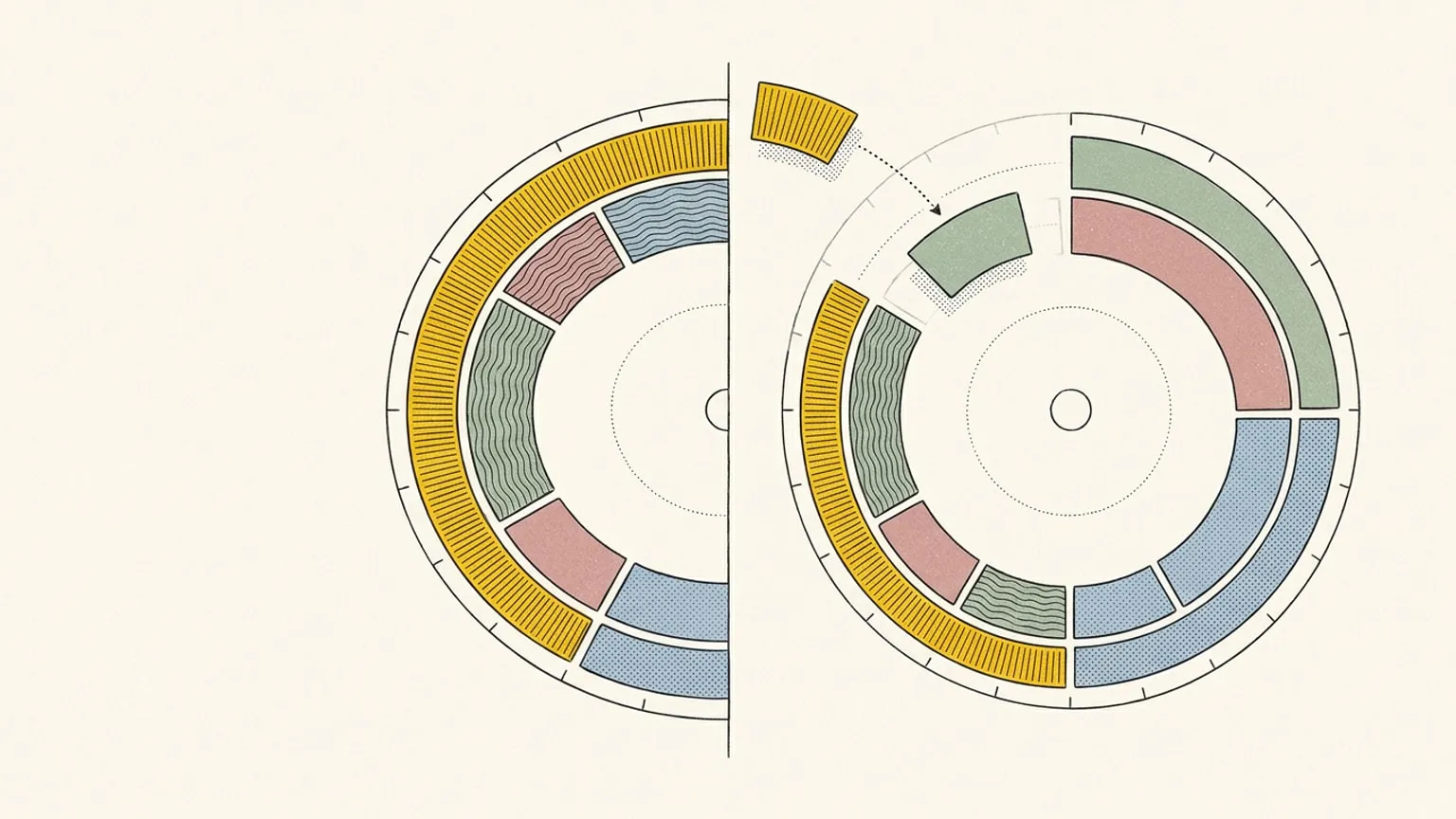
Reassign puts all 24 hours on one ring. Drag from 9 to 11 and the block occupies two hours of it. The gap before your next meeting has a visible size. A now indicator shows where you are in the day.
That is the reason to try a circular planner: you may find it easier to judge what fits when duration takes up space around one face. It is a format preference, not a claim that a circle treats ADHD.
Lifestack’s view guide documents daily, weekly, and monthly calendar views on the web, plus one-day, three-day, and weekly views on mobile. If you spend more time comparing Tuesday with Thursday than reshaping this afternoon, that wider calendar may fit better.
Reassign also has List and Timeline views for reading ahead. The dial remains the place where you drag to plan one day. You do not have to squeeze every planning question onto a circle.
Energy predictions, with different input options
Lifestack’s energy explanation describes a sleep-based algorithm adjusted with self-reported feelings. Its App Store listing also advertises health-data connections including Oura, WHOOP, Garmin, Apple Watch, and Fitbit. Those connections are useful if you already collect sleep data and want to bring it into planning.
You can also enter sleep and activity manually in Lifestack. Buying a tracker is not a prerequisite.
Reassign’s Pro energy layer draws a curve around the dial from sleep you log and check-ins you enter. There is no wearable or heart-rate connection. See a low patch under your 3pm block, then decide whether to move the demanding work.
Both approaches produce predictions. The sources here do not establish which is more accurate for your focus. Try the forecast against how you actually feel, and keep the ability to disagree with it.
Calendar sync and AI planning
Lifestack documents outbound event sync, with controls for event types such as AI plans and scheduled tasks. That is more than a read-only calendar connection. The guide does not specify every provider’s behaviour for edits and deletions, so test the workflow you need.
Reassign’s Pro connections sync two-way with Google Calendar, Outlook, Todoist, Google Tasks, Microsoft To Do, Linear, and TickTick. Move a synced block on the dial and the change flows back; external changes also reach the dial. Its MCP server lets Claude, ChatGPT, or another compatible client read and edit your schedule. Changes can land directly with undo, depending on the operation. Ask AI inside Reassign instead presents a plan for you to approve. It also answers questions about your plan, reads a photo of a paper list, and remembers a preference such as “no calls before 10” once you apply it. Voice from the dial is an exception to the approval step: hold to talk, and you can talk again while earlier clips still process. A safe change such as a move applies at once with one Undo, and a delete or a clear never applies by itself: the toast asks you to Confirm it (the button, the Y key or a spoken “yes”) or Review it.
Lifestack offers AI planning too, including tasks, meals, and sleep. Choose based on the actions you need and where you want to make the request, rather than the presence of an AI label.
What happens to your data
Lifestack’s privacy policy describes health data from Apple Health and Terra, and says it stores the metrics needed for energy calculations rather than the entire health record. The connections and permissions you enable matter.
Reassign does not connect to wearables, but information you enter in your account is still data the service stores and syncs. Manual sleep logging is not the same as keeping sleep information out of an app. Read its privacy policy and consumer health data policy for the scope of collection and processing.
If you only want to try an energy curve without an account, Reassign’s free circadian rhythm calculator computes a population model in your browser and stores nothing. It is a prediction, not a measurement. This is a separate site tool, not a description of storage in the paid planner.
Price and trial terms
Lifestack’s website pricing, checked on 23 October 2026. On 14 September the monthly plan was $7 and the annual plan $50, so monthly went up and annual came down by one cent:
| Plan | USD price | Website trial |
|---|---|---|
| Monthly | $9.99 per month | None |
| Annual | $49.99 per year | 7 days |
| Lifetime | $120 once | None |
No ongoing free plan is listed. The US App Store showed ten in-app purchase amounts on 23 October 2026, from $4.99 to $50.00, including $7 monthly and $50 yearly, so the store and the website can differ. Check the offer and renewal terms shown at checkout.
Reassign offers a 7-day Pro trial, no card required. Its one Pro plan is $14/month or $120/year ($10/month billed yearly). After the trial, a subscription is required to use the planner; data stays. Existing subscribers keep $8/month or $72/year while active, and a lapse ends that price. See pricing and transition terms.
If cost is your main criterion, Lifestack’s listed subscription prices are lower, and it also lists a lifetime option. Reassign does not offer lifetime access.
Try the same day in both
Use a normal day with one demanding task, one meeting, and something you want to protect that evening. Then move the meeting by 45 minutes.
Check three things: can you see what still fits, can you move the affected work quickly, and does the energy forecast help you choose a time? If calendar sync matters, also make a test event and check that changes reach the calendar you rely on.
Pick Lifestack if its calendar views and health connections fit how you plan. Pick Reassign if seeing and reshaping the day on a ring makes the decision clearer. You can try the shape first with the free printable planner, or start the 7-day Pro trial.
Frequently asked
- Is Reassign a good Lifestack alternative?
- Reassign is worth trying if you want to draw and reshape one day on a 24-hour dial. Lifestack is worth trying if you want wearable integrations or a conventional calendar with day, week, and month views on the web. Both offer energy predictions and AI planning. Neither requires a wearable.
- Can I use Lifestack without a wearable?
- Yes. Lifestack's Use Without Wearables guide explicitly allows manual sleep and activity entry, as well as supported phone health services. Reassign also works without a wearable. Its energy layer uses logged sleep and check-ins.
- Does Lifestack have a web app?
- Yes. Lifestack links to app.lifestack.ai from its homepage and documents day, week, and month views on the web. Reassign also runs in a browser and as an installable web app. Browser access is not a difference between them.
- Is Lifestack free?
- Its website lists paid plans: $9.99 monthly, $49.99 annually with a 7-day trial, and $120 lifetime, checked on 23 October 2026 (on 14 September they were $7 and $50). No ongoing free plan is listed. The App Store download is free but the listing says access requires a subscription. Check the terms at checkout for your purchase channel.
- Can Lifestack send events to another calendar?
- Yes. Its sync guide describes settings for sending events to connected external calendars, including AI-generated events and scheduled tasks. That confirms outbound sync, but does not establish identical edit and deletion behaviour for every provider. Test the calendar workflow you depend on.
- Which energy prediction is more accurate?
- This comparison does not establish an accuracy winner. Lifestack describes an algorithm using sleep and self-reported feelings; Reassign models energy from logged sleep and check-ins. Connected health data is an input, not proof that a planner can measure your ability to focus.
