The best apps and planners for time blindness (2026)
The best planner for time blindness shows time at its real length. Apps, a free paper dial, visual timers, and task breakers compared. Including ours.

First, the disclosure. Reassign is mine. I built it because my own day kept vanishing into a list, so when it shows up below, read it with that bias declared. The other apps here are ones the time blindness community actually uses and recommends, and I have tried to be as honest about them as about my own.
Now the short answer. An app or a paper planner helps time blindness only if it makes time visible: duration drawn to scale, a way to see where you are right now, and friction low enough that you keep using it. Three categories do that in three different ways. Visual planners, on a screen or on paper, show the whole day. Visual timers show one interval. Task breakers show the size of the work. The best app or planner for time blindness is the one aimed at the hours you keep losing.
Only want a timer on your phone? Go to the visual timer apps comparison. It covers phones, the Lock Screen, and watches. This page is for seeing the whole day.
The best planner for time blindness
The best planner for time blindness to start with is a free 24-hour dial on paper, Tiimo for routines, or Structured for a free timeline drawn to scale. None cures time blindness. Look for each block at its real length, in a place you already look.
Pick by what goes wrong. Details in this section come from each maker’s page or store listing, checked on 23 October 2026.
- Your routines fall apart: Tiimo. You get icons and prompts on a timeline, and its FAQ lists widgets and Apple Watch, so it stays in view. You see the next stretch of hours, not the whole day.
- You want a low-cost first try: Structured. Its free tier gives you a timeline drawn to scale. Recurring tasks and calendar import need Pro.
- You are done buying planners for now: print our free 24-hour dial, with no signup, or rule hours into a notebook you already own. A sheet holds one day.
- The whole day disappears and plans keep moving: Reassign, ours. All 24 hours sit on one dial with a now indicator, in the browser. There is no phone widget or watch app, and it is paid after a 14-day trial.
Paper has one real gap: it has no marker for now, and it cannot move a block when a meeting runs late. Keep a clock or a visual timer beside it. For 16 paper and app planners, with prices and who each one is wrong for, read the best ADHD planners.
What actually helps (and what doesn’t)
Time blindness is a persistent difficulty sensing time. It is not a diagnosis. When you cannot feel how much time has passed or how much remains, any tool that merely stores your schedule leaves the hard part to that sense. A reminder fires at 2pm; it does nothing about the four hours before it that evaporated.
So the test for every app on this list is the same:
- Is duration drawn to scale? A 2-hour block should be visibly twice a 1-hour block.
- Can you see where you are in the day right now, without doing arithmetic on a clock?
- Is it low-friction enough to survive week three, after the novelty dopamine runs out?
Plain to-do lists fail all three, which is why lists fail ADHD brains in the first place. The pattern holds in the wild too: when researchers coded 3,276 r/adhd comments about working from home, the most-mentioned strategies included body doubling, alarms, and time blocking.
If you want the techniques before the apps, start with the ADHD time management guide.
The comparison
The other five rows were checked 31 July 2026 and re-checked 19 August 2026, and the Structured row again on 23 October 2026; the Reassign row, listed last, was updated for the paid-only transition on 20 September 2026. Free tiers are noted first, because that is where you should start. I only print a figure where the maker publishes one: app subscriptions are priced by region, so for the rest this points you at your own store listing rather than quoting a number that is right for me and wrong for you.
| App | Shape of time | Best for | Platforms | Price |
|---|---|---|---|---|
| Tiimo | A vertical timeline with icons and timers | Gentle routines and reminders | iOS, Android, watch; web on Tiimo Pro | Free tier (mobile only); Tiimo Pro price shown at checkout, varies by region |
| Structured | A vertical timeline of blocks | Simple time blocking, cheaply | iOS, Android, Mac, watch, web | Large free tier; Pro monthly, yearly or lifetime, price varies by region (checked 23 October 2026) |
| Timeblind | A screen-filling visual timer | Feeling one task’s time pass | iOS, Android | See app stores |
| Goblin Tools | No time display; breaks tasks into steps | Starting the task that feels too big | Web, iOS, Android | Free on the web; app price in the stores |
| Time Timer | A red disk that shrinks as time passes | Making one interval visible in a room | Physical, iOS, Android | Physical timers from around $25 |
| Reassign | The full 24 hours as one round dial, with list and timeline views | Seeing the whole day at once | Web app, installable; internet required to save changes; Chrome extension for a new-tab dial | Pro $8.99/mo or $69.99/yr; 14-day no-card trial |
Tiimo: the gentle routine keeper
Tiimo is the best-known visual planner in the ADHD space, and it earns the reputation. Your day runs as a friendly vertical timeline with icons, colors, and built-in focus timers; checklists and an AI co-planner help break tasks down, and it wears well on a watch. It was designed for neurodivergent users from day one and it shows.
The honest limit is the shape. The timeline is still a line: you see the next stretch of hours, not the day as a single object, so the evening stays abstract while you are inside the morning. If your failure mode is routines falling apart, Tiimo is the pick. If it is losing the whole day, a line will only show you part of the answer, which is the whole of the longer Tiimo comparison.
Structured: time blocking at pocket money prices
Structured turns your day into a clean vertical stack of timeline blocks with icons and calendar import. It is fast to learn, pleasant to look at, and its free tier is the largest here by a distance: their help centre says “Without Pro, you can still use almost every feature of Structured for free.” Pro adds calendar import, recurring tasks, Replan and their AI, sold monthly, yearly or as a one-off lifetime purchase. The focus timer is on Apple devices only, and its Pomodoro intervals need Pro. The help centre no longer prints a price: it says the price depends on your region, so check the App Store or Google Play for yours (checked on 23 October 2026). For a first attempt at time blocking, it is an easy recommendation.
Same limit as Tiimo, felt harder: the timeline shows a window, not the day. Duration is drawn to scale but position in the whole is not visible, so it helps you plan blocks more than it helps you feel time moving through them. That trade, and the surprisingly large amount Structured gives away free, is the whole of the longer Structured comparison.
Timeblind: one task, made visible
Timeblind is not a planner at all. It is a visual timer built specifically for time blindness: colored blocks fill the screen as minutes pass, and when the timer hits zero it keeps counting so you know exactly how far over you went. That overtime count is a quietly brilliant feature; it turns “I lost track” into a number you can learn from.
Use it inside a block, not instead of one. A timer answers “how long have I been in this task”, never “what happens to the rest of the day if I overrun”.
Goblin Tools: for the task that feels too big
Goblin Tools does not show time at all, and it still belongs on this list, because time blindness rarely travels alone. Its Magic ToDo takes “clean the kitchen”, asks how spicy the task feels, and breaks it into steps small enough to start. The web version is free with no signup; the mobile apps cost a few dollars once.
Pair it with a visual planner: Goblin Tools shrinks the task, the planner shows where it fits. Reassign now does a smaller version of this inside a block, by hand or with AI, both included in Pro, but Goblin Tools asks nothing of you first and its web version costs nothing, so it keeps its place here. If you are weighing the two, the Goblin Tools comparison is the longer answer.
Time Timer: the analog answer
Before these apps existed, the red-disk Time Timer made time visible: a physical clock where the remaining time is a shrinking red wedge you can see across the room. No notifications, no phone, nothing to open. For desks, kitchens, and kids, it is still the lowest-friction option there is. The app versions are fine; the physical disk is the point.
Reassign: the whole day as a shape
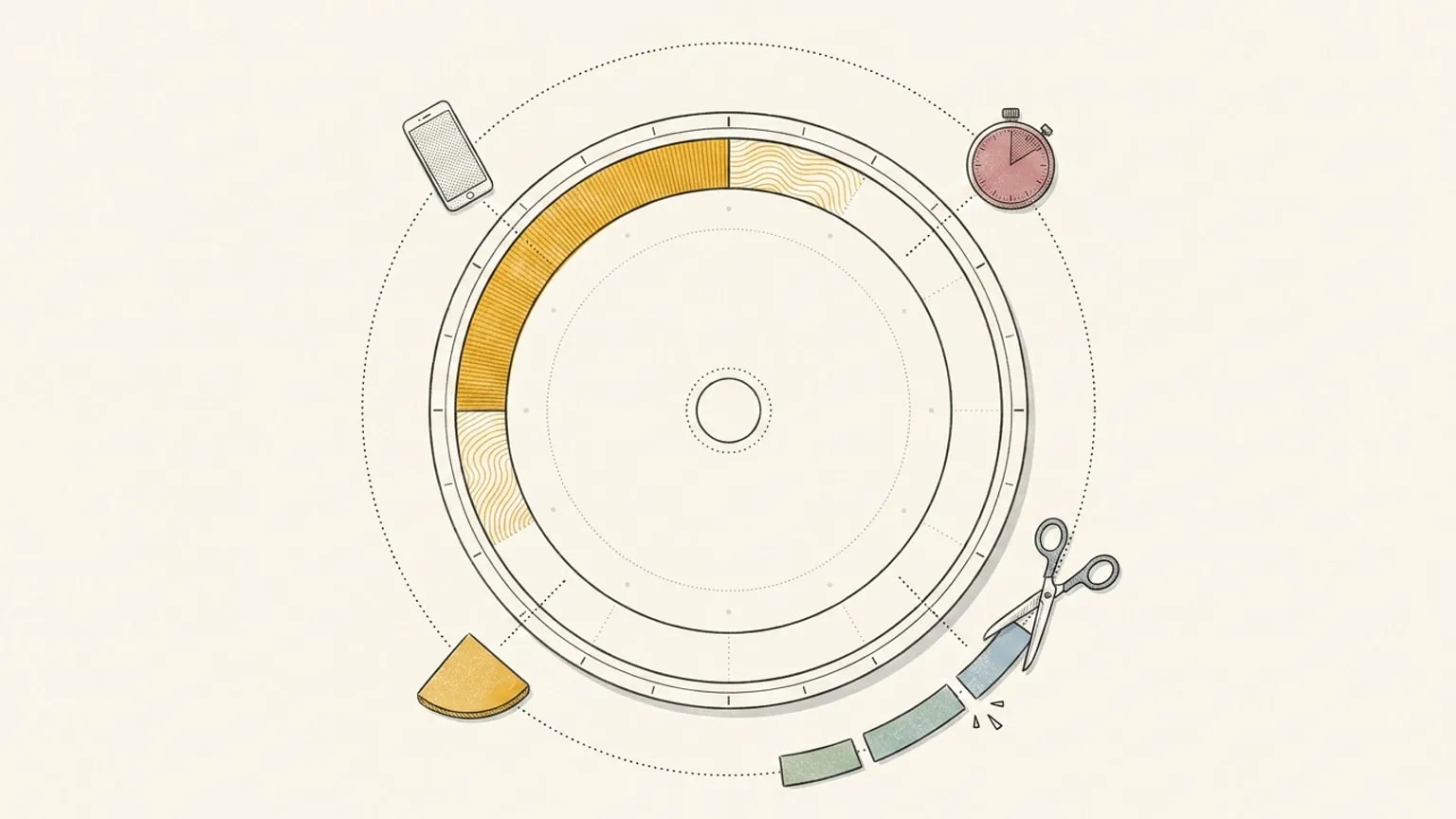
Reassign draws all 24 hours as one dial: midnight at the top, noon at the bottom, every block a wedge sized to its real length, and a now indicator moving around the ring. Nothing scrolls out of view, so 6pm cannot stop existing the way it does below the fold of a list. The gap before your next meeting is a shape you can see, not a subtraction you have to perform.
The dial is one day. Pro includes a list and a timeline for reading the days ahead, and neither of them drags, so the day is still made on the ring. A block can carry microtasks, the checklist of steps inside it, included in Pro whether you write the steps or ask AI to break the block down. And since August 2026 a Chrome extension frames today’s dial on every new tab, so the shape of the day is the first thing you see when you open the browser, and sends the page you are reading to your plan in one click. Installation is free; opening your plan requires an account with trial or paid access.
It syncs two-way with Google Calendar, Outlook Calendar, Todoist, Google Tasks, Microsoft To Do, Linear, and TickTick, and it is also an MCP server, so Claude or ChatGPT can replan your day when it breaks: “push everything after lunch back an hour” is one sentence instead of ten drags. You can also say that sentence to the dial itself: hold the voice icon on the dial, or hold ⌃M, talk, and let go. A safe change like a move applies at once with one Undo, and a delete or a clear holds on the toast for your Confirm. A change you type in Ask AI comes back as a card you apply. 14-day trial, no card required. A subscription is required afterward. The honest limit: it is a web app, so there is no native watch face, and if you want icon-heavy routine prompts, Tiimo does that better.
How to choose
Match the tool to the hours you lose:
- The whole day disappears and deadlines ambush you: a whole-day visual planner, from the picks above.
- Single tasks swallow you and hyperfocus eats the afternoon: a visual timer. Timeblind on your phone, Time Timer on your desk. The visual timer roundup compares more phone and watch options.
- You cannot start because the task is too big to look at: Goblin Tools first, then place the steps on a planner.
- Plans break daily and replanning is the thing you never have energy for: pick the planner an AI can reshape for you. This is the specific problem Reassign was built around.
- The same task takes twice as long depending on the hour: that is a timing problem rather than a sensing one, and no timer fixes it. Work out where your energy actually sits in the day before you buy another clock.
None of these cure time blindness. Every one of them is a prosthetic: an external clock doing the sensing your brain skips. That is not a small thing. The right prosthetic is the difference between a day that happens to you and a day you can see coming.
If the shape idea is the one that clicked, there is a whole category of it: every planner that draws the day as a circle, compared the same way. If time blocking specifically is the method you keep bouncing off, the best time blocking apps for ADHD compares planning styles and paid limits, with a test for replanning after an overrun. Reassign is free to try for 14 days. No card, no urgency. The day will be round tomorrow either way.
Frequently asked
- What is the best app for time blindness?
- The best app for time blindness is the one that shows time as a quantity you can see. For the whole day, that is a visual planner like Reassign or Tiimo. For a single task, a visual timer like Timeblind or Time Timer. Pick by which hours you keep losing.
- What is the best planner for time blindness?
- Start with a free 24-hour dial on paper before you buy anything. In an app, Tiimo fits routines, Structured is a low-cost first try, and Reassign, which I build, shows all 24 hours on one dial, paid after a 14-day trial. No planner cures time blindness or treats ADHD, so test one on real days.
- Do ADHD planner apps actually work?
- They work when they externalize time instead of just storing tasks, and when the friction is low enough that you keep opening them. No app cures time blindness or executive dysfunction. The honest claim is smaller: a planner that draws duration to scale removes the estimating your brain will not do.
- Is there a free app for time blindness?
- Yes. Goblin Tools is free on the web, Tiimo and Structured have free tiers, and Reassign offers a 14-day Pro trial with no card required. A free plan or a trial lets you test the question: does seeing time as a shape change what your day does.
- What is the difference between a visual timer and a visual planner?
- A visual timer makes one interval visible: twenty minutes shrinking as a shape on the screen. A visual planner makes the whole day visible: every block drawn to scale, in its real position. Timers help you feel a task pass. Planners stop the 2pm meeting from ambushing you at 2pm.
- Can AI help with time blindness?
- AI helps most with replanning, which is where time-blind days usually collapse. Rebuilding a broken afternoon by hand costs executive function you may not have at 3pm. Telling an assistant to push everything back an hour costs one sentence. Reassign does this in its own Ask AI chat, typed or spoken, and over MCP with Claude or ChatGPT; Tiimo ships an AI co-planner.
Try it beside the tool you use now.
Reassign draws your whole day on one 24-hour dial. Run it next to your current planner for 14 days, then keep the one that fits.
Start your 14-day trial14 days of Pro. No card required. No automatic charge.