Reassign is on Product Hunt
Reassign is on Product Hunt. Meet the 24-hour circular day planner for makers: draw your day, connect your calendars, and ask AI to help reshape it.
Read →Pick a question and start with the guides I would read first. Every guide is also listed A to Z at the end.
I build Reassign, and every guide says so first. The platforms come from each vendor's own pages, on the date the guide prints. All 27 comparisons →
Reassign runs in any browser, phone or desktop, and installs to your Home Screen.
| Tool | Runs on | Guide |
|---|---|---|
| Tiimo | iOS, Android and watch; web planner on Pro | Read: Looking for a Tiimo alternative → |
| Structured | iPhone, iPad, Mac, Apple Watch, Apple Vision, Apple TV, Android and web | Read: Looking for a Structured alternative → |
| Goblin Tools | Web, iOS and Android | Read: Looking for a Goblin Tools alternative → |
| Tool | Runs on | Guide |
|---|---|---|
| Motion | Web and desktop; iOS and Android companion apps | Read: Looking for a Motion alternative → |
| Reclaim | Web app; no native mobile app | Read: Looking for a Reclaim alternative → |
| Akiflow | macOS, Windows, Android, iOS and web | Read: Looking for an Akiflow alternative → |
| Sunsama | iOS, Android, macOS, Windows, Linux and web | Read: Looking for a Sunsama alternative → |
| Lifestack | Web; also iPhone, Mac, Android and Chrome | Read: Reassign vs Lifestack: which way do you want to plan? → |
| Voiset | iPhone, Android and web | Read: Looking for a Voiset alternative → |
| Tool | Runs on | Guide |
|---|---|---|
| Sectograph | Android, iOS and Huawei AppGallery; Wear OS face; no web or desktop | Read: Looking for a Sectograph alternative → |
| Weel | iPhone, iPad and Apple Watch App Store only. Reassign's iPhone companion: Building now | Read: Every planner that draws the day as a circle → |
| Owaves | iPhone, iPad and Apple Watch; Android beta | Read: Every planner that draws the day as a circle → |
| CircleTime | iPhone, iPad and Apple Watch App Store only. Reassign's iPhone companion: Building now | Read: Every planner that draws the day as a circle → |
| DayZen | iPhone and iPad App Store only. Reassign's iPhone companion: Building now | Read: Every planner that draws the day as a circle → |
| DayClock | iPhone and iPad App Store only. Reassign's iPhone companion: Building now | Read: Every planner that draws the day as a circle → |
| Tool | Runs on | Guide |
|---|---|---|
| Google Calendar | Web, Android and iOS | Read: Reassign vs Google Calendar: do you need a day planner on top of your calendar? → |
| Outlook Calendar | Windows, Mac, web, iOS and Android | Read: Reassign vs Outlook Calendar: a day planner beside your work calendar → |
| Google Tasks | Beside Gmail, Chat and Calendar; mobile app | Read: Reassign vs Google Tasks: give your list room in the day → |
| Microsoft To Do | Inside Outlook; mobile access | Read: Reassign vs Microsoft To Do: give My Day working hours → |
| TickTick | iOS, Android, Windows, macOS and Linux | Read: A TickTick alternative for seeing the whole day → |
| myStudyLife | iOS, Android and web | Read: Reassign vs myStudyLife: which planner fits your day? → |
| Tool | Runs on | Guide |
|---|---|---|
| Momentum | Browser extension for Chrome, Firefox, Safari and Edge | Read: Looking for a Momentum alternative → |
| Routinery | iPhone, iPad, Apple Watch, Mac and Android; no browser version | Read: Looking for a Routinery alternative → |
| Llama Life | iPhone, Android and web | Read: Looking for a Llama Life alternative → |
| Pretty Progress | iPhone, iPad, Apple Watch, Mac and Android | Read: Looking for a Pretty Progress alternative → |
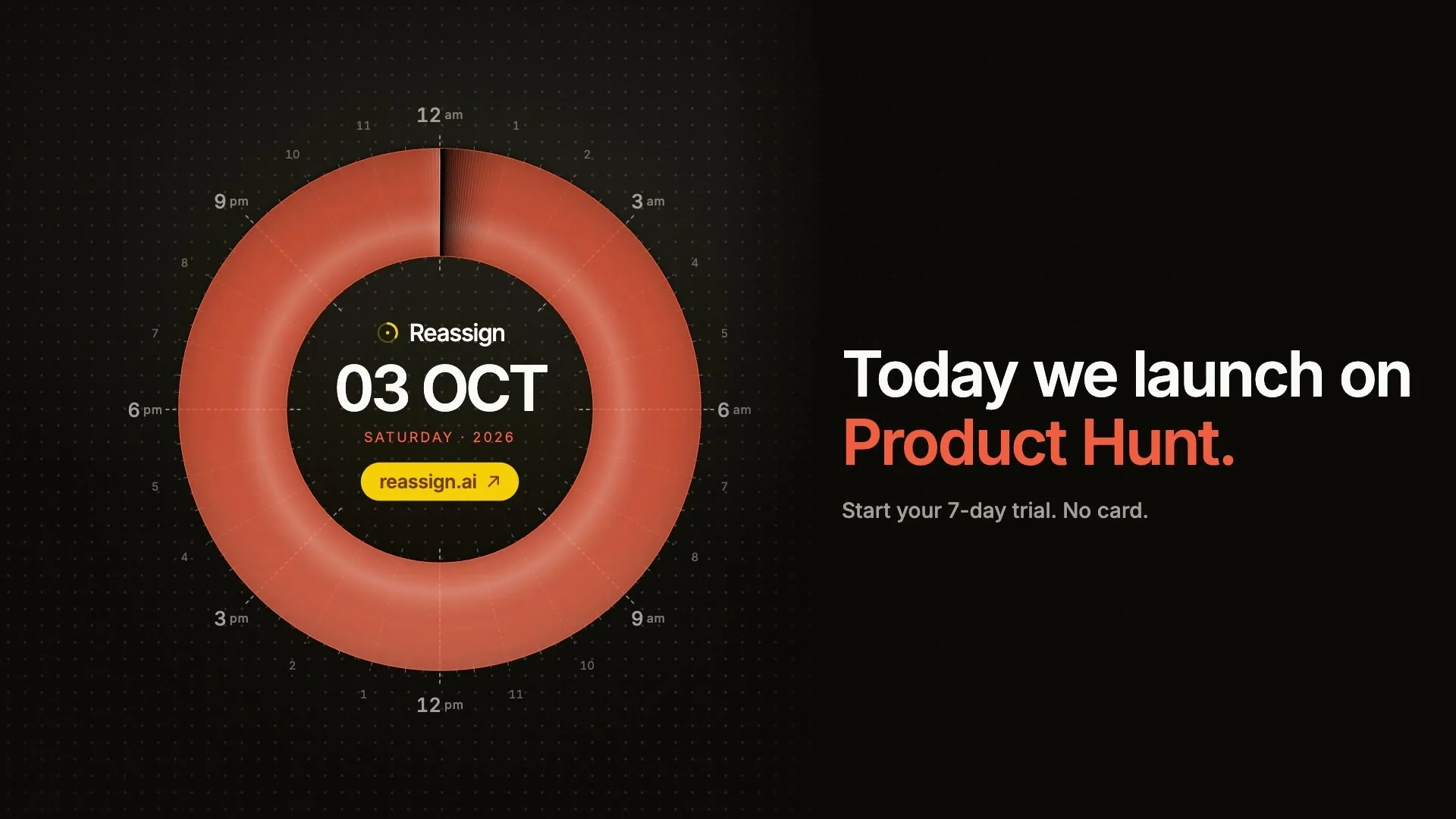
Reassign is on Product Hunt. Meet the 24-hour circular day planner for makers: draw your day, connect your calendars, and ask AI to help reshape it.
Read →
ADHD time management techniques grouped by the problem they solve: seeing time, starting, estimating, stopping, and reviewing, with a tool type for each.
Read →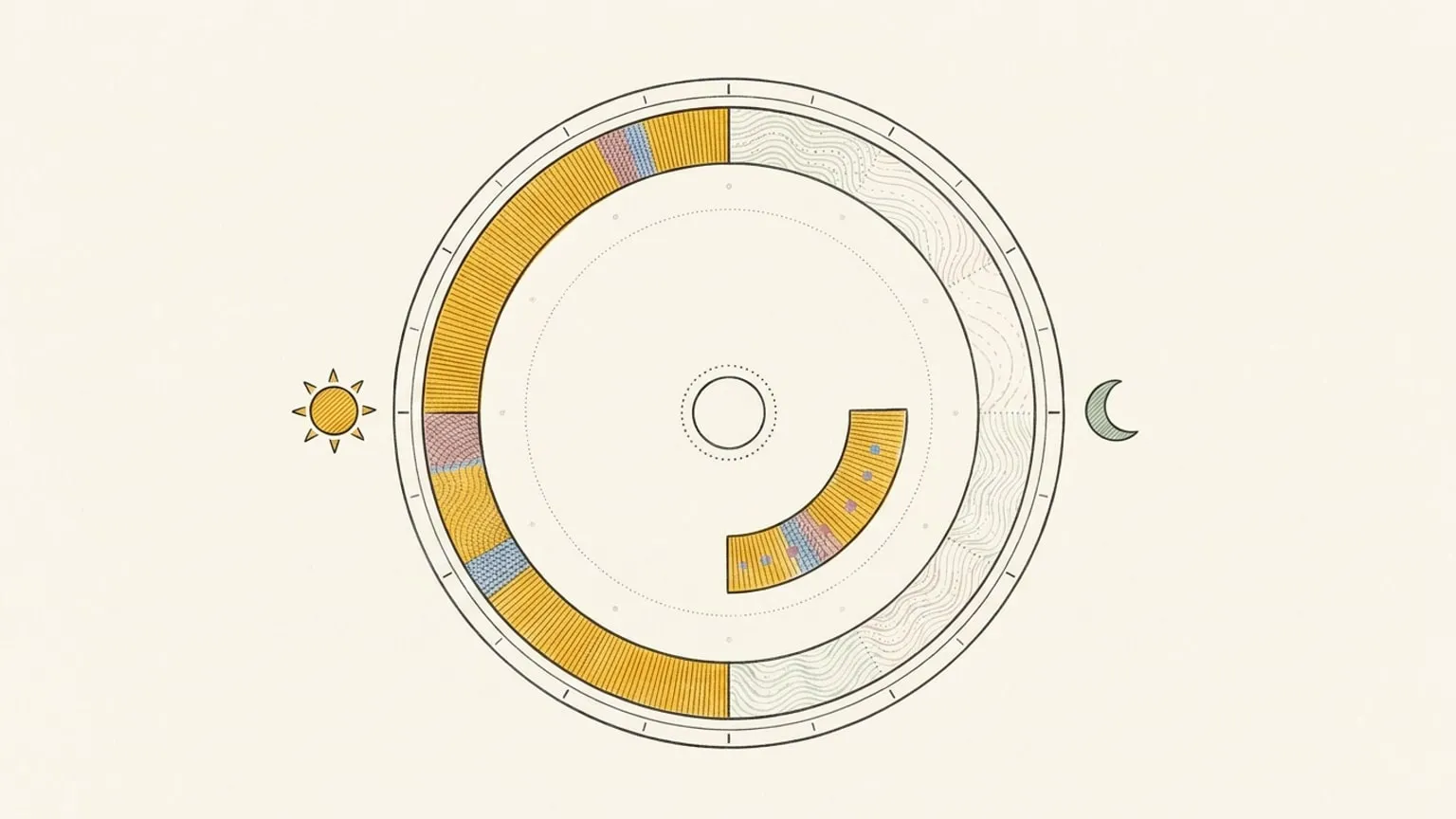
When is the best time to study? It depends on your chronotype. How time of day affects studying, why students run late, and how to find your hours.
Read →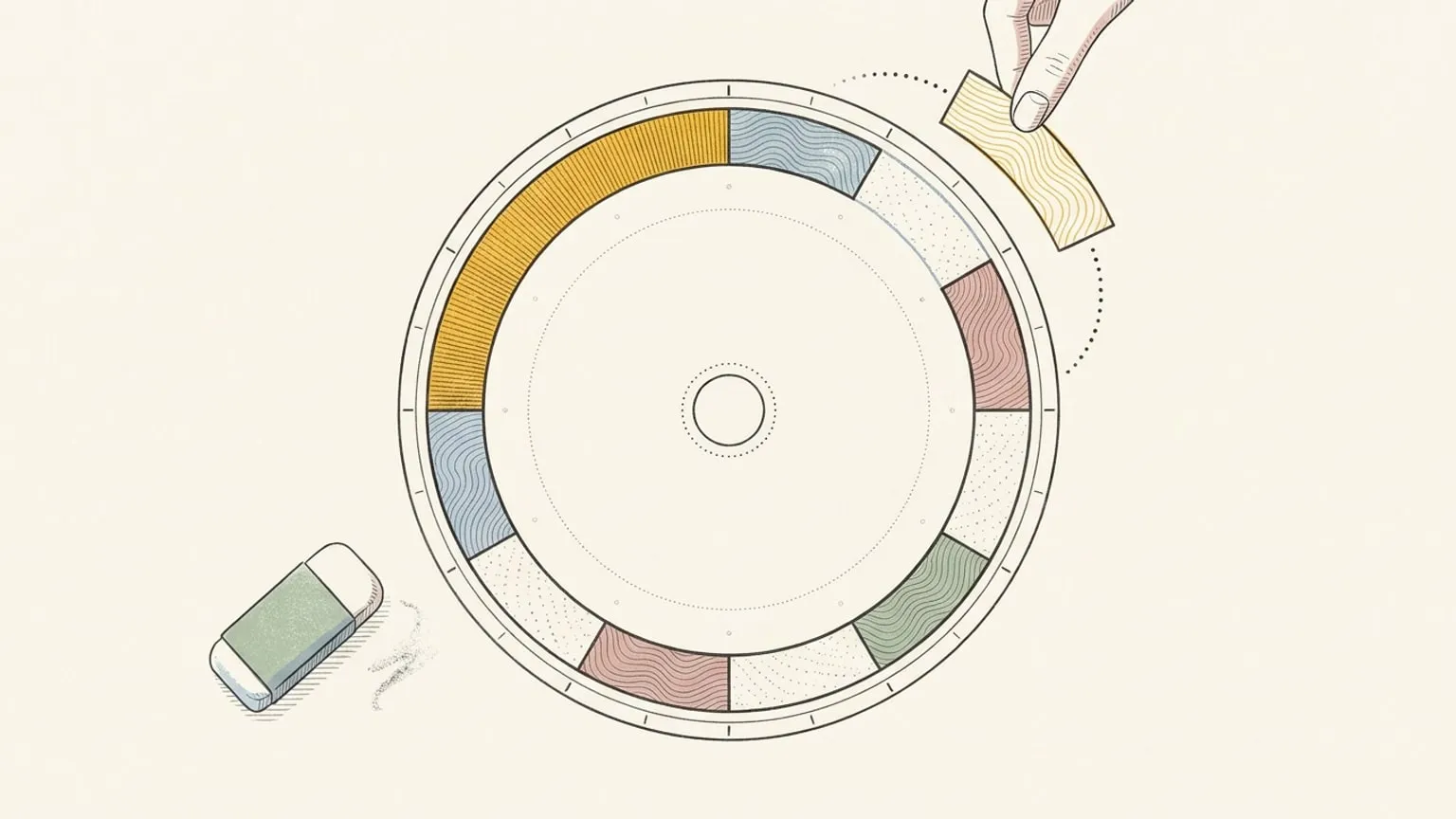
Plan your study week in six steps: fixed commitments first, honest block sizes, one protected deep block, hard work at your peak, buffer, and a restart rule.
Read →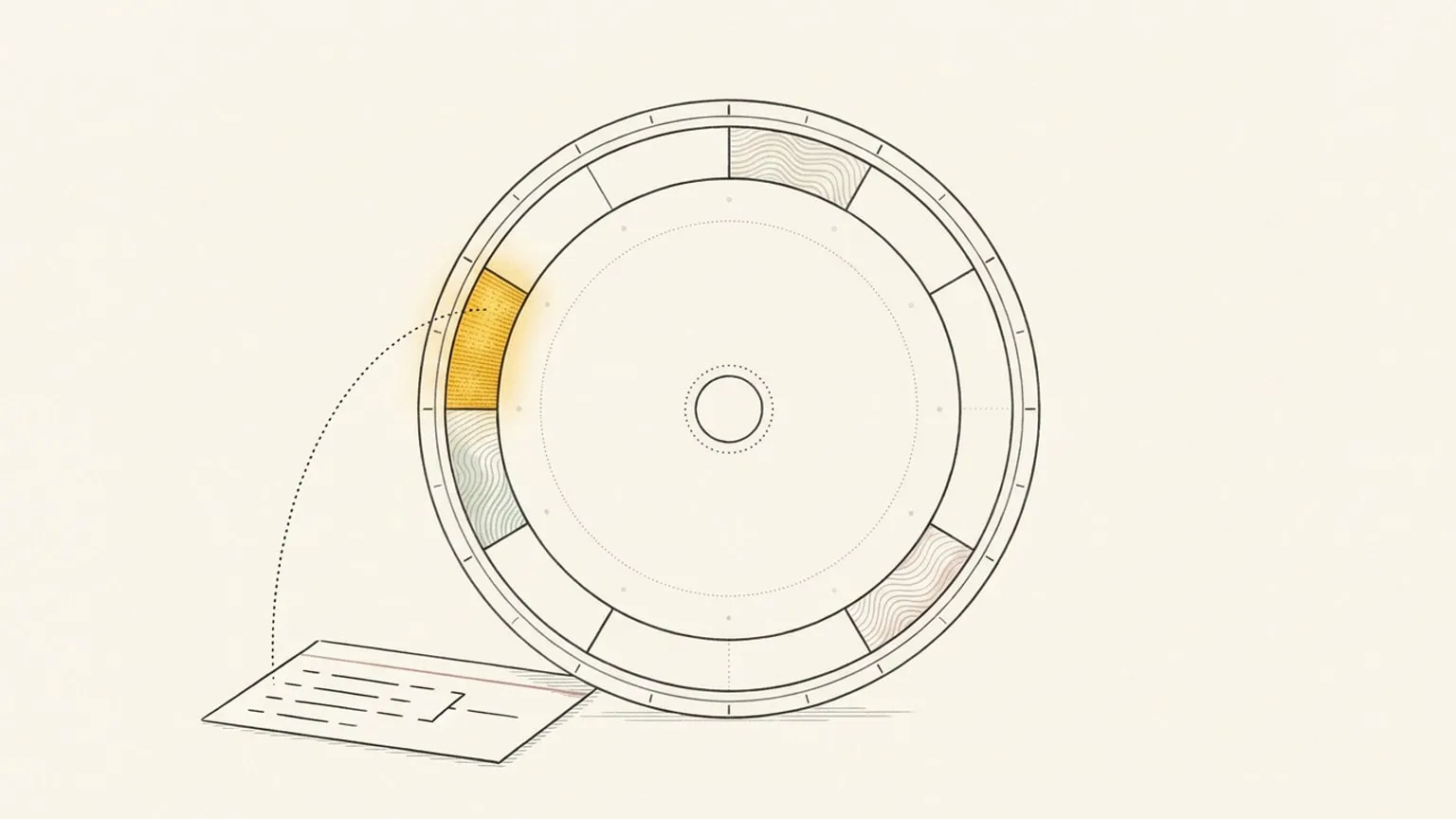
An honest Llama Life alternative, from someone who built one. Where the one-task timer wins, where a 24-hour dial wins, and how to tell which one you need.
Read →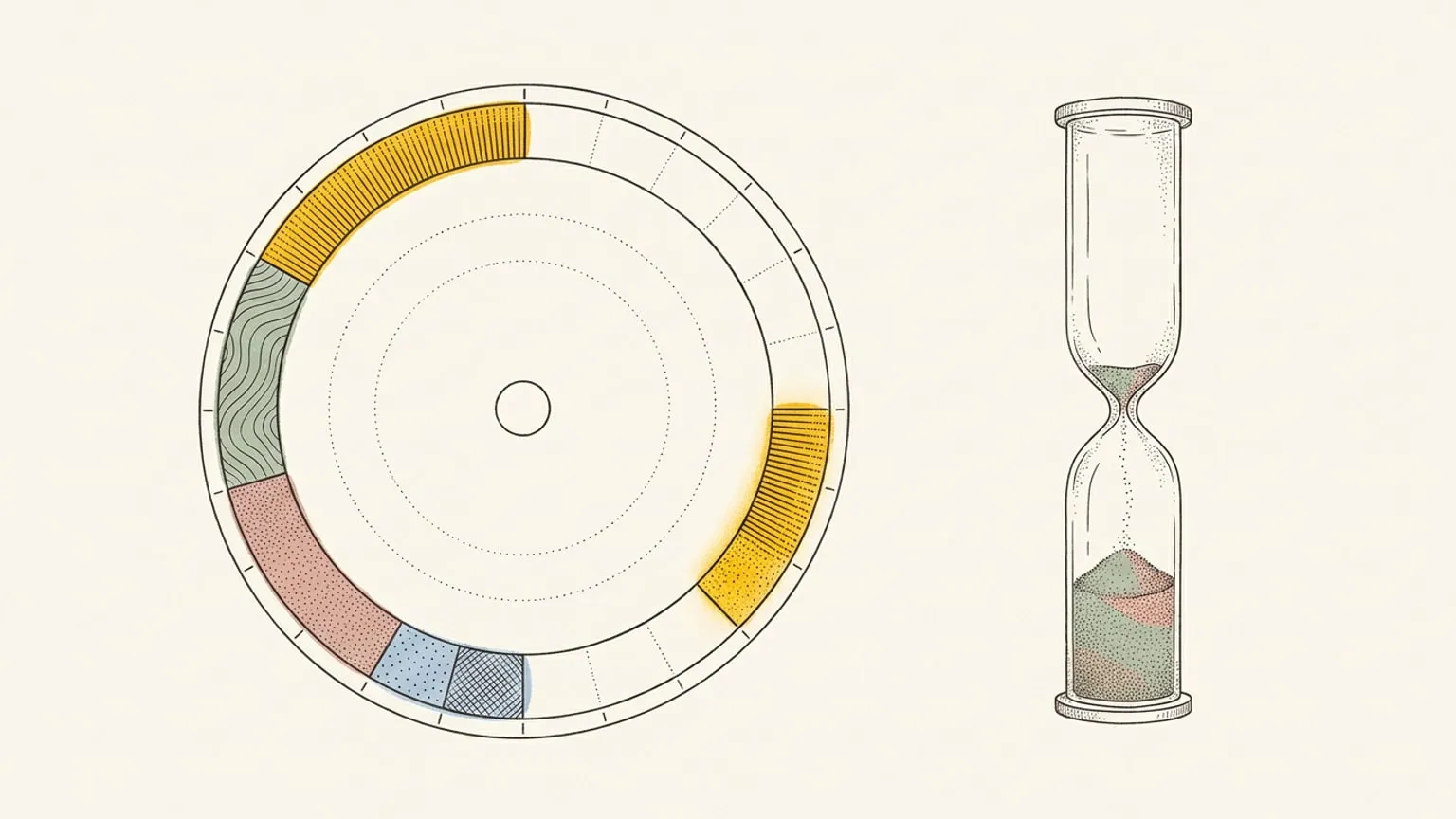
An honest Pretty Progress alternative, from someone who built one. Pretty Progress shows how much of the day has passed; Reassign shows what the day is made of.
Read →