Your calendars and tasks live here too.
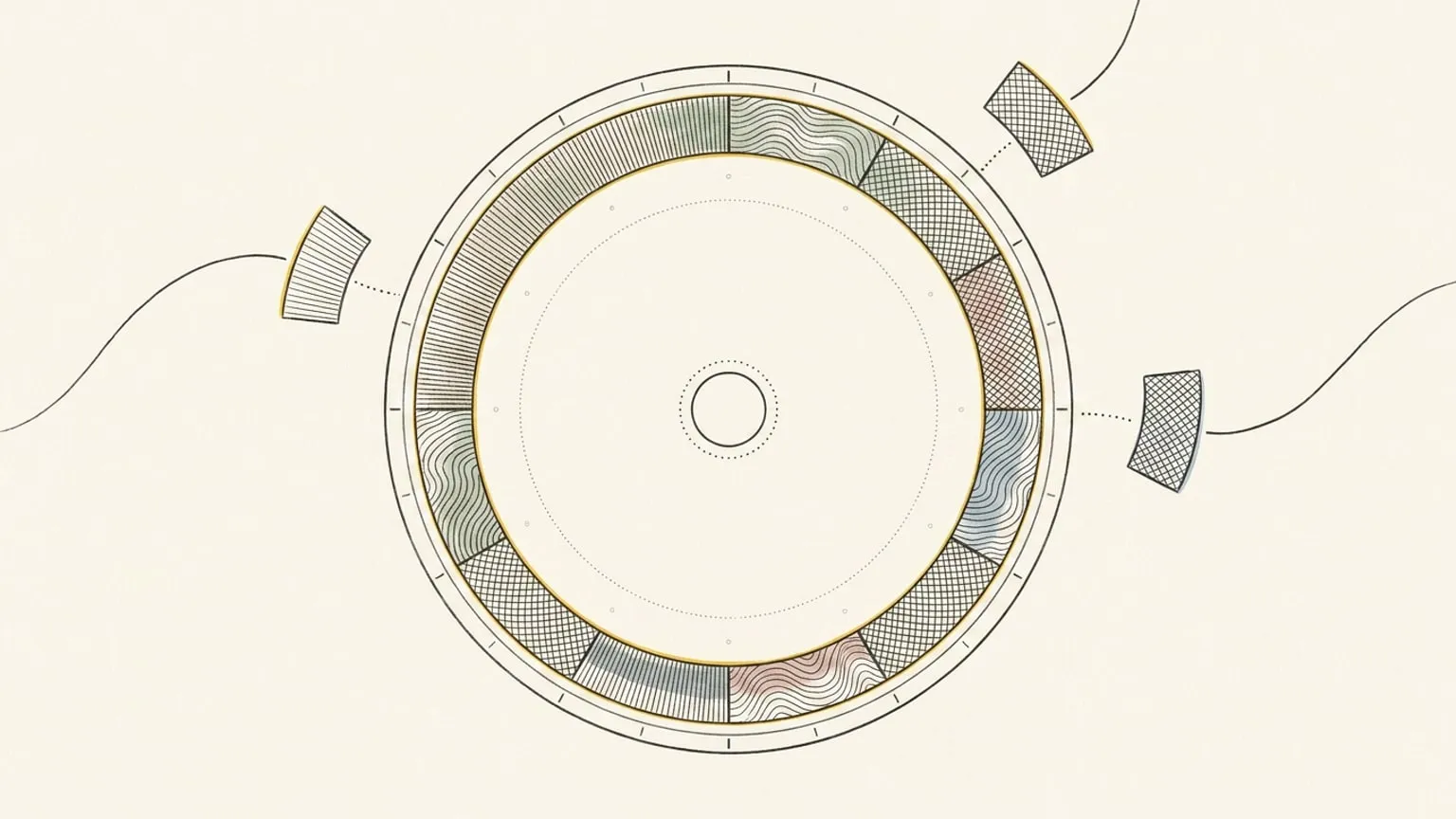
Keep the tools your work already lives in. Bring meetings onto the dial, collect unscheduled tasks in the Inbox, and drag them into the hours you have left. You can see what fits before you commit to another task.
Included in Pro and the 7-day no-card trial.
Nothing moves out of your calendar
Your team keeps inviting you in Google or Outlook, and those invitations keep arriving there. Reassign reads that calendar and writes back to it, so it is a second view of the same day rather than a second place to keep one. Disconnect whenever you like and your calendar is exactly as you left it.
Move a meeting here. Update its calendar.
Move, resize or edit a calendar block you own and it updates at the source. Bring as many calendars as you like and show or hide each one. Mirror a block across more than one calendar, or move it between them, and Reassign re-homes it for you. There is a manual Sync now whenever you want it.
Sorted into your areas by AI
An imported event does not arrive as a grey rectangle. It is classified into the area of life it belongs to and painted accordingly, so a synced day reads exactly like a day you drew yourself. Per calendar, pin one area and activity type instead, or let the AI choose with rules in your own words.
One page each, for the one you actually use
The details differ per provider, so each has its own page: Google Calendar, Outlook, Todoist, Google Tasks, Microsoft To Do, Linear, and TickTick.
Your task apps land here too
Give your task list room in your day. Todoist and TickTick carry a real time, so a timed task becomes a block on the ring. Google Tasks, Microsoft To Do and Linear carry a due date, so their tasks land in your Inbox first and you drag them onto the dial for an hour. Check any of them off and both sides agree. It works the other way too: an item you add to your Inbox can become a task in any of the five, so a thought you capture in Reassign still reaches the list you work from.
What it will not touch
A calendar you do not own comes in read-only. All-day events show as an always-visible card and never block your hours. Declined events are never synced at all. For the date-only task apps, the hour and duration you set stay in Reassign and never travel back. Disconnecting stops sync and keeps imported items. Delete the connected source to remove its linked imports from Reassign; originals at the provider stay unchanged. Apple Calendar and shared calendars are Soon and not available yet.
This page is the what and the why. For the step by step, the docs cover the same ground as instructions: Calendar and task sync in the docs →
Questions
- Which calendars and task apps work today?
- Google Calendar and Outlook sync as calendars. Todoist, Google Tasks, Microsoft To Do, Linear and TickTick sync as task apps, and an Inbox item you add in Reassign can become a task in any of them. All are two-way and included in Pro. Apple Calendar and shared calendars are on the roadmap and not available yet.
- What happens to recurring events?
- A recurring series stays one series across the sync rather than exploding into a copy per day, and a single-occurrence change stays a single-occurrence change on both sides.
- What happens if I disconnect?
- Disconnecting stops sync and keeps imported blocks. Deleting the connected source removes its linked imports from Reassign without changing originals at the provider. Blocks you drew yourself stay.
