A task list tells you what. It never tells you when.
Keep capturing work in Todoist. Connect it to Reassign and timed tasks appear beside your meetings on the dial. Tasks without a time wait in the Inbox until you give them room. Move a timed block or complete it here and Todoist updates too.
Included in Pro and the 7-day no-card trial.
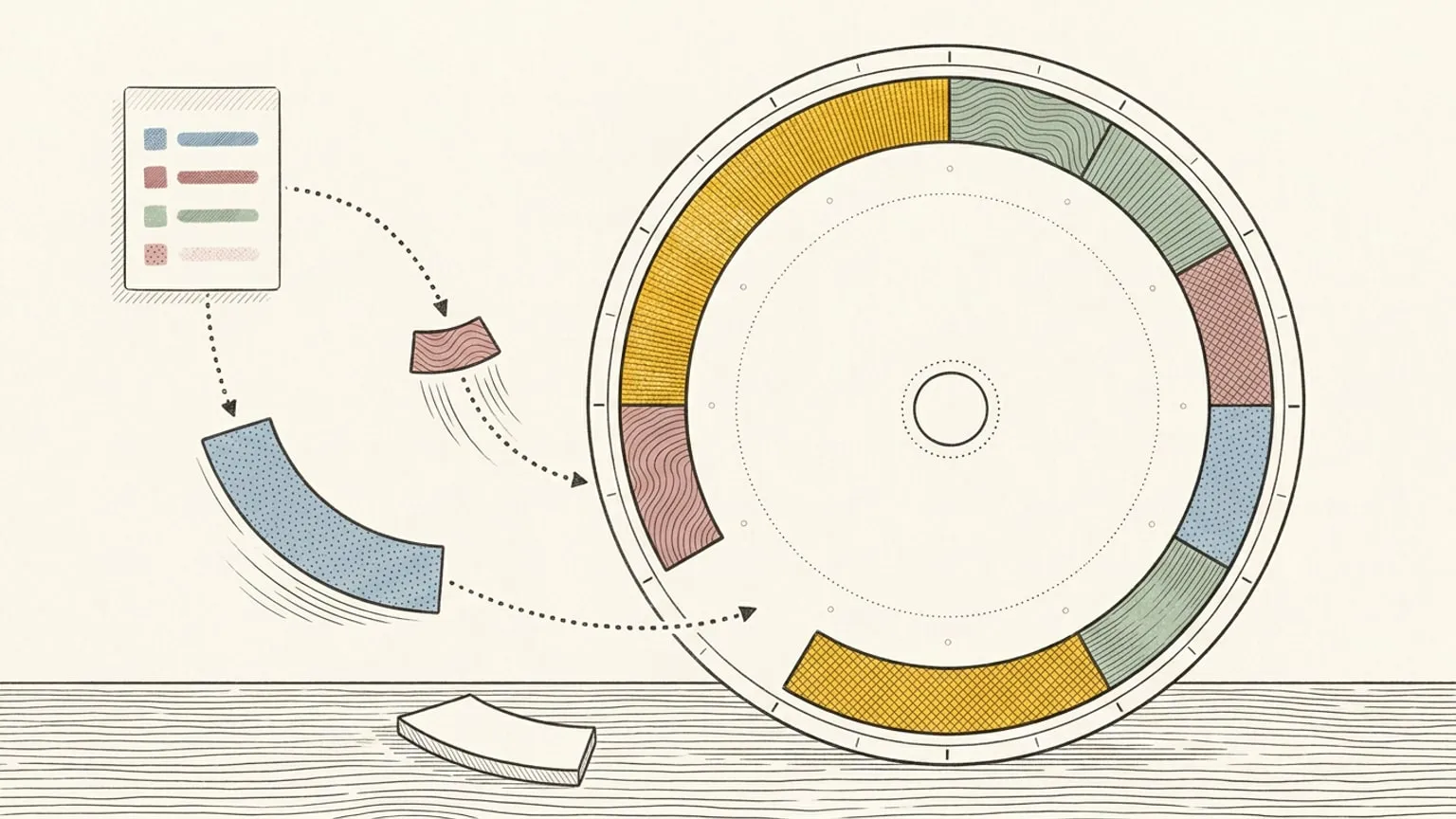
Due time becomes a block
A task with a due time arrives on the ring as a block you can move, resize and colour like any other. Schedule it, edit it, or drag it somewhere it actually fits. A task more than 30 days ahead joins the dial once it is within 30 days.
Undated tasks wait in your Inbox
A task with no time does not get an hour invented for it. It waits in your Inbox, sized and coloured, until you drag it onto a day with room. Choose per project whether undated tasks come across at all.
Check it off anywhere
Tick it on the dial and Todoist has it. Finish it in Todoist and it is marked done here. There is no winner and no merge to resolve.
Todoist stays your task list
This does not replace Todoist and does not try to. Your projects, labels, filters and capture habits stay exactly where they are; Reassign answers the question Todoist does not, which is when. A thing you capture in the Reassign Inbox can go to a Todoist project as a task, with its title, notes and any day. Disconnect whenever you like and your Todoist is untouched.
This page is the what and the why. For the step by step, the docs cover the same ground as instructions: Todoist sync in the docs →
Questions
- Do I have to give up Todoist?
- No. Keep capturing there exactly as you do now. Reassign gives the tasks an hour and hands the result back.
- What happens to tasks with no due date?
- They wait in your Inbox rather than being scattered onto the dial, and you choose per project whether they sync at all.
- Which other task apps sync?
- Google Tasks, Microsoft To Do, Linear and TickTick all sync two-way, alongside Todoist. Asana and GitHub are on the roadmap and not available yet.
- Can I add a task to Todoist from Reassign?
- Yes. Pick a Todoist project as the Source of an Inbox item, or name it as you type (“add to Todoist Work: call the bank”), and Reassign creates the task there. It sends the title, the notes, a planned day as the due date, and the length only with a due date. Set <strong>Default sync to</strong> a Todoist project to send every new Inbox item there.
