The meetings you did not choose, on the same face as the work you did.
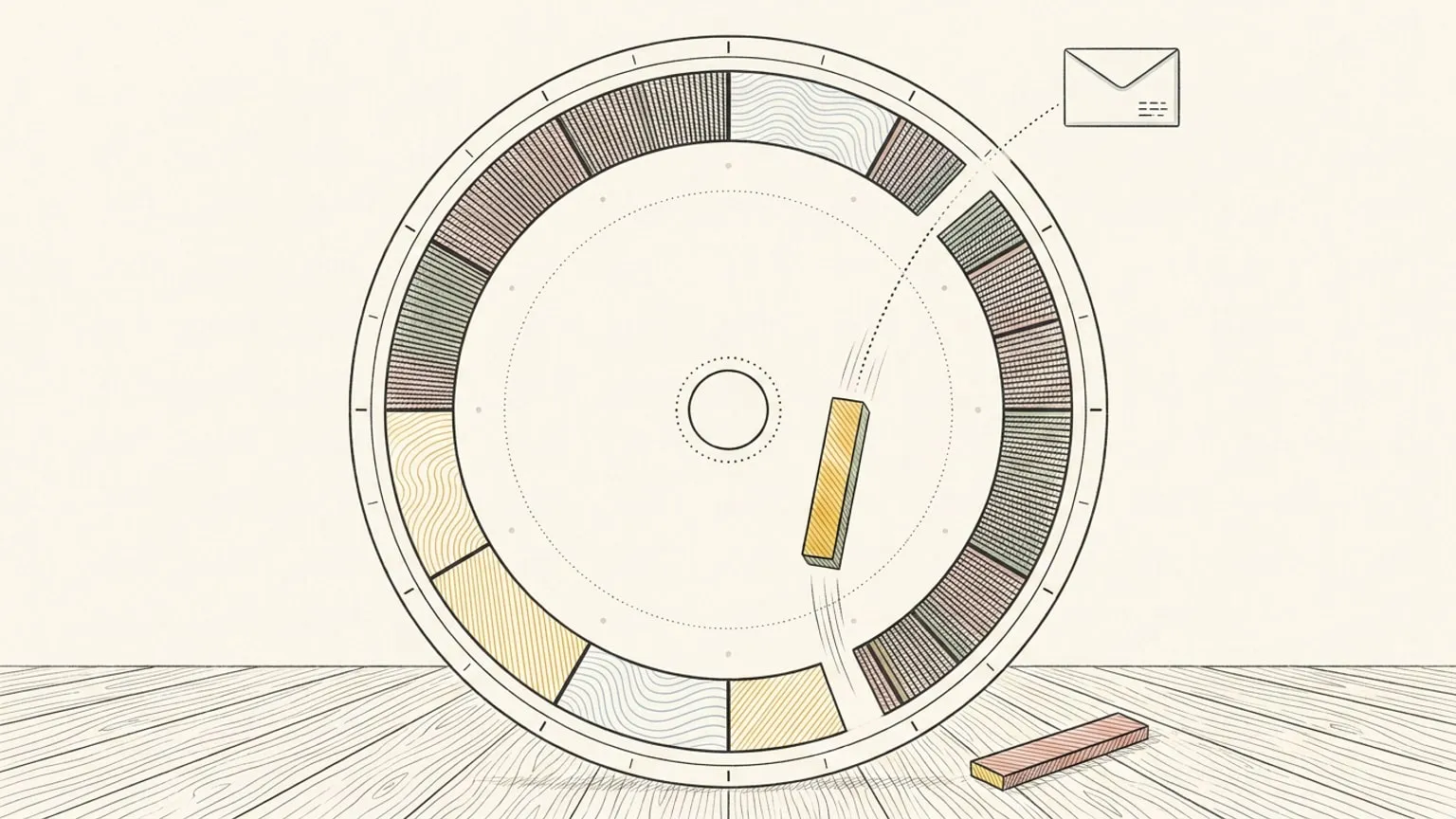
A work calendar is mostly other people. Connect Outlook and those meetings land on the dial beside the hours you were trying to protect, so you can see what the day has left rather than scrolling a column to find out.
Included in Pro and the 7-day no-card trial.
Both kinds of Outlook
Outlook.com for a personal account and Microsoft 365 for a work one, with the same two-way sync either way. The Reassign Microsoft app is publisher-verified, so the consent screen is the ordinary one.
Edits go back the way they came
Move a meeting on the dial and Outlook has it. Someone moves it in Outlook and the dial has it. Bring as many calendars as you like and show or hide each one, and copy events onto another calendar automatically with a mirror per calendar.
Your work day next to the rest of your life
Outlook is one source among several. Google, Todoist and the blocks you drew yourself sit on the same ring, each in its own colour, so the day reads as one day rather than as three apps. And if all you want is the view, only look: it writes back only when you move something.
What it will not touch
A calendar you do not own comes in read-only. Declined meetings are never synced. All-day events show as an always-visible card and never block your hours. Disconnect whenever you like and your Outlook calendar is exactly as you left it. Microsoft To Do is a separate thing, on its own page: Microsoft To Do sync.
This page is the what and the why. For the step by step, the docs cover the same ground as instructions: Outlook Calendar sync in the docs →
Questions
- Does this work with a work Microsoft 365 account?
- Yes, and with a personal Outlook.com account. The app is publisher-verified, though your organisation may still require an admin to approve it.
- Does it sync Microsoft To Do as well?
- Yes, on its own page. Outlook Calendar syncs your meetings as timed blocks; Microsoft To Do syncs your tasks, which land in your Inbox under their due date. Both are two-way and included in Pro.
