Copy the events that belong on the other calendar
Copy events from one Google or Outlook calendar to another automatically. Mirror every event, or write a rule and let AI copy only the ones that match.

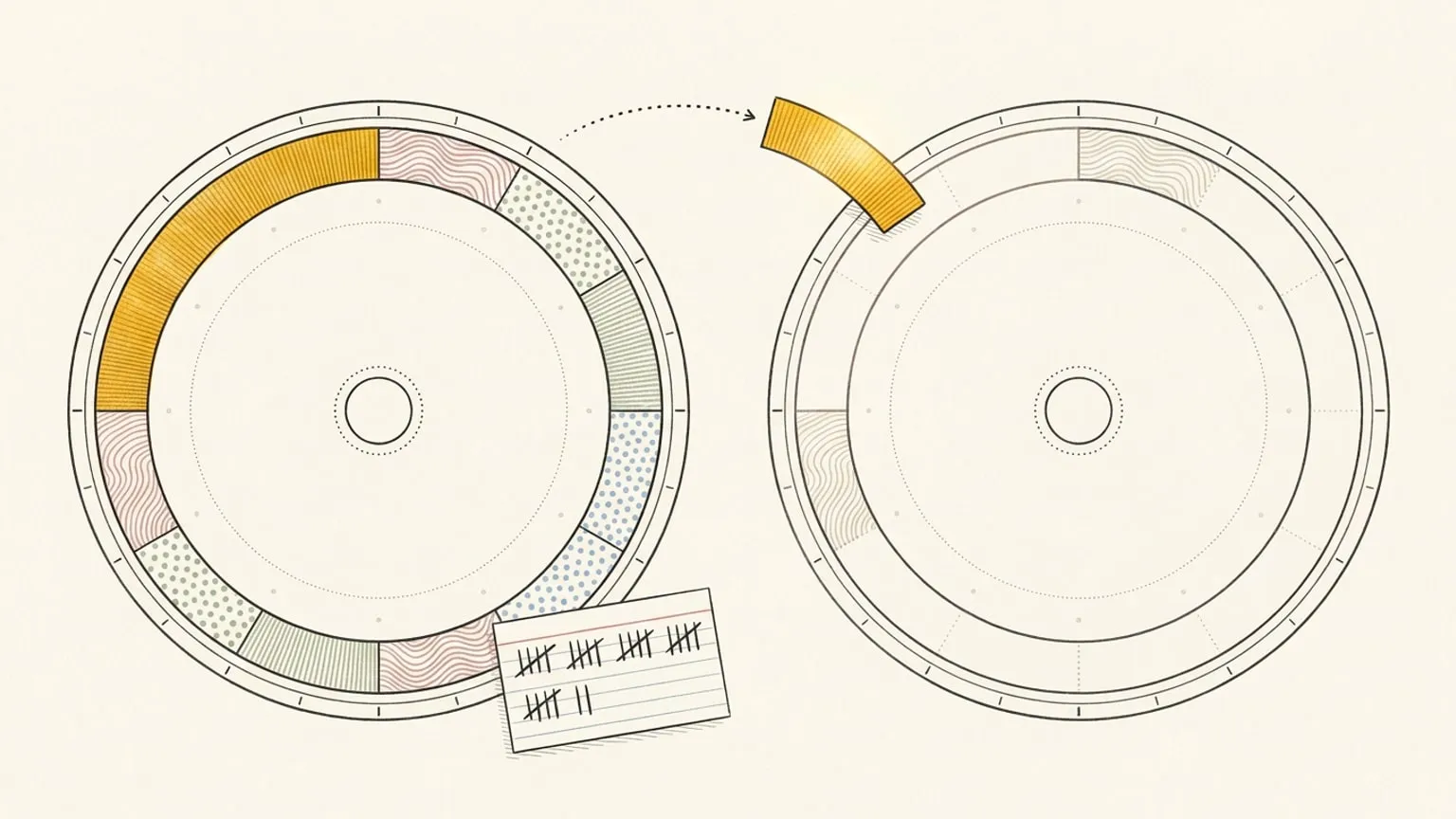
You have two calendars, and some events belong on both. The client call on your work calendar needs to block your personal calendar too, or your partner books dinner on top of it. Google Calendar has no setting that copies events for you. Most people copy them by hand, or build a Zapier or IFTTT recipe that copies every new event, or only the ones with a keyword you filter on.
Reassign now does it per calendar, with one extra control: you can tell it which events to copy, in plain words, and the AI reads for meaning, not for a keyword.
Copy events from one calendar to another automatically
Connect Google Calendar or Outlook, open a calendar’s settings, and find Mirror events. It has three options:
- Always mirror. Every new event from this calendar gets a copy.
- Don’t mirror. Nothing is copied. This is the default.
- Let AI choose. The AI reads each event and copies the ones that match your rule.
Then pick the target under To calendar. The list shows every calendar you can edit, across all your connected accounts. A calendar cannot mirror onto itself, and a task list is never a source or a target.
Copy only what belongs
“Always” is right when the whole calendar belongs on both sides. Usually it does not. Your work calendar holds client calls, and it also holds focus blocks, lunch, and a recurring team standup that your family does not need to see.
Choose Let AI choose and write the rule in plain words: Only client meetings. Skip focus blocks. The AI checks each new event against that rule. It copies an event only when the event clearly matches, and when it is unsure, it does not copy. If the AI call fails, Reassign asks again later. Let AI choose needs AI sync turned on; Always mirror works without it.
With no rule at all, the AI uses the target calendar’s name as the rule. Mirror to a calendar named Family, and it copies the events that look like they belong on Family.
What the copy carries
The copy gets the title, the notes, and the times. A recurring event copies as a recurring series, and a change to one occurrence reaches the copy too. Move or rename the event and the copy follows. Delete the event at the source, or one occurrence of it, and the copy goes too.
Some things stay behind, on purpose:
- Location, attendees, and colour are not copied. The copy is a block of time with a name, not a second invitation.
- All-day events are never copied.
- There is no busy-only option. The title shows on the target. If a work title must not appear on a shared family calendar, keep that calendar on Don’t mirror.
One way, by design
A mirror is one-way. Edits flow from the source to the copy, never back. Edit the copy on the target calendar and the source does not change. Delete the copy there and Reassign unlinks it and does not put it back.
A mirror applies to events that arrive after you turn it on, within the nine days of calendar that Reassign syncs. Turn it off, or point it at another calendar, and Reassign deletes the copies it made on the old target. That also removes a copy you added by hand from that calendar to the same target. Delete the connected source, and the copies of its events go with it. A disconnect keeps them.
For one-off copies, you do not need a rule. Open any block on the dial and add mirror calendars in its calendar picker. A calendar mirror sends every matching event to one target. The per-block list can send one event to several.
Then look at one day
The copies are the plumbing. The reason to connect both calendars is the dial: every calendar on one 24-hour ring, each in its own colour, sorted into your areas. You see the clash before your partner books dinner on top of the call. How two-way calendar sync works →
Calendar sync and mirrors are included in Pro: $14/month or $120/year. Start your 7-day trial, connect two calendars, and mirror the one that keeps colliding. No card required. No automatic charge.
Frequently asked
- Can I automatically copy events from one Google Calendar to another?
- Google Calendar has no setting for this. In Reassign, open a connected calendar's settings, set Mirror events to Always mirror, and pick the calendar to copy to. Each new event from that calendar gets a one-way copy on the target. The target must be a calendar you can edit, on Google Calendar or Outlook.
- Can I copy only some events, not all of them?
- Yes. Choose Let AI choose and write a rule, for example: only client meetings, skip focus blocks. The AI copies an event only when the event clearly matches. When it is unsure, it does not copy. Rules can be up to 500 characters.
- What does the copy include?
- The title, the notes, and the times. Recurring events copy as a recurring series. Location, attendees, and colour stay behind, and all-day events are never copied. There is no busy-only option, so the title is visible on the target calendar.
- If I edit the copy, does the original change?
- No. A mirror is one-way. Edits flow from the source calendar to the copy, never back. If you delete the copy on the target calendar, Reassign unlinks it and does not create it again.
- What happens to the copies when I turn a mirror off?
- Reassign deletes them. Turn a mirror off, or point it at another calendar, and the copies on the old target calendar go. A copy you added by hand from the same calendar to that target goes too. Delete an event at the source, and its copy goes as well.
- Does it copy the events I already have?
- No. A mirror applies to events that arrive after you turn it on. To copy an event that is already on your dial, open it and add a mirror calendar in its calendar picker.
- Does it work between Google Calendar and Outlook?
- Yes. Mirror a Google calendar onto an Outlook calendar, or the reverse. The target list shows every calendar you can edit across all your connected accounts, Google and Outlook together. Calendar sync is included in Pro at $14 a month or $120 a year, with a 7-day trial and no card.
