Every planner that draws the day as a circle
Every planner that draws the day as a circle, compared honestly with US store prices and a checked-on date. Platforms, prices, and what each dial does.

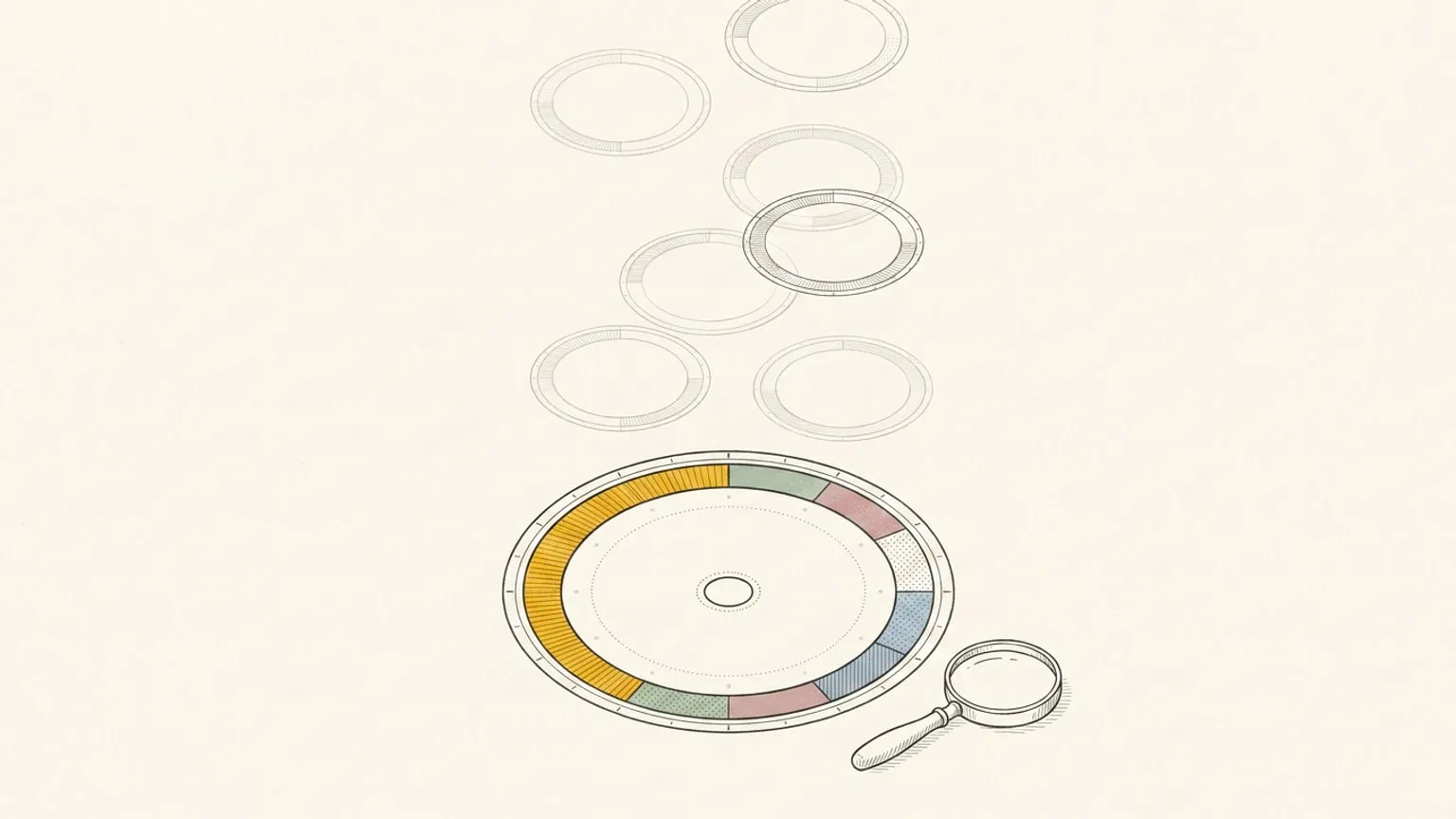
The disclosure first. Reassign is mine. It is a circular planner, so it appears on this list, and it appears last, with the bias declared. Every other row is an app I checked on its own store page and its own site on 3 September 2026, and I have tried to describe each one the way its maker would recognise.
The short answer, since a roundup should have one. On Android, Sectograph. It has drawn calendars on a clock face since 2013 and nothing else on the platform comes close in scale. On iPhone and Apple Watch, Weel if you want a 24-hour dial shaped around ADHD, CircleTime if you want daylight and moon phases on the ring, Owaves if you want the circle to run your circadian routine. On a desktop or in a browser, Reassign, because it is the only dial here that is not a phone app. On paper, a chronodex. The rest of this post is the reasoning.
What makes a planner circular, and why it matters
Two things separate the apps below, and neither is the colour scheme.
The face. A 12-hour dial is the clock on your wall. It is familiar, and the hand goes round twice, so 9am and 9pm land in the same place and the day is never on screen at once. A 24-hour dial puts the whole day on one ring, midnight at the top and noon at the bottom. Sleep gets its own arc. So does the evening that quietly absorbs every overrun. The argument for the round day rests on that second face, and so does the case for circles in time blindness: a ring cannot crop, so 6pm cannot stop existing the way it does below the fold of a list.
Viewer or planner. Some dials draw the calendar you already keep. You do not plan in them, you look. Sectograph, Weel and CircleTime are viewers first. Others let you draw the day onto the ring yourself, block by block. Reassign, DayZen, DayClock and Owaves are planners first. Both are useful. They answer different questions, and the calendar-as-a-clock use case is real enough that Reassign supports it too.
The comparison
Prices are from the US App Store and Google Play on 3 September 2026. Subscriptions are priced by region, so treat them as the shape of the offer, not your bill. The Status column is the app’s last update on its store page the same day, because a dial that stopped updating in 2021 is a different purchase from one updated last month.
| App | Face | Kind | Platforms | Price (US store) | Status |
|---|---|---|---|---|---|
| Sectograph | 12- or 24-hour | Viewer, with a widget | Android; iOS app separately | Free on Android, in-app items $1.99 to $99.99; iOS app $3.99 one-off | Android updated 22 May 2026; iOS last updated April 2023 |
| Weel | 24-hour | Viewer with drag-to-create | iPhone, iPad, Apple Watch; Android is a sign-up form | Free; Weel+ $7.99/mo, $39.99/yr, $1.99/wk | Updated 24 Nov 2025 |
| Owaves | 24-hour | Circadian planner | iPhone, iPad, Apple Watch; Android beta | Free; BodyClock Plus $12.99/mo or $99.99/yr | Updated 19 Aug 2026 |
| CircleTime | 24-hour, plus circular week and month | Viewer with nature cycles | iPhone, iPad, Apple Watch | Free; premium in-app, the store lists a $119 lifetime family plan | Updated 21 Aug 2026 |
| DayZen | 24-hour | Planner, ADHD framing | iPhone, iPad | Free; Premium $2.99/mo, $19.99/yr or $24.99 lifetime | Released Oct 2025, updated 23 Jan 2026 |
| DayClock | 24-hour | Planner, routine blocks | iPhone, iPad | Free, no in-app purchases listed | Released Mar 2026, updated 17 Jun 2026 |
| Android pie-chart planners | 24-hour | Planners | Android | Free with in-app items | See the section below |
| Hour Blocks | Not round: a vertical 24-hour timeline | Planner | iPhone, iPad, Mac | Free, no in-app purchases listed | Last updated April 2021 |
| Paper chronodex | 12-hour spiral, or a 24-hour ring | Planner | Paper | Free templates | Since 2011 |
| Reassign | 24-hour | Planner, with two-way calendar sync and MCP | Web app, installable; internet required to save changes; Chrome extension for a new-tab dial | Pro $14/mo or $120/yr; 7-day no-card trial | Shipping weekly; iPhone companion app in progress |
Sectograph: the Android incumbent
Sectograph has been overlaying calendars on a clock face since 2013, and on Android it is the default answer. It reads the calendars already on the phone, including Google Calendar, and draws the events as sectors on a 12- or 24-hour dial, with the free time between them visible as gaps. Most people meet it as a home-screen widget rather than an app you open. The Play listing shows an update on 22 May 2026, so it is alive.
Two honest limits. It is a viewer: you make the events in your calendar and Sectograph draws them, so planning still happens in a column somewhere else. And it is an Android product. The iOS version costs $3.99 and was last updated in April 2023, and there is no web or desktop version, which the maker’s site confirms by not mentioning one. If you want the same idea on a Mac or in a browser, that is the gap Reassign’s calendar view sits in, and the Sectograph alternative page compares the two head to head.
Weel: the ADHD dial on iPhone and Apple Watch
Weel is the closest thing on this list to Reassign’s own thesis, stated on its site in one line: time is a circle, not a series of columns. It is an iPhone calendar app with a 24-hour analogue face, built for ADHD, dyscalculia and time blindness, and it runs on the Apple Watch, which none of the planners on this list do and Reassign does not either. You create an event by touching and dragging on the dial, mark some events as critical and mute the rest, and attach a to-do list to an event.
The US store lists it as free with Weel+ at $7.99 a month, $39.99 a year, or $1.99 a week. Two things to know before you buy. The last store update is 24 November 2025, ten months before this check. And Android is a sign-up form on the site, not an app. If your day lives on an iPhone and your wrist, Weel is the pick. If it lives on a desktop, it is not available there.
Owaves: the circle as a body clock
Owaves is the oldest 24-hour circle you plan in, on the App Store since 2014 (CircleTime is two years older, but a viewer), and it has a different reason for being round. The dial is a body clock: you plan sleep, meals, exercise and work as arcs, and the app’s BodyClock AI builds a routine around your circadian rhythm. It runs on iPhone, iPad and Apple Watch, an Android beta is on the site, and the store shows an update on 19 August 2026.
It is free with BodyClock Plus at $12.99 a month or $99.99 a year, the highest subscription on this list. That price makes sense if you want a coach for your routine. It makes less sense if you want a planner: Owaves is about the shape of a healthy day, not about the meeting that moved. If the circadian half is what you are after, the free circadian rhythm calculator on this site draws the same windows from your bed and wake times, and Reassign’s energy layer puts them around the ring on Pro.
CircleTime: the day, the week and the month as rings
CircleTime, from the Slovenian studio Galilea, has been on the App Store since 2012 and is the most complete viewer here. It draws the day as a 24-hour clock with your events, daylight, weather and moonlight on one face, then does the same for the week and the month as circular views. Fitness mode and an Apple Watch face are in the feature list, and the store shows an update on 21 August 2026.
It is free to download with premium features in-app. The US listing surfaces a $119 lifetime family plan; the other tiers appear at checkout, so I have not printed a monthly figure I could not read. CircleTime is the pick if you think in natural cycles and want to see them. It is a viewer, so the planning still happens in your calendar, and it is iPhone and Watch only.
DayZen: a new 24-hour planner built for ADHD
DayZen shipped in October 2025 and announced itself on Reddit as the circular 24-hour planner its maker built because lists kept lying to him. The pitch on its site is blunt: a to-do list hides the finite nature of the day, and a clock face cannot. Tasks become coloured segments on a 24-hour ring, with a focus mode and no account required.
It is iPhone and iPad only, free with Premium at $2.99 a month, $19.99 a year or $24.99 for life, the cheapest paid tier on the list. The store shows the last update on 23 January 2026 and a handful of ratings so far. Watch for whether it keeps shipping. A one-person app that stops updating is the main risk with a young planner, and I say that as a one-person planner.
DayClock: routine blocks on a clock face
DayClock is the newest entry, released in March 2026 by an independent developer and updated in June. It turns a daily routine into a 24-hour circular planner: sleep, work, meals and free time as colour-coded blocks around the circle, so you get a picture of where the day goes. It is free, and the US store lists no in-app purchases at all.
It is iPhone and iPad only, and it is a routine planner rather than a calendar: there is no sync in the store description. If you want to draw an ideal day and look at it, DayClock does that for nothing. If you want the ring to hold today’s actual meetings, look elsewhere on this list.
The Android pie-chart planners
Search Google Play for a circular planner and you find a dozen small apps that draw the 24 hours as a pie chart you colour in. Three of them were updated recently enough to matter on 3 September 2026: 24Houring (updated 21 August 2026, in-app items $4.99 to $29.99), Circular timetable (updated 27 August 2026, in-app items $0.49 to $24.99), and Daily Planner with Calendar from Kiyoh (updated 6 November 2025, in-app items $4.49 to $44.99). They are planners, not viewers: you draw the day, and most do not read your calendar. If you want a free ring to colour on an Android phone, any of them will do it, and Sectograph will show you the meetings around it.
Hour Blocks: 24 hours, not round
Hour Blocks appears in every search for a 24-hour planner app, so it belongs here with a correction. It draws the next 24 hours as a vertical timeline of blocks, not a circle. It runs on iPhone, iPad and Mac and is free with no in-app purchases listed. Its last update on the store is April 2021, so treat it as finished software rather than a live product.
Not a circular planner, but often searched beside them: the Pretty Progress comparison covers countdown and day-progress widgets.
Paper: the chronodex
Before any of these apps there was the chronodex, a clock-face planner drawn on paper since 2011, hours as sectors and tasks as shaded wedges. Templates are free, the tool is a pen, and the limit is that a shaded wedge cannot move when the day does. If you want to try circular planning tonight with nothing to install, the printable 24-hour dial on this site is a two-page PDF, free, no sign-up.
Reassign: the dial for the desktop
Reassign draws all 24 hours as one dial, midnight at the top, noon at the bottom, and you plan by drawing on it: drag from 9 to 11 and a block appears sized to those two hours. Colour marks the area of your life, the fill pattern marks the activity type, and a red now indicator moves around the ring with past hours fading behind it. The centre holds a small date caption over the weekday in handwriting, and the weekday morphs letter by letter when you step to another day. It is the dial the rest of the product is built on.
Where it differs from everything above is where it runs and what it connects to. It is a web app you can install on a desktop or a phone, it requires internet to save changes, and a Chrome extension puts today’s dial on every new tab. On Pro it syncs two-way with Google Calendar, Outlook, Todoist, Google Tasks, Microsoft To Do, Linear and TickTick: move a block on the ring and the event moves in the calendar, and a calendar change lands on the dial. It is also the only planner on this list that Claude or ChatGPT can read and reshape over MCP, with read or write scopes, every change landing on the dial where you can see it, and a 30-minute undo behind it. You can also talk to the dial: hold the voice icon on the dial, say the change, and let go. A safe change such as a move applies at once with one Undo; a delete or a clear holds until you confirm it. Pro adds a list and a timeline for reading the days ahead, recurring blocks, and an unlimited horizon. Switch on the weather layer and the same ring carries the forecast, a sunrise and sunset disc, and the moon at the best hour to see it.
The honest limits. There is no native phone app, no home-screen widget, and no watch face. An iPhone companion app is in progress and widgets are Soon on the roadmap, so the installable web app is what you get on a phone today. Block and break alerts reach every device where you turn them on, but an alert is not a widget. An account is required. Pro is $14/month or $120/year, with a 7-day no-card trial. After the trial, a subscription is required; data stays.
How to choose
- You want to look at the day you already have, on a phone. Sectograph on Android. Weel or CircleTime on iPhone. Or connect a calendar to Reassign and only look.
- You want to draw the day yourself, on a phone. DayZen or DayClock on iPhone, one of the pie-chart planners on Android. All free to start.
- You want the circle to run a healthy routine. Owaves, and budget for the subscription.
- You plan at a desk, in a browser, or with an AI. Reassign. It is the only dial here that is not a phone app.
- You want nothing to install. A chronodex template or the printable dial, and a pen.
Circles are having a moment: three of the ten rows above did not exist two years ago. That is good news for anyone whose day never fit a column. If you want the wider field, including the vertical planners the ADHD community uses most, the best apps for time blindness roundup covers Tiimo, Structured and the visual timers. Try the dial for 7 days with no card at reassign.app. The day will be round tomorrow either way.
Frequently asked
- Is there a circular planner app?
- Yes, several, and they split into two kinds. Viewers draw the calendar you already keep onto a clock face: Sectograph on Android, Weel and CircleTime on iPhone. Planners let you draw the day onto the ring yourself: Reassign on the web and desktop, DayZen and DayClock on iPhone, Owaves for a circadian routine. Pick by platform first, then by whether you want to look at the day or make it.
- What is the best 24 hour planner app?
- For an Android phone, Sectograph is the incumbent: free, twelve years old, and it overlays your existing calendar on a 12- or 24-hour dial. For iPhone and Apple Watch, Weel is the ADHD-shaped 24-hour dial. For a desktop or a browser, Reassign draws all 24 hours on one dial and syncs two-way with Google Calendar, Outlook, Todoist, Google Tasks, Microsoft To Do, Linear and TickTick. There is no single best; there is a best for where you plan.
- Is Sectograph available on iPhone or on the web?
- Sectograph is an Android app first. There is an iOS version at $3.99 on the US App Store, but its last update was April 2023, and there is no web or desktop version. Checked 3 September 2026.
- Is there a free circular planner app?
- Several apps on this list keep a basic dial free: Sectograph, Weel, CircleTime, DayZen, DayClock, and Owaves have a free tier or free app with paid extras. Reassign has a 7-day no-card trial, then requires a subscription. The free paper option is a chronodex template, or the printable 24-hour dial on this site.
- What is the difference between a 12-hour and a 24-hour dial?
- A 12-hour face is the clock on your wall: familiar, but the hand goes round twice, so 9am and 9pm share a spot and the day is never on screen at once. A 24-hour face puts the whole day on one ring, midnight at the top and noon at the bottom, so sleep, morning, afternoon and evening each have their own arc and nothing overlaps.
- Can a circular planner sync with Google Calendar?
- Sectograph, Weel, CircleTime and Owaves read your device calendars, which includes a Google account signed in on the phone. Reassign syncs two-way with Google Calendar, Outlook, Todoist, Google Tasks, Microsoft To Do, Linear and TickTick on Pro: a block you move on the dial moves the event in the calendar, and a calendar change lands on the dial.
- Is there a circular planner for desktop?
- Reassign is the one built for the desktop and the browser: a web app you can install, with a Chrome extension that puts the live dial on every new tab. Hour Blocks runs on the Mac but draws a vertical timeline, not a circle. The other dials on this list are phone apps, and Sectograph, Weel and CircleTime add a watch face or widget.
