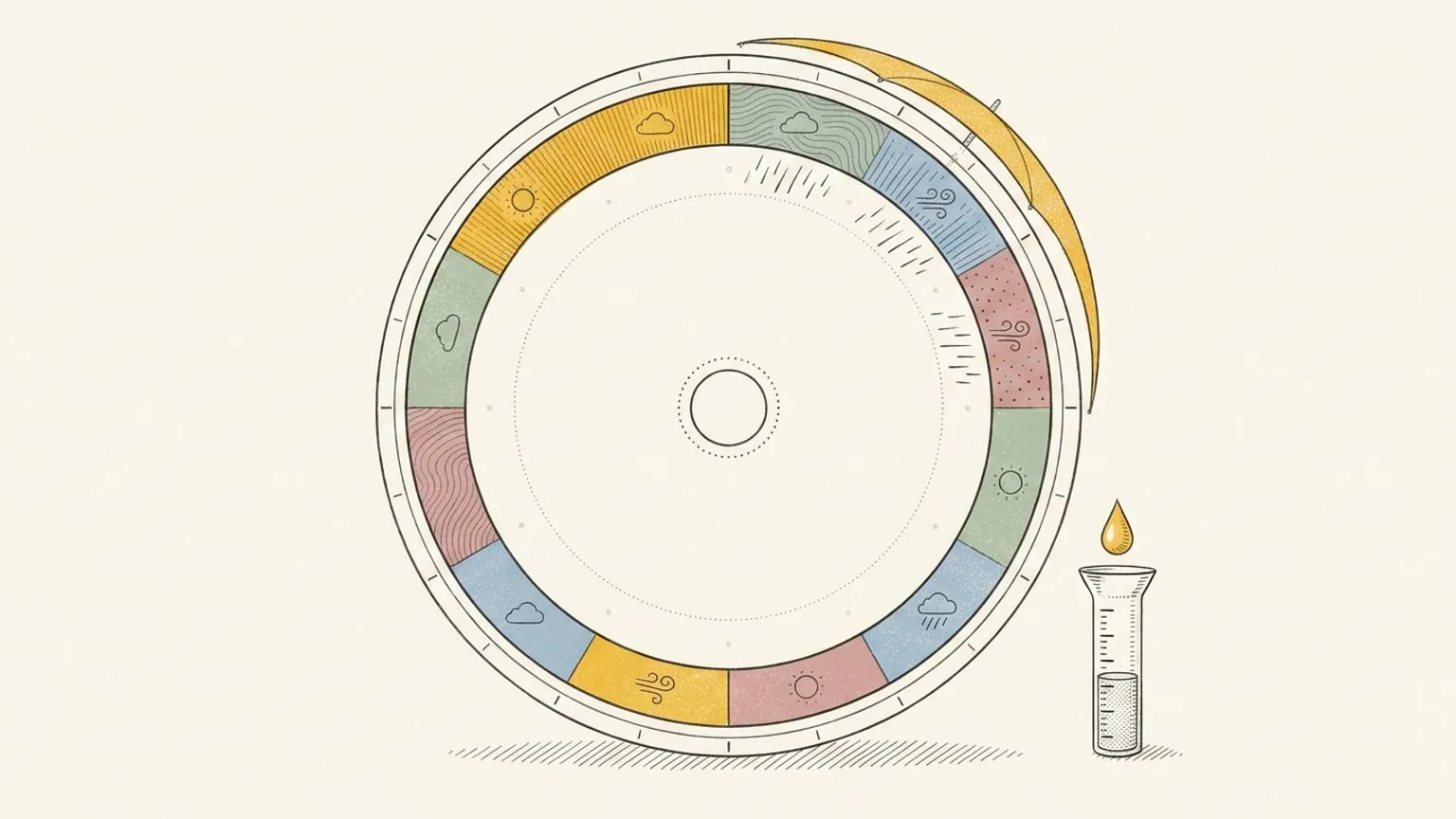
The forecast, on the same ring as your day.
The dial is a 24-hour clock, so anything that happens on a clock can sit on it. The weather is the cheapest proof: your plan and the day it has to survive, drawn on one face.
Included in Pro and the 7-day no-card trial.
Five things, each with its own switch
Temperature as a curve, conditions as marks you can scrub by the hour, a day and night disc for sunrise and sunset, the moon phase, and UV. Turn on the ones you care about and leave the rest off.
Tomorrow too, not just today
The forecast follows you as you move between days, so a plan you are making for Thursday is drawn against Thursday’s weather rather than today’s. In your own units.
Why it changes what you plan
A run at 2pm reads differently when you can see the temperature peak sitting under it, and an outdoor block at 7pm reads differently when sunset is drawn on the same ring. You are planning against the day, not just against the clock.
Every layer has a switch
The Layers control, bottom left, turns each overlay on or off, and the now indicator is a layer too. A dial with everything showing at once is a choice you made, never the default you were handed.
This page is the what and the why. For the step by step, the docs cover the same ground as instructions: Weather on the dial in the docs →
Questions
- Is the weather layer free?
- Weather, moments, and the energy curve are all included in Pro and the 7-day no-card trial. A subscription is required after the trial.
- Can I see the forecast for days ahead?
- Yes. Move to any day inside your planning horizon and the forecast moves with you, as far ahead as the forecast itself goes.
