Reassign vs Google Tasks: give your list room in the day
Compare Google Tasks time blocking with a 24-hour circular day planner. See what Reassign adds, what syncs, and when Google Calendar is already enough.
Read →Your time already lives in several places. These pieces cover how your calendars and task apps sync two ways with Reassign: Google Calendar and Outlook for meetings, and Todoist, Google Tasks, Microsoft To Do, Linear and TickTick for tasks. Meetings and timed tasks appear on the dial. Unscheduled tasks wait in the Inbox until you give them time.
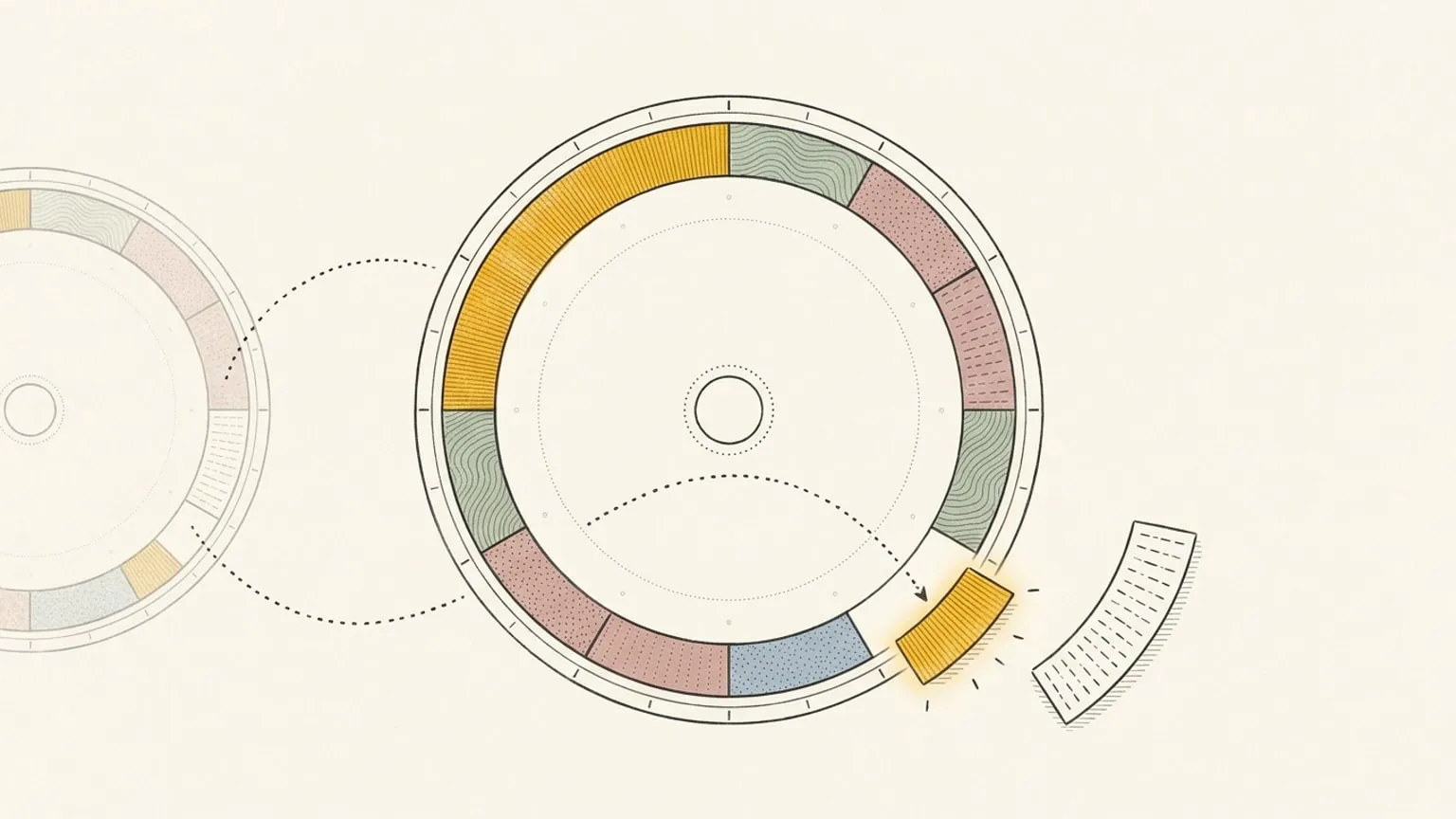
Compare Google Tasks time blocking with a 24-hour circular day planner. See what Reassign adds, what syncs, and when Google Calendar is already enough.
Read →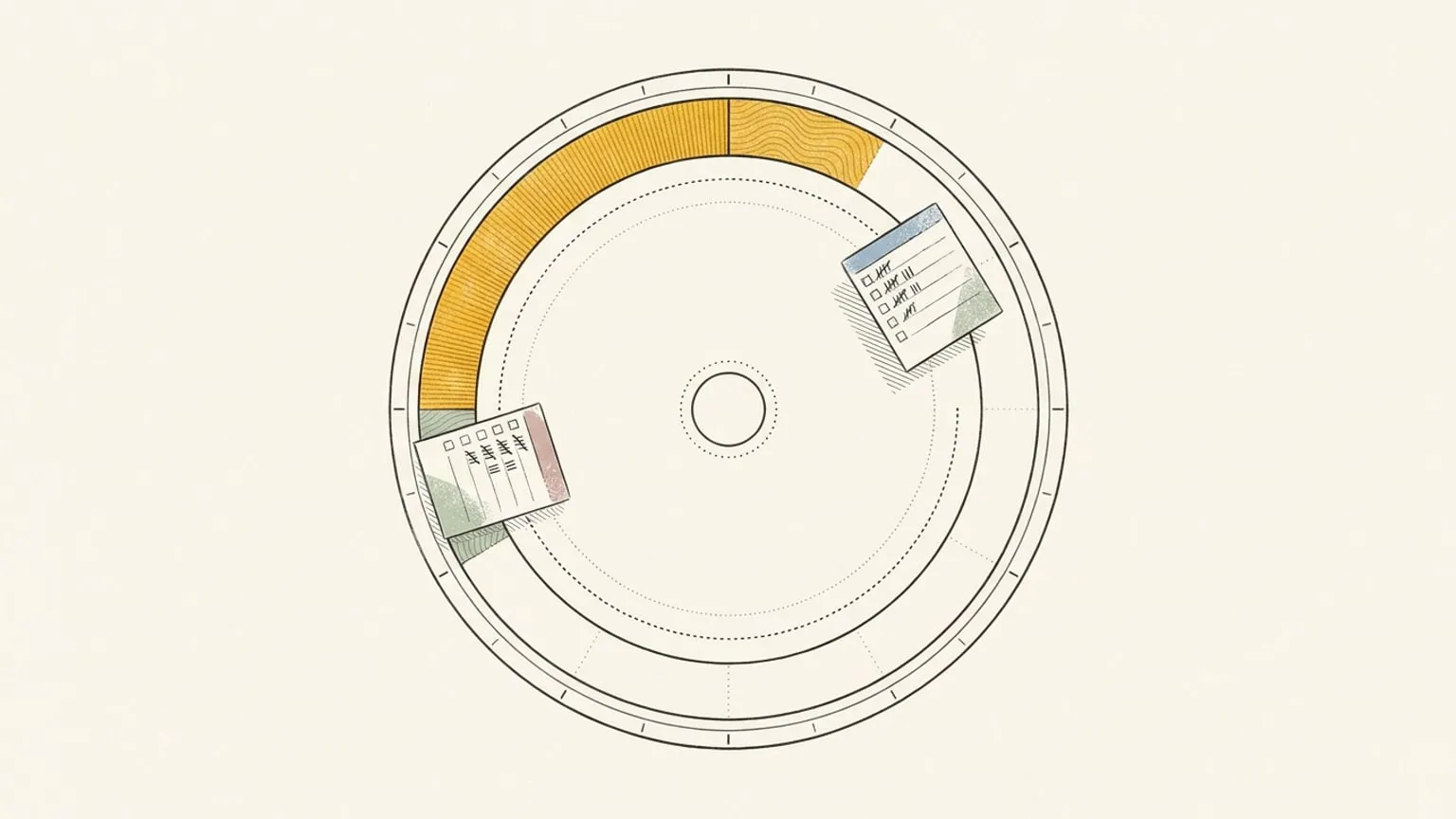
Compare Microsoft To Do's My Day with a 24-hour circular day planner. See what Reassign adds, what syncs, and how to plan tasks around Outlook meetings.
Read →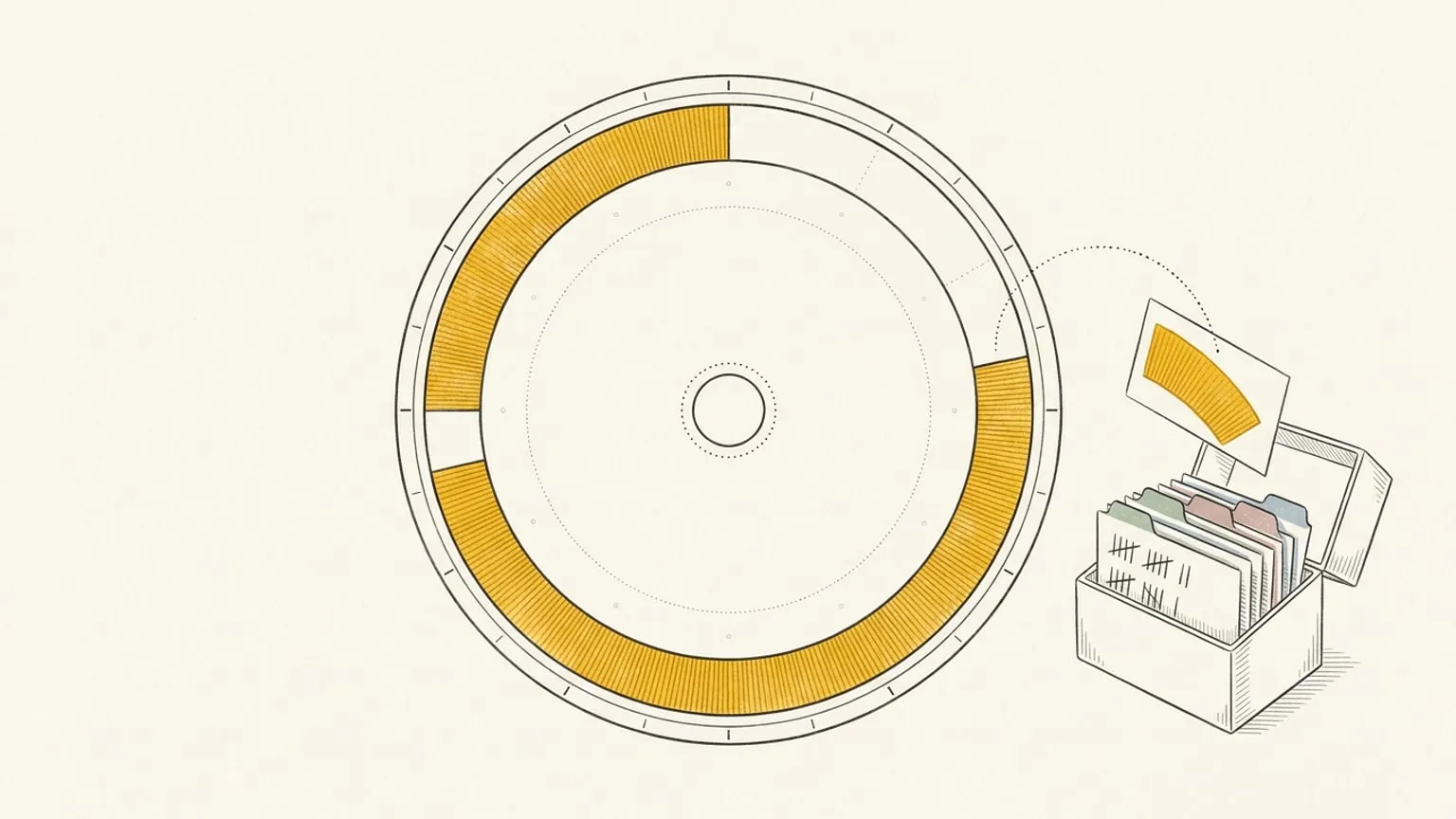
Compare TickTick with Reassign's 24-hour circular day planner. See the prices, calendar and focus tradeoffs, and how to keep TickTick with two-way sync.
Read →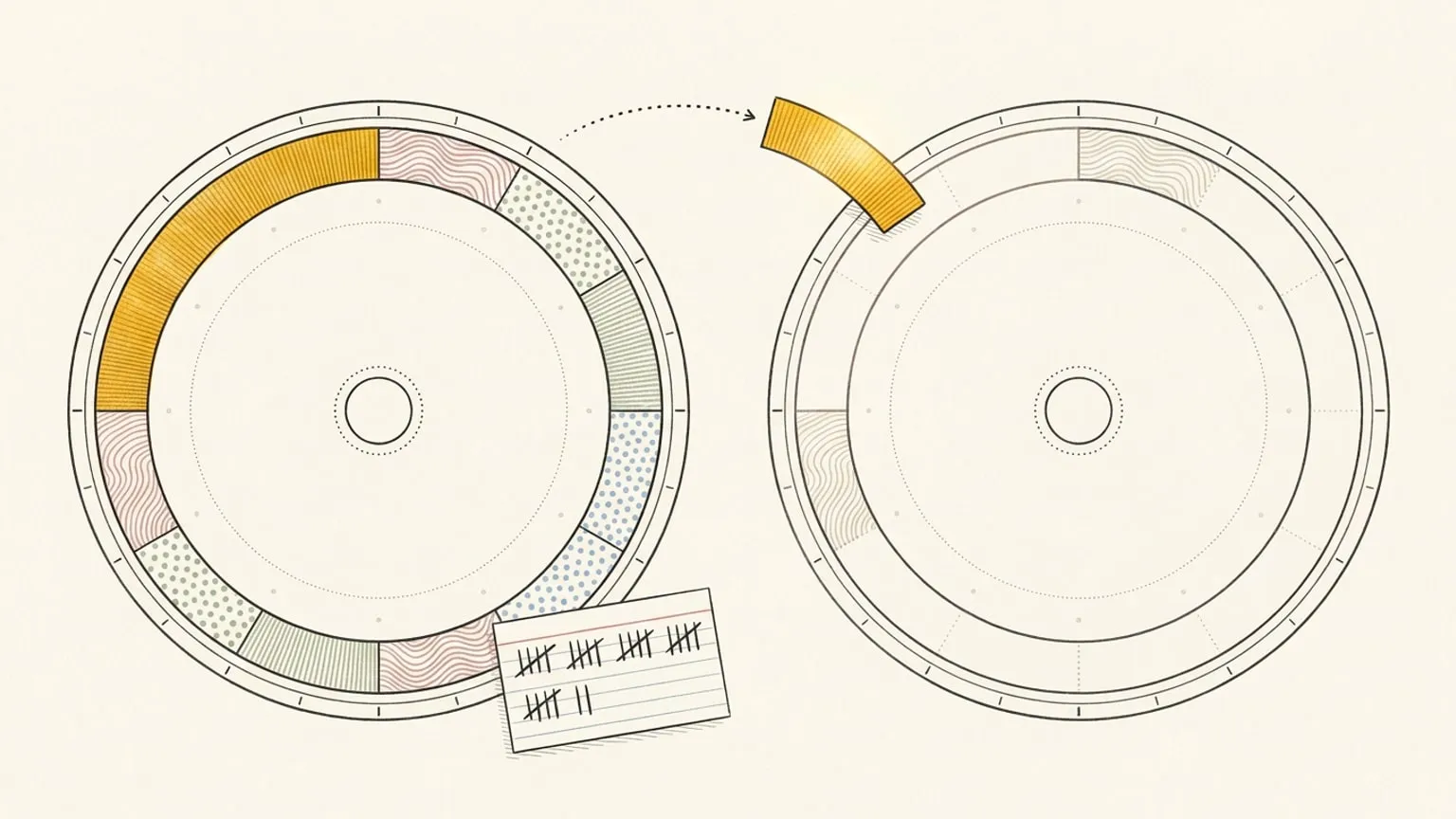
Copy events from one Google or Outlook calendar to another automatically. Mirror every event, or write a rule and let AI copy only the ones that match.
Read →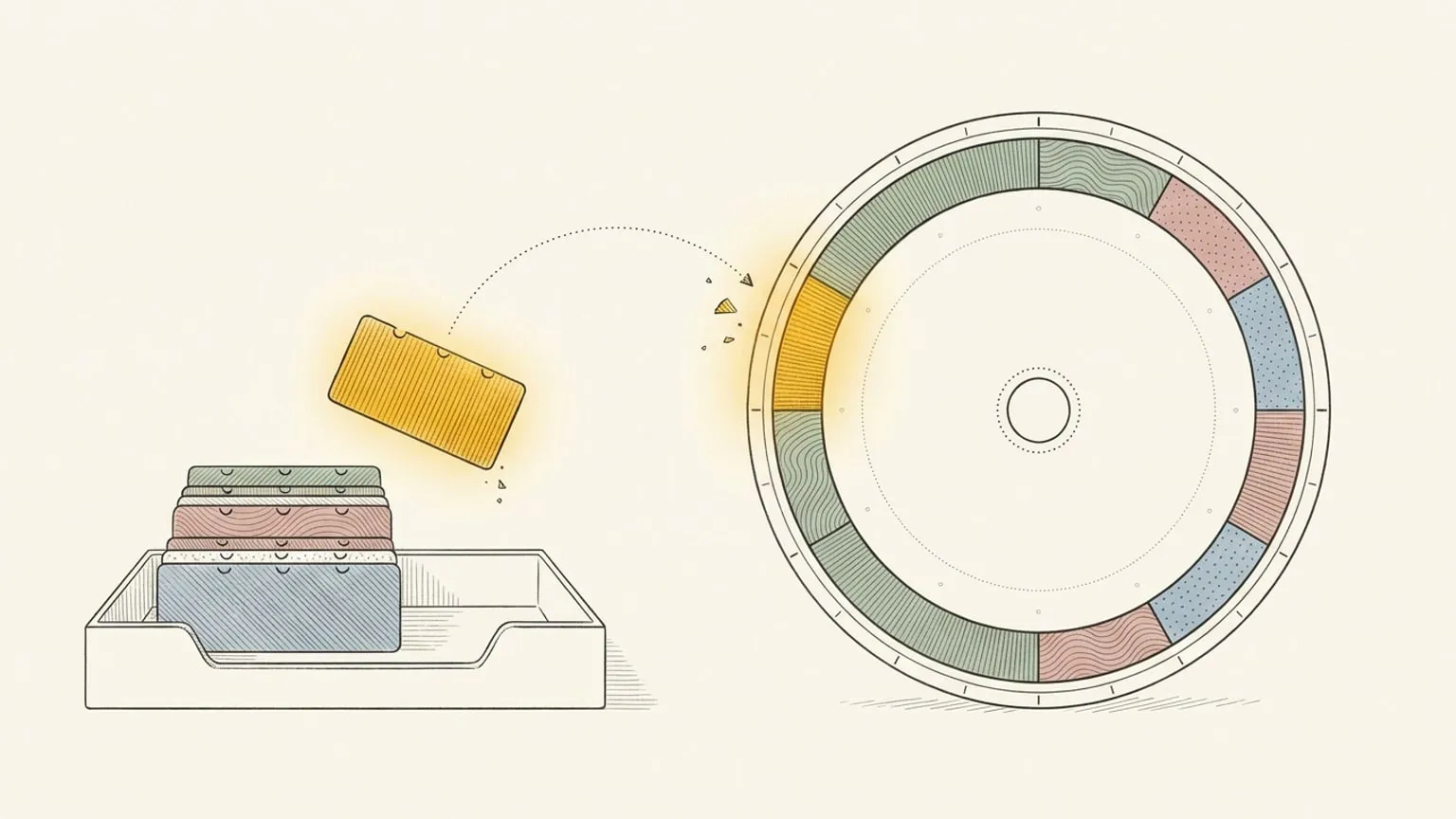
Reassign now syncs two-way with Google Tasks. Each dated task lands in your Inbox with its due date; drag it onto the 24-hour dial to give it an hour.
Read →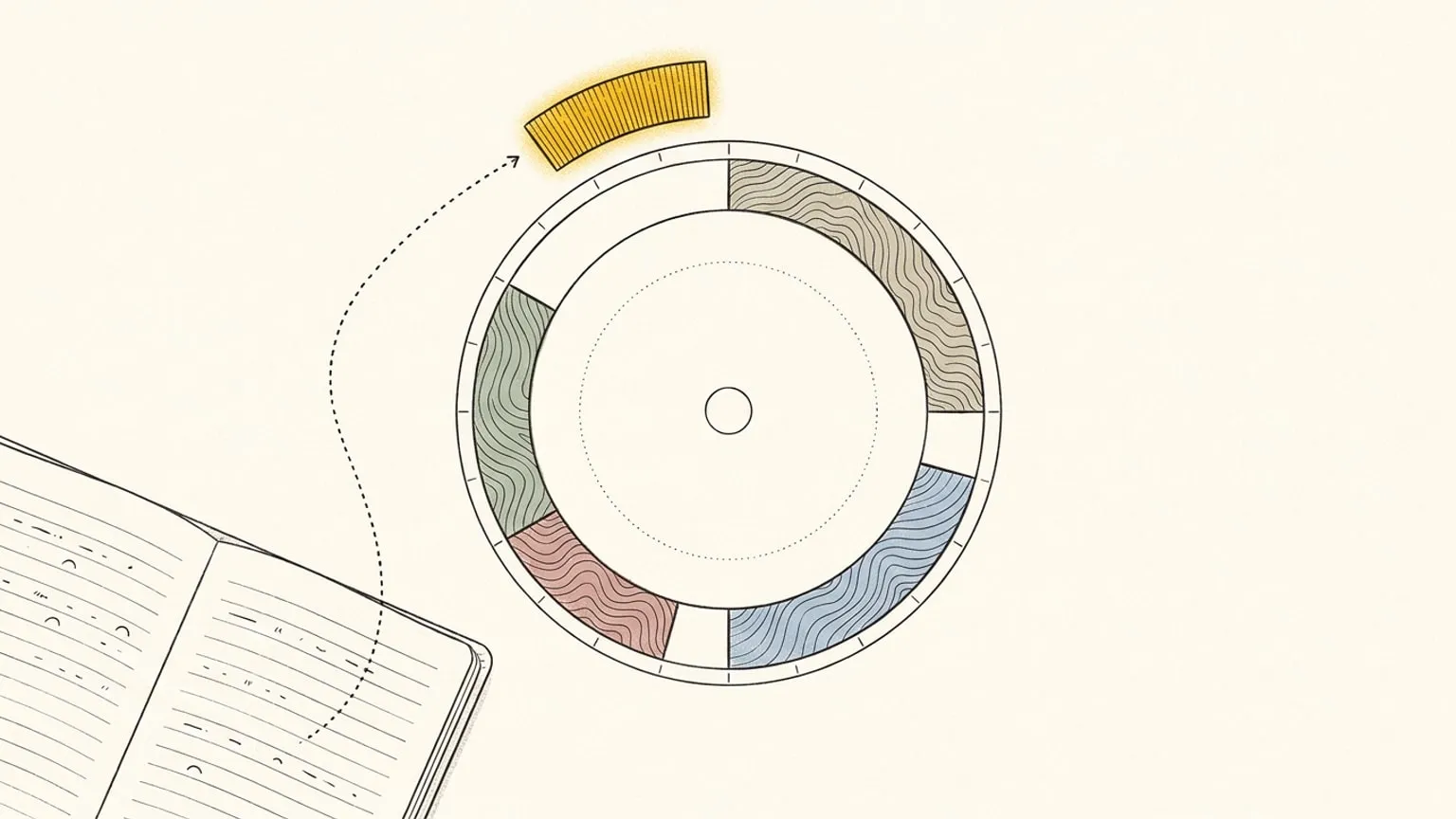
Reassign syncs two-way with Linear. Issues assigned to you land in the Inbox with a length from their estimate, and completing one closes it in Linear.
Read →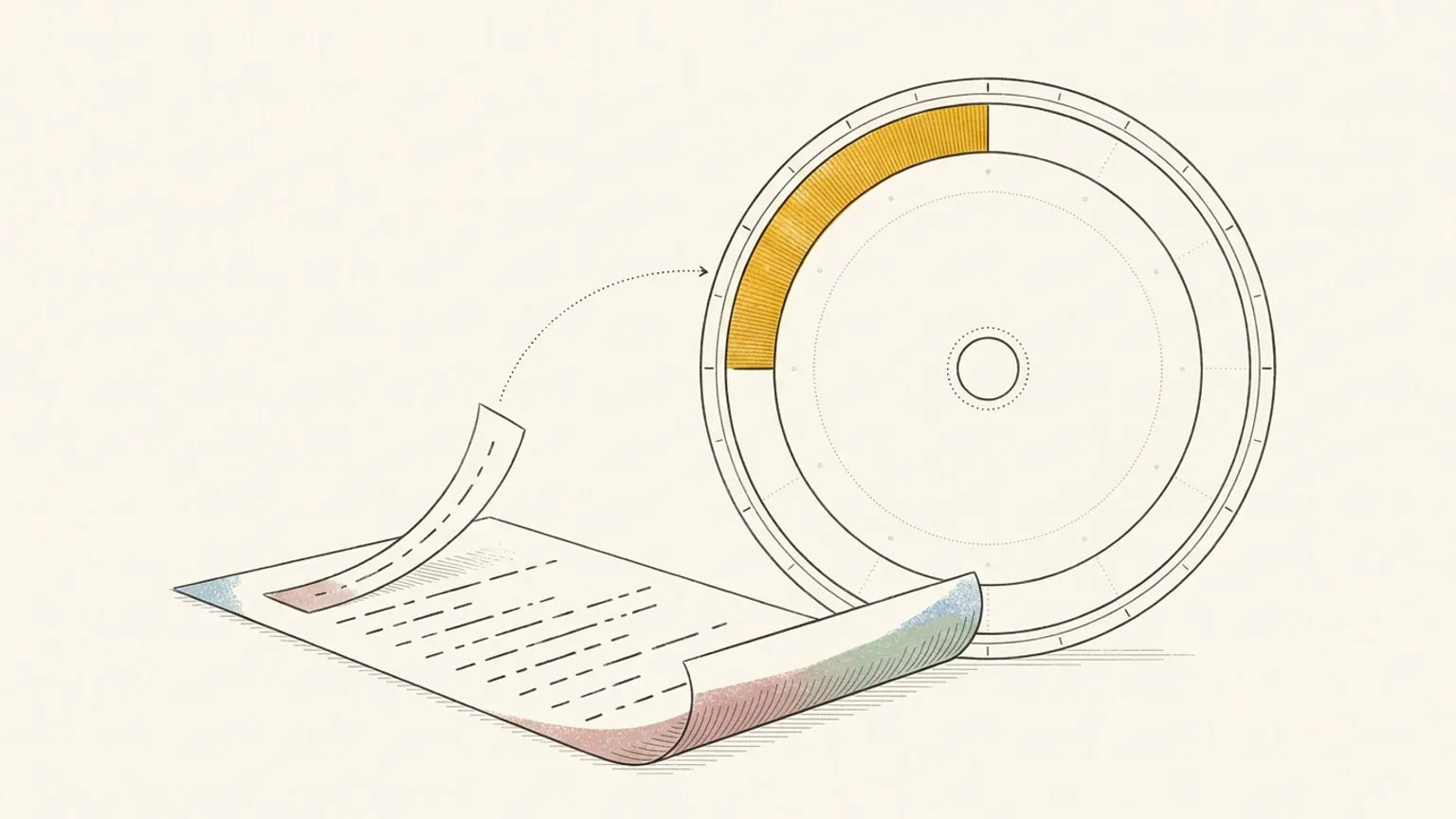
Reassign now syncs two-way with Microsoft To Do. Each dated task lands in your Inbox with its due date; drag it onto the 24-hour dial to give it an hour.
Read →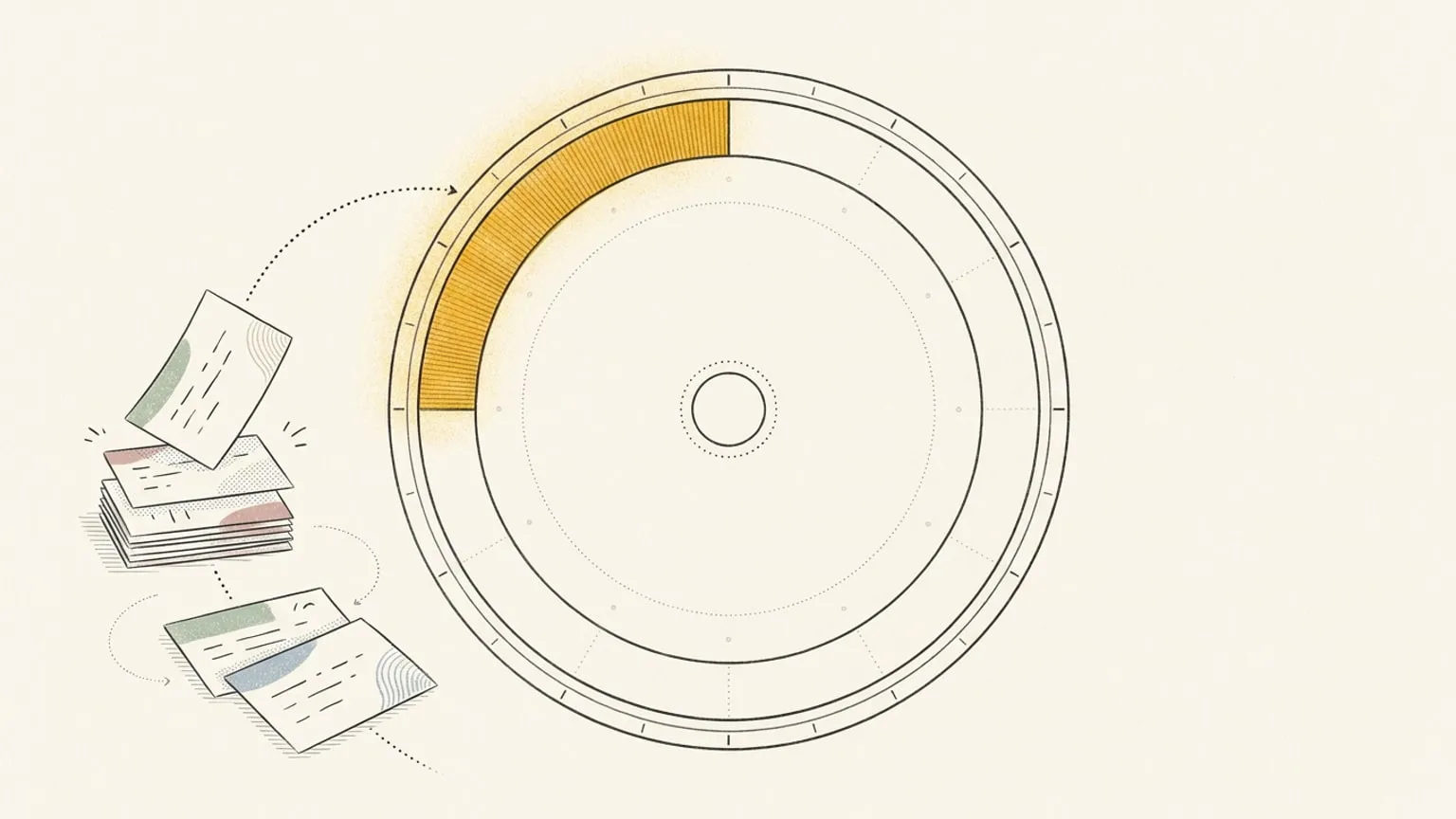
Reassign now syncs two-way with TickTick. A timed task becomes a real block at its hour on the 24-hour dial, and moving it writes the new time back.
Read →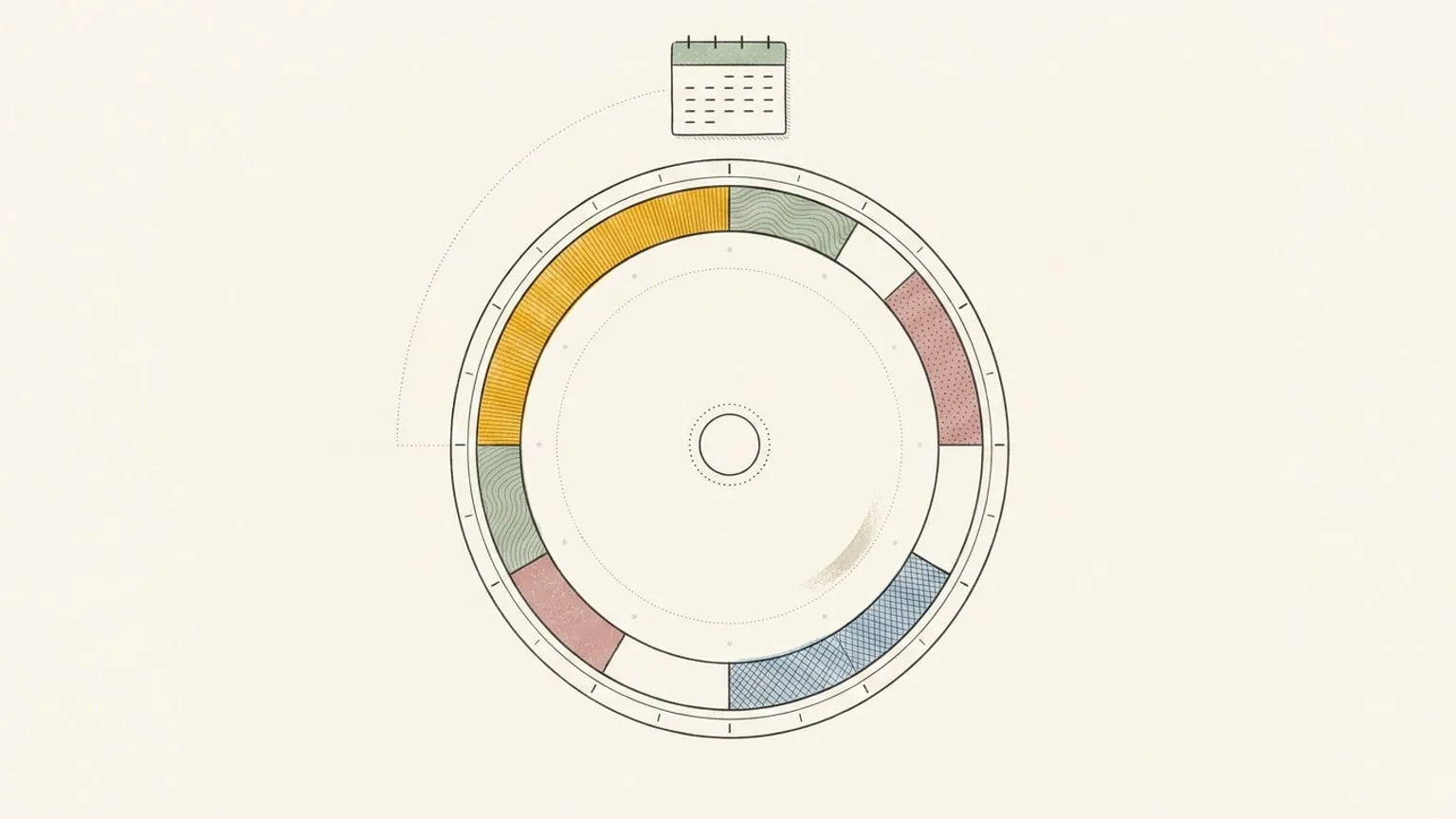
See your Google or Outlook calendar as a 24-hour clock. Connect it, never draw a block, and the dial becomes a visual view of the day you already have. Planning stays optional.
Read →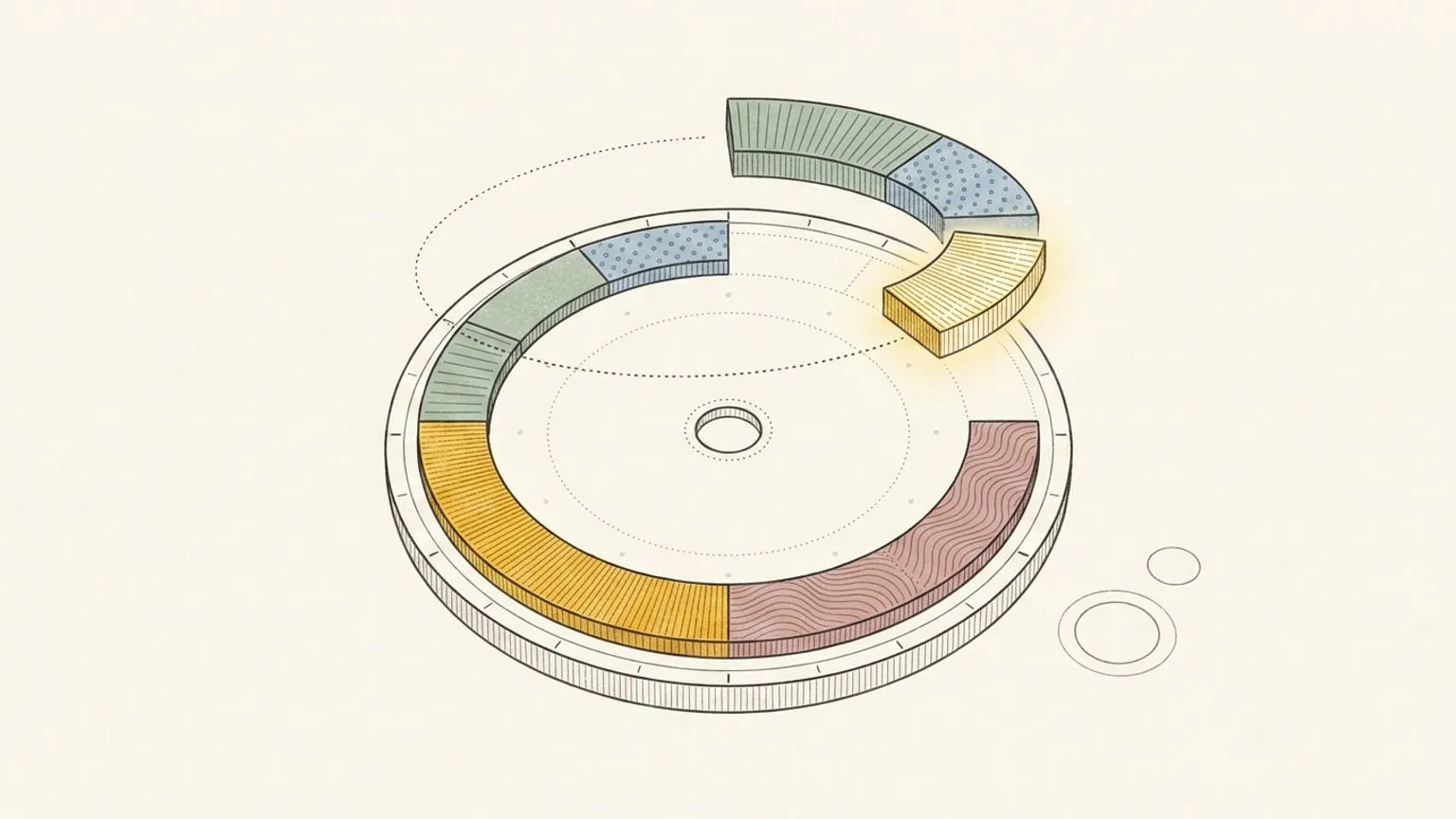
Google Calendar for daily planning: where it is enough, where the hours between meetings vanish, and when a 24-hour day planner on top of it earns its place.
Read →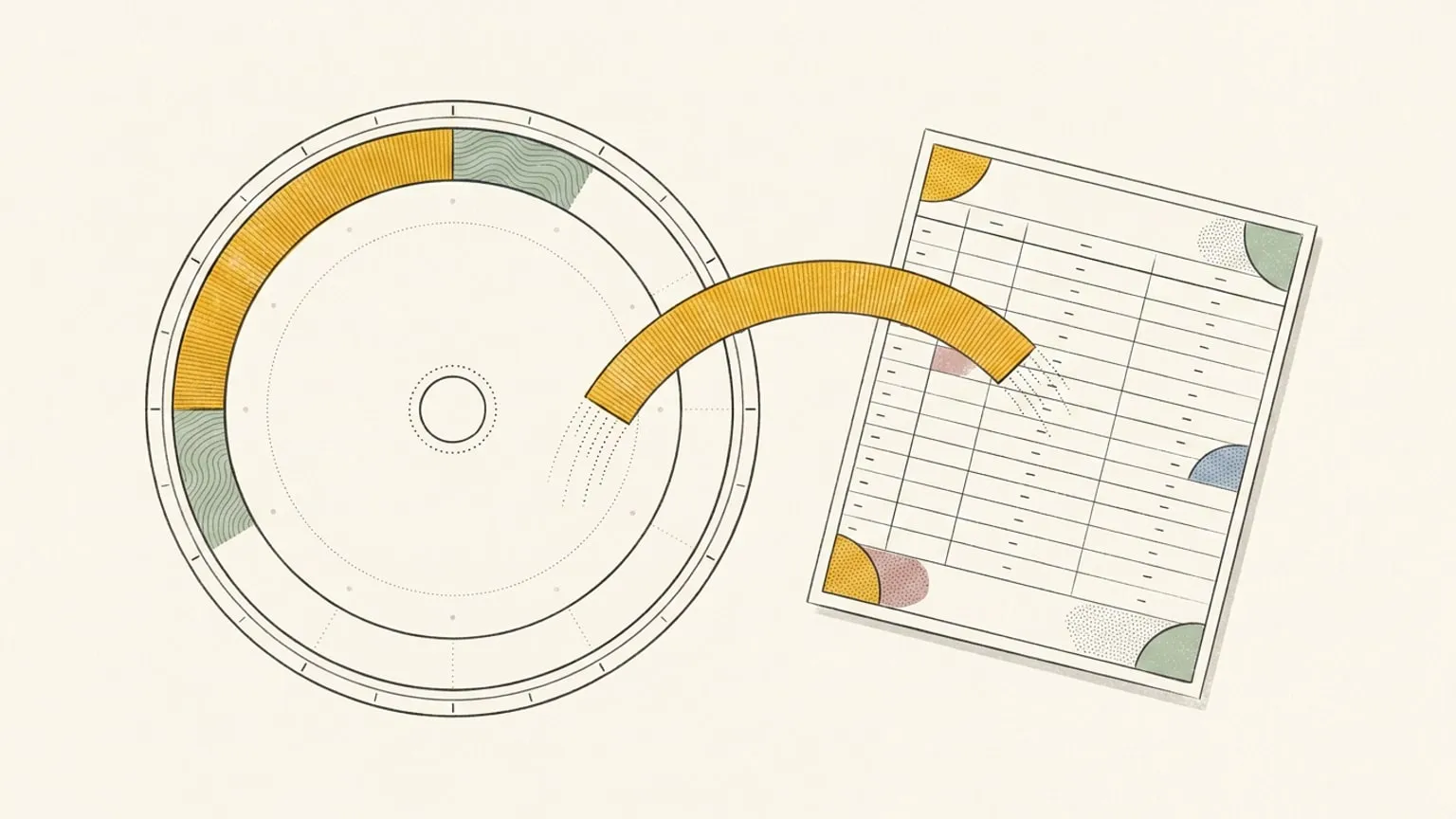
Outlook Calendar for daily planning: what it does well, what a 24-hour day planner adds beside it, and how two-way sync keeps Outlook as the record.
Read →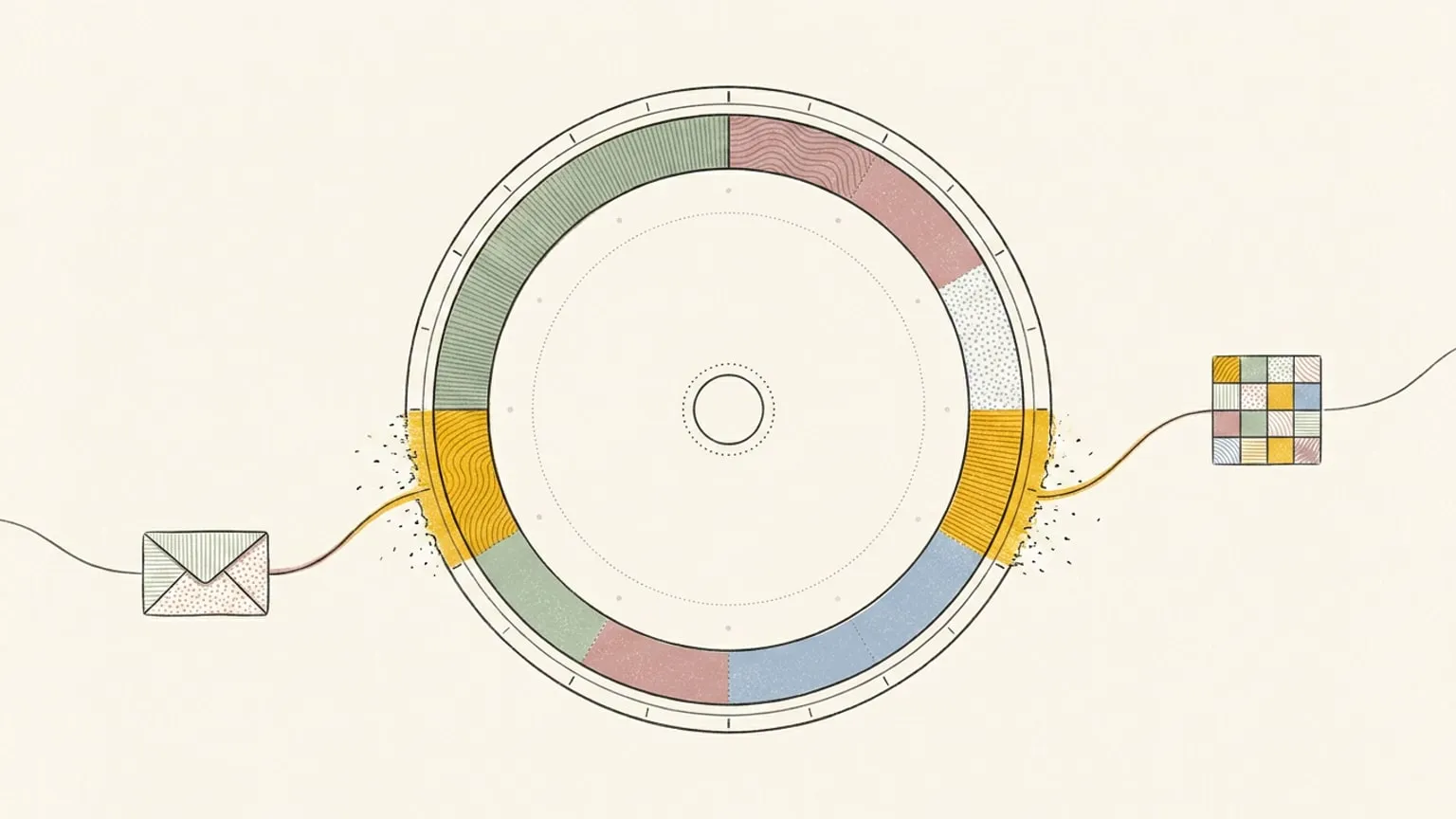
Reassign now syncs two-way with Outlook Calendar. Connect Microsoft 365 or Outlook.com and your events land on a 24-hour dial, edits flowing back to Microsoft.
Read →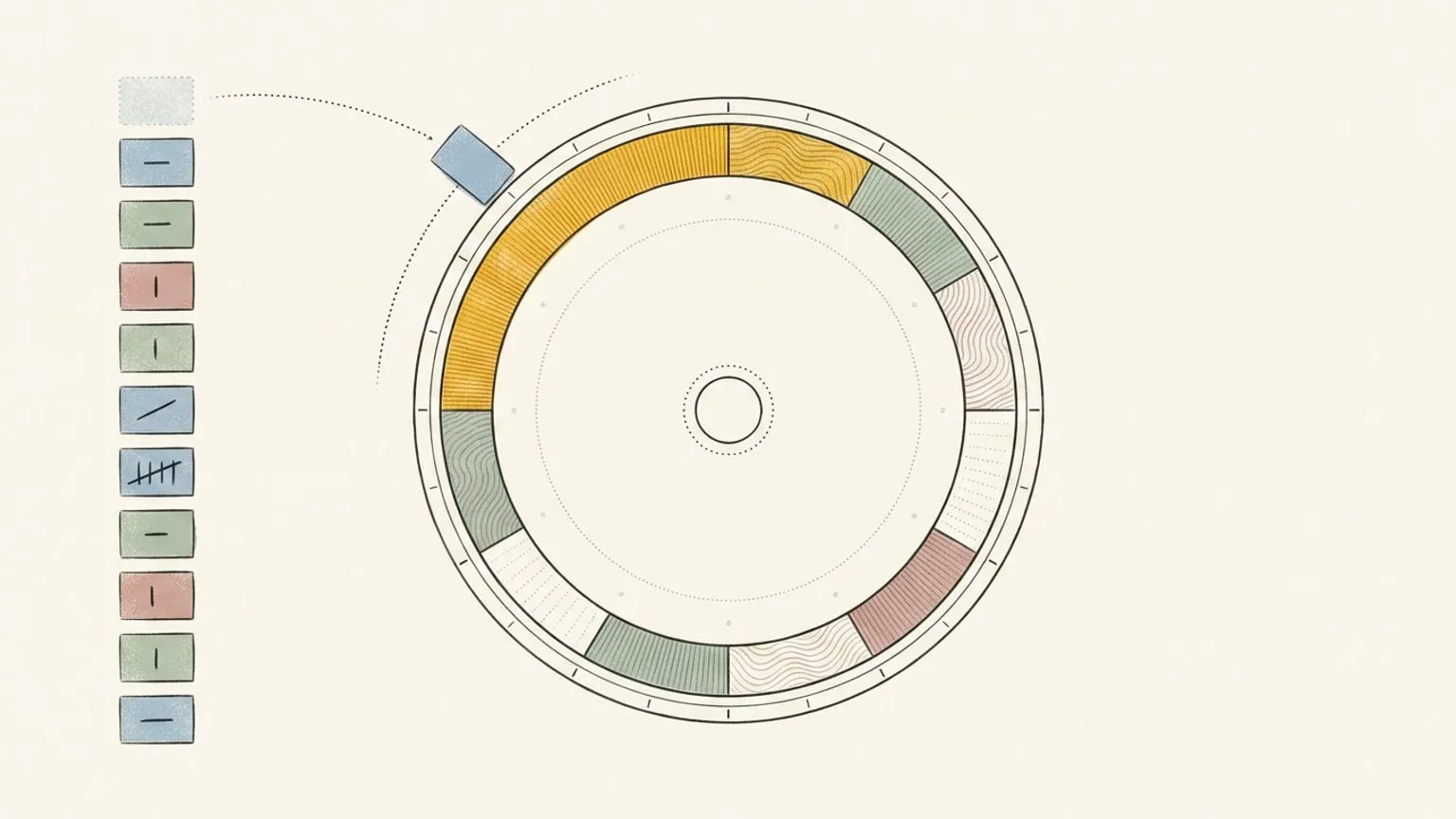
Reassign now syncs two-way with Todoist. A task with a due time becomes a block on the 24-hour dial; an undated one waits in the Inbox, done anywhere.
Read →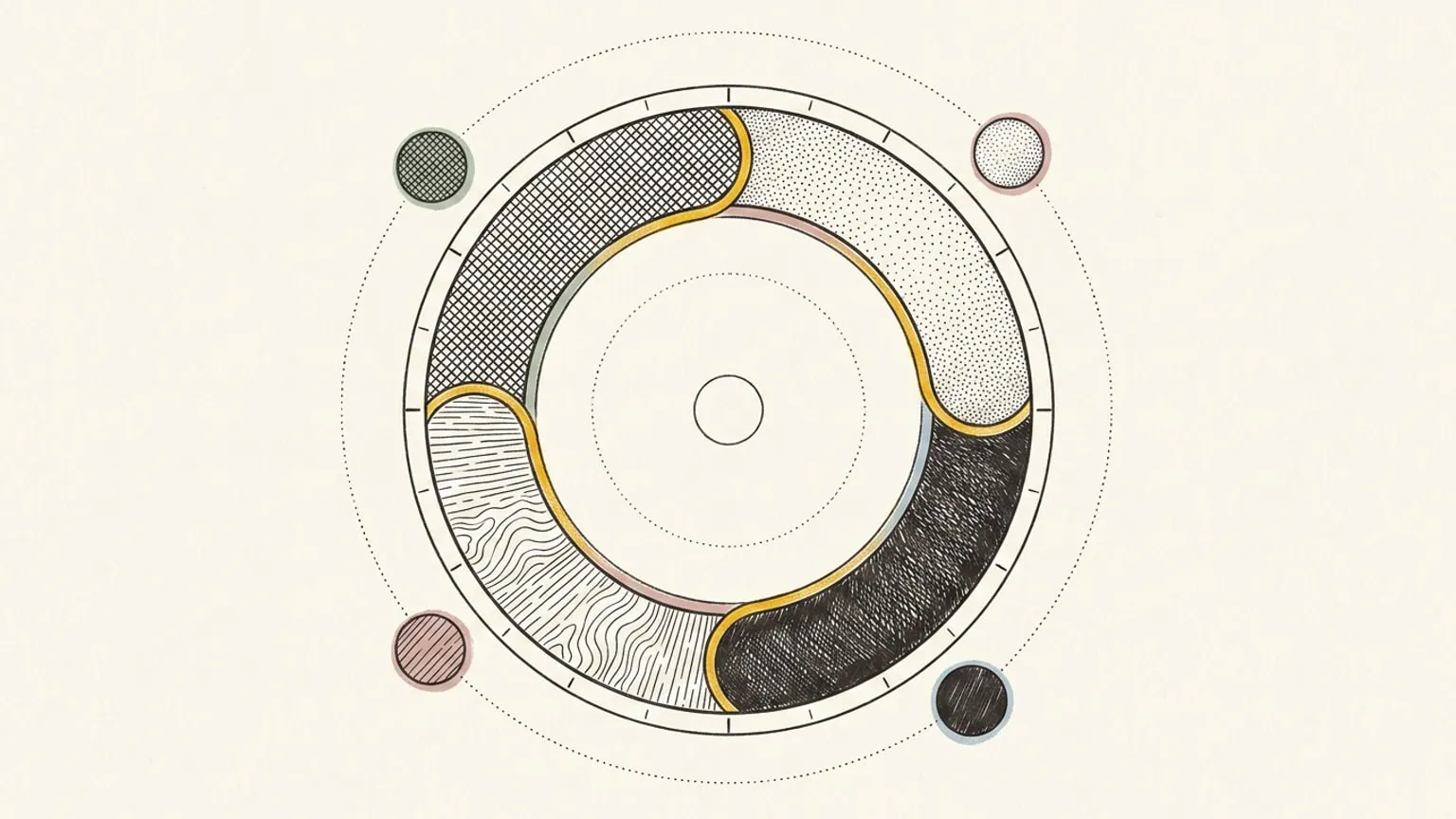
Reassign now does two-way auto sync with Google Calendar: your calendars land on a 24-hour dial in their own colour, and edits you make there flow back.
Read →