Reassign is on Product Hunt
Reassign is on Product Hunt. Meet the 24-hour circular day planner for makers: draw your day, connect your calendars, and ask AI to help reshape it.
Read →Reassign is one long argument that a day is better seen than listed. These pieces are the working notes behind it: where the circular planner came from, why colour and texture do different jobs, and what each layer on the dial is actually for.
Reassign is on Product Hunt. Meet the 24-hour circular day planner for makers: draw your day, connect your calendars, and ask AI to help reshape it.
Read →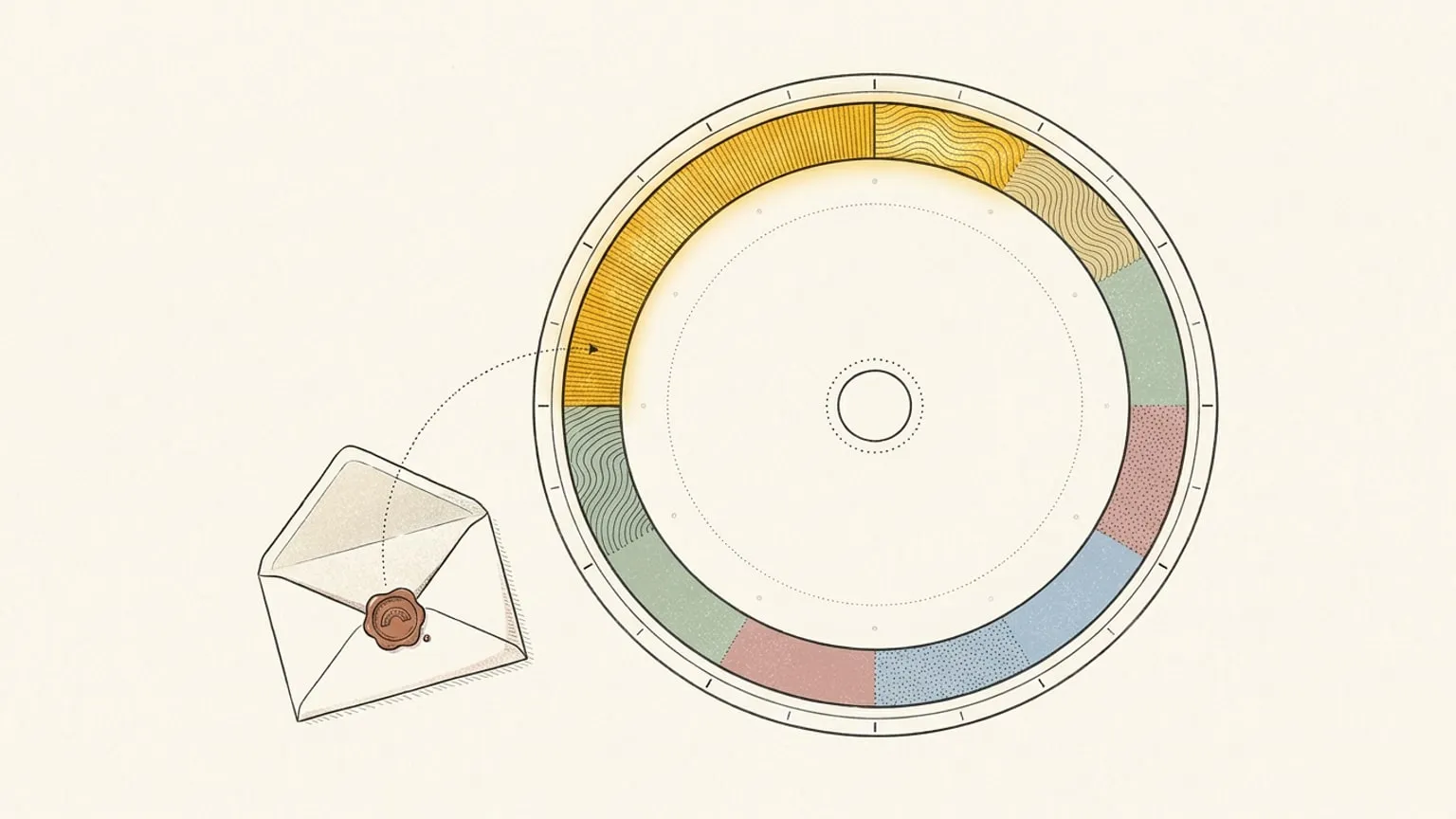
Reassign opens a small, private ambassador program. Your audience gets a discount code, you earn a commission on what they pay, and the terms are made for you.
Read →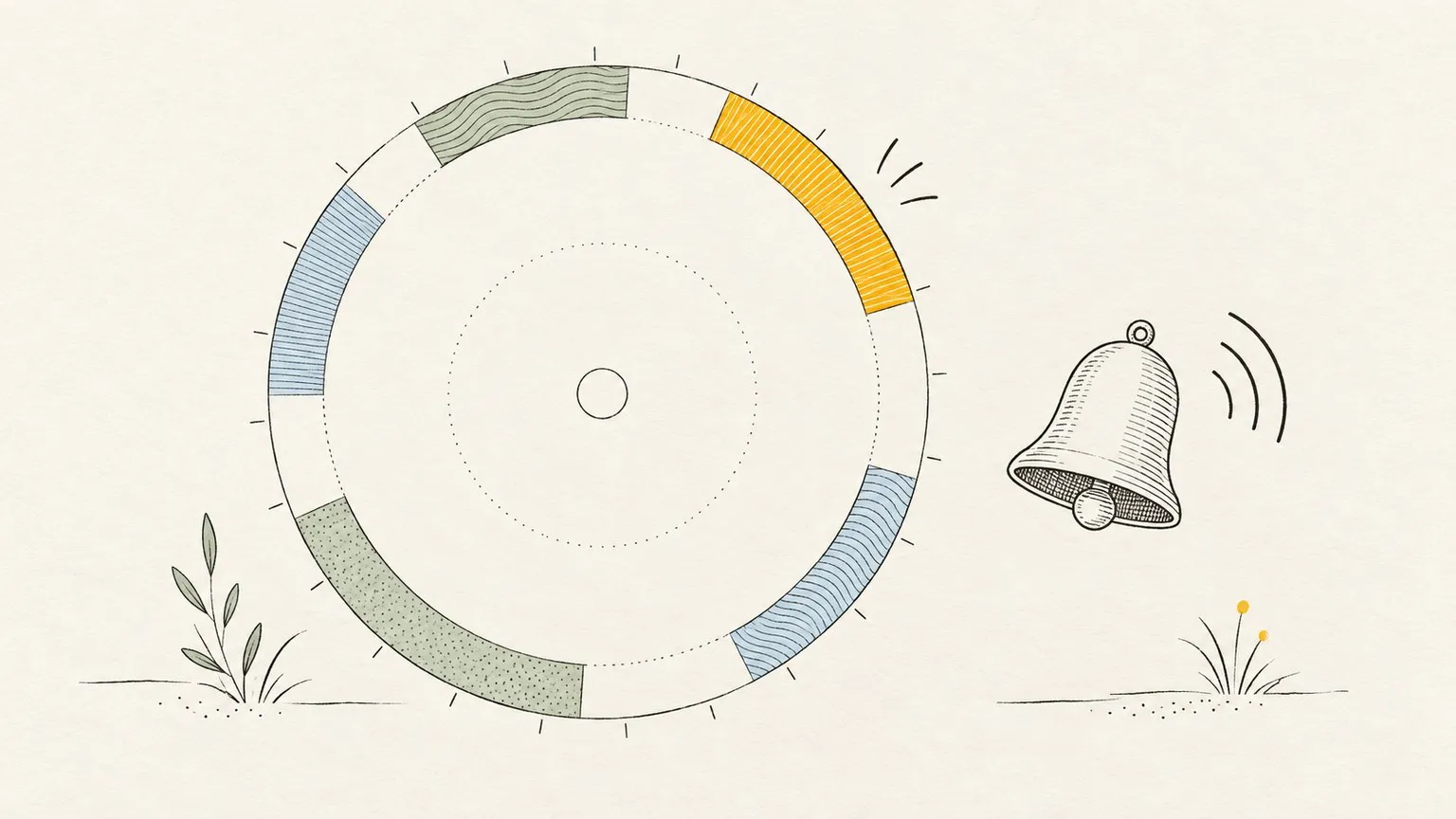
Get a nudge when a block starts, a break begins or focus resumes, on every device you turn on. Set up Reassign notifications and choose your alerts per device.
Read →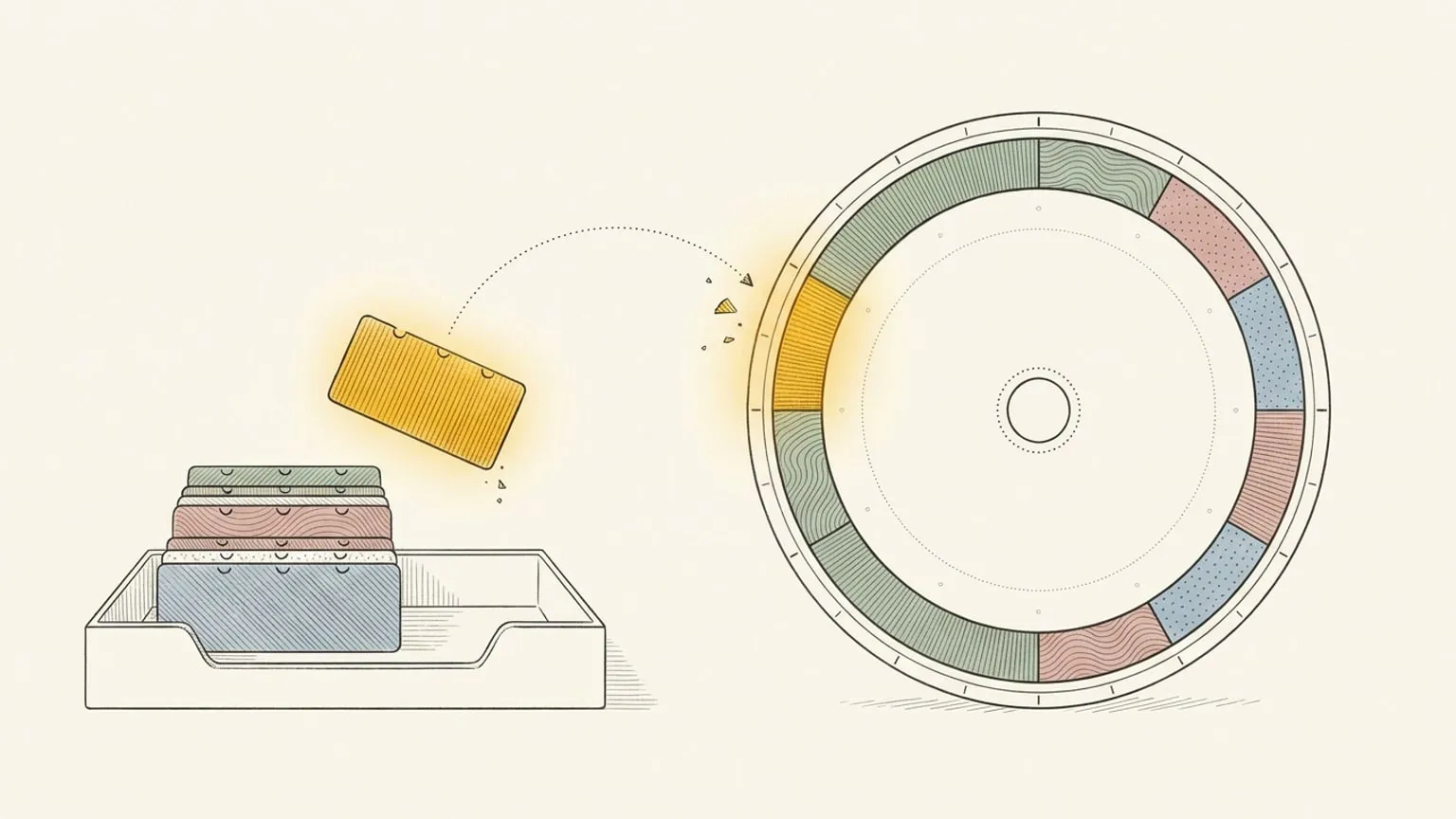
Reassign now syncs two-way with Google Tasks. Each dated task lands in your Inbox with its due date; drag it onto the 24-hour dial to give it an hour.
Read →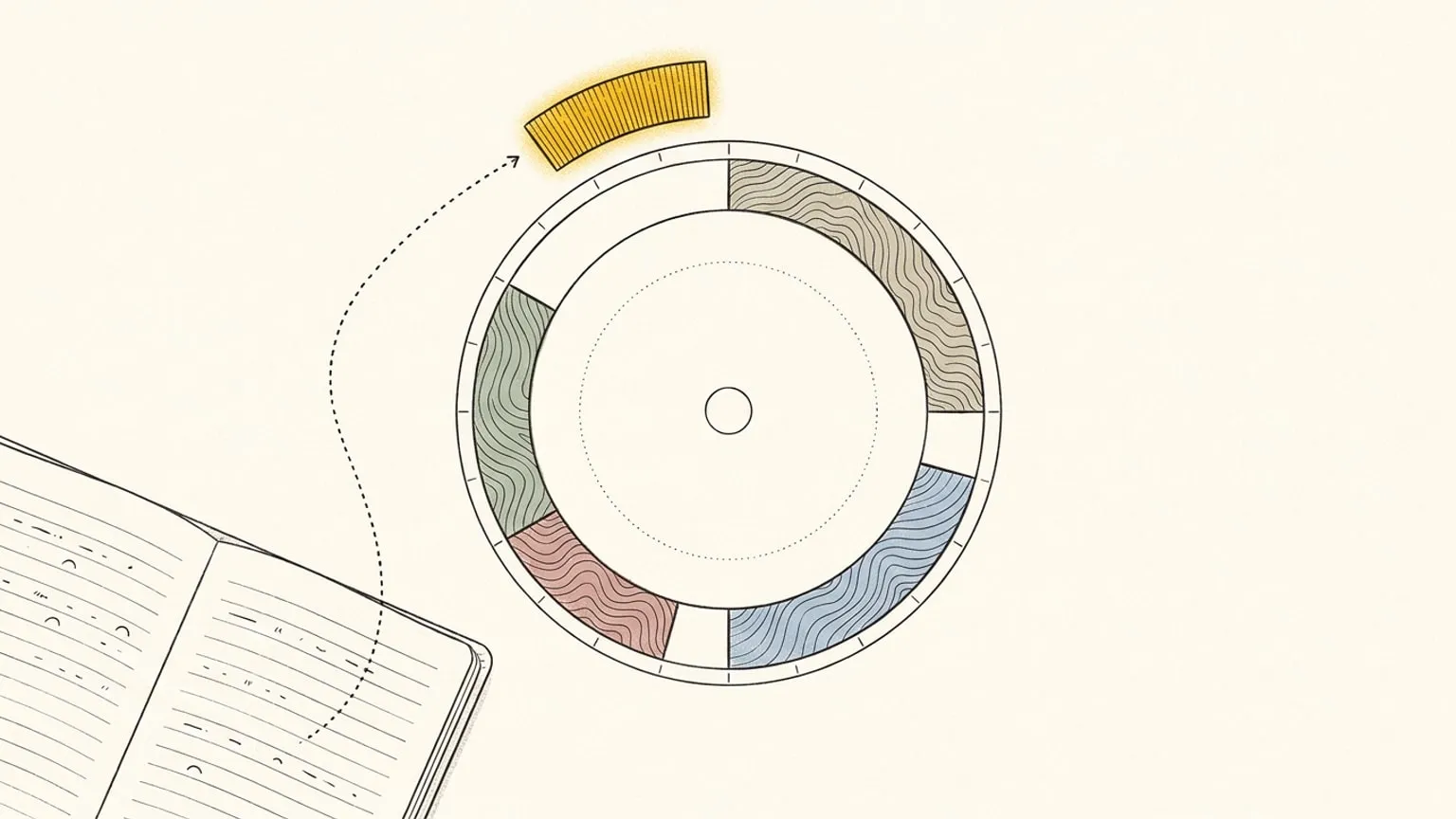
Reassign syncs two-way with Linear. Issues assigned to you land in the Inbox with a length from their estimate, and completing one closes it in Linear.
Read →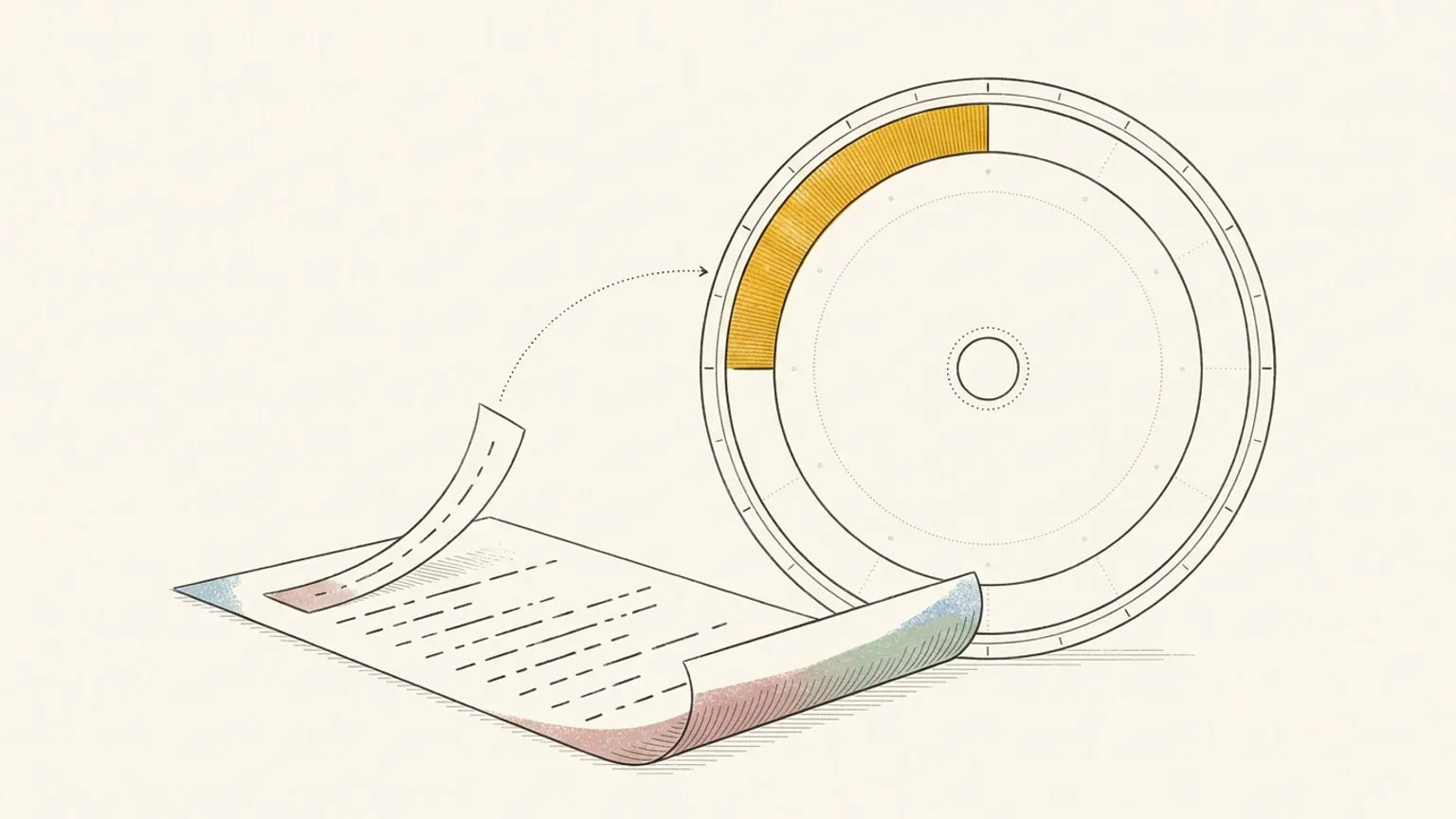
Reassign now syncs two-way with Microsoft To Do. Each dated task lands in your Inbox with its due date; drag it onto the 24-hour dial to give it an hour.
Read →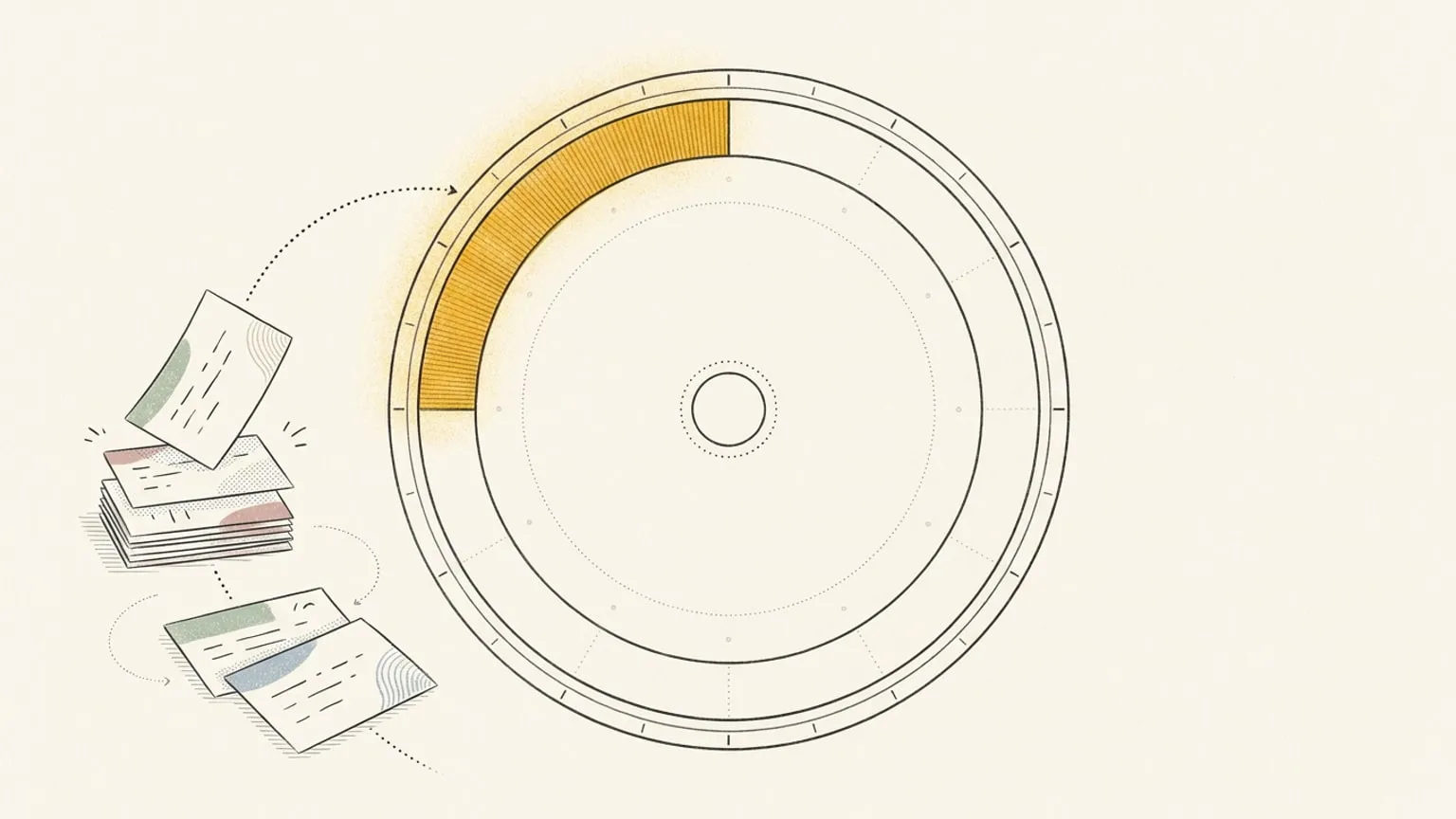
Reassign now syncs two-way with TickTick. A timed task becomes a real block at its hour on the 24-hour dial, and moving it writes the new time back.
Read →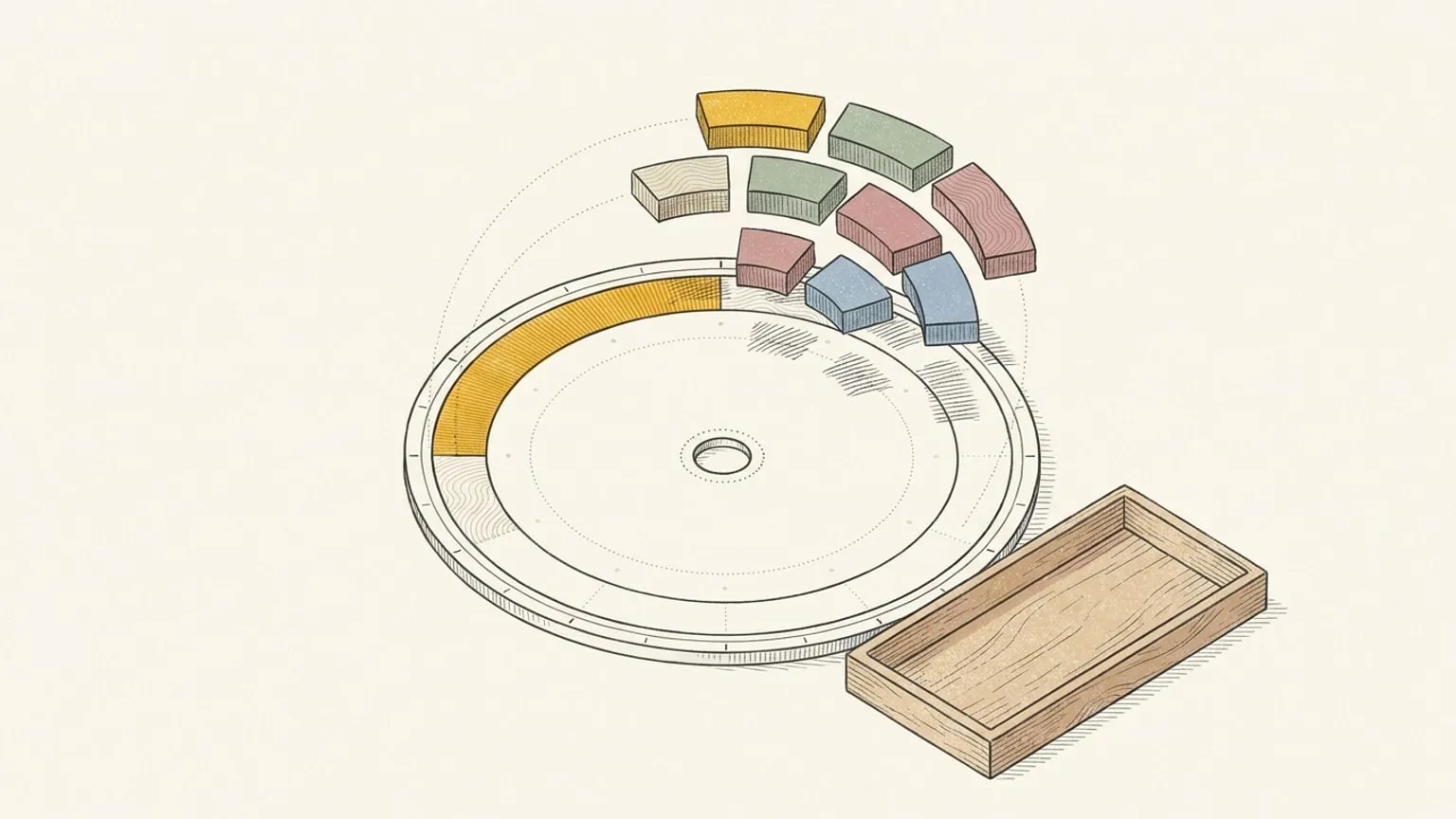
Reassign moved from InstantDB to Neon on 21 September 2026. Read what changed for your plans, sign-in, connected calendars, and offline access.
Read →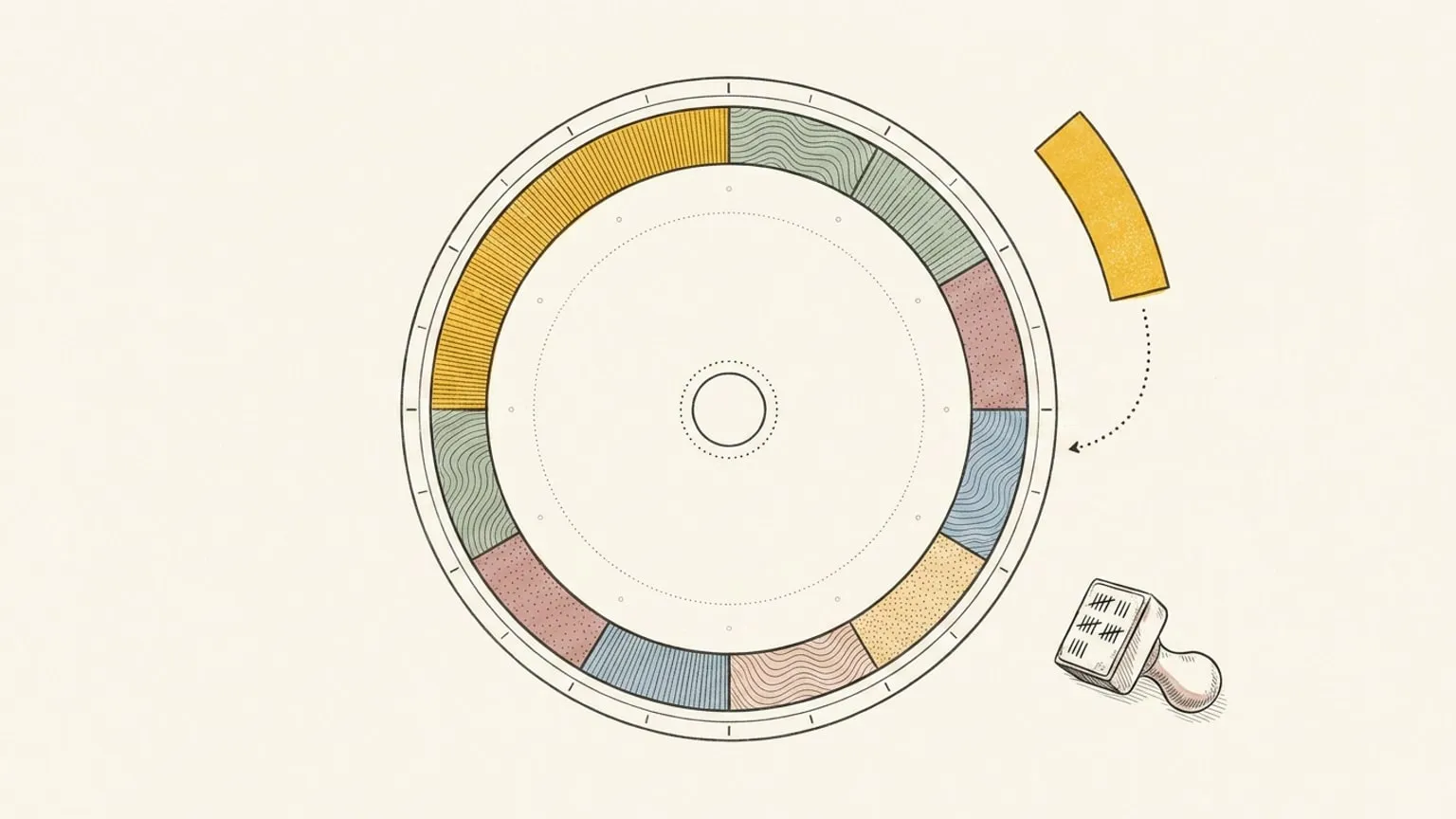
Ninety days, more than thirty releases: two-way calendar sync, an energy curve, focus mode, a command palette, a Chrome extension, a public API. The short version of the changelog.
Read →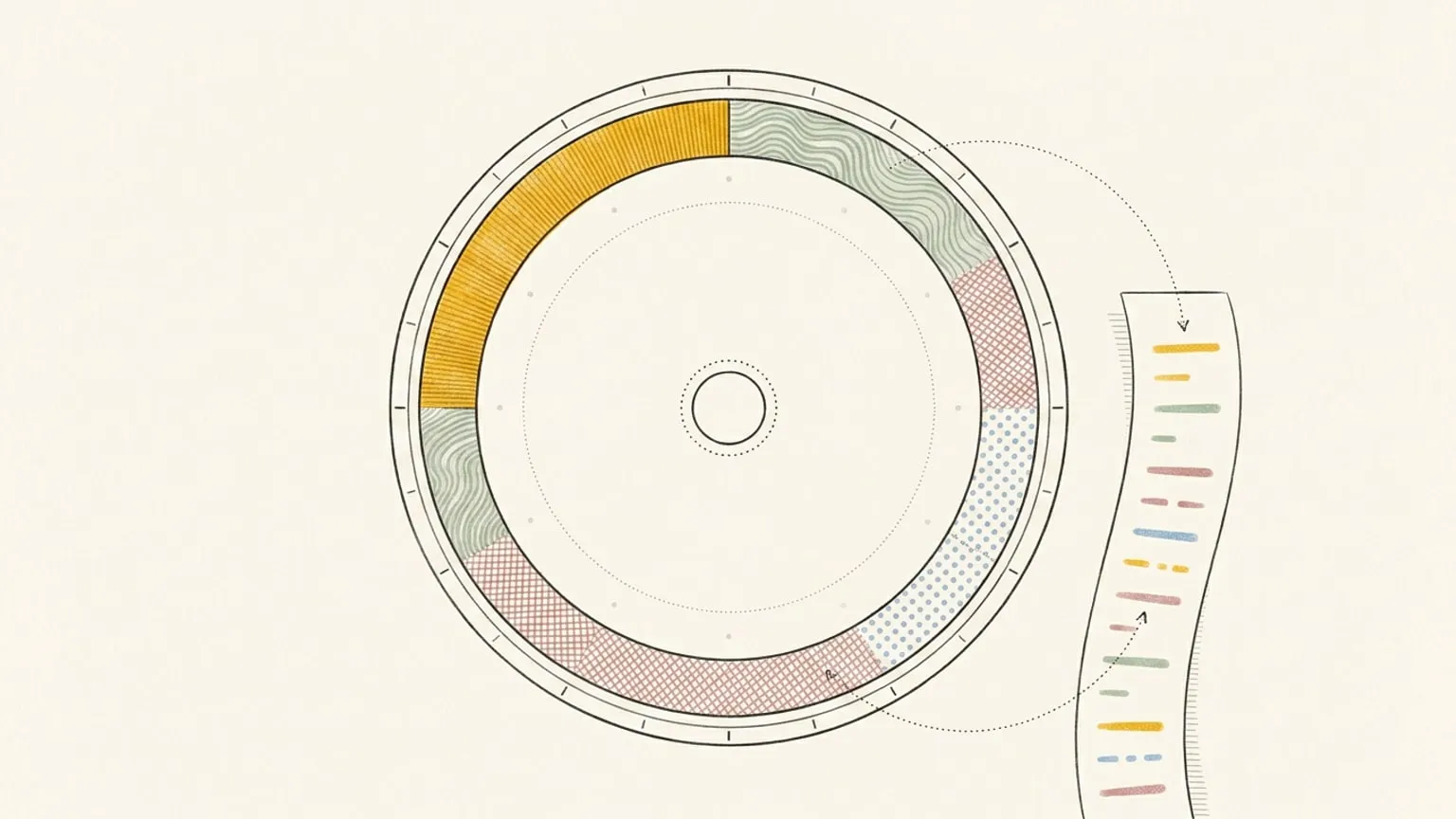
Reassign has argued from day one that a day is not a list. Then we shipped a list view. Here is why that is not a retreat, and what the dial still does alone.
Read →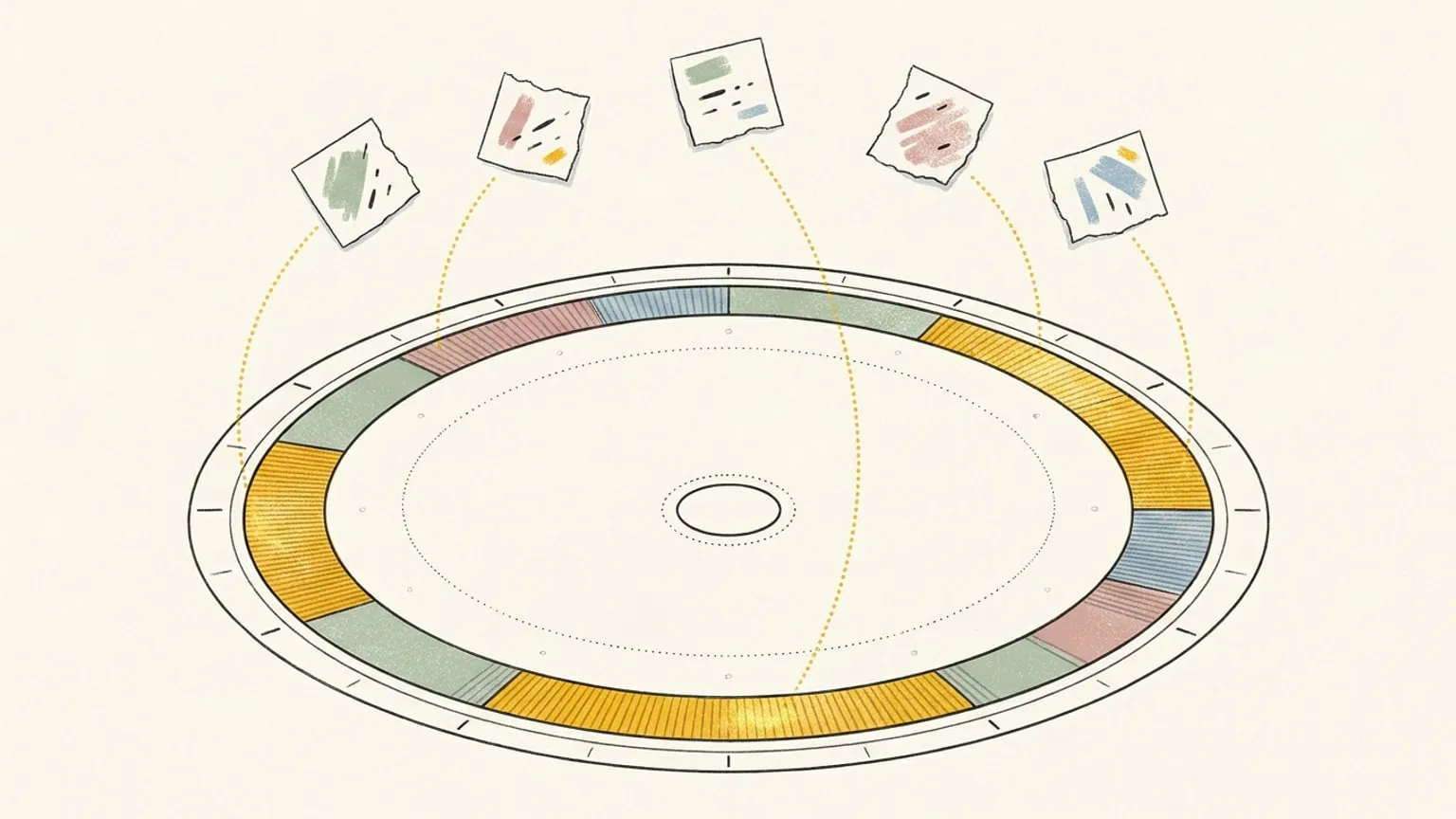
Turn a messy brain dump into a real day: dump one thought per line into Reassign's command palette and get back an editable plan you refine by replying.
Read →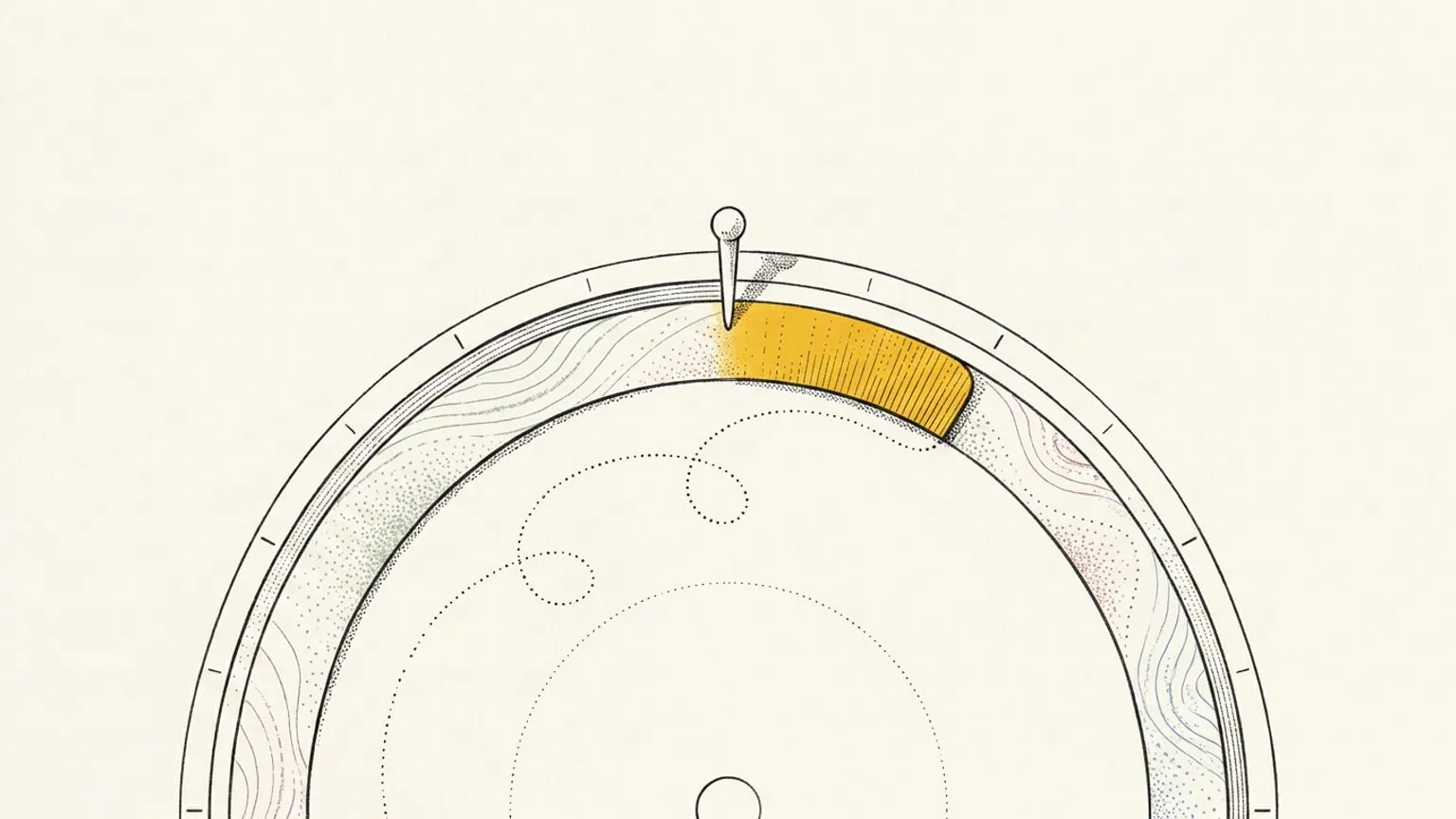
Reassign's focus mode crops your real 24-hour dial to an arc and turns it under a marker pinned at now, so the rotation itself is the countdown.
Read →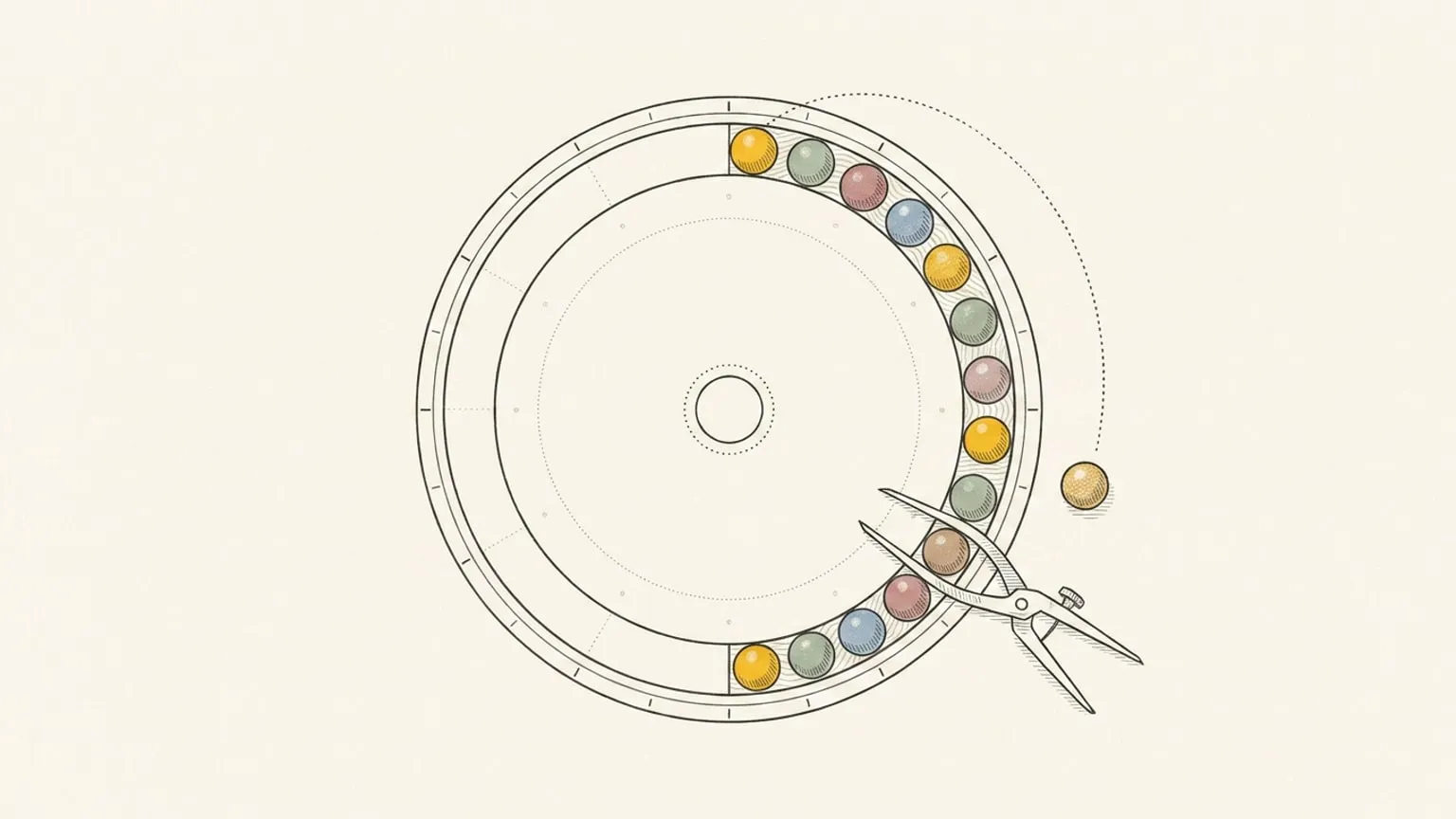
Reassign draws a Pomodoro rhythm on its 24-hour dial: focus and break intervals inside the block you already planned, tracked in reflection and Insights.
Read →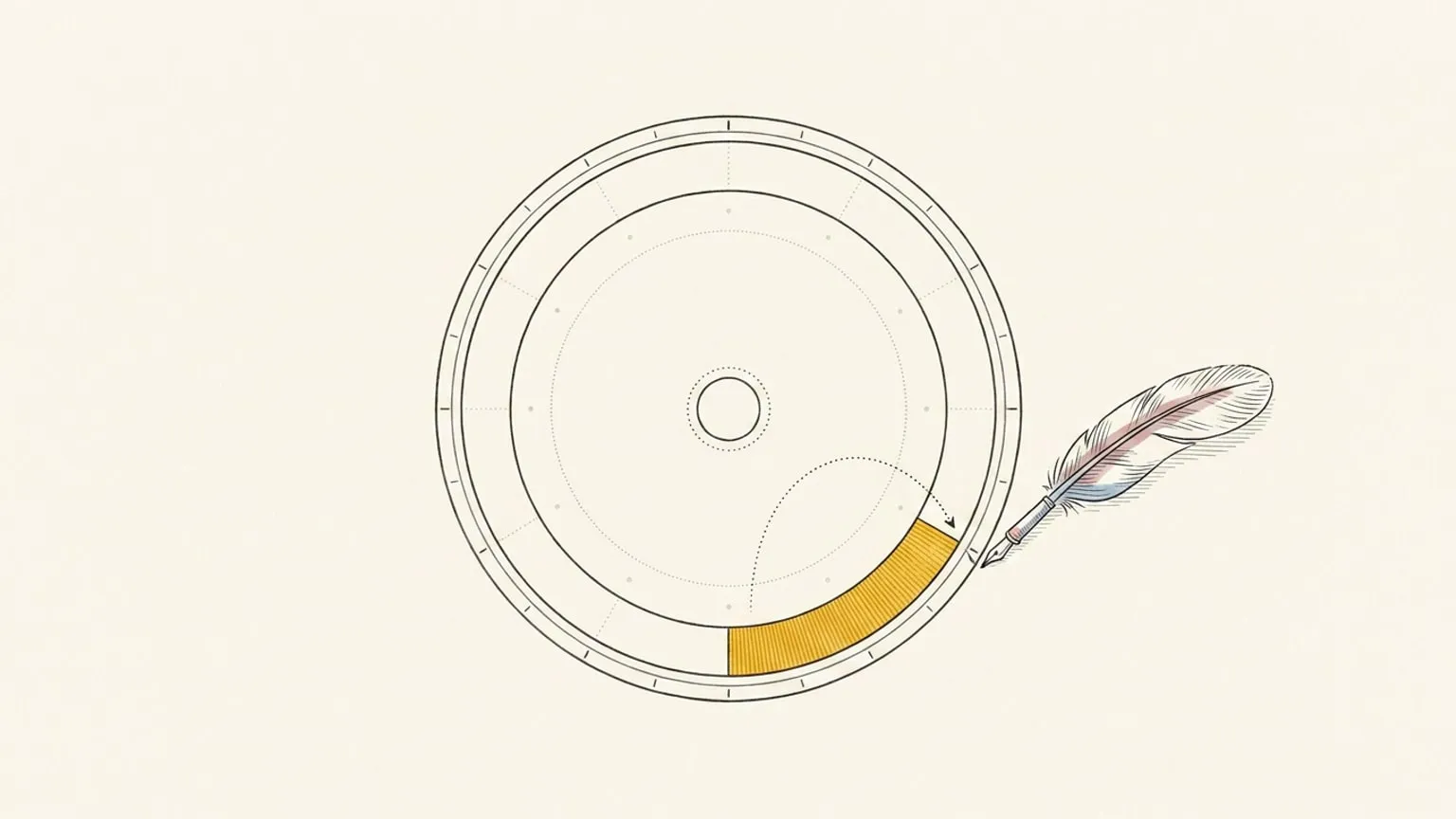
Press ⌘K, type Gym tomorrow at 6pm, and it lands on the dial. One command palette for creating, shifting, logging, and asking AI to replan your day.
Read →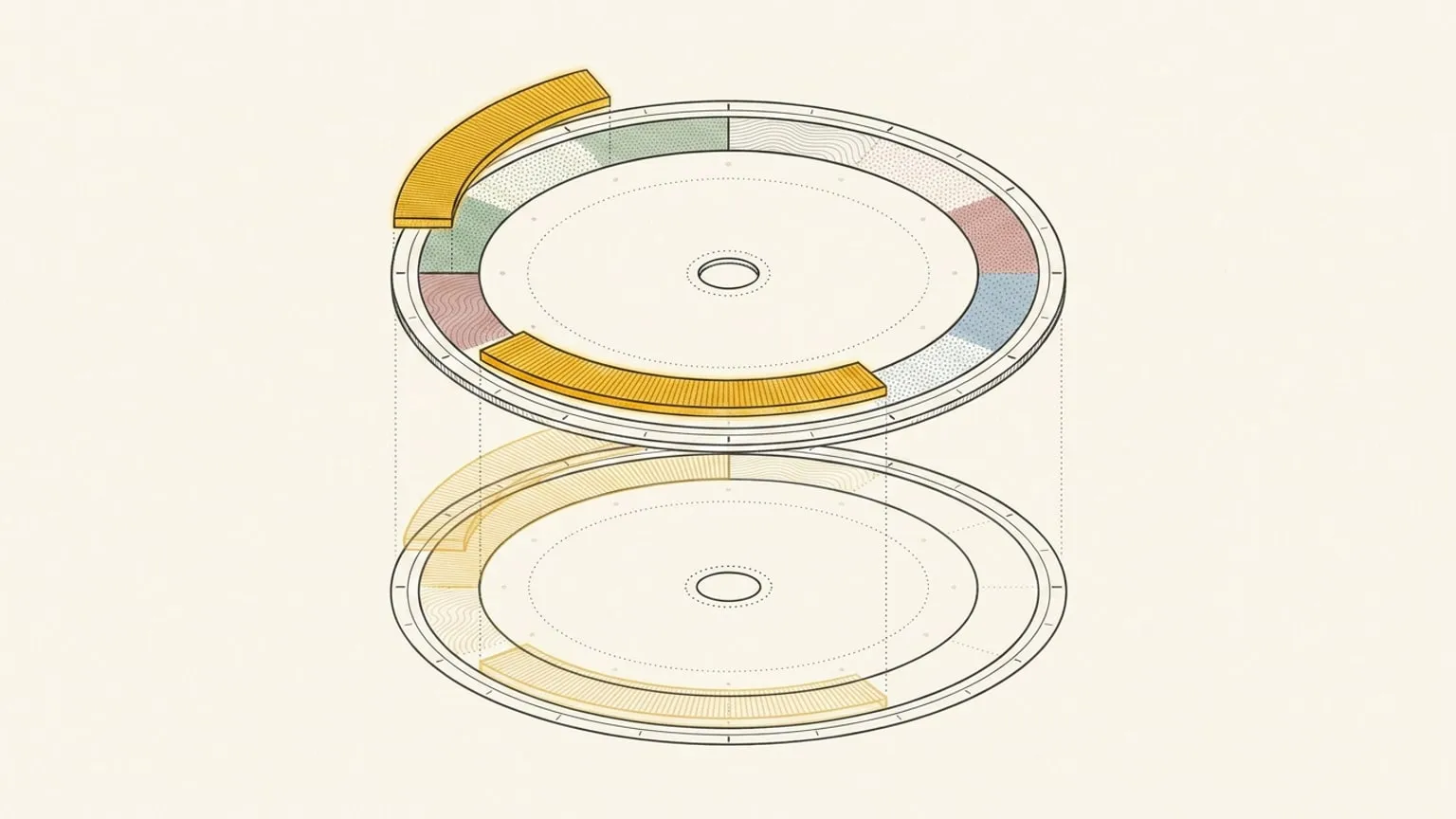
Select several blocks at once, edit them together, and copy or move them onto another day. The repeating shape of your week, without redrawing it every time.
Read →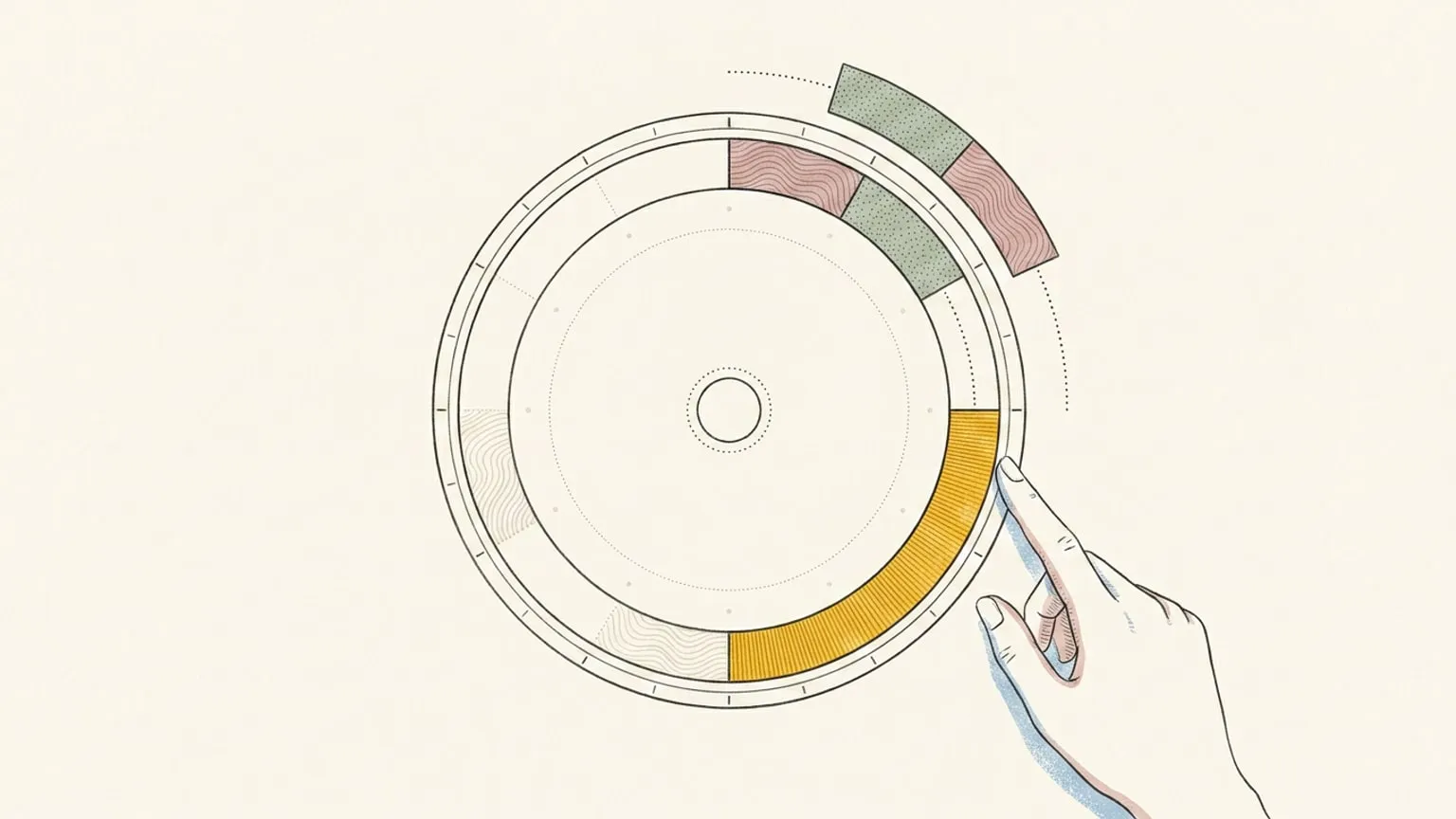
One block ran twenty minutes long and the afternoon is off. Ripple shift slides it and everything after it down the 24-hour dial in one move, with undo.
Read →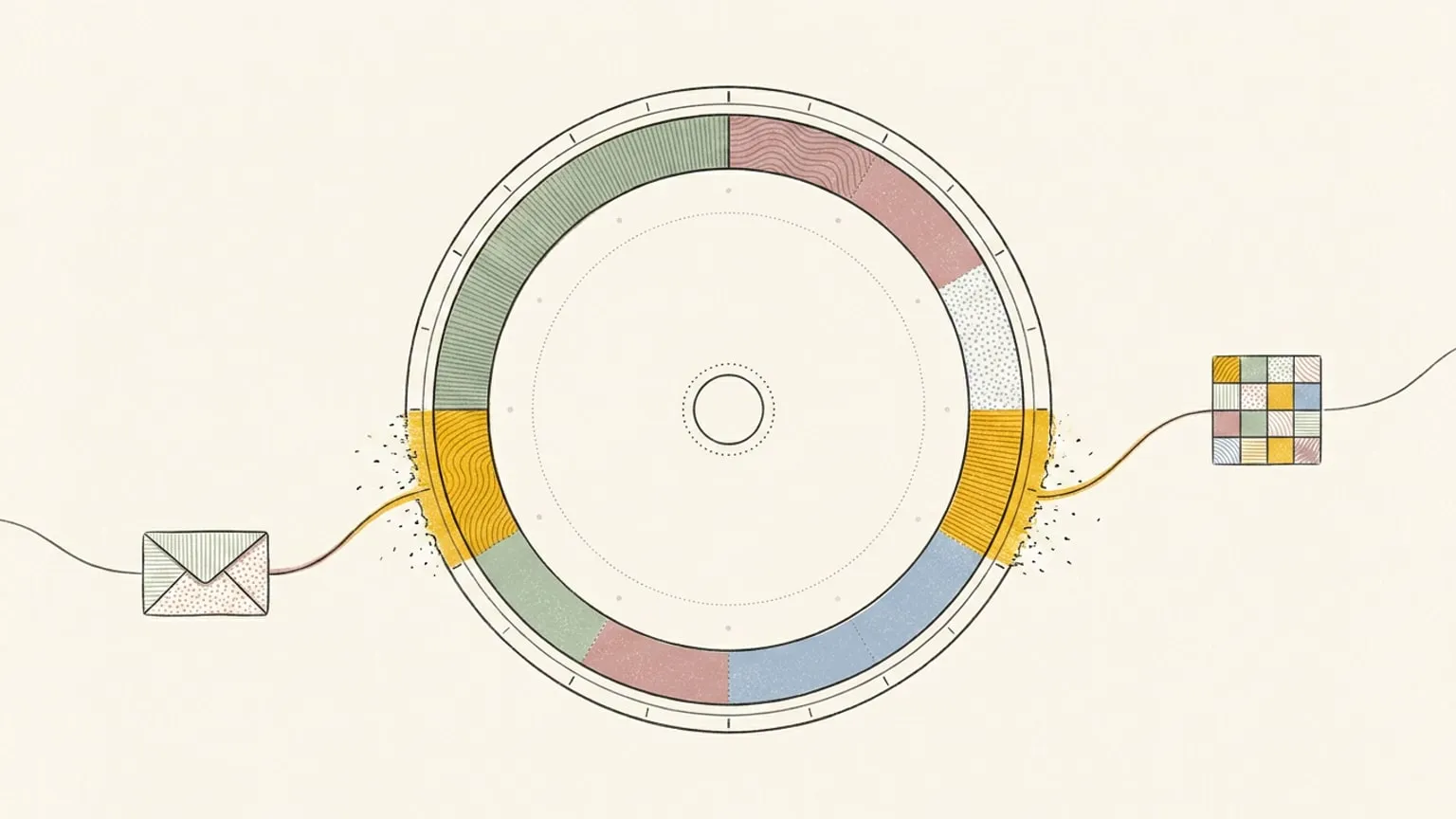
Reassign now syncs two-way with Outlook Calendar. Connect Microsoft 365 or Outlook.com and your events land on a 24-hour dial, edits flowing back to Microsoft.
Read →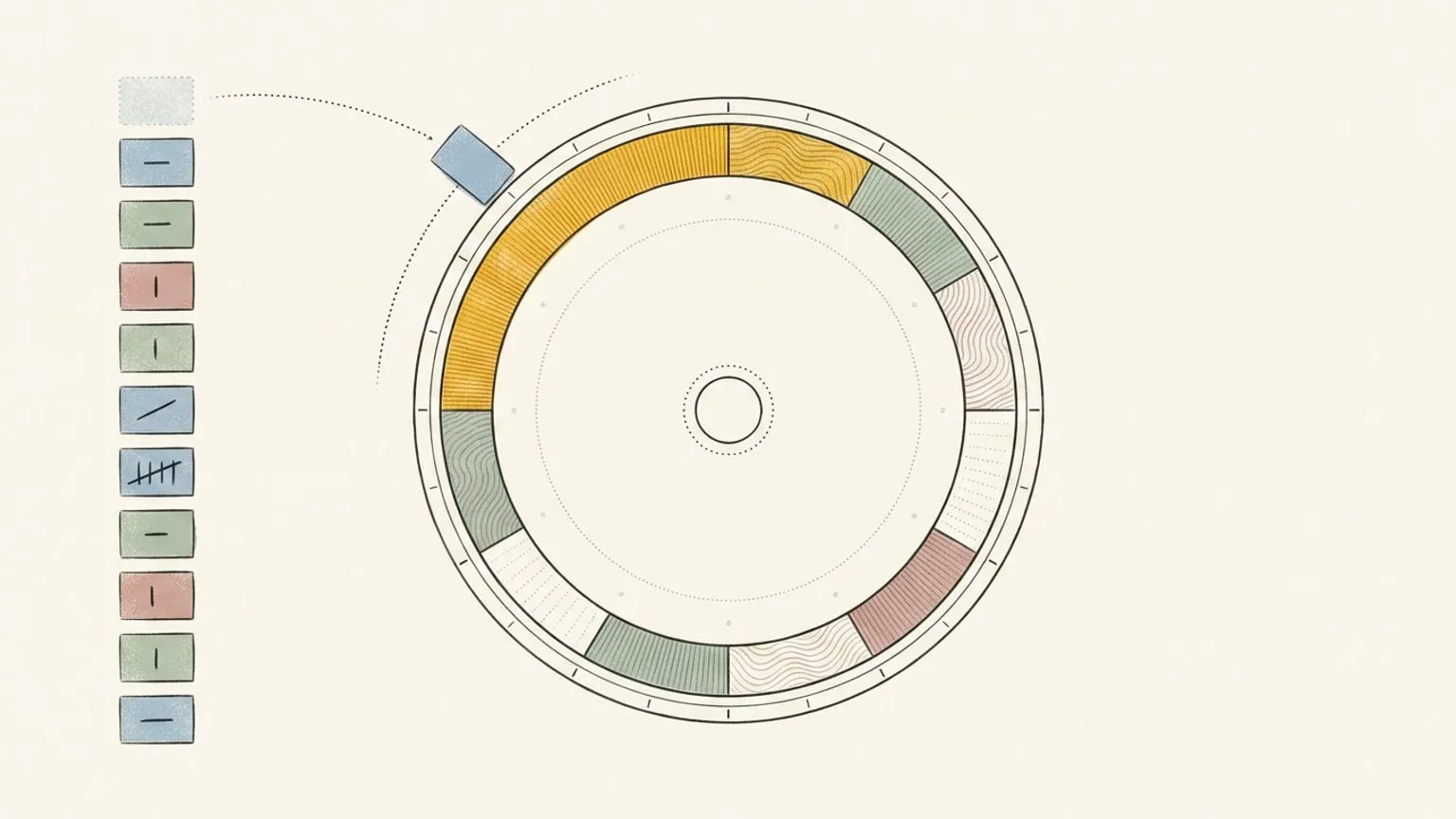
Reassign now syncs two-way with Todoist. A task with a due time becomes a block on the 24-hour dial; an undated one waits in the Inbox, done anywhere.
Read →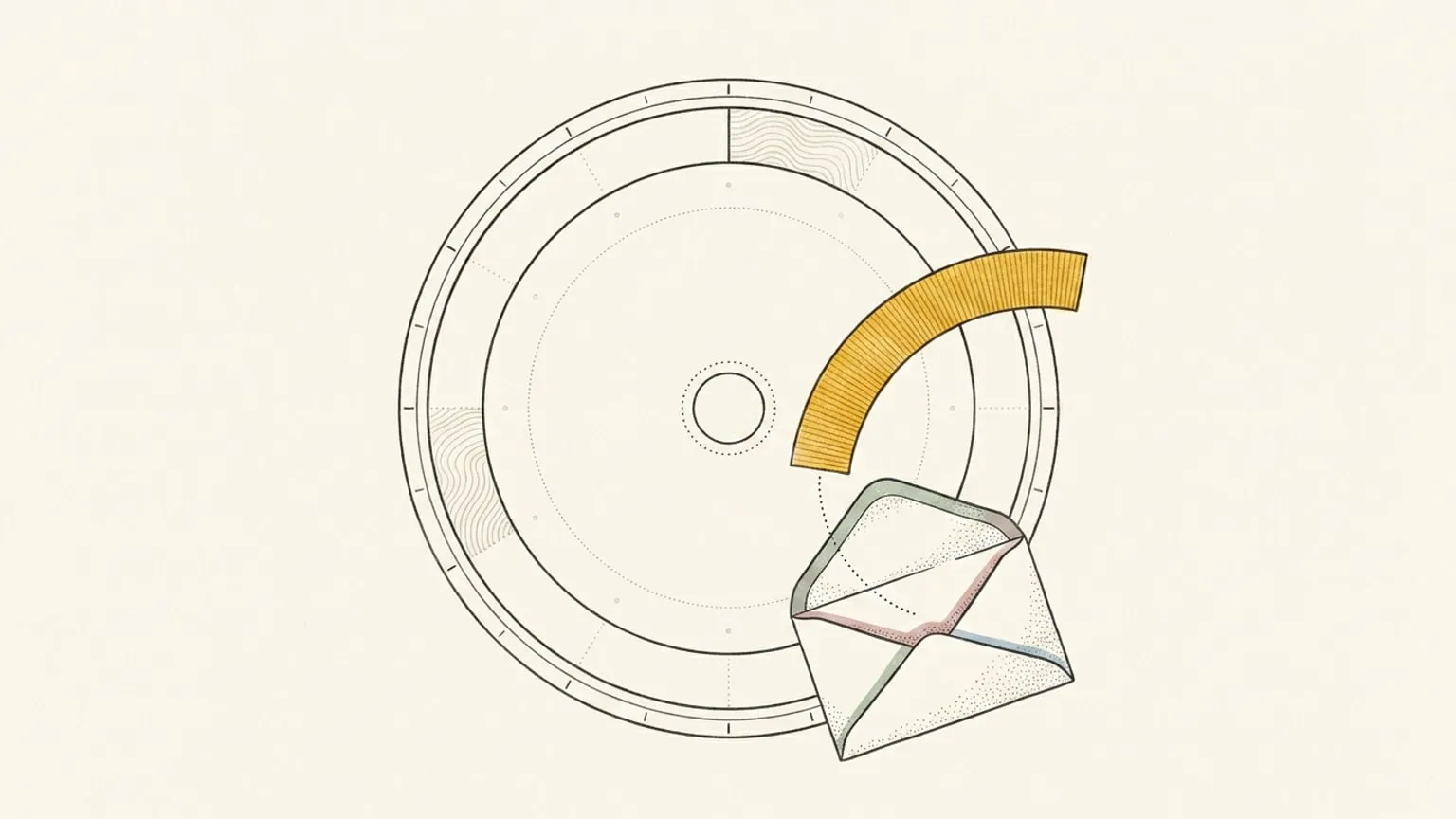
Reassign now sends short, data-rich emails built from your real dial: a morning brief, an evening nudge when tomorrow is still empty, a prompt to close the day, and a Monday review of the week. Here's why a planner should write home, and how these emails earn the inbox.
Read →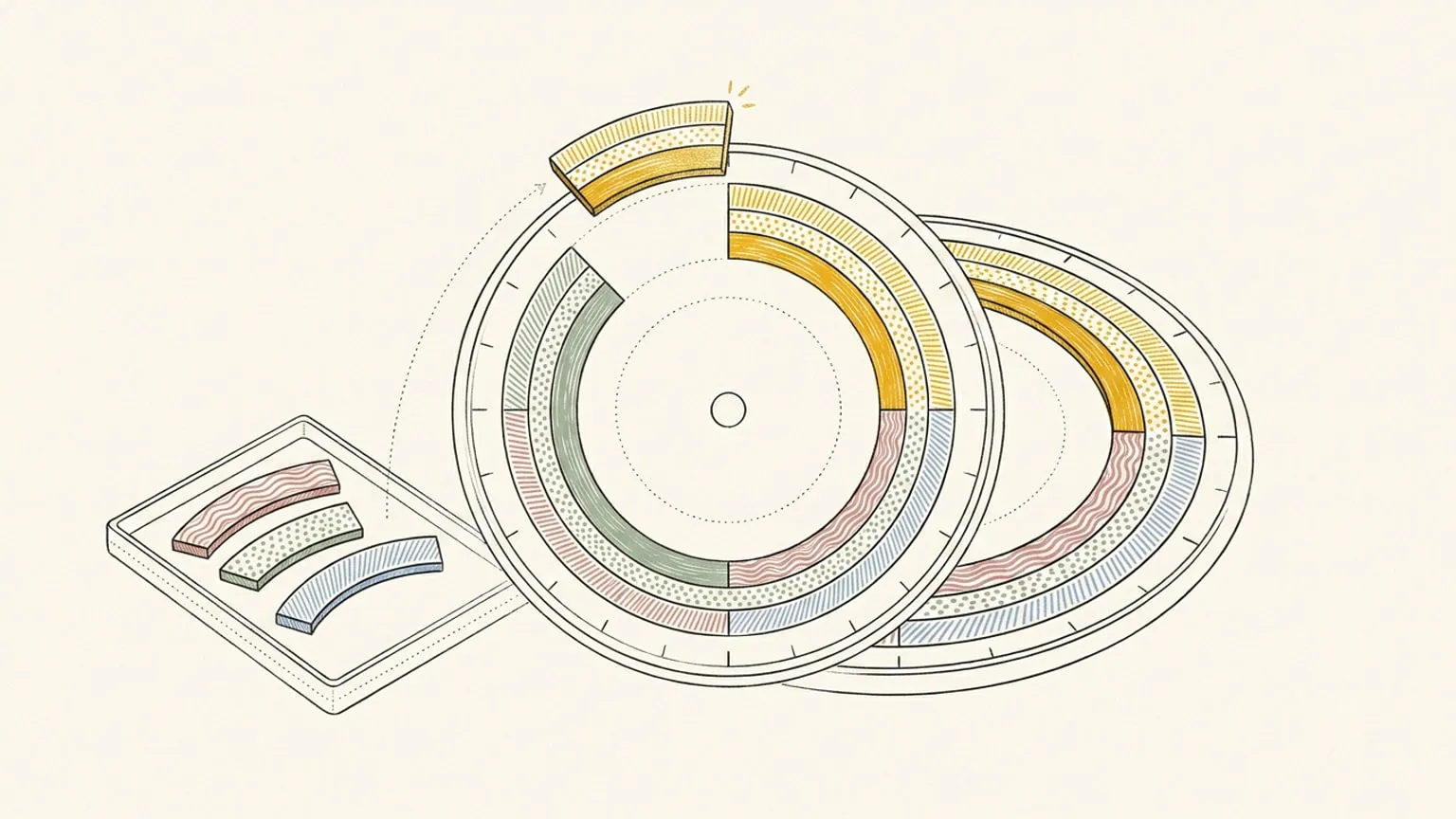
Some things you mean to do don't have a time yet. Reassign's Inbox is a tray of blocks with no time (off the clock, still sized and sorted) that you drag onto the 24-hour dial the moment there's room.
Read →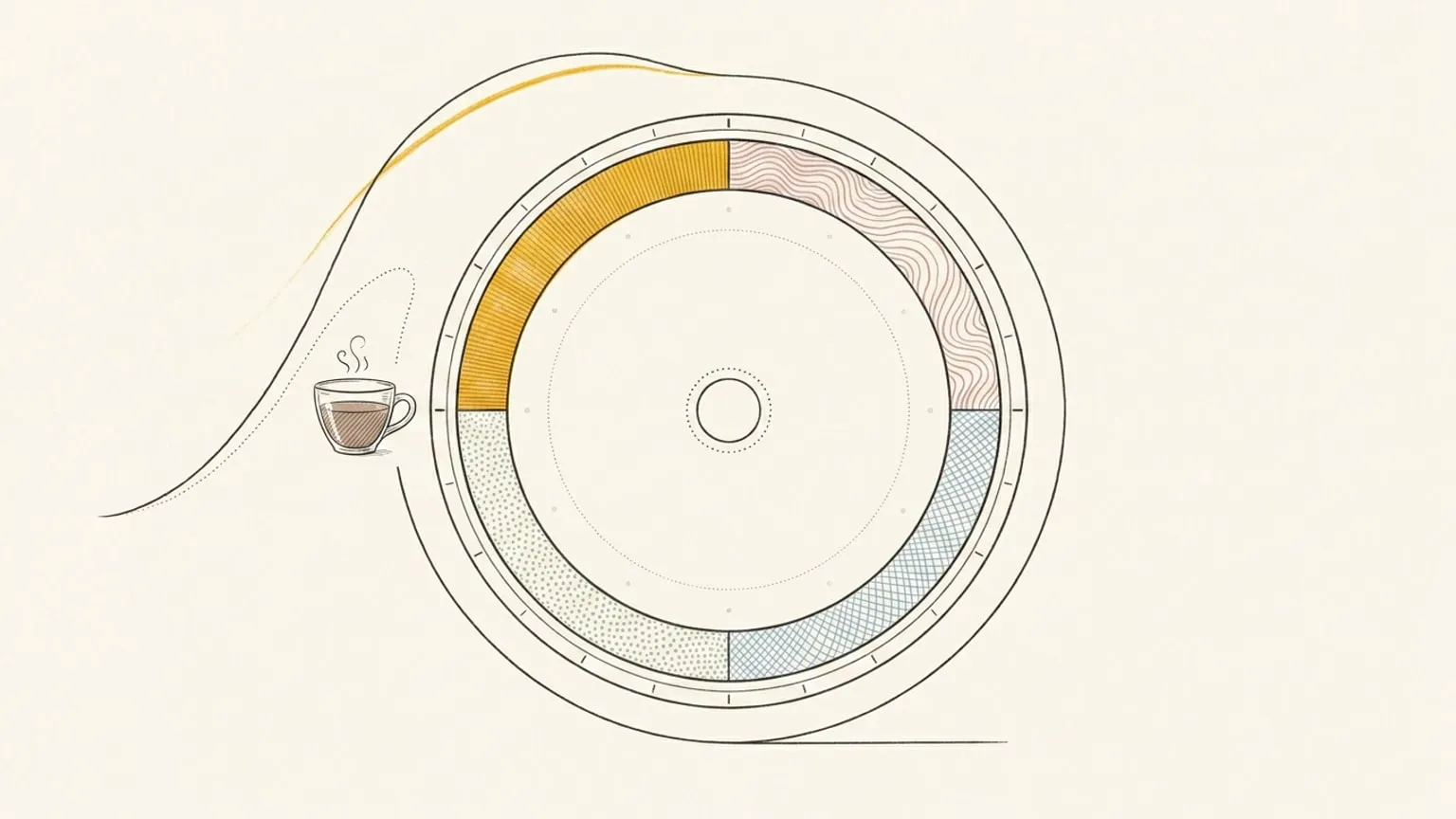
When are you most productive? Reassign draws a per-hour energy curve around its 24-hour dial: a circadian and sleep-pressure model bent by your real sleep, caffeine, and naps, so you plan deep work for your peak hours.
Read →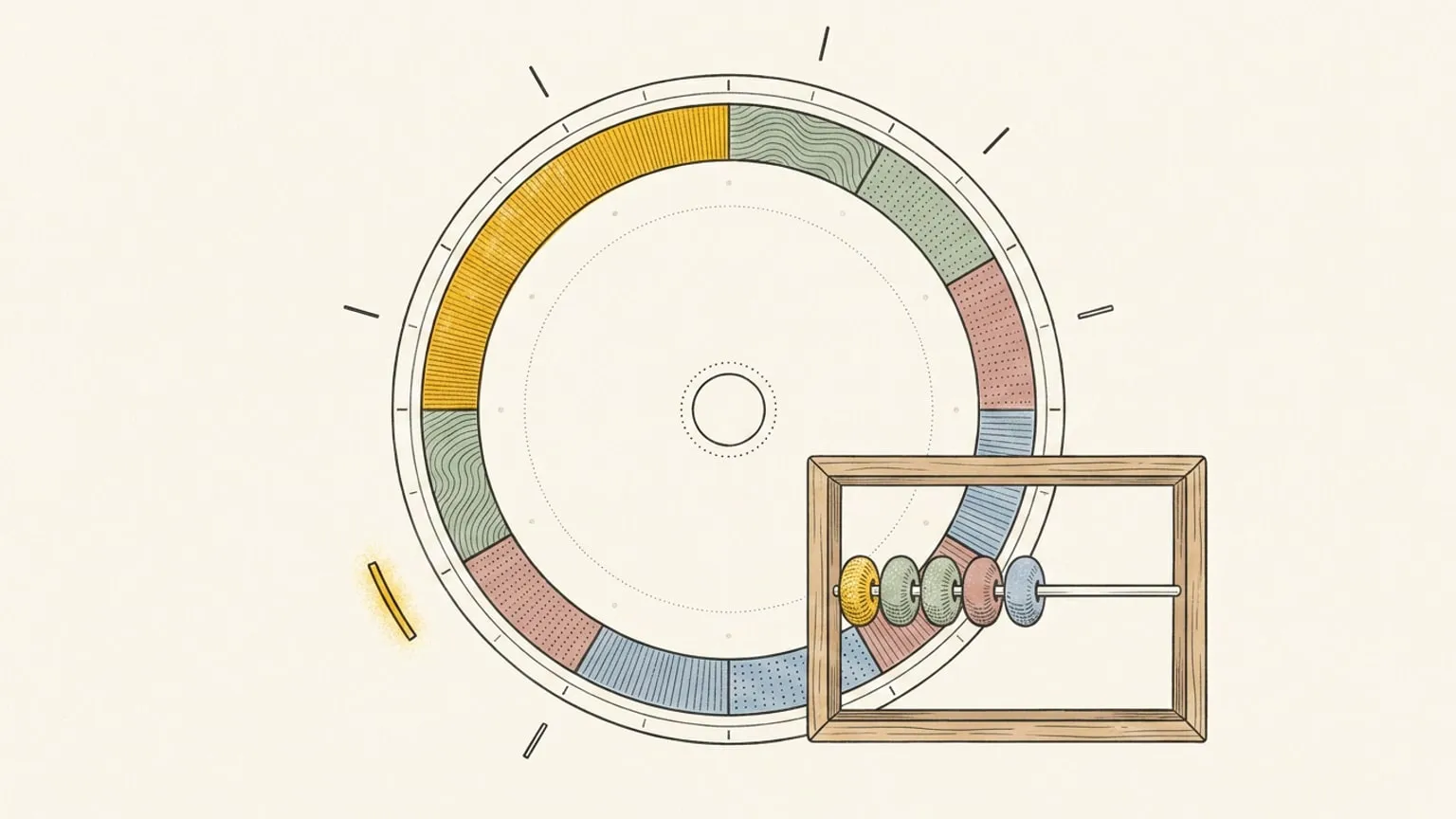
Reassign now tracks moments on the 24-hour dial: log a coffee, a glass of water, or your mood as points in time, and read each day's total in the legend.
Read →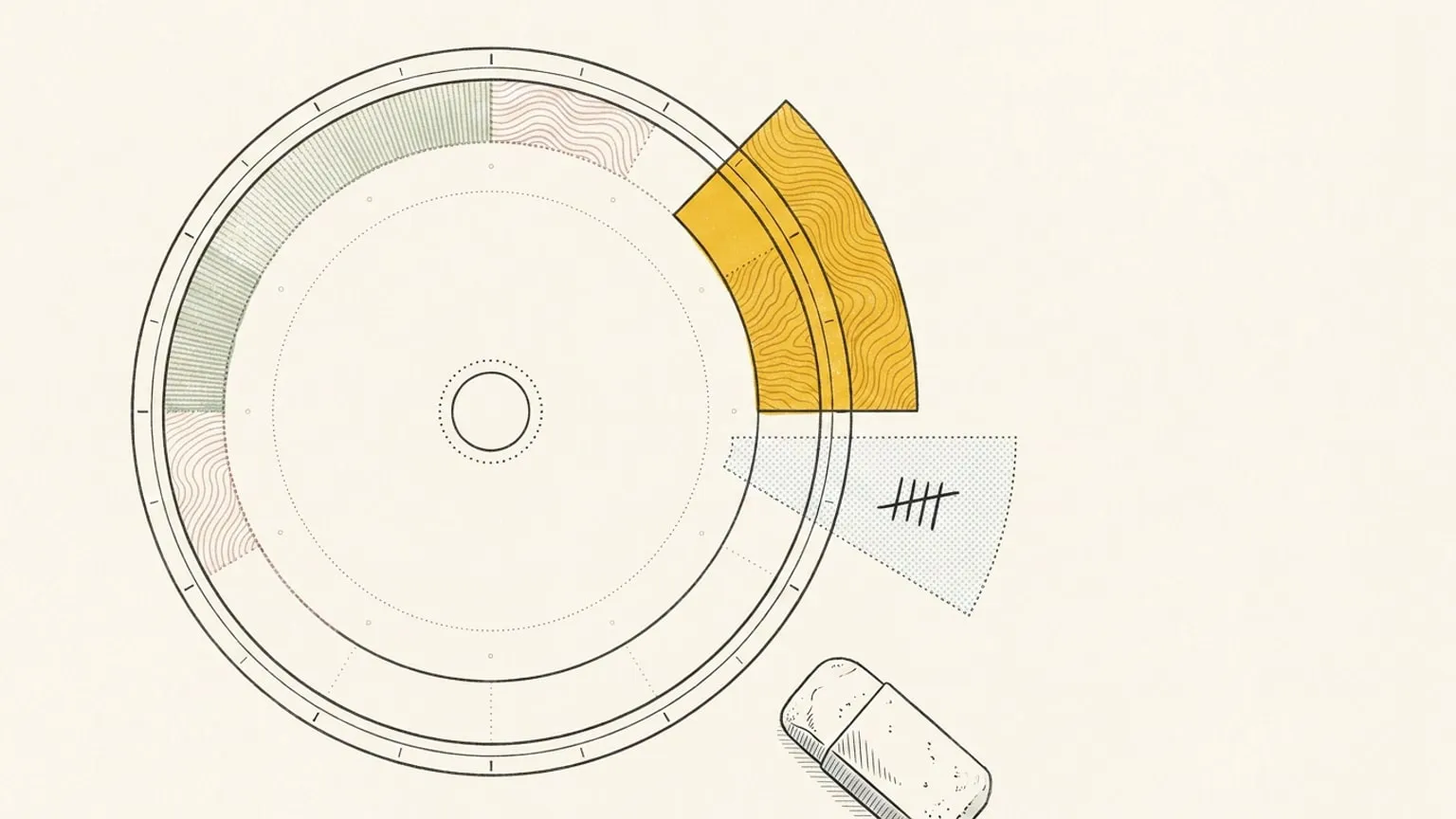
Planning is a guess you make in the morning. Reflection grades it: step back to a past day on the dial and see the plan against the day you actually lived.
Read →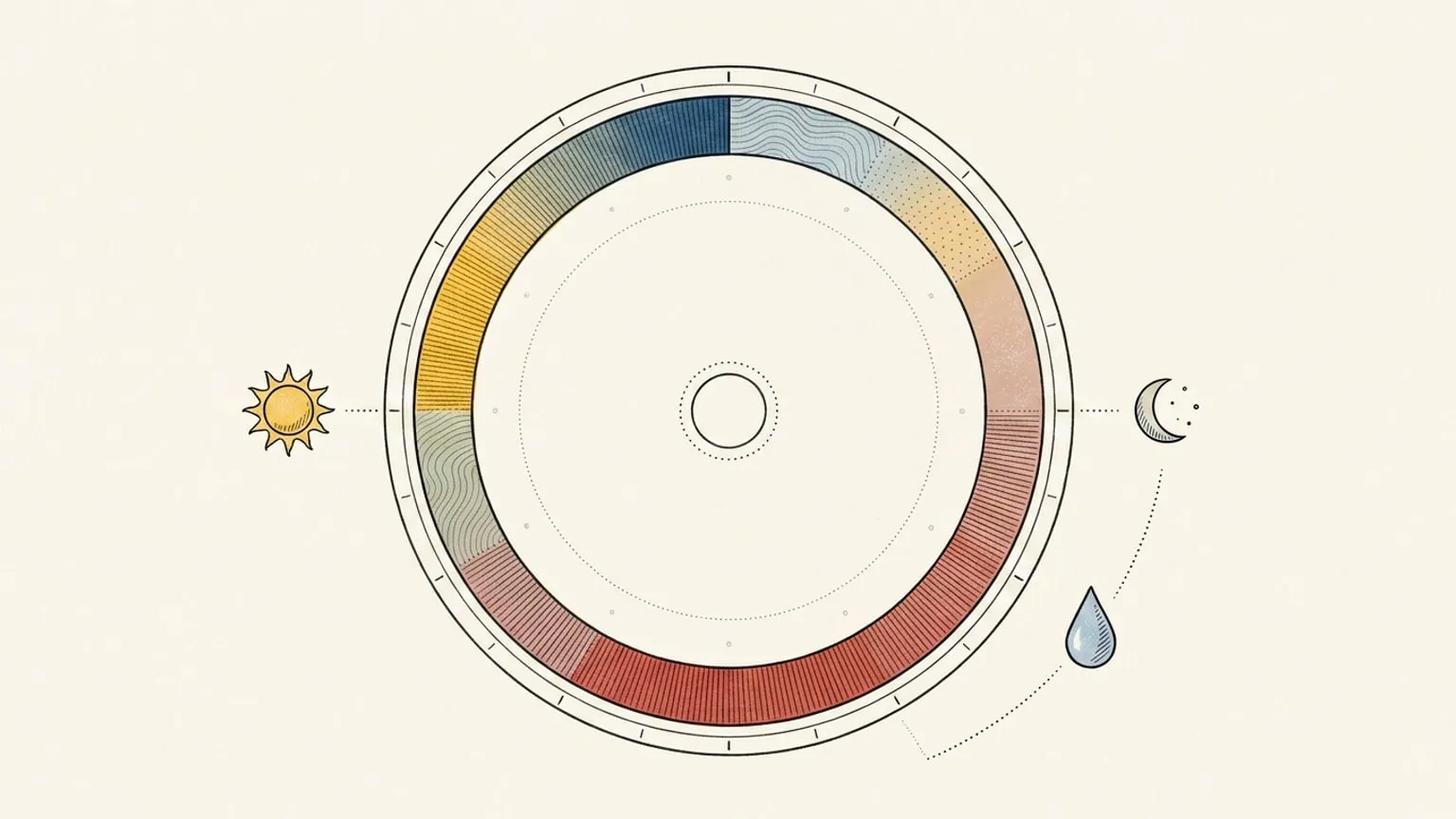
Reassign wraps the weather forecast around its 24-hour day planner dial: a day/night disc, a temperature curve, and hourly conditions you can scrub. Included in Pro.
Read →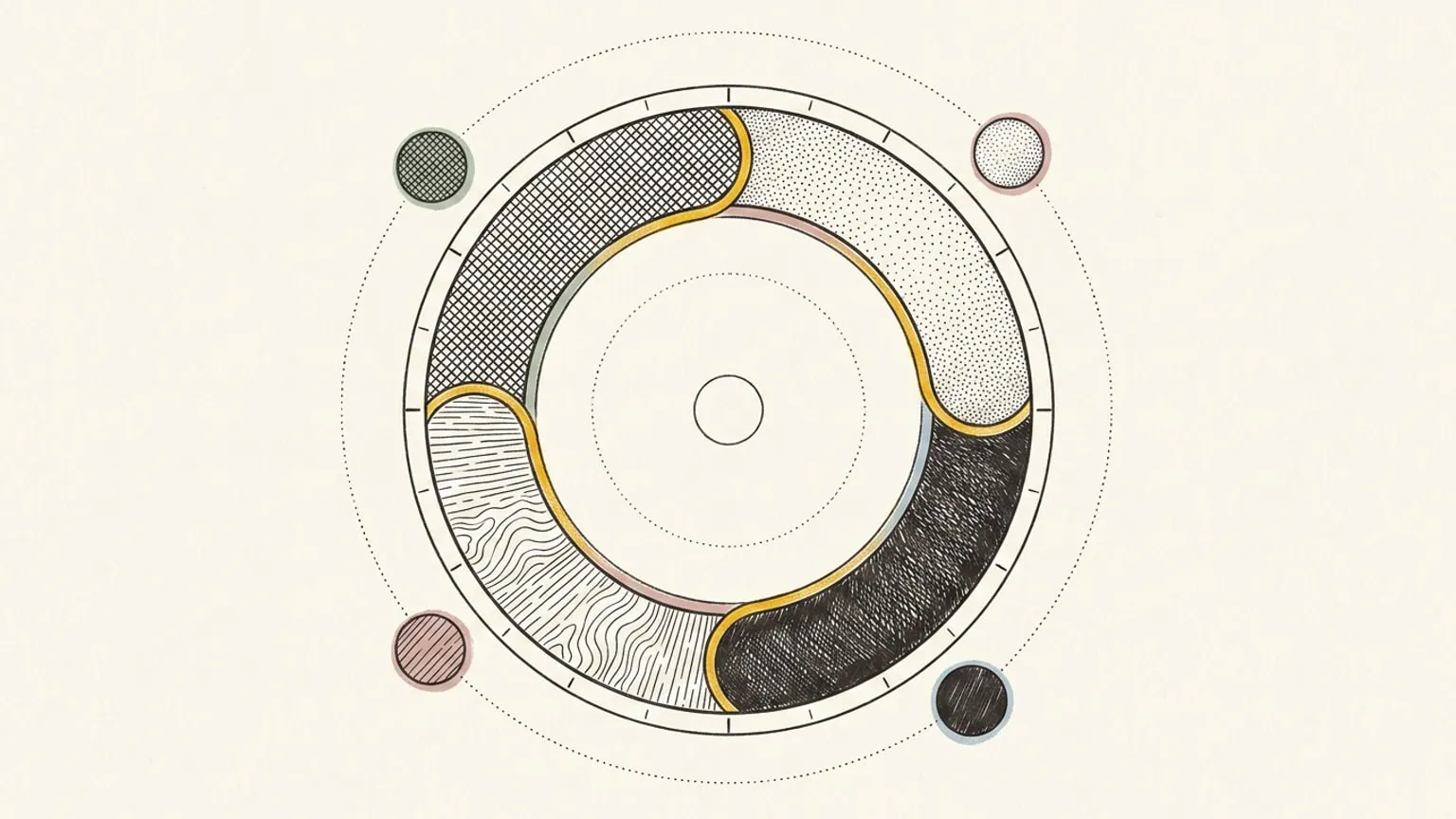
Reassign now does two-way auto sync with Google Calendar: your calendars land on a 24-hour dial in their own colour, and edits you make there flow back.
Read →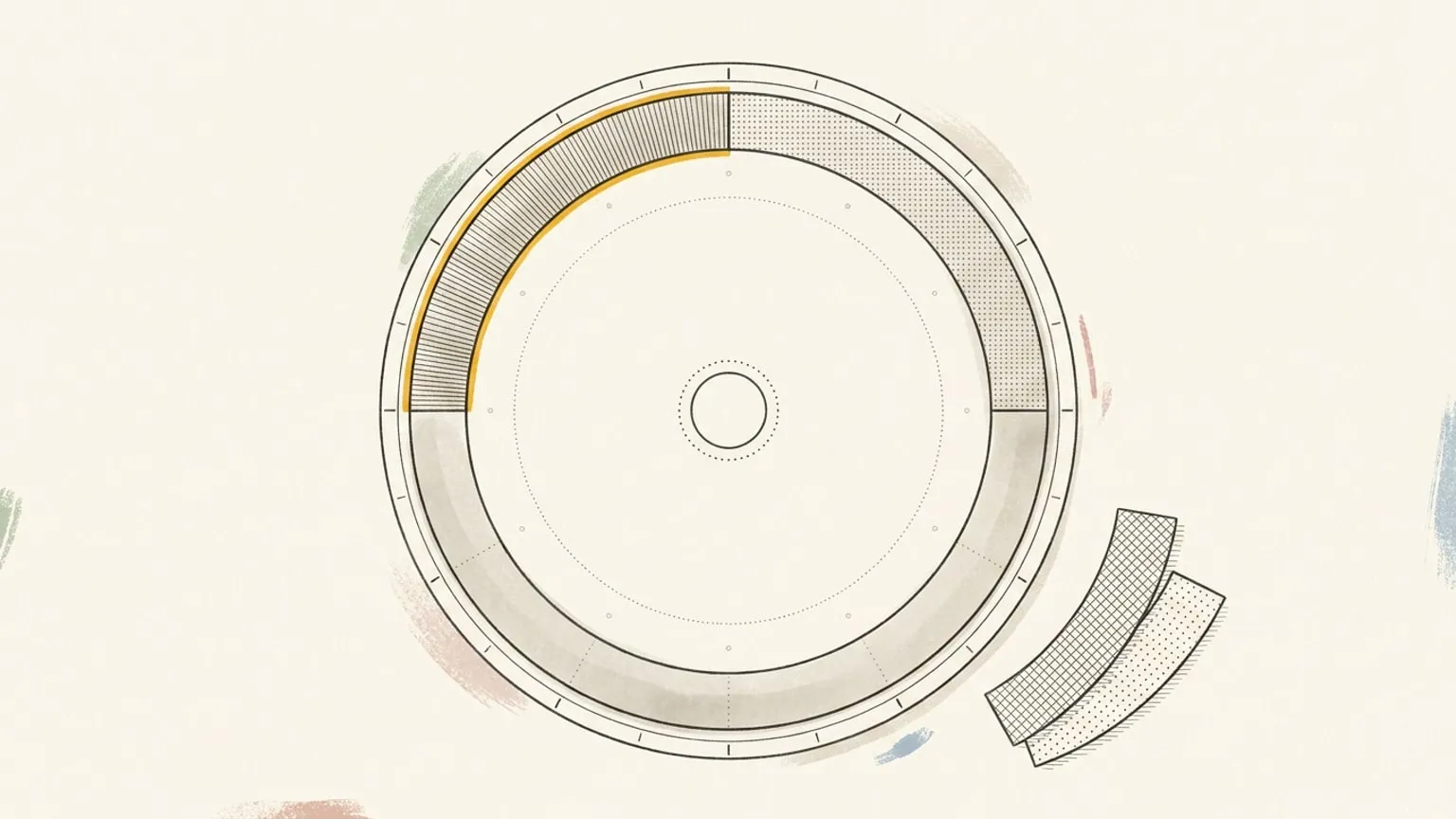
Two orthogonal axes for your day: colour for what part of life a block belongs to, texture for what kind of energy it asks. Why a planner needs both.
Read →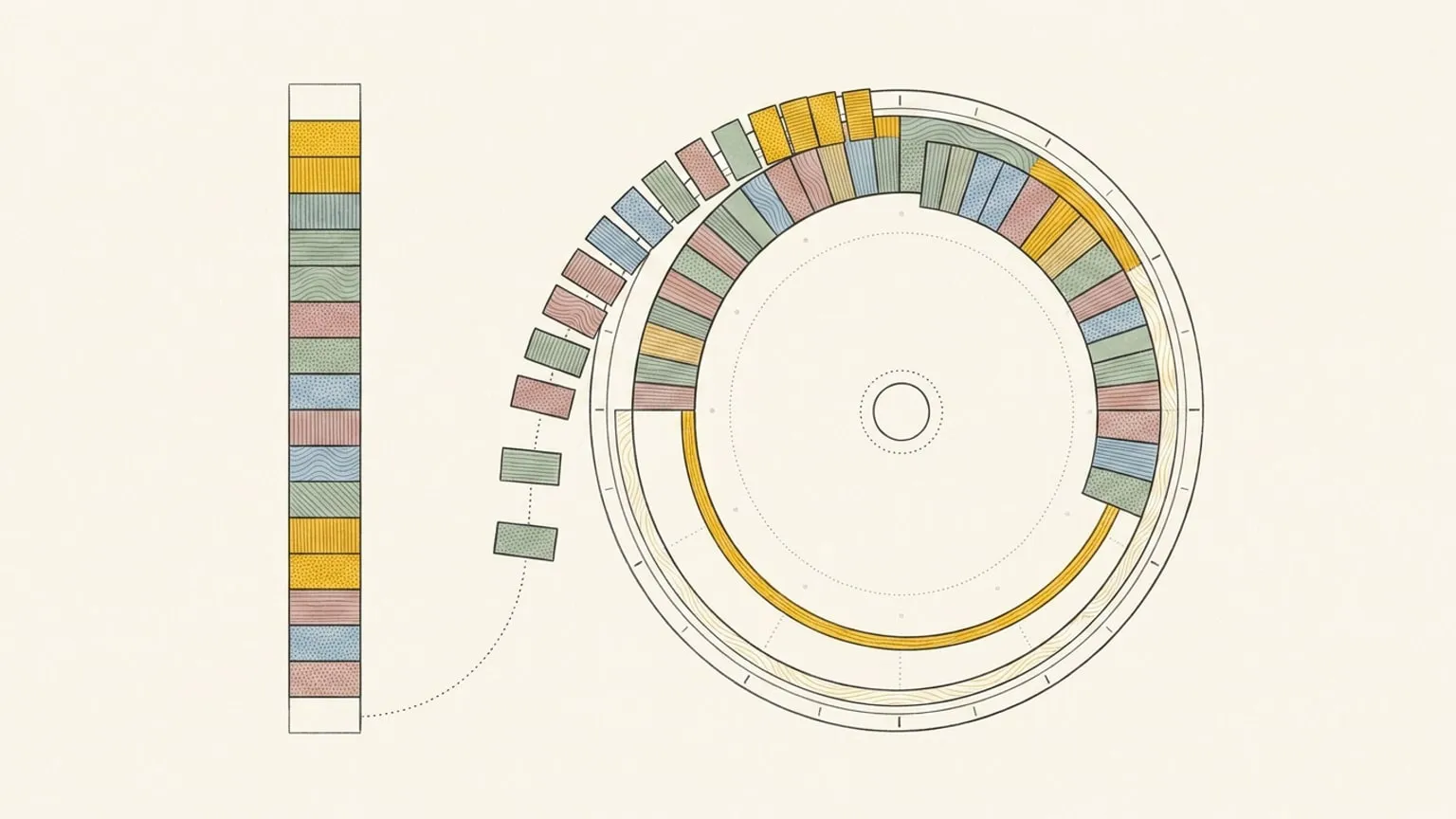
A list flattens time. A dial shows its shape. On the 24-hour clock as the oldest, most legible interface we have for a day.
Read →