Your timed tasks, already on the dial
Reassign now syncs two-way with TickTick. A timed task becomes a real block at its hour on the 24-hour dial, and moving it writes the new time back.

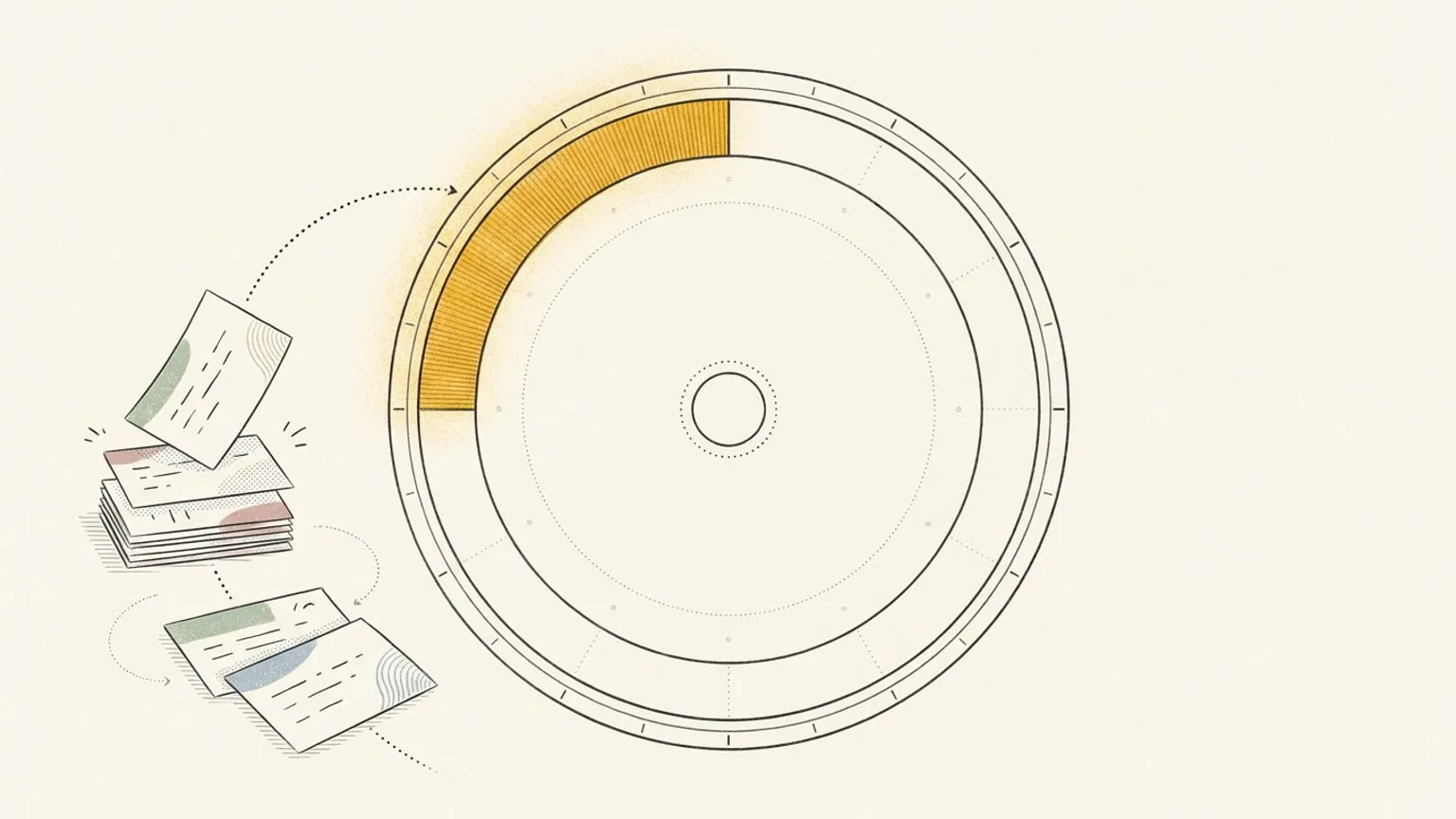
You already gave a TickTick task an hour. Connect TickTick to Reassign and that task appears as a block on the 24-hour dial, beside your meetings and the rest of your day. Move it here and the new time goes back to TickTick.
Keep your task lists. See how they fill the day.
Timed tasks arrive ready to plan around
Open Integrations, sign in with TickTick, and choose your projects. A task with a start and due time keeps that span on the dial. A task with only one time gets a one-hour block you can resize.
For example, a task from 2 to 3 appears at 2. Drag it to 4 and Reassign writes the new start and due times back to TickTick. Pull its edge to allow another half-hour and the duration changes there too.
Like Todoist, TickTick supports timed tasks through its Reassign connection. Google Tasks, Microsoft To Do and Linear sync due dates, while their planned working hours stay in Reassign.
Tasks without a time wait in the Inbox
Date-only and all-day tasks keep their date in the Inbox. They take no space on the dial until you schedule them. Undated imports are a separate choice for each project, so you can leave a someday list where it is.
Use the Inbox’s Integration filter to plan your TickTick tasks together. Drag one onto the dial when you have room for it.
Finish it once
Titles, plain-text notes, times and completion sync both ways. Complete a task on the dial and it closes in TickTick. Finish it in TickTick and it shows as done here.
TickTick has no webhooks, so Reassign checks it about once an hour. Use Sync now on the source card when you want to pull in a change sooner. A timed task more than 30 days ahead joins the dial once it is within 30 days.
What stays in TickTick
Habits, Pomodoro stats, tags, priorities and subtasks do not sync. Repeating tasks keep their repeat rules in TickTick. Completed, abandoned and note-only items are left out of the import.
If you want a timer alongside your scheduled work, Reassign has its own focus intervals and focus mode. Those sessions do not import your TickTick Pomodoro history.
See whether tomorrow fits
Connect one TickTick project and your calendar. Look at tomorrow’s dial: the task you scheduled for 2 now shares a day with the meeting at 3 and the school run at 4. Move it while there is still room to choose.
Thinking about leaving TickTick instead of pairing it? Read the honest TickTick alternative comparison.
TickTick sync is included in Pro: $14/month or $120/year. Start your 7-day trial. No card required. No automatic charge.
Frequently asked
- Does Reassign sync with TickTick?
- Yes. Reassign now syncs two-way with TickTick. Sign in with TickTick, choose the projects you want, and your tasks land on the 24-hour dial. A task with a time becomes a block at its hour; a task without one waits in your Inbox. Edits flow back both ways.
- What happens to a TickTick task that has a time?
- It becomes a real block at that hour. A task with a start and a due time keeps that duration; a task with only one time gets a one-hour block by default. Move or resize the block on the dial and the new start and due time write back to TickTick.
- What about a task with only a date?
- A date-only or all-day task keeps its date and waits in your Inbox as a block with no hour yet. It does not become a timed block until you give it a slot. Undated tasks import only from the projects you opt in.
- Do notes and completion sync both ways?
- Yes. The task title, its notes as plain text, its time, and completion all sync in both directions. Finish a task on the dial and it closes in TickTick; finish it in TickTick and it shows as done here.
- What does not sync from TickTick?
- Habits, Pomodoro stats, tags, and priorities stay in TickTick. A repeating task shows as repeating, but its repeat rule stays in TickTick. Reassign syncs the title, notes, time, and completion, and leaves the rest where it is.