Apple Calendar, on a 24-hour dial
Reassign now syncs two-way with Apple Calendar through iCloud, and with Fastmail, Nextcloud or another CalDAV server. Plan your day on a dial in any browser.

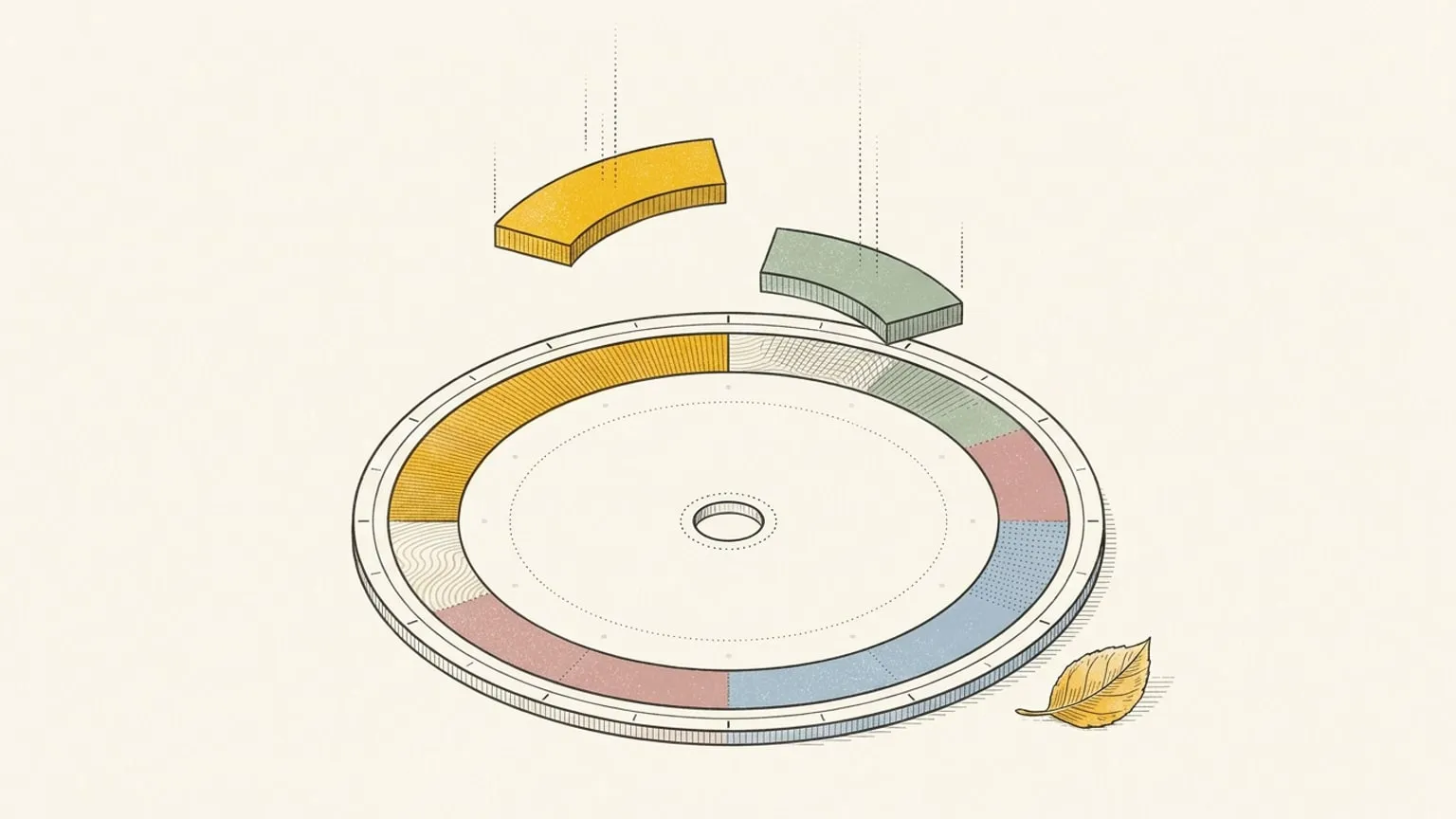
Your personal life probably lives in Apple Calendar: the dentist, the school run, the dinner your partner put in on their iPhone. Now the iCloud calendars behind Apple Calendar land on the dial too, two-way, next to Google, Outlook and your task apps.
Apple Calendar sat on the roadmap as Soon. Now it ships. And because Reassign is a web app, the dial with your iCloud events opens in any browser: on a Mac, but also on a Windows work laptop or an Android phone, where Apple Calendar does not run.
How does Reassign connect to Apple Calendar?
Through iCloud, over CalDAV. CalDAV is the open standard that calendar servers use to share events. Most Apple Calendar events live in iCloud, and iCloud speaks CalDAV, so Reassign reads and writes the same events that your iPhone and your Mac show.
Apple Calendar is an app, and it can also show Google, Outlook and local calendars. Check where each calendar lives: an iCloud calendar connects here, a Google or Outlook calendar connects through its own connection, and a calendar stored only on your device does not sync. Apple Reminders is not part of this connection.
The same connection also works with other CalDAV servers:
- iCloud, for Apple Calendar.
- Fastmail.
- Nextcloud.
- Other CalDAV server, for a compatible service with a public
https://address on port 443 or 8443. What works depends on the server.
Connect iCloud in two minutes
You need an Apple ID with two-factor authentication, and one app-specific password.
- Sign in to your Apple account at account.apple.com. Under Sign-In and Security, open App-Specific Passwords and make a new one. Name it “Reassign” so you can find it later. Apple’s guide has the details.
- In Reassign, open Integrations and choose iCloud and CalDAV. Pick iCloud. The server address fills in by itself.
- Enter your Apple ID email and the app-specific password.
- Pick the calendars you want on the dial, drag them into order, and choose where New events go to.
For Fastmail, use an app password from your Fastmail settings. For Nextcloud or another server, also enter its https:// address.
If the connection stops after you change your Apple account password, make a new app-specific password and reconnect. Apple turns off the old ones when the password changes.
It works like Google and Outlook
There is nothing new to learn. CalDAV calendars use the same calendar settings as Google Calendar and Outlook.
- Events come in as blocks you can move. Each one lands on the 24-hour dial in its own colour. The AI sorts it into the right area and activity type, or you pin one area per calendar.
- Edits go back the way they came. Move, resize, rename or delete a block you own and iCloud has it. Create a block on an iCloud calendar and it shows up on your iPhone.
- Repeating events stay one series. Change one occurrence, this and following, or the whole series, on either side.
- The details you do not touch stay. Reassign edits only the fields it changes, so the attendees, alarms and other details of an event stay as they were.
- Copies work too. Mirror your iCloud events onto a work calendar, or the other way round, with Full details, Private or Busy only. How private and busy copies work →
A calendar that you cannot edit, such as one that another person shares with you as read-only, comes in read-only.
The honest limits
- It checks every 10 minutes, not instantly. Reassign checks each calendar for changes made in other apps about every 10 minutes. Your own edits go out right away, and Sync now on the source card pulls a change at once.
- Attendees can get an email. If you edit or delete an event that has attendees, your server can send them an update, because iCloud, Fastmail and Nextcloud send their own invitations.
- Private copies depend on the server. On a CalDAV calendar, Reassign marks a Private copy as private, and the server and each app decide what that hides. When the title must not appear, use Busy only.
- The server must be public. Reassign connects only over
https://on port 443 or 8443, and never to a private or local address. A server on your home network cannot connect.
Is it safe to connect iCloud?
CalDAV has no “Allow access” screen like Google or Microsoft. So the safe way in is the app-specific password: it opens your calendars, it is not your Apple ID password, and you can remove it in your Apple account at any time.
Reassign stores the password encrypted and sends it only to iCloud. It keeps a copy of each synced event file, so that an edit keeps the other details of the event. The privacy policy has the full list.
Disconnecting stops sync and keeps imported blocks. Delete the connected source to remove its linked imports from Reassign. Nothing is deleted on your server.
One face for every calendar
If your work lives in Outlook and your family in Apple Calendar, you can now pull both onto one dial. You stop reading which app a block came from and just see what part of life it belongs to. Your task apps come along too: Todoist, Google Tasks, Microsoft To Do, Linear and TickTick. And once the real day is on the dial, you can plan it with Claude or ChatGPT.
Calendar sync is part of Reassign Pro, $8.99/month or $69.99/year, with a 14-day trial and no card to start. The setup details are on the iCloud and CalDAV page.
Frequently asked
- Does Reassign sync with Apple Calendar?
- Yes, for calendars stored in iCloud. Reassign connects to iCloud over CalDAV, and the sync is two-way, so a block you move on the dial moves in Apple Calendar too. Apple Calendar can also show Google, Outlook and local calendars. Connect Google or Outlook through their own connections; calendars stored only on your device do not sync. Reassign works in any browser, also on Windows and Android.
- Do I need my Apple ID password?
- No. Sign in with your Apple ID email and an app-specific password that you make in your Apple account. Your main password never goes to Reassign. Remove the app-specific password in your Apple account and the connection stops. If you change your Apple account password, Apple turns off your app-specific passwords, so make a new one and reconnect.
- Which other calendars work over CalDAV?
- Fastmail and Nextcloud have presets. Other CalDAV server is for a compatible service with a public https:// address on port 443 or 8443. Calendar access and supported features depend on the server, and a server reachable only on your home network cannot connect.
- How quickly do changes sync?
- Your edits in Reassign go to the server right away. Reassign checks for changes made in Apple Calendar or on the server about every 10 minutes. Sync now on the source card pulls them sooner.
- Can I put busy copies of my iCloud events on a work calendar?
- Yes. Copies work between connected Google, Outlook and CalDAV calendars. Copy events from iCloud onto a work calendar, or from a work calendar onto iCloud, with Full details, Private or Busy only. On a CalDAV server a Private copy is only marked private, so use Busy only when the title must stay off the target.
- What happens to my events if I disconnect?
- Disconnecting stops sync and keeps imported blocks. Delete the connected source to remove its linked imports from Reassign. Nothing is deleted on your server, and your events stay in Apple Calendar.
Your calendar and tasks, on one dial.
Connect your calendar and your task app. Meetings and timed tasks land on a 24-hour ring, and edits sync both ways.
Start your 14-day trial14 days of Pro. No card required. No automatic charge.