The issues assigned to you, given an hour.
Linear tracks the issues; it does not tell you when you will work them. Connect it, choose your teams, and the issues assigned to you land in your Inbox. Drag one onto the dial to block real time for it, and completing it on the dial moves the issue on in Linear.
Included in Pro and the 7-day no-card trial.
Only your issues, in the teams you choose
Pick your teams and dated issues assigned to you land in your Inbox under their due dates. Enable undated imports per team to bring in the rest of your queue. Other people’s issues stay out.
Drag it onto the dial to block time
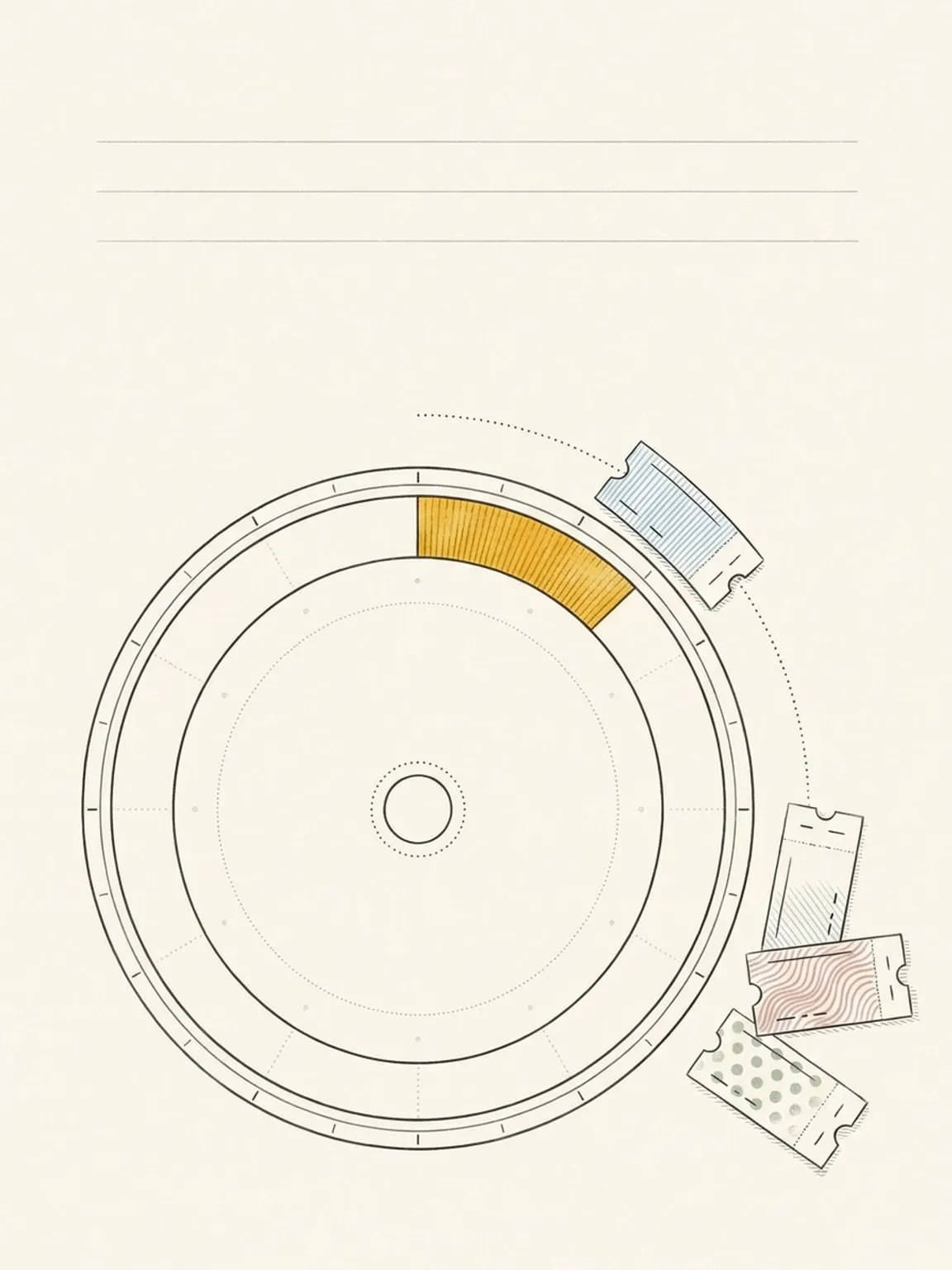
An issue is a thing to do, not an hour. Drag it onto the ring to give it a day, a time and a length, and that slot stays in Reassign. Any Linear due date rides along, and moving your block never changes it.
Completing an issue moves its state
Complete an issue from Reassign and it moves to your team’s first completed workflow state; reopen it and it moves to the first unstarted state. Change the issue in Linear and Reassign follows. A manual Sync now sits on the source card.
Estimates become lengths, and can go back
Per team, set One point is to 15 min, 30 min, 1 hour or 2 hours, and an estimated issue lands in your Inbox at that length per point. Send durations to Linear is Off, Only when empty (fills a blank estimate, never overwrites one a teammate set), or Always (rounds your length to the nearest point on the team scale). A length you set yourself wins until the estimate changes in Linear, and only a real length change writes back.
It never edits another person’s issues
Reassign imports issues assigned to you in selected teams, using Linear’s read and write scopes. It can recheck a linked issue to detect reassignment, but does not update an issue assigned to someone else. An issue that is reassigned, canceled, marked duplicate or archived leaves the imported set; one in a state Reassign does not know stays open. Projects, labels, priorities and comments do not sync, and the day and time you block stay in Reassign. A length goes back to Linear as an estimate only when you turn on Send durations to Linear. Disconnecting stops sync and keeps imported issues. Delete the connected source to remove its linked imports from Reassign; nothing changes in Linear.
This page is the what and the why. For the step by step, the docs cover the same ground as instructions: Linear sync in the docs →
Questions
- Which Linear issues come across?
- Dated issues assigned to you in the teams you choose. Undated issues import only from teams you opt in. An issue reassigned away from you leaves the imported set, and Reassign does not update issues assigned to someone else.
- What happens when I complete an issue in Reassign?
- It moves to your team’s first completed workflow state in Linear. Reopening it moves it to the first unstarted state. Finish it in Linear and it is done here too.
- Do projects, labels and priorities sync?
- No. Titles, notes, any due date and completion sync, and estimates too if you turn them on. Projects, labels, priorities and comments stay in Linear, and the hour you block for an issue stays in Reassign.
- Do Linear estimates sync?
- Yes, if you turn them on per team. Set what one point is worth (15 min, 30 min, 1 hour or 2 hours) and an estimated issue lands in your Inbox at that length. To send lengths back, choose Only when empty, which never overwrites a teammate’s estimate, or Always, which rounds to the nearest point on the team scale. A length you set yourself wins until the estimate changes in Linear.