Google Tasks knows the day. Reassign gives it an hour.
Keep capturing tasks in Google. Bring them into Reassign, then drag the next one into a gap between meetings. Your planned slot stays separate from the deadline, so moving the work does not move its due date.
Included in Pro and the 7-day no-card trial.
A dated task lands in your Inbox
Pick the lists you want and each dated task arrives in your Inbox under its due date, sized and coloured. Undated tasks come across only from the lists you opt in, one list at a time.
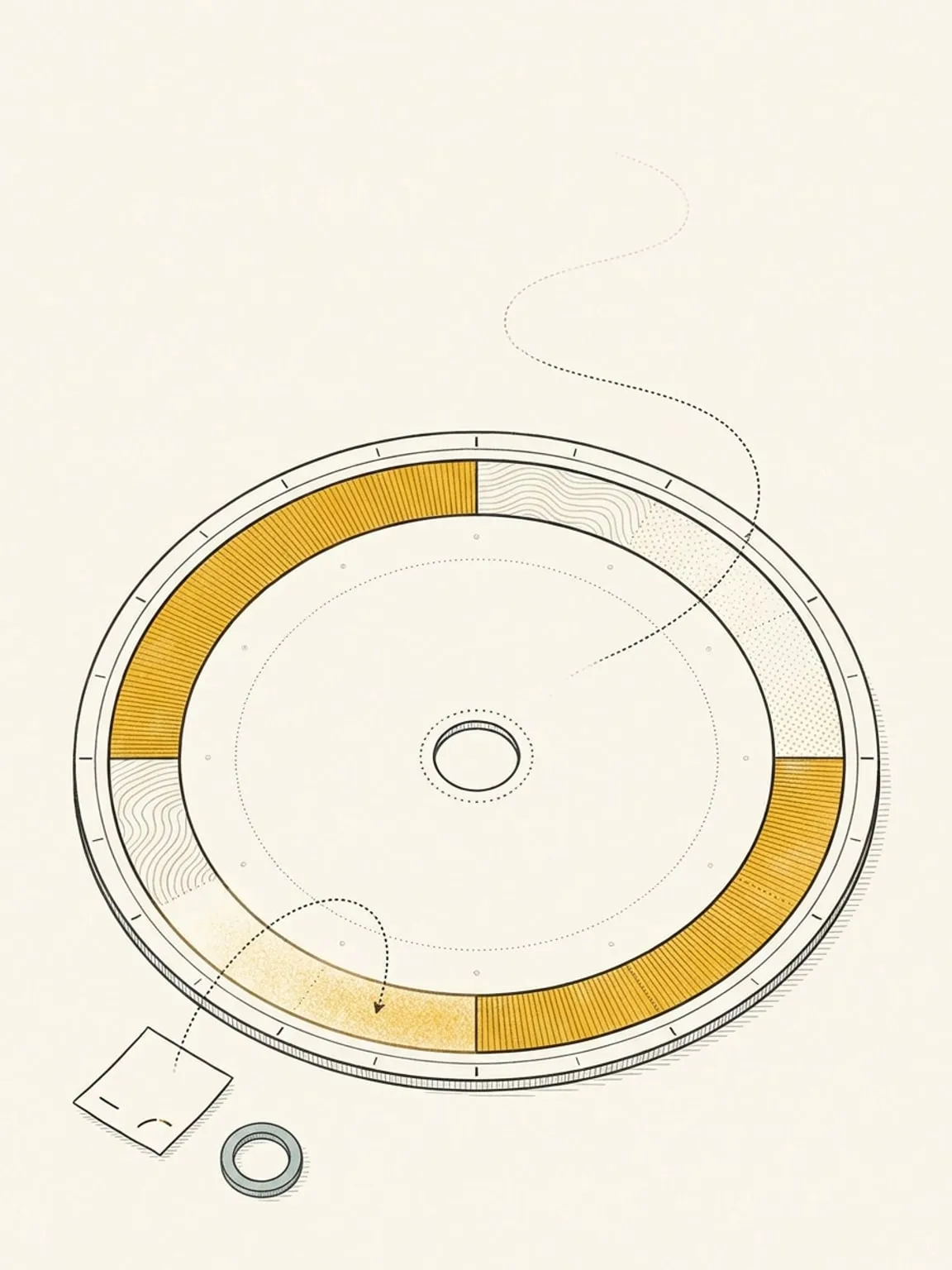
Drag it onto the dial for a time
The Google Tasks connection shares due dates, not due times. Drag the task onto the ring to set the day, the hour and the duration, and that exact slot stays in Reassign. Move or reschedule the block and the Google due date does not change.
Titles, notes and done, both ways
Titles, plain-text notes, due dates and completion sync in both directions. Check a task off on the dial and it is done in Google Tasks; finish it in Google Tasks and it is done here. There is a manual Sync now on the source card.
The date syncs. The time does not.
The Google Tasks API shares due dates, not due times. Your planned day, hour and duration stay in Reassign. Subtasks and lists you did not pick stay out. Disconnecting stops sync and keeps imported tasks. Delete the connected source to remove its linked imports from Reassign; nothing is deleted in Google Tasks.
This page is the what and the why. For the step by step, the docs cover the same ground as instructions: Google Tasks sync in the docs →
Questions
- Does the time I set sync back to Google Tasks?
- No. The Google Tasks API shares due dates, not due times. The day, hour and duration you set stay in Reassign, and moving the block never changes the Google due date.
- Where do my tasks show up first?
- A task with a due date lands in your Inbox under that date. Drag it onto the dial when there is room. Undated tasks come across only from the lists you opt in.
- How often does it sync?
- Every few minutes, in both directions, with a manual Sync now on the source card whenever you want to force it. Nothing is deleted in Google Tasks when you disconnect.