Time blocking: giving every hour a job
Time blocking gives every hour a job. What it is, how to block a day, the four ways it breaks in practice, and what changes when the day is a ring.

You have probably tried this. Sunday evening, a clean calendar, every hour of the week given a job. By Tuesday at eleven the plan is fiction and you are back to working off whatever is loudest.
That is not a failure of will. Time blocking is the strongest idea in personal planning, and it is also the one most likely to be abandoned, because almost nobody teaches the second half: what to do when the day refuses to match the plan. This is the whole practice. What it is, how to block a day, the four specific places it breaks, and what changes when you stop drawing your day as a column and start drawing it as a ring.
What time blocking actually is
Time blocking is assigning every part of your working day to a specific stretch of time, in advance, and doing only that thing inside that stretch. Not “write the report, answer email, call the supplier” but “9:00 to 10:30 report, 10:30 to 11:00 email, 11:00 to 11:20 call”.
The difference from a to-do list is one word: duration. A list is a set of promises with no delivery time. Every item gets one row, so a five-minute task and a four-hour task occupy identical space, and nine items can be four hours of work or twenty with nothing on screen telling you which. Draw the same nine on a day and one of them will not fit. You want to learn that on Sunday night, not at 4pm on Wednesday.
Cal Newport, who did more than anyone to popularise the modern version, is blunt about the payoff: “A 40 hour time-blocked work week, I estimate, produces the same amount of output as a 60+ hour work week pursued without structure.” Read the hedge. He wrote I estimate, and it is his own judgment rather than a measured result. But it describes something real. Work without a container leaks, and it leaks into the hours you would rather have spent elsewhere.
The phrase most people reach for here is Parkinson’s Law: work expands so as to fill the time available for its completion. It is worth knowing where that came from, because it is usually cited as though it were a study. It is the opening line of a satirical essay the naval historian C. Northcote Parkinson published in The Economist on 19 November 1955, and the essay itself is about civil service bureaucracies growing regardless of the work available. He offered the line as a commonplace observation, not a finding. It is a good joke that happens to describe your afternoon exactly.
Why giving a task a time works at all
Something firmer does hold up, and it is more specific than “planning helps”.
Psychologists call it an implementation intention: an if-then plan that ties an action to a concrete cue and a concrete moment. Not “I will exercise” but “if it is Tuesday at 7am, I will run”. Gollwitzer and Sheeran’s 2006 meta-analysis pooled 94 independent tests and found that forming these plans had a medium to large effect on whether people actually reached their goals, d = .65. The two places it helped most are the two places days fall apart: getting started, and not getting derailed once you have.
A time block is an implementation intention drawn to scale. “Invoices” is a goal you hold. “Invoices, 14:00 to 14:40” is an if-then plan with a duration attached. The block carries the remembering, and it removes the small recurring decision that quietly eats a day: what now.
How to block a day
Five steps, in this order. The order matters more than the tooling.
- Draw the fixed things first. Meetings, the commute, the school run, the appointment you cannot move. These are not decisions, they are walls. Everything else has to fit between them, and you cannot see the space you have until the walls are down.
- Estimate from last time, not from hope. The single biggest source of a broken plan is a block sized to how long the task should take. Use the number from the last time you did it. If you do not have that number, start collecting it. This is dull and it is the whole game.
- Place the hardest block early, and keep it whole. One unbroken two-hour block beats four half-hour blocks holding the same total, because focused work pays a setup cost every time it restarts. That argument has its own post: the maker’s schedule. Put it where you are actually sharp rather than where the calendar has room.
- Leave the gaps in. Newport, again, on his own method: “I leave some extra room next to my time blocks. This allows me to make corrections as needed if the day unfolds in an unexpected way.” A day blocked wall to wall has no capacity to absorb anything, and something always arrives. Fifteen minutes between blocks is not slack. It is the mechanism that lets the plan survive contact.
- Plan tomorrow at the end of today. Ten minutes, while you still remember what today actually cost. Planning in the morning means planning while the day is already pulling at you, and it turns your freshest hour into an administrative one. If most of your days repeat in shape, you are better off building the routine once than redrawing it every evening.
For time blocking applied to a week of study, see how to plan your study week.
That is the practice. Now the part the guides skip.
Where time blocking breaks
You block the day you wished you had
Almost every abandoned time-blocking system died here. The plan was not too rigid. It was too optimistic, by a margin nobody measured.
Sizing a block requires you to know how long something takes, and duration is the one dimension people are worst at judging. If you cannot feel an hour going, you cannot size a block to it, which is why time blindness and failed time blocking travel together. The correction is unglamorous: keep the real durations, and let the last honest number set the next block. Three weeks of that will change your plans more than any app.
One overrun takes the whole afternoon
The 10:00 block runs to 11:20. Now every block behind it is wrong, and there is no cheap way to say so. In most calendars you drag five events one at a time, or you give up and let the plan go stale in front of you.
A stale plan is worse than no plan, because you stop trusting it and then stop looking at it. The fix is structural rather than moral: the plan has to be cheap to move. When one thing runs long you want to reschedule the whole day in a single move, slide everything after it down, and carry on with a plan that still matches reality. A day that bends is a day you keep reading.
Interruptions were never in the plan
You blocked 9:00 to 11:00 for the report. At 9:20 someone needs something. Nothing in a time-blocked schedule tells you what to do with that.
The research here is more interesting than the version that circulates. Mark, Gudith and Klocke’s CHI 2008 study found that people finished interrupted tasks in less time, with no drop in quality. They compensated by working faster. The cost showed up elsewhere: more stress, higher frustration, more time pressure and more effort. So the honest claim is not that interruptions steal your output. It is that they charge you for it in a currency you do not notice until Thursday.
Time blocking cannot make interruptions stop. What it can do is give them somewhere to land: a named admin block later in the day, and a visible gap you can spend without wrecking anything. If your blocks routinely need internal structure to survive, focus intervals split one block into focus and rest rather than adding another layer of plan.
The upkeep costs more than the plan saves
The last failure is the quietest. Week one, the system is a pleasure. Week three, keeping it current has become a task of its own, and you are spending your best attention arranging work rather than doing it.
This is the trap that kills most planning tools, and it is documented in detail in why planners get abandoned in week three. The test is simple: if a plan takes longer to maintain than it takes to follow, the plan is the problem. Anything that has to be typed twice, kept in sync by hand, or rebuilt from scratch each evening will lose, and it should.
The container is the wrong shape
Here is the thing all four failures share. Time blocking is a good idea being drawn on a bad surface.
A calendar column shows duration to scale, and that alone puts it far ahead of a list. But a column is a crop. You see 9 to 5 and scroll for the rest, so the hours at the edges live off screen: the early hour you meant to claim, the evening that quietly absorbs every overrun, the sleep the whole plan depends on. Blocks that do not appear cannot be planned around. You end up time blocking a third of your life and improvising the rest, then wondering why the plan does not hold.
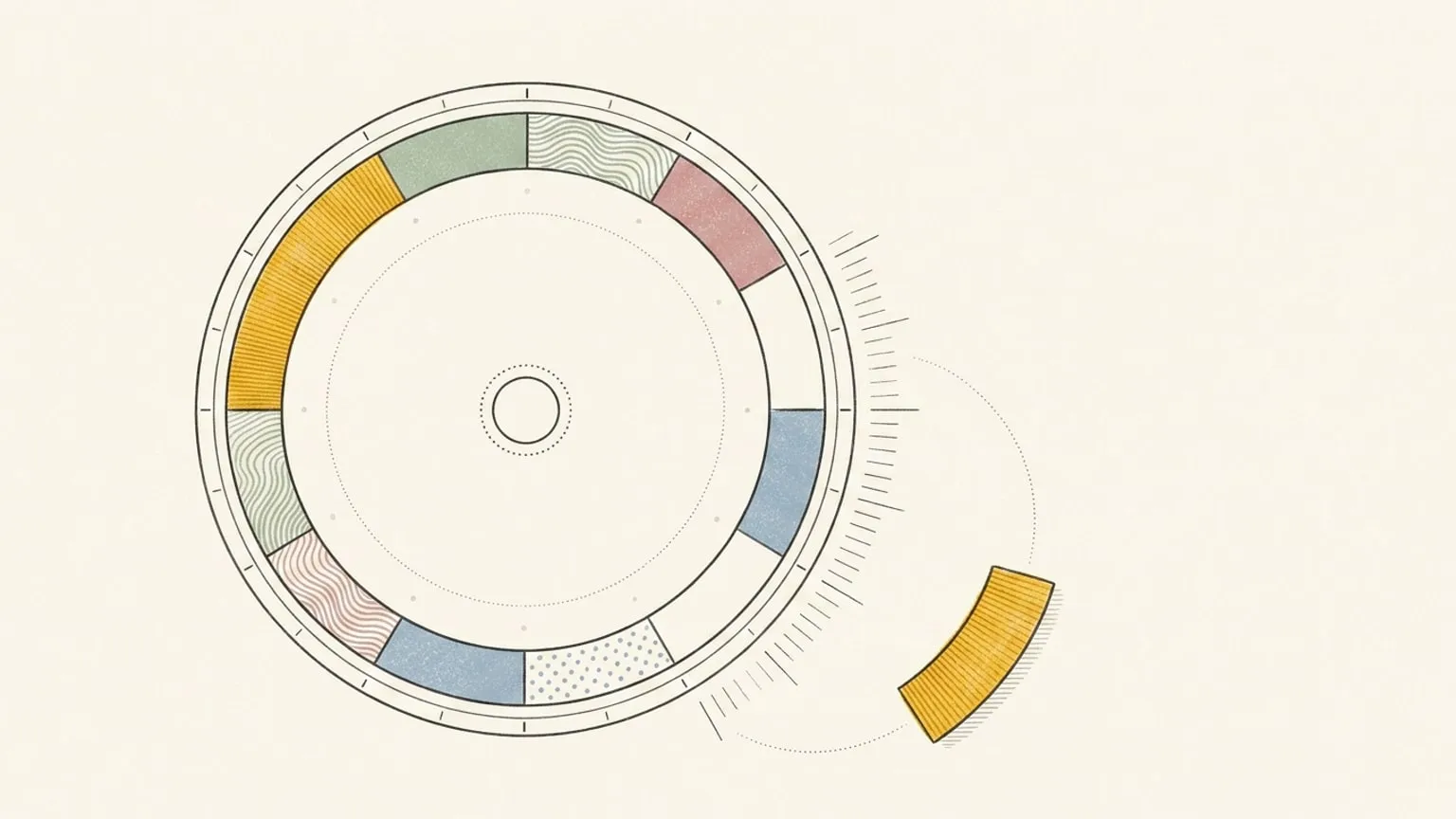
A day does not run top to bottom and stop. It comes back around. That is why a day is round, and why Reassign draws all of it on one 24-hour dial: midnight at the top, noon at the bottom, no scrolling and no edges. Every block is a wedge sized to its true length, so a two-hour block is visibly eight times a fifteen-minute one before you read a single label. The full day has a shape, and so does the space left in it. On a list, free time is invisible. On the ring it is an open arc you can point at and measure with your eye, which is the difference between planning around your commitments and planning into your day.
The red now indicator sits on the ring at the current time. Past blocks fade behind it. You do not calculate how much of the day is left. You look. If your blocks live in Google Calendar today, the comparison with a 24-hour day planner goes through where the column holds and where it loses the day.

Blocks that survive the day
The practice above works on paper, and paper is a fine place to start. What software should add is not more plan. It is less upkeep.
In Reassign, drawing a block is a drag on the ring from 7:30 to 9. Grab it to move it, pull an end to resize it. Type a plain sentence like gym tomorrow at 6pm and it becomes a block at the right hour, parsed instantly on your device with no round trip to a model. Colour every block by area so a glance tells you where the week’s hours are actually going. Break a block into an ordered checklist of microtasks and tick them off inside it. When one thing runs long, press S and shift it with everything after it. Undo covers your mistakes. All of that is included in Pro and the 7-day no-card trial, so you can test the whole workflow before paying.
Pro is for the parts that reduce upkeep further: two-way sync so meetings and timed tasks arrive on the dial while unscheduled tasks wait in the Inbox, from Google Calendar, Outlook, Todoist, Google Tasks, Microsoft To Do, Linear and TickTick, focus intervals and focus mode for working through a block, an energy curve to place hard work where you are actually sharp, and an Inbox for the things that did not fit today, which is the honest answer to a plan that was too full. There is more on an Inbox of blocks with no time yet if that is the shape of your problem. It is $14 a month, or $120 a year, after a 7-day trial that takes no card.
One last habit, and it is the one that compounds. At the end of a day, mark each block as it happened, changed, or did not. Planned versus lived is where your estimates get corrected, and correcting your estimates is what turns time blocking from a weekly act of optimism into a plan that holds. Reflection on yesterday and earlier days is included in Pro.
A list tells you what you owe. A blocked day tells you whether it fits.
Time blocking does not need more discipline from you. It needs honest durations, room to move, and a surface that shows the whole day. Two of those are habits. The third is a choice of shape. If you have ADHD and want to compare tools for these failure points, the best time blocking apps for ADHD compares planning styles, prices, and limits, with a trial checklist. Draw your first block in the 7-day no-card trial, and see what the day is actually made of.
Frequently asked
- What is time blocking?
- Time blocking is assigning each part of your day to a specific stretch of time in advance, and doing only that thing inside it. Instead of a list that says write the report, answer email, call the supplier, you get a schedule that says 9:00 to 10:30 report, 10:30 to 11:00 email, 11:00 to 11:20 call. The point is not the discipline. It is that a drawn day has a size, so you find out on Sunday night that eleven hours of work will not fit into seven.
- How do I start time blocking?
- Draw the fixed things first: meetings, the commute, the school run. Then estimate the rest from what those tasks actually took last time, not from what you hope. Place your largest, hardest block early and keep it unbroken. Leave real gaps between blocks, because you will need them. Then plan tomorrow at the end of today, when you still remember how today went. Ten minutes is enough.
- Why does time blocking stop working after a week or two?
- Usually one of four reasons. You blocked the day you wished you had rather than the day your tasks actually take. One block ran long and the rest of the plan went stale behind it. Interruptions arrived and the plan had no room for them. Or the upkeep grew until maintaining the schedule cost more attention than following it saved. All four are fixable, and none of them are a discipline problem.
- How long should a time block be?
- Long enough to hold real work and short enough to estimate honestly. Ninety minutes to two hours suits focused work, because the setup cost is paid once and then amortised. Under about thirty minutes you are mostly scheduling transitions. Bundle small errands into one admin block rather than giving each a slot of its own. If a block is longer than two hours, split it with a rest interval instead of pretending you will run straight through.
- Is time blocking the same as a to-do list?
- No, and the difference is duration. A list records what you owe. It gives every item one row, so a five-minute task and a four-hour task look identical, and nine items can be four hours of work or twenty with no visible difference. A time-blocked day gives every item a start, an end, and a length, which means the plan can be wrong in a way you can see and correct before the day begins.
