Your day, on every new tab
Reassign is now a Chrome extension. Your live 24-hour dial on every new tab, and a one-click way to send the page you're reading to your plan.

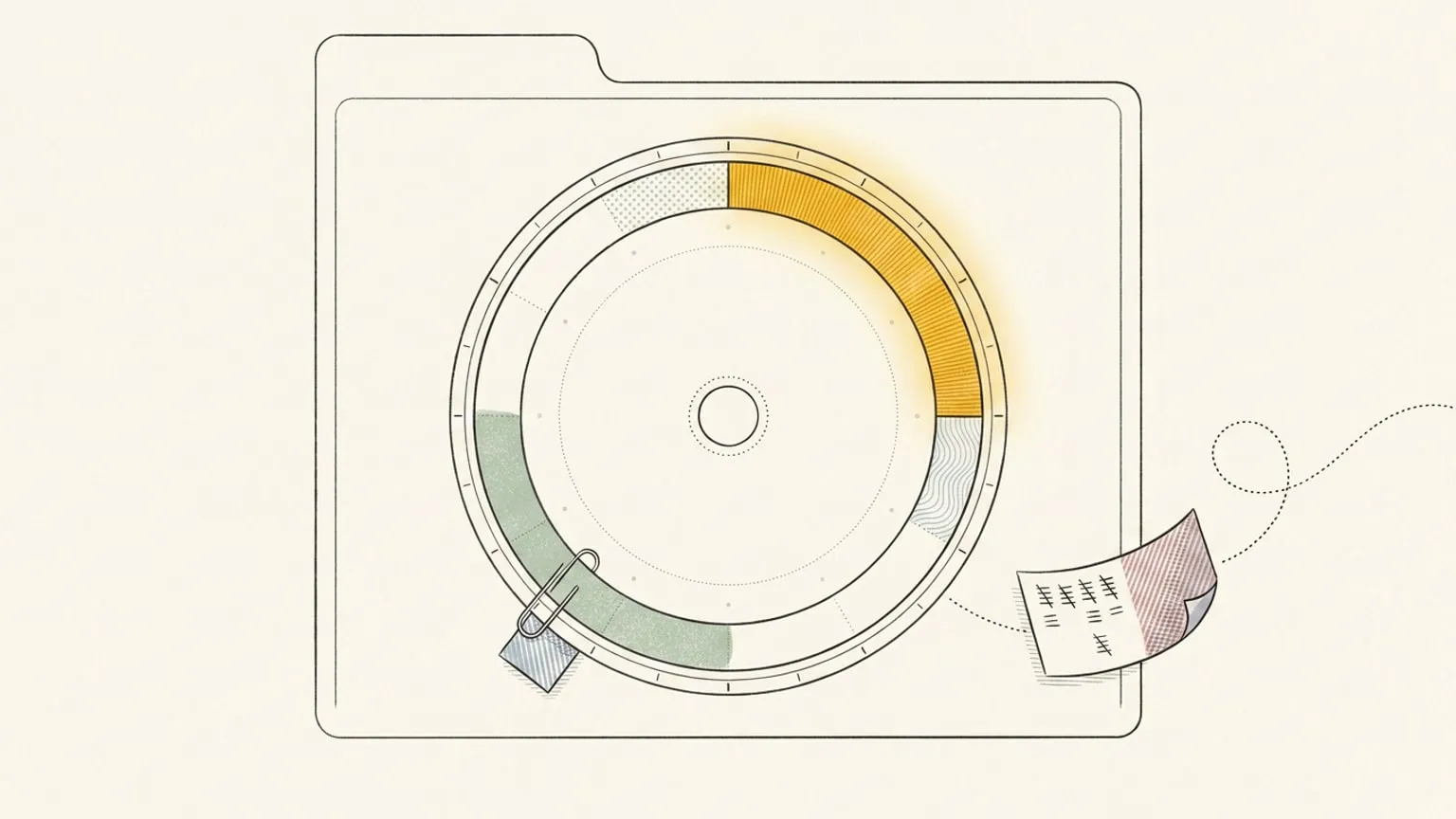
A browser tab is the emptiest surface you own. You open a new one dozens of times a day, and it shows you nothing: a blank field, a grid of sites you already know how to reach. That moment is a small hole in the day, and the day quietly falls through it.
So we filled it with the thing you are trying to hold on to. Reassign is a Chrome extension now, and every new tab is your day.
The new tab is the real dial
Open a tab and your 24-hour dial is there. Not a screenshot of it, and not a widget that lags a step behind the app. The extension frames the live dial, so what you see is what is true right now: your events, your colours, the now-indicator moving, the same day you left in the other window.
Installation is free. Signed out, the new tab asks you to sign in. Opening your own plan requires trial or paid access. If you are weighing this against a start-page dashboard, the Momentum comparison sets out where each one wins. If you came here from a phone widget like Pretty Progress, the Pretty Progress comparison sets the new-tab dial next to a lock-screen progress bar.
Send the page you’re reading to your plan
The other half is capture. You are reading something worth an hour of your week: a long article, a PR, a recipe, a booking page. Today that turns into a tab you keep open and eventually lose. In Reassign it becomes a block.
Three ways to do it, whichever is closest to your hand:
- The toolbar button, for a click.
- A right-click on the page.
- The keyboard, with ⌘/Ctrl+Shift+U.
Any of them opens a small card. Send the page to today, or add it to your Inbox for when there is room. The page rides along as a clickable link on the block, so you never lose where it came from. Add a selection to your Inbox, and AI can split it into several Inbox items.
There is one more entry point, and it is the fastest. Type reassign in the address bar, press space, then say it in plain words. “Deep work 9 to 11” lands on the dial straight away, with a notification and an undo. A looser note opens the capture card first, so nothing gets guessed. Type /park and a note, for example “/park read that article”, to send it to your Inbox, where AI can split it into several items.
Installation and planner access
I would rather state this flatly than let you find the wall by hitting it.
Installing the extension is free. Opening your plan and saving pages to the dial or Inbox require an account with trial or paid access. New accounts get a 7-day no-card trial. See plans and pricing. When your plan gates a write, the extension says so and points you to upgrade. It does not fail quietly.
What it can reach, and what it watches
The extension talks to one place: reassign.app, its only host permission. The new tab frames the live app and never records the pages you browse. Sign-in is a standard browser OAuth flow, and you can revoke it at any time. The full detail is in the extension section of the privacy policy.
That was the whole design brief. Not another tab to manage, and not another thing watching you browse. Just your day, on the surface you already open more than any other.
Frequently asked
- Is the Reassign Chrome extension free?
- Installation is free. Opening your plan and saving pages require an account with trial or paid access. New accounts get 7 days of Pro with no card required.
- What does a new tab show if I am not signed in?
- A sign-in screen. Sign in to open your own plan; trial or paid access is required.
- Does the extension track my browsing?
- No. It never records the pages you browse. The new tab frames the live app, and the extension talks only to reassign.app, which is its one host permission.
- How do I add the page I am reading?
- Click the toolbar button, right-click the page, or press Cmd+Shift+U (Ctrl+Shift+U on Windows and Linux). Choose to add it to today or to your Inbox. When you add a selection to your Inbox, AI can split it into several Inbox items. In the address bar, type reassign, press space, then /park and a note, for example /park read that article.
- Which browsers does it support?
- Google Chrome 127 or later, and Chromium browsers that install from the Chrome Web Store.
