⌘K, type the sentence, done.
Press ⌘K and one list runs the whole app: new block, log a mood, clear your afternoon, jump to another day, turn a layer on, open Insights, reach any setting. Type a few letters or arrow down to it. The commands you use most sit at the top.
Included in Pro and the 7-day no-card trial.
Plain sentences, parsed as you type
Gym tomorrow at 6pm becomes a block on the right day at the right hour, created on Enter. Name an area or type in the same line (#work, @flow) to paint it as you go.
Slash verbs when you already know the move
Start with / to name it: /create, /park, /shift, /delete, /mood, /moment, /ask, /braindump and /microtasks. All are included in Pro. The verb becomes a chip and the field carries only your words.
Your usual commands come first
The list opens with Suggestions: the commands you run most often and most recently. That ranking is kept on your device, in the browser, and nowhere else.
More than one move per row
A bar at the bottom names the selected row’s main action. Press ⌘K inside the palette for an Actions panel with its own search, or ⌘Enter to run a row’s second action. ⌘↑ and ⌘↓ jump a section at a time, Tab takes what you typed into Ask AI, and Esc clears the field, then closes.
It previews on the ring before it lands
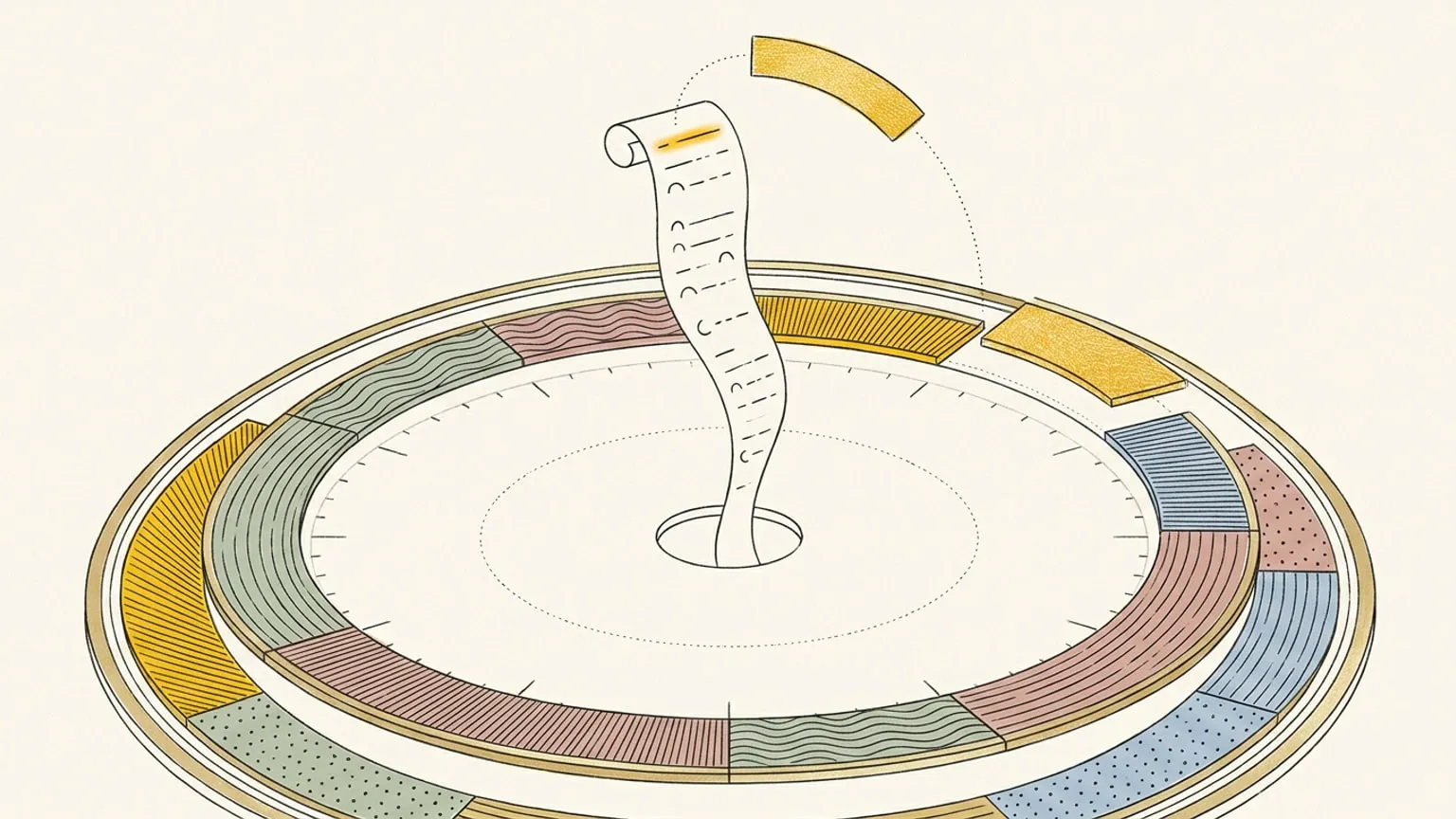
On desktop the palette opens over the day instead of covering it, so everything you type previews on the dial before it applies. On a phone it opens as a sheet.
Leave the time off and it goes to your Inbox
Read more books has no hour in it, so the palette offers to add it to your Inbox instead of inventing a slot for it.
Local parsing, online saving
A one-sentence line is read on your device by plain pattern matching, not by AI. The text is parsed locally; an internet connection is required to save changes to your plan. An area or type comes from an explicit #area or @type token in your line and is never inferred. Inference is the Ask AI path, and both paths are included in Pro.
This page is the what and the why. For the step by step, the docs cover the same ground as instructions: Command palette in the docs →
Questions
- Does quick create work offline?
- Parsing happens on your device, but an internet connection is required to save the block. Offline saving is not supported.
- What is the difference between this and Ask AI?
- Quick create handles one sentence with deterministic local parsing. Ask AI is a chat about your day: it answers questions, takes compound requests, voice and photos, and returns an editable plan on cards. Press Tab to carry your line into it. Both are included in Pro.
