A sentence becomes a schedule
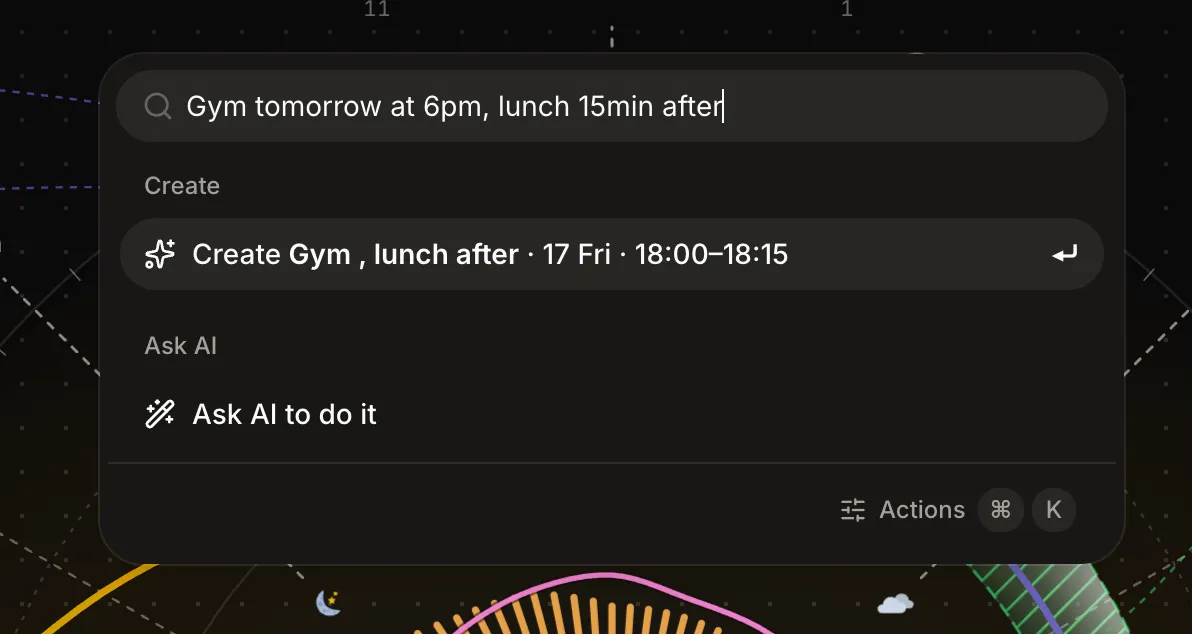
Press ⌘K, type Gym tomorrow at 6pm, and it lands on the dial. One command palette for creating, shifting, logging, and asking AI to replan your day.


The fastest way to plan something has always been to say it. “Gym tomorrow at six.” Every planner makes you translate that sentence into clicks: open a form, pick a date, scroll a time wheel, name the thing, save. By the third field, the thought that was one sentence long has cost you six decisions.
So we removed the translation. Press ⌘K anywhere in Reassign and type the sentence.
Local parsing, online saving
The Create row you see is not AI. It is a deterministic parser that reads your line the moment you type it: day, time, duration, title. No model call and no waiting for an AI response. Saving requires an internet connection. Enter confirms, and the block lands on the dial behind the palette, which never left your sight. The palette is a popover, not a wall: the day stays visible, and everything you do previews on the ring before it commits.
Power users get sigils in the same line: #area paints the block, @type sets its fill pattern, and a line with no time at all offers to add it to your Inbox instead, so a stray idea has somewhere to go that isn’t a form.
When the sentence gets compound
“Gym tomorrow at 6pm, lunch 15min after” is two events and a relationship. That is past what a deterministic parser should pretend to handle, so the palette is honest about the boundary: the Create row takes the first clean read, and an Ask AI row sits below it for the whole sentence.
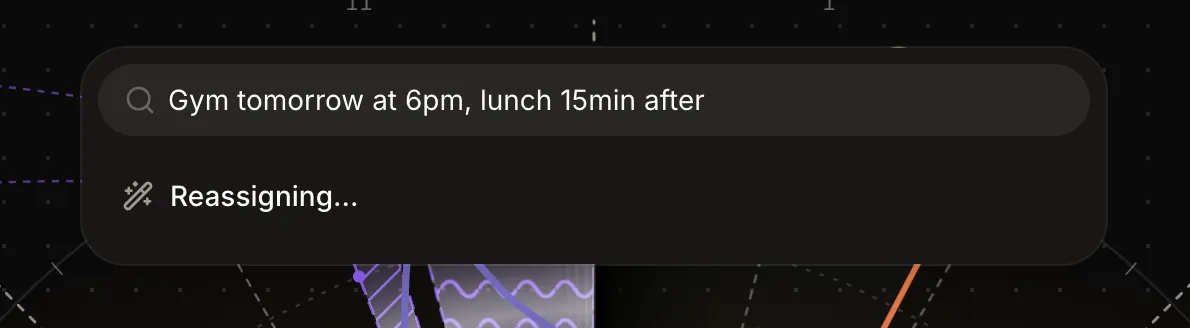
Ask AI is Pro, and it returns a plan, not a fait accompli: editable cards, one per change, previewed on the dial. You adjust or drop any of them, then apply. Same rule as planning with Claude over MCP: the AI proposes, the dial shows, you decide. That loop is half of the answer to whether AI can plan your day. The other half is access to the real day, which Ask AI has in-app and MCP hands to an outside assistant.
Press Tab from the search field and Ask AI opens as a chat, with your line already in it. Before it plans, it can look up your schedule up to seven days out, the free slots in it, and your Inbox, so “find an hour for the deck this week” lands in a gap that exists. Ask a question instead, like “when am I free on Thursday?”, and it answers in a short line with no cards. It only talks about your plan: anything else gets “I can only help with your plan.” Rather say it than type it? Press the mic or ⌃M to dictate. The text waits in the field until you send it. More on the chat: Ask AI.
When it is not one sentence but everything at once, /braindump takes the whole lot, one thought per line, and sorts it into blocks, Inbox to-dos, and moods. How braindump works →
Every command, one list
The same palette runs the rest of the app. Fuzzy-search across everything: new event, log mood, add moment, clear the afternoon, clear the evening, jump to next day, toggle a dial layer, open Insights, reflect on yesterday, connect a calendar, reach any settings pane.
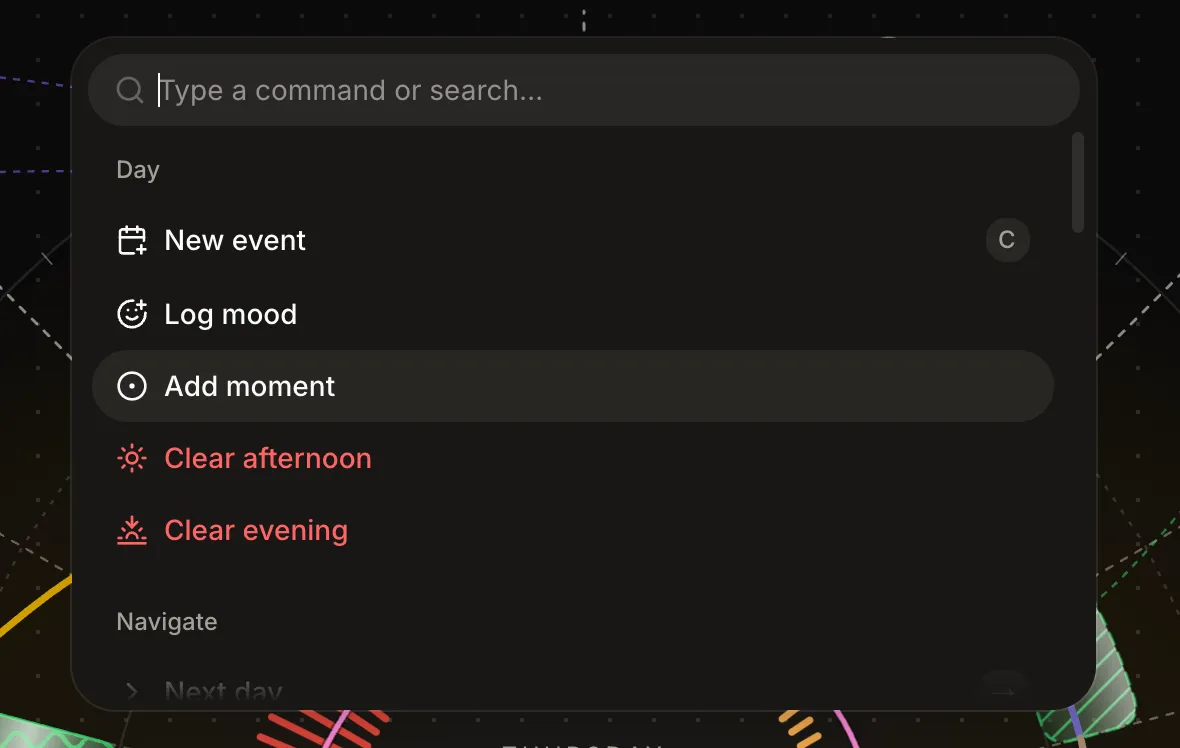
And if you already know what you want, skip the search: slash commands are inline.
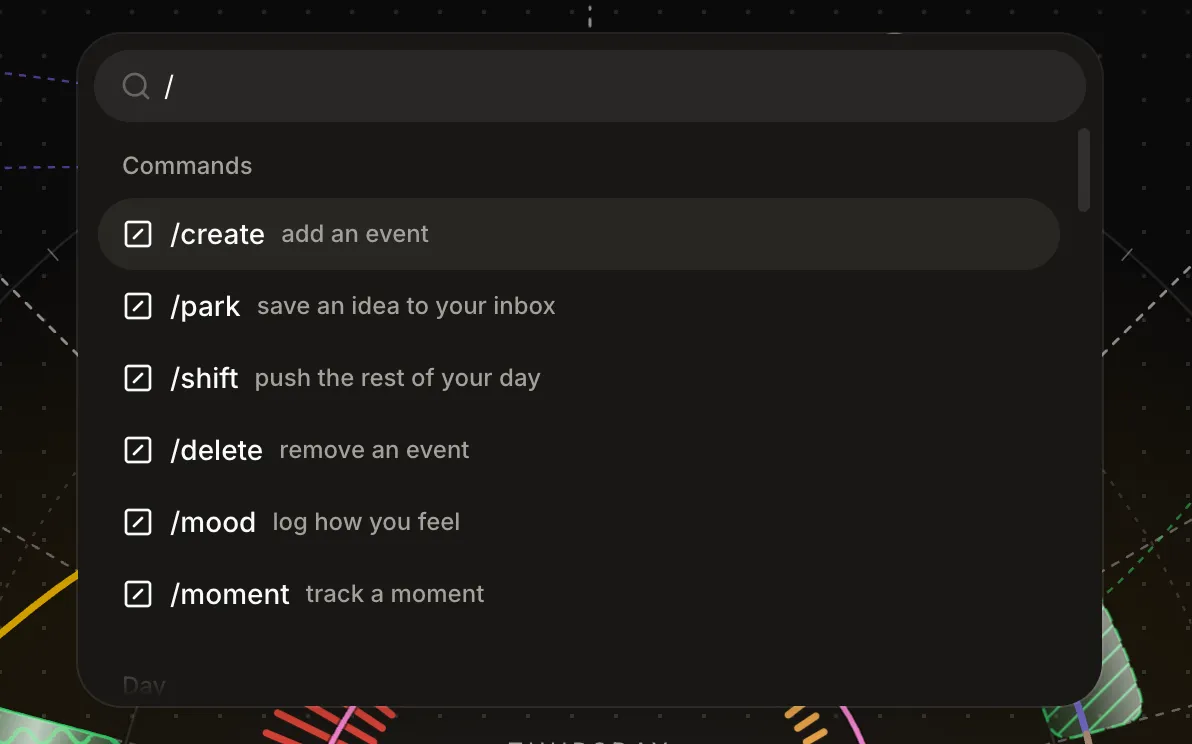
/shift deserves a word: it is ripple shift, the push-the-rest-of-my-day move, now two keystrokes from anywhere.
Why this matters on a dial
Reassign exists for brains that lose the thought between having it and filing it. Every field in a create form is a chance for the plan to evaporate. A palette that takes the sentence whole, previews it on the ring, and commits on Enter shrinks capture to roughly the length of the thought itself. That is the point. The dial shows you the day; the palette is how a thought gets there before it’s gone.
The old bottom quick-add bar retires with this release. One surface, one keystroke, everywhere in the app, sheet-style on your phone. Every command in one list: the docs. Press ⌘K and say the day out loud. Try Pro free for 7 days, no card required.
Frequently asked
- Does Reassign have a command palette?
- Yes. Press ⌘K anywhere in Reassign (or tap Create in the header) and one palette holds every command: create an event, log a mood, add a moment, clear your afternoon, jump between days, toggle dial layers, open Insights, connect a calendar. It is included in Pro, and on mobile it opens as a sheet.
- Can I create events by typing plain language?
- Yes. Type a sentence like Gym tomorrow at 6pm into the palette and Reassign parses it instantly into a Create row: right day, right time, ready to confirm. The parse is deterministic and runs on your device with no AI call. An internet connection is required to save the block. A line with no time offers to go to your Inbox instead.
- Is the AI in the command palette free?
- The palette, sentence parsing, and Ask AI are all included in Pro. Ask AI hands your raw line to the model, which returns an editable plan that previews on the dial before anything is written. Use it for compound requests like Gym tomorrow at 6pm, lunch 15 minutes after. It also answers questions about your plan, and before it plans, it can read your schedule up to 7 days out, your free slots, and your Inbox.