Your day isn’t a list.
It’s a shape.
Put your whole day on one round dial, see the hour that’s yours, and protect it before the day takes it. Your whole day on one round dial. See the hour that’s yours, and protect it.
Join 1,000 makers planning their day in the round.
made with by
 for fellow makers
It was never a list problem.
The side project has said “tonight, probably” for three weeks. A list has infinite room to defer. A day doesn’t. Fill it.
Everything that bends a day.
The tools that draw a day, fill it, and rebuild it when it gets knocked over.
-
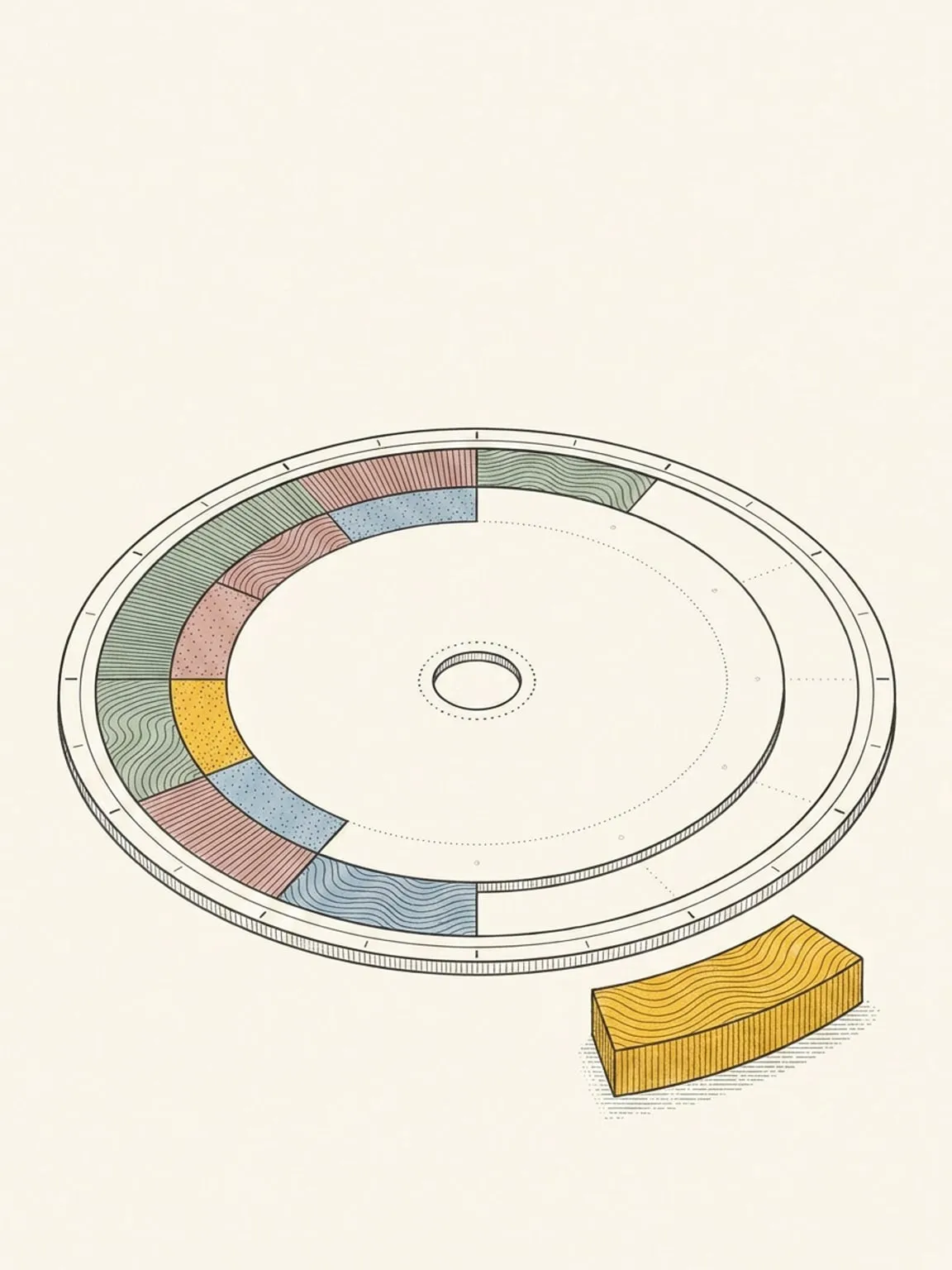
The 24-hour dial
Your whole day on one round face. Midnight at the top, noon at the bottom, nothing to scroll.
See how it works → -
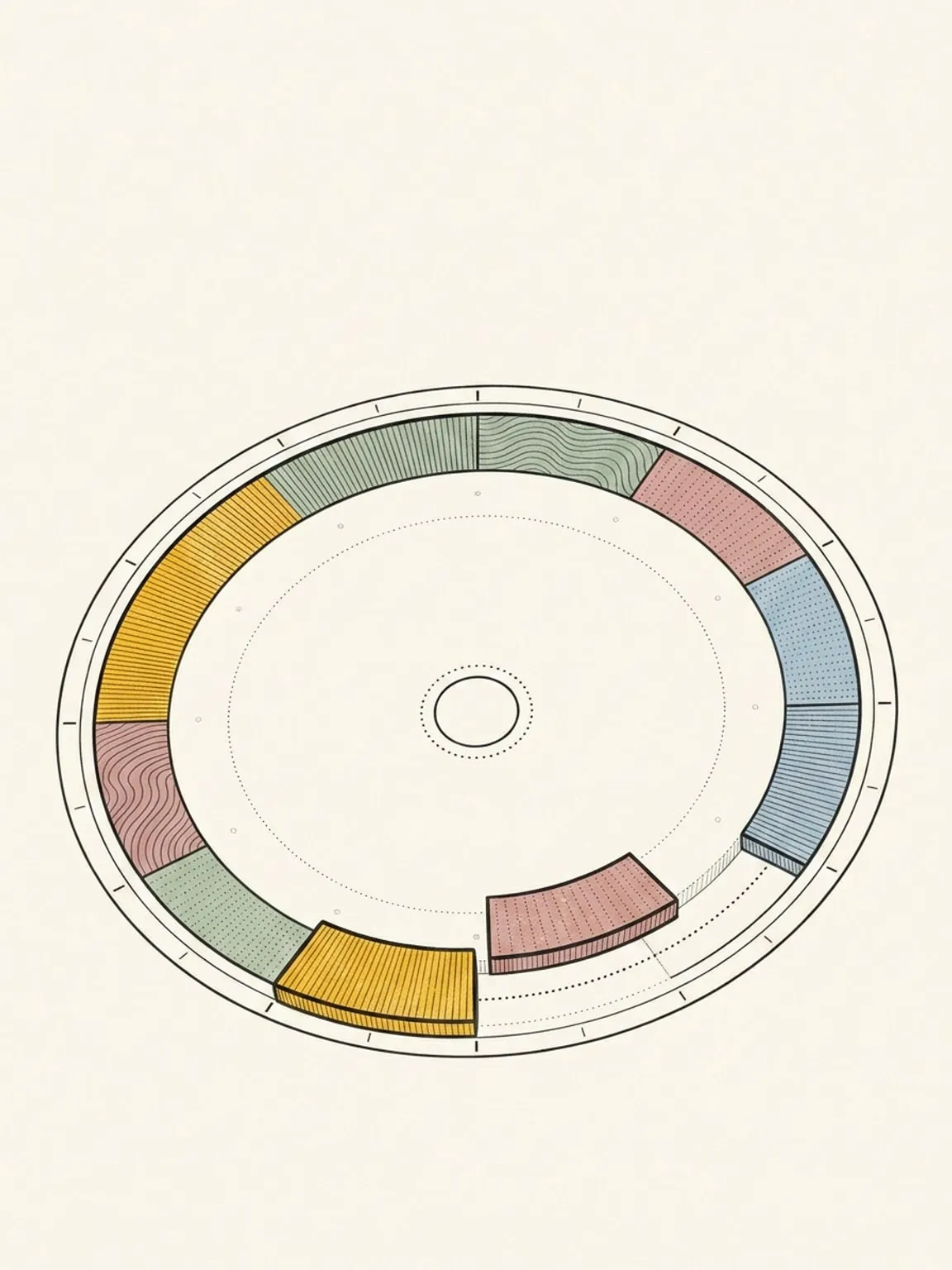
Calendar and task sync
Keep your calendars and task lists. Plan the work beside your meetings, and complete tasks in either app.
See how it works → -
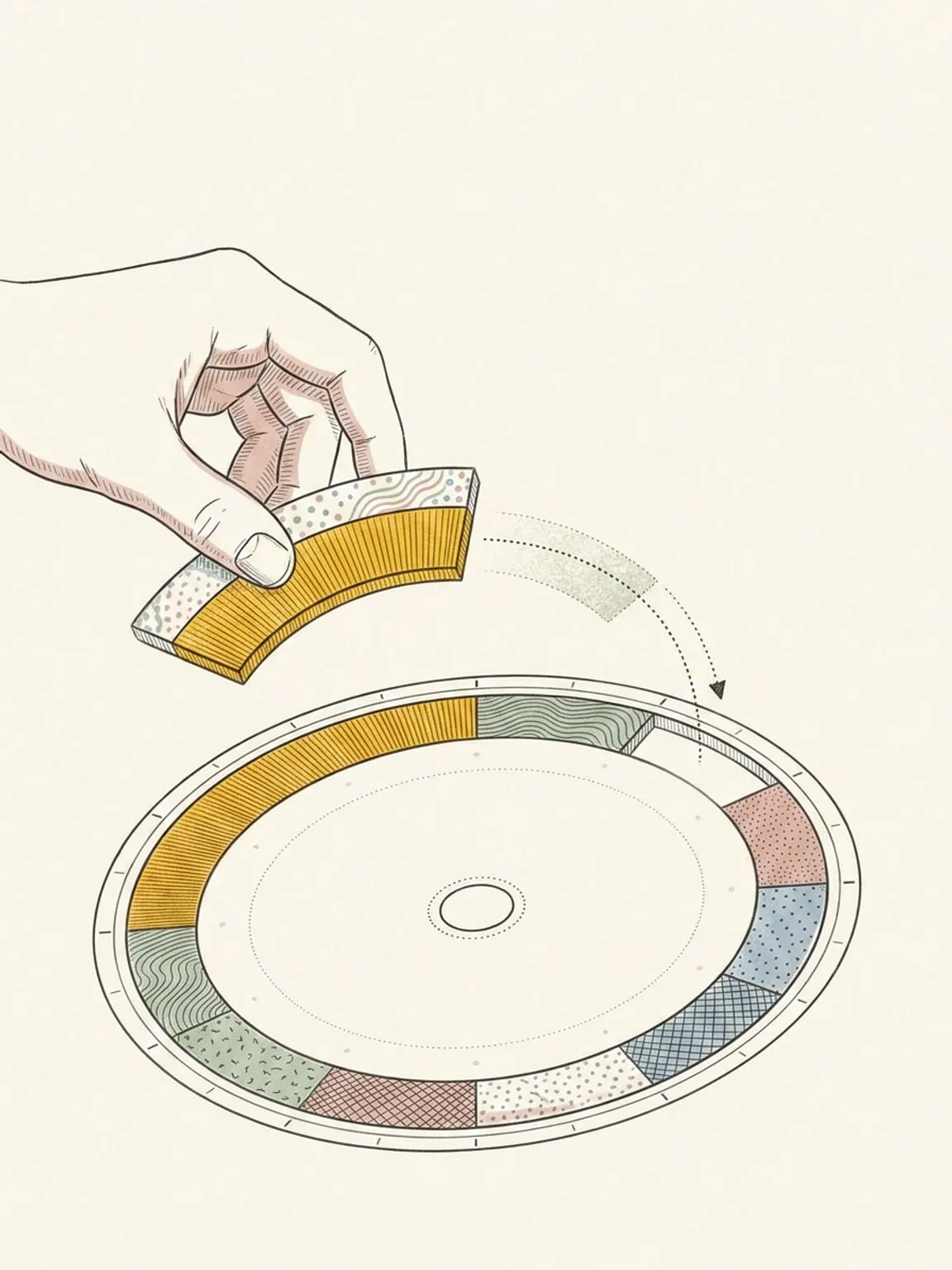
Reschedule and shift
Plans move. Slide a block, shift everything after it, and the day bends instead of breaking.
See how it works → -
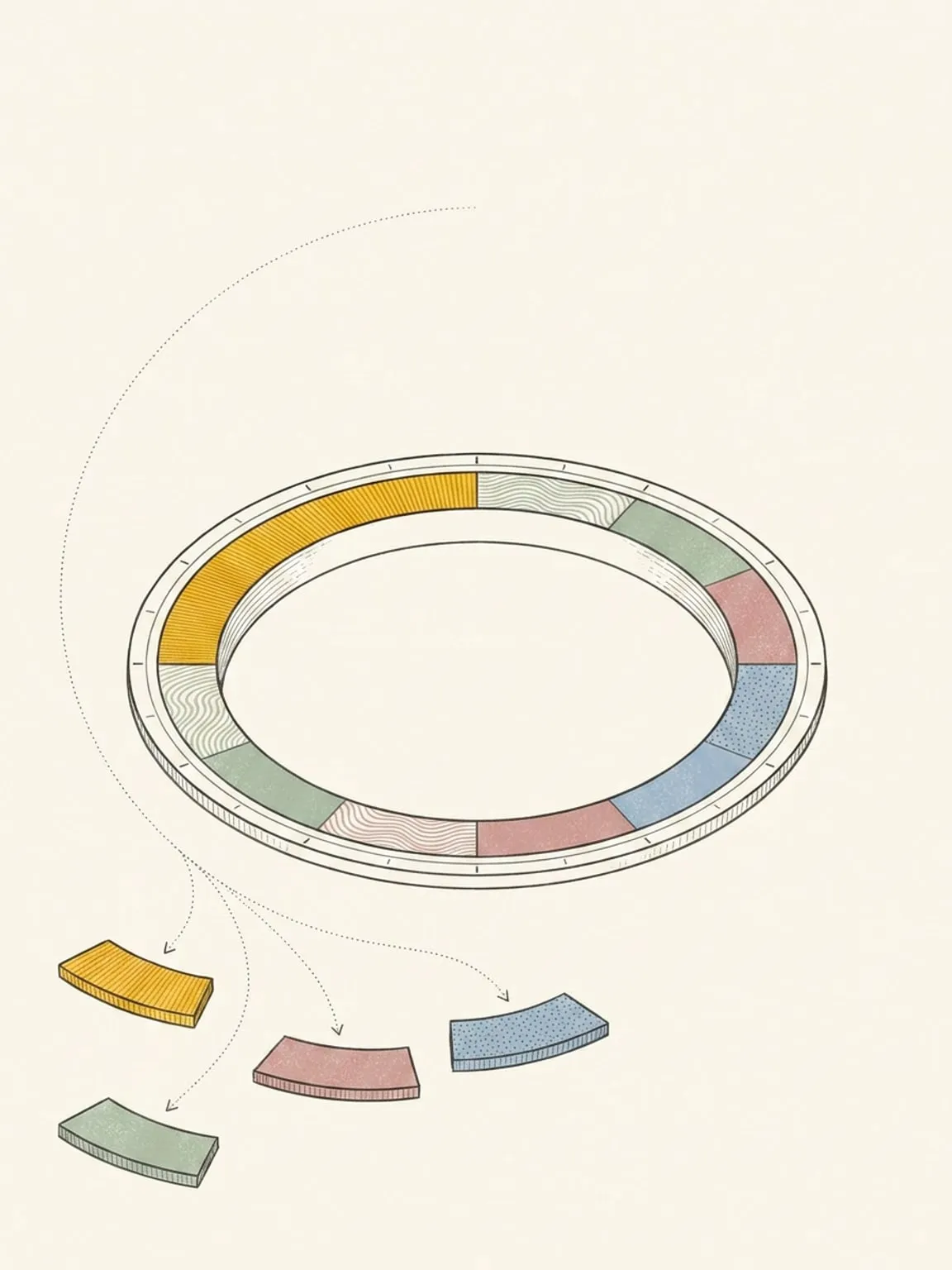
Ask AI and braindump
Type it, say it, or snap your paper list. Ask about your day or change it in your own words, with one Undo for the lot.
See how it works → -
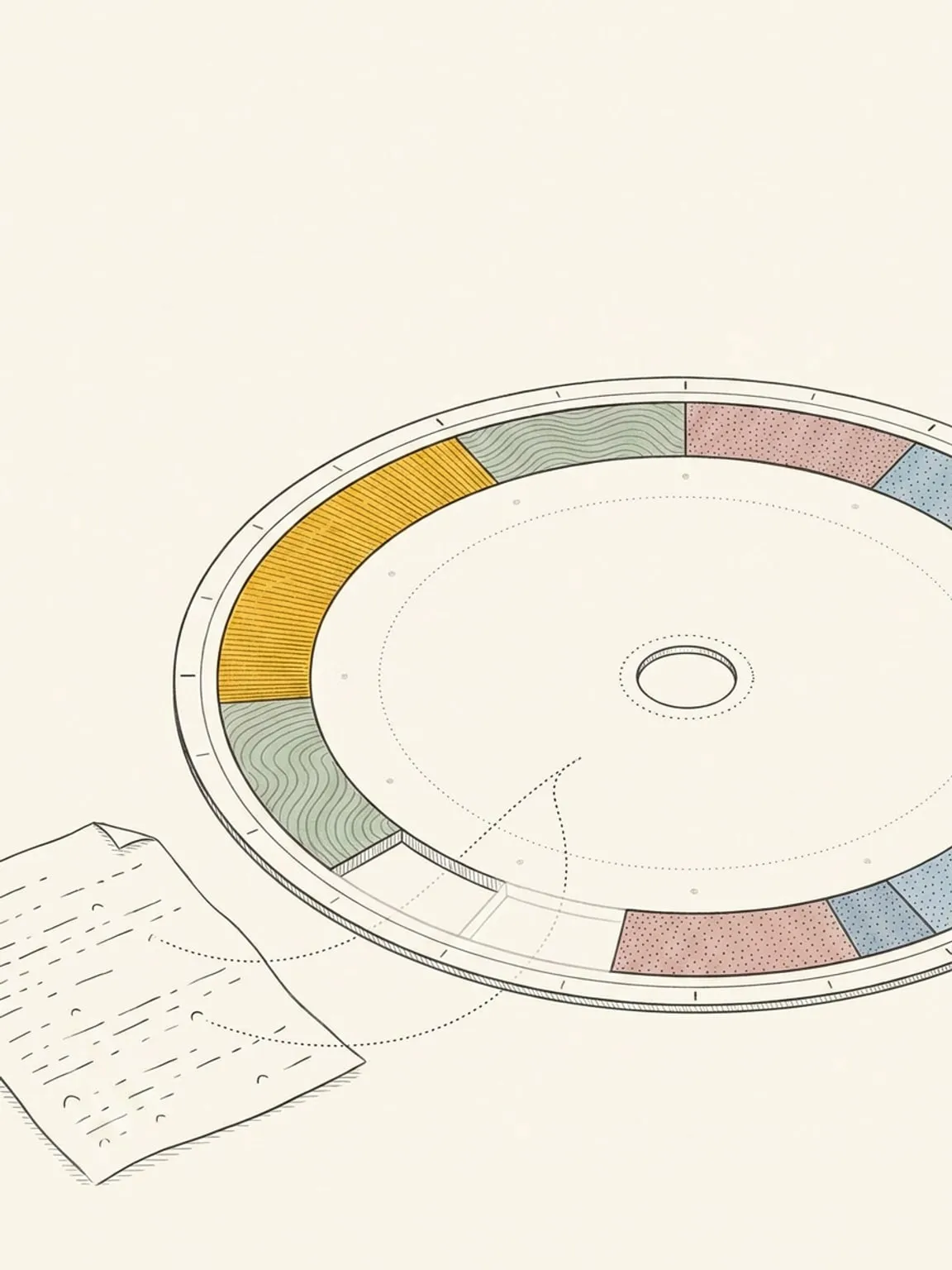
Plan with Claude or ChatGPT
Connect Claude or ChatGPT to your planner. It reads your real day and reshapes it with the moves you would make by hand.
See how it works → -
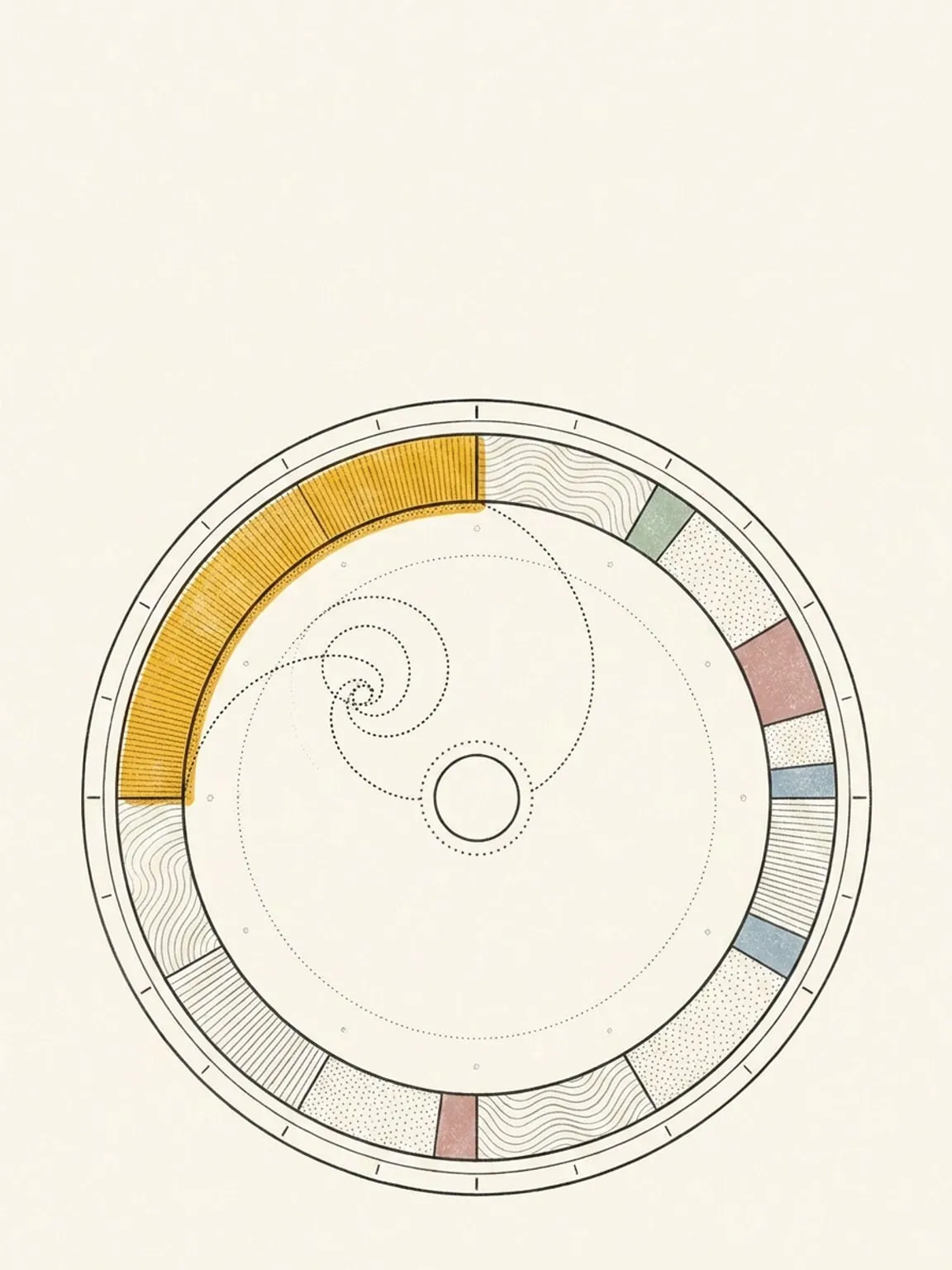
Focus intervals and focus mode
Split a block into a focus and break rhythm drawn on the ring, then work it on a screen built for one block.
See how it works → -
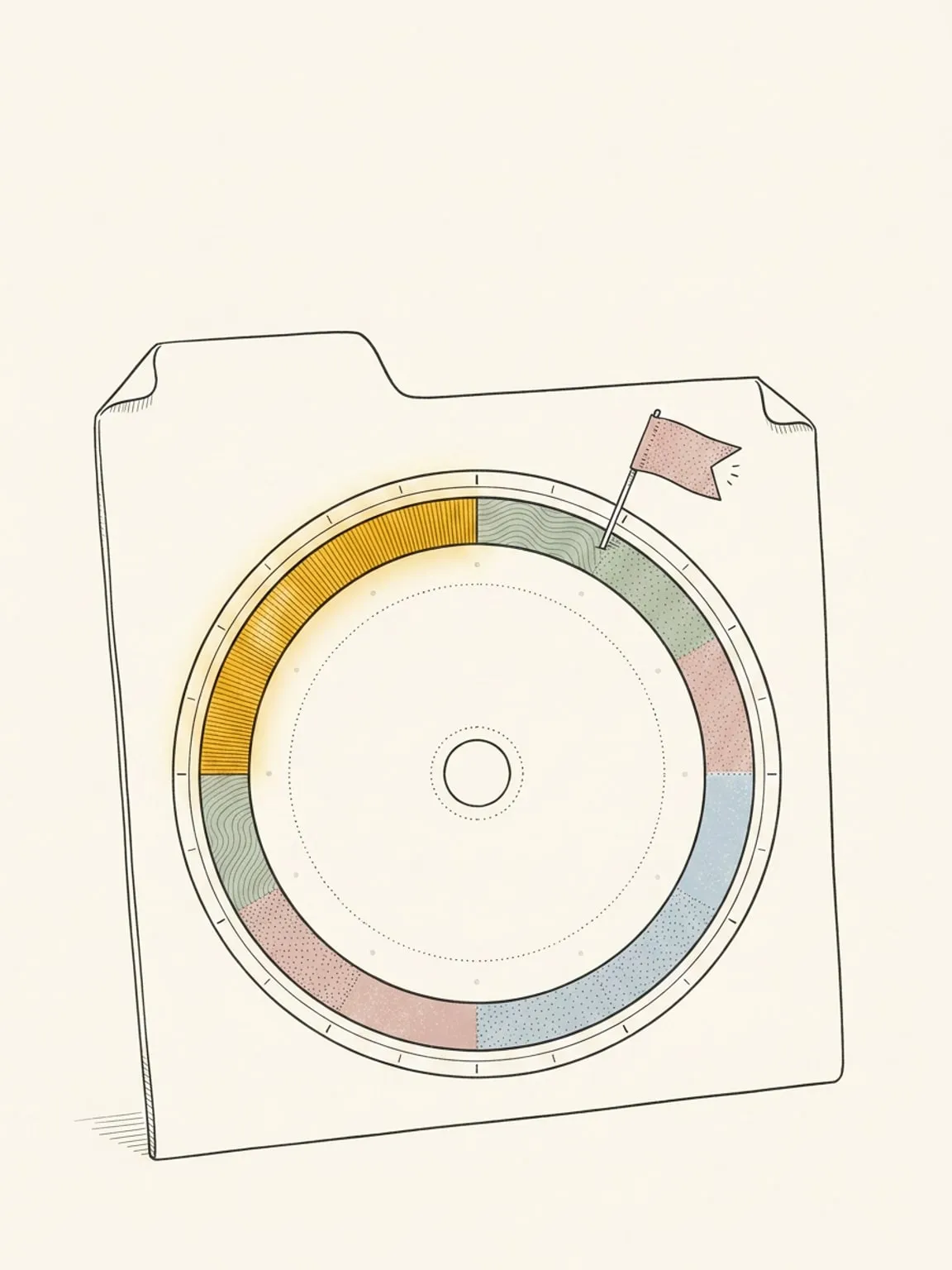
Chrome extension
Today’s dial on every new tab, and a side panel that sends the page you’re reading to your plan and shows what is next.
See how it works → -
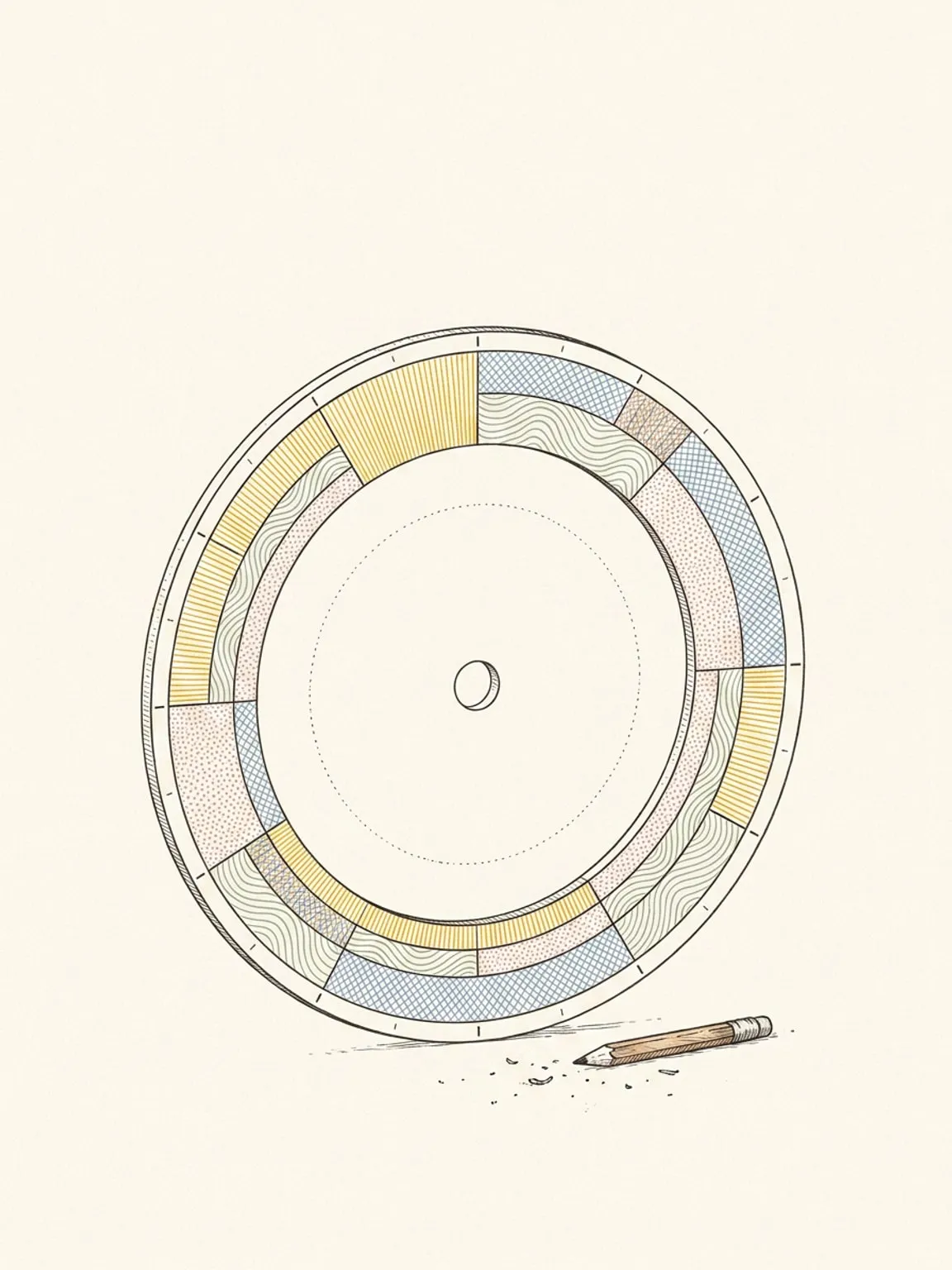
See all 26 features
Every feature Reassign ships, grouped the way you use it.
Open the list →
Stop typing your day. Take hold of it.
Press the dial at 9 and sweep to 11. No form, no fields, just your hand on the day.
…to 11. Two hours, claimed.
One gesture, and the morning has its first block. Grab time, let go.
Draw your first block. 14-day trial →
Colour is where.
Texture is how.
One glance shows whether the side project got any time, or the day job swallowed all of it.
yourself
Last night’s sleep already drew today’s energy.
Block last night’s sleep and the dial draws your body clock across today. Green is where focus comes easy, red is where you’d fight yourself.
Some things frame the day. They don’t fill it.
Your focus window sits on the inner ring. It holds the morning open, and a block can still land on top.
the focus window, neither blocked
Set it once. It comes back.
The school run draws itself every weekday.
to remember
Your other calendars live here, too.
Keep the calendars and task apps you already use. Google Calendar, Outlook, iCloud, Todoist, Linear and more sync both ways: meetings land on the dial, and unscheduled tasks wait in the Inbox.
wherever it lives
The day moves. Your maker’s hour doesn’t.
A recital lands at five. Dinner slides, and the kids’ bedtime follows.
your maker’s hour didn’t
Some days you can’t even drag it. So ask.
On the days your brain won’t cooperate, say it in plain words. AI reshapes the dial around the hour you protected, in Reassign or right inside Claude and ChatGPT (it’s an MCP server).
Claude or ChatGPT reads your free time, then writes the changes. Ask to review the plan first. Undo reverses a change for 30 minutes.
onto the dial
By 11pm, the day
held its shape.
The side project got its 90 minutes. On a list, that block never survives the day.
See the day you planned against the one you lived.
At day’s end the plan is still there, a faded ghost beside the day you lived.
Mark each block as it went, and you start planning days you can actually live.
Get tomorrow out of your head.
Start with one block: the hour you keep losing. Draw it on tomorrow’s dial, in any browser, phone or desktop.