A habit tracker with no streak to break
Reassign tracks habits from the repeating blocks on your 24-hour dial. The flame counts the days you kept, a missed day never resets it, and nothing turns red.

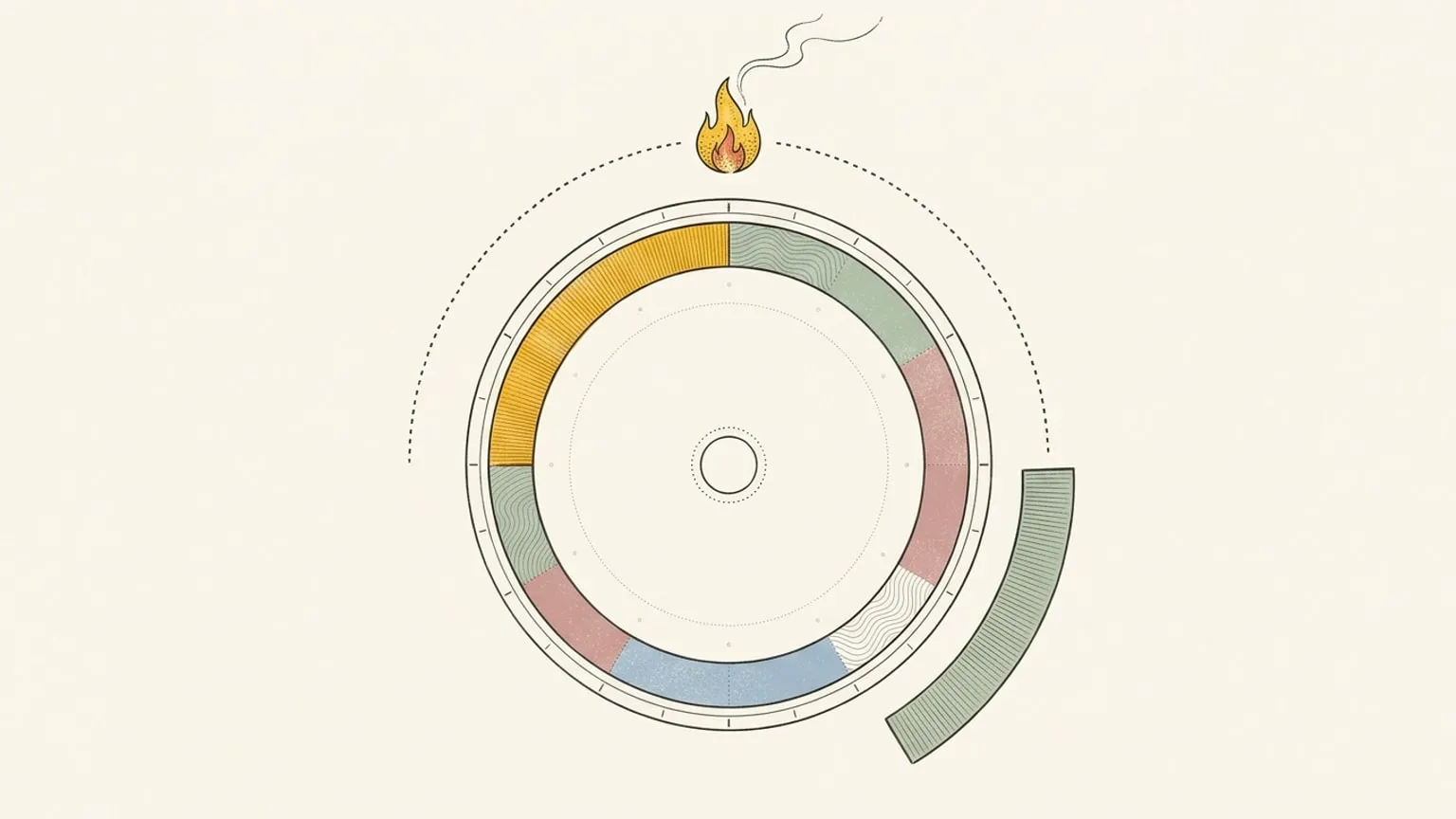
Most habit trackers ask you for a second list. You plan the morning walk on your calendar, then you open another app to tick it off, and the day you forget the second step, the chain breaks. Reassign skips the second list. Your habits are the repeating blocks you already planned on the 24-hour dial, and the Habits page reads them back.
Your plan is already the habit list
Open Habits from the view toggle, or press J. Each recurring series on your dial is one row: the morning walk, the reading hour, the stretch before bed. Rows group into Morning, Afternoon, Evening, and Night by their start time, so the page reads like your day.
Pick the last 7, 30, or 90 days. Each day cell shows one state:
| Cell | What it means |
|---|---|
| Done | You marked the block As planned, or you reviewed the day and left it unmarked. |
| Time changed | It happened, at another time. |
| Did not happen | You marked it Didn’t happen. |
| Review pending | The day is over and you did not review it yet. |
| Today | Today’s cell. You can mark it too. |
| Not scheduled | The series does not repeat on that day. |
A standup repeats too, and it is not a habit. Mark a row Not a habit to hide it, with Undo. Want a new one? New habit opens the editor with a daily repeat, and the empty page offers a few starters: Morning walk, Read, Stretch, Journal.
Kept days, without a streak
Each row shows a flame and a number: the days you kept from 90 days ago through today. A miss does not reset a streak. The count can fall as older days leave that window or you correct a review. A count of 0 shows no flame at all, so no row starts with a failure mark.
Next to it, the row shows the share of reviewed days you did. A day that waits for a review stays out of that share. You do not lose ground because you forgot to look back.
This is a deliberate choice. A streak pays out while a habit is new and easy, then turns into a debt the first week it breaks. For many people with ADHD, that is the week the whole app gets deleted. We wrote about that pattern in why ADHD planners get abandoned. The Habits page keeps the count and drops the debt.
Mark a day in one click
The marks come from the same review as the dial. When a block on today ends, its editor opens ready to mark. Or step back on the Habits page and click any day cell:
- As planned. It happened as you drew it.
- Didn’t happen. It did not happen. Nothing is deleted.
- Time changed. It happened at another time. Set the real start and end, or the length.
- Open the day. Jump to that day on the dial.
A mark on the Habits page writes the same review as a mark on the dial. So the daily review and the habit row never disagree, and your reflection and Time Insights read the same days.
The AI sorts. You decide.
A calendar full of recurring meetings makes a noisy habit list. When the calendar AI is on, Reassign reads each series name one time and moves a likely non-habit to Not habits. A series that ends within 28 days goes there too, because a 10-day course is not a habit yet.
It never hides a row on a guess. An unsure answer, or no answer, leaves the row where it is. Open Not habits, select a series, and it is tracked again. That choice is yours and it is final. If you rename the series, Reassign asks the AI one more time.
What it is not
- A separate check-in app. A habit is a block on your day, with a time and a length. There is no habit that lives outside the dial.
- A monthly report. The page reads the last 7, 30, or 90 days. Time Insights covers where your time goes by area and activity.
- A score. No badges, no levels, and no red when a week goes sideways.
Start in two minutes
- Draw the habit on the dial once, at the time it really happens. A 20-minute walk at 7:30 is a better habit than “exercise more”.
- Set it to repeat: daily, weekdays, or the days you pick.
- Review the day when the block ends, or in the evening.
- Open Habits on Sunday and read the week. Move the block that never happens to a time that has a chance.
The Habits page is part of Reassign Pro, with a 14-day trial and no card. Draw your first habit and give it a week.
Frequently asked
- Is there a habit tracker without streaks?
- Yes. The Habits page in Reassign counts the days you kept each habit, and a missed day never resets that count. There is no badge, no red mark, and no chain to break. A day that waits for your review does not count against you.
- Do I have to add my habits again in Reassign?
- No. Every repeating block on your 24-hour dial already shows as a row on the Habits page. Hide a series that is not a habit with "Not a habit", or start a new one with "New habit", which opens the editor with a daily repeat.
- How do I mark a habit as done?
- Review the day on the dial, or click a day cell on the Habits page and choose As planned, Didn't happen, or Time changed. A reviewed day with no mark counts as done. Both paths write the same review, so the dial and the Habits page always agree.
- Does the AI decide what my habits are?
- Only as a suggestion. When the calendar AI is on, it reads each series name one time and moves a likely non-habit, such as a standup, to Not habits. A series that ends within 28 days goes there too. Select it to track it, and your choice is final.
- Is the Habits page free?
- Habits is included in Reassign Pro and the 14-day no-card trial. After the trial, a subscription is required to use the planner: $8.99 a month or $69.99 a year. Your data stays.
Put the whole day where you can see it.
Reassign draws all 24 hours on one round face. A red hand shows where you are now, and no streak breaks when you miss a day.
Start your 14-day trial14 days of Pro. No card required. No automatic charge.