Your projects and priorities, given an hour
Reassign's Inbox now has projects and priority. They sync two-way with Todoist, TickTick, Linear and Microsoft To Do, so ranked tasks land on a 24-hour dial.

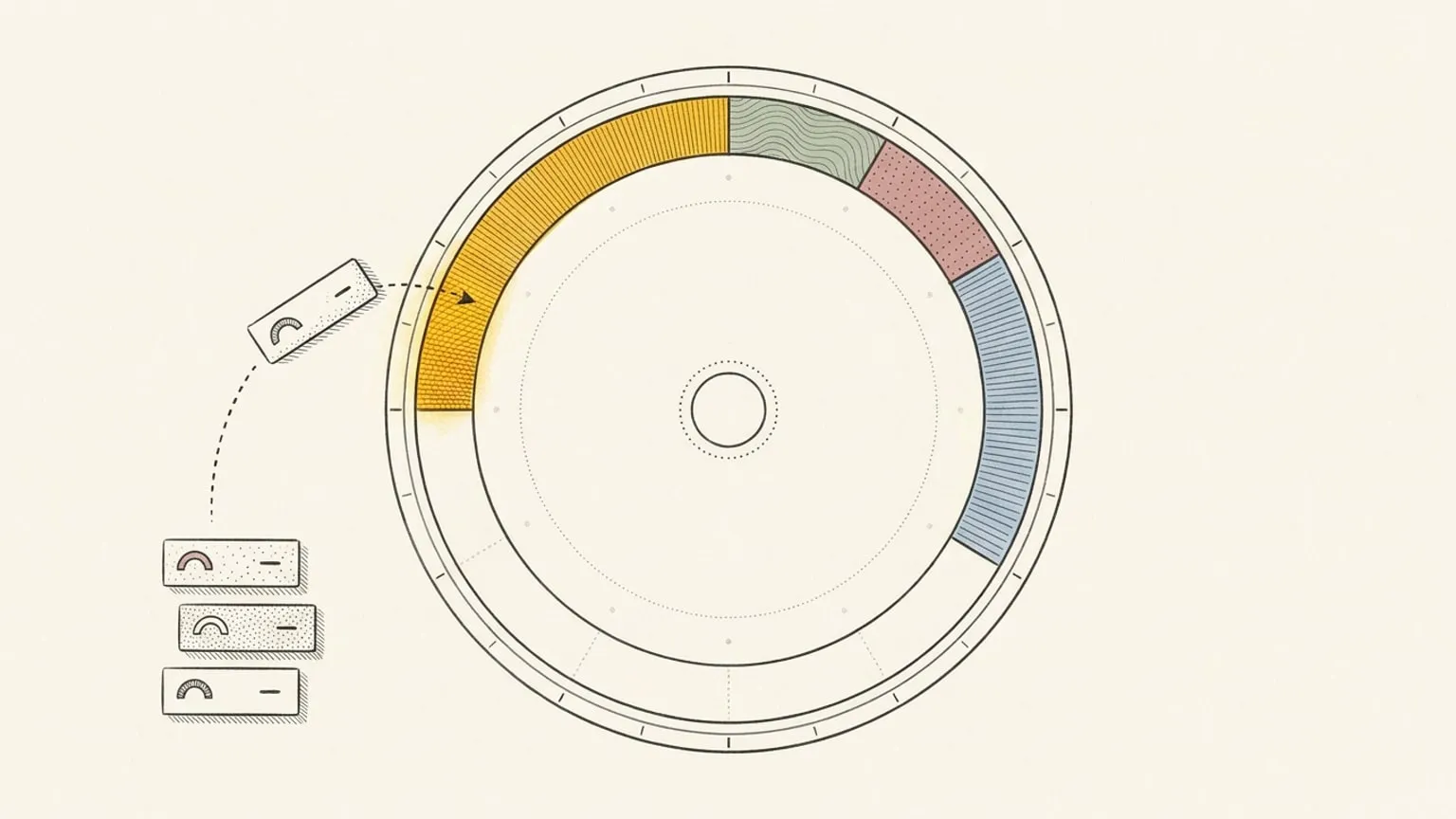
You keep projects in Todoist and flag the urgent tasks in TickTick. Then you open a calendar and none of that is there.
Reassign’s Inbox now has projects and priority, and they sync two-way with your task app. The project and the flag arrive with the task. Drag the most urgent item onto the 24-hour dial and it has an hour.
A project is one level under an area
Areas are the colours of your day. A project is an outcome inside one of them: “Launch” under Work, “Move flat” under Home. Add one from the Projects card in Settings. Rename it, move it to another area, archive it or delete it. A delete removes only the project link, so each item keeps its area. There are no nested projects.
One Area / Project picker in the Inbox editor and the event editor sets both. Pick only a project and the item takes its area. In the Inbox quick-add and the palette, #name matches a project or an area, and _ stands for a space (#Move_flat). No match? The # menu offers a new project.
Five levels of priority
Urgent, High, Medium, Low and No priority. Use the flag on an Inbox row, the Priority field in the Inbox item editor, or the keys: 1 to 4 set Urgent to Low on the focused Inbox row or the selected dial events, and 0 clears it.
In the Inbox quick-add, end the line with p1 to p4 or ! to !!!!. “Find a bank #home !!!! 1h” adds an Urgent, one-hour item to Home. The dial label shows the flag.
Rank the Inbox, then plan the day
The Inbox now groups by Project and Priority, and sorts by Manual, Priority or Planned date. Filter by Area / Project and by Priority. On a desktop, right-click a row for Quick edits: set its priority, area, type or length without opening the editor.
Group by Priority, take the top Urgent item, and give it a time on the dial. Now it competes with your real meetings, not with a list. Then check Time by project in Time Insights: planned hours per project, today or over the next 7 days.
Two-way with your task app
| App | Shows as a project | Priority |
|---|---|---|
| Todoist | each synced project | two-way; Urgent and High both write as P1 |
| TickTick | each synced list | two-way; Urgent and High both write as high |
| Microsoft To Do | each synced list | two-way, in low, normal and high |
| Linear | each Linear project with your issues (not the team) | two-way |
| Google Tasks | each synced list | none: Google Tasks has no priority |
Change the project of a linked task in the Inbox and the task moves in its app. A task already on the dial keeps the project of its list. The picker says where first, for example “Moves to Todoist › Work”. A level the app cannot hold does not undo your choice: an Urgent item goes to Todoist as P1 and stays Urgent here.
One project across your apps
“Launch” in Todoist and “Launch” in TickTick share one Reassign project. Group the Inbox by Project to see the work together, then use Time by project to see how many hours you have given it.
Same name, different work? In project settings, choose Unlink to own project on the linked list to separate it. When several lists feed one project, New tasks go to chooses the default list for new items in that project.
New to the sync? Read the post for your app: Todoist, TickTick, Linear, Microsoft To Do or Google Tasks.
Claude or ChatGPT reads the same fields
Over MCP, manage_inbox and write_events take projectId and priority. get_schedule filters the Inbox by project or a minimum priority. Ask “Which urgent Launch items fit this week?” and Claude or ChatGPT sees what you see.
Connect your task app and your calendar, group the Inbox by Priority, and give the first Urgent item an hour. Reassign is one plan: $14/month or $120/year. Start your 7-day trial. No card required. No automatic charge.
Frequently asked
- Does Reassign have projects and priority?
- Yes. A project is an outcome inside an area, one level below it, with no nested projects. Priority has five levels: Urgent, High, Medium, Low and No priority. Both live on Inbox items and on events. Group and filter the Inbox by project or priority. Sort manually, by priority or by planned date.
- Do Todoist and TickTick projects and priorities sync with Reassign?
- Yes, both ways. Each synced Todoist project and each synced TickTick list shows as a project in Reassign. Change the project of a linked task in the Inbox and the task moves in Todoist or TickTick. Priority syncs both ways too, but both apps have one level fewer than Reassign, so Urgent and High arrive there as the same top level.
- What about Google Tasks, Microsoft To Do and Linear?
- Google Tasks lists and Microsoft To Do lists show as projects. Google Tasks has no priority field, so priority stays in Reassign. Microsoft To Do syncs its importance, which has three levels: low, normal and high. In Linear, each Linear project with your issues shows as a project. A Linear team feeds no project. Linear priority syncs both ways.
- How do I set a priority quickly?
- Select dial events or focus an Inbox row and press 1 to 4: 1 is Urgent, 4 is Low, and 0 clears it. In the Inbox quick-add, end the line with p1 to p4 or ! to !!!!. p1 and !!!! are Urgent; p4 and ! are Low.
- Can Claude or ChatGPT read and set projects and priority over MCP?
- Yes. manage_inbox and write_events take projectId and priority. get_schedule lists your live projects and filters the Inbox by project or by a minimum priority. manage_categories creates, renames, moves, archives and deletes projects. The tool count stays at 10.
